
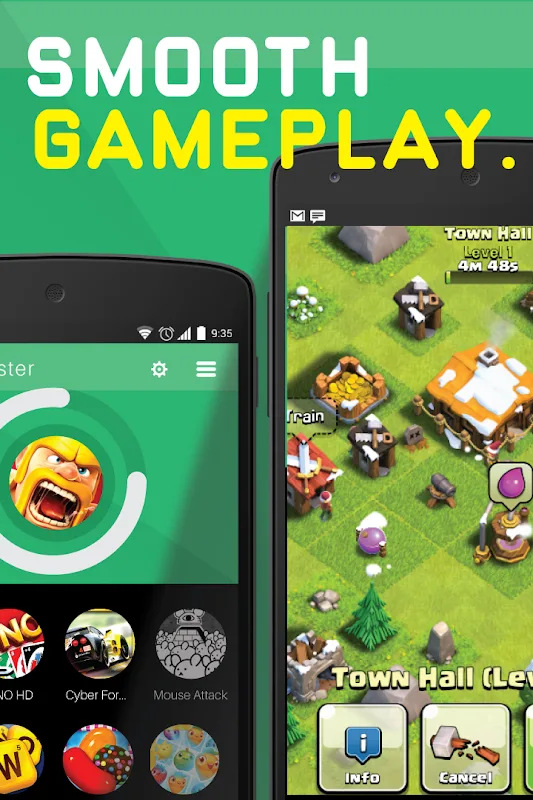
Are you still frustrated by game lag? Then Game Booster - Speed Up Phone is the perfect choice to improve game graphics and frame rates. It uses new acceleration technology to help users improve screen stability and reduce phone temperature while playing games, providing the smoothest gaming experience. It supports a custom mode, allowing you to freely adjust the acceleration performance for different games to your liking, enabling your phone to support longer gaming sessions. The software is also continuously being updated, adding more practical functions and tools, so stay tuned for future updates!
Features:
Enhances Android performance: The app improves the performance of your smartphone when launching games or applications by clearing the RAM and preventing lag and overheating.
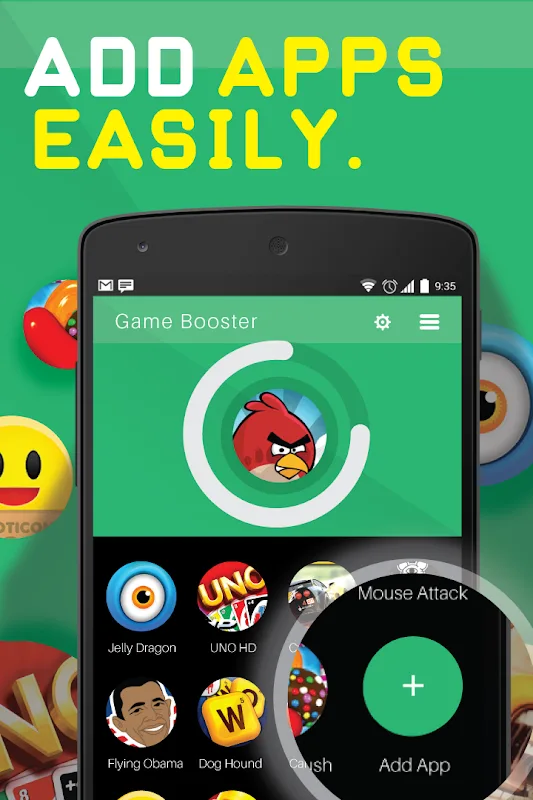
Easy to use: You can simply open the app, mark the application you want to speed up, and the game will start automatically.
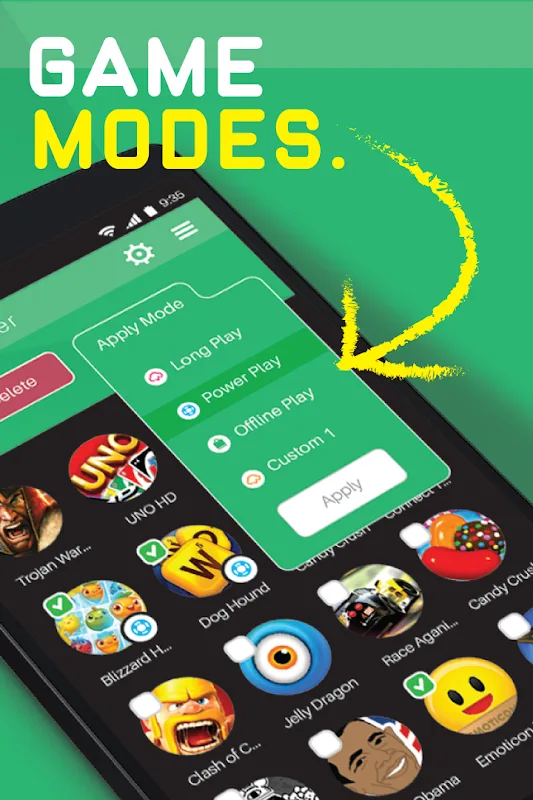
Different modes: The app offers different modes to enhance your gameplay. The "Battery Saver" mode extends game time, the "Optimal Performance" mode reduces lag and increases loading speed for online applications, and the "Offline Play" mode turns off mobile data transmission.
Customizable mode: You can create your own custom mode by choosing the required acceleration method for each game separately.
Additional features: The app also allows you to adjust brightness, screen rotation, and data synchronization in a separate tab.
Useful Tips:
Compatibility Guarantee: Before installing Game Booster - Speed Up Phone, make sure your phone is compatible with this app. If your phone has a low profile or an old Android version, the application may not work properly.
Fully charged battery: When playing games and using Game Booster - Speed Up Phone, make sure that your phone is fully charged or has enough battery level to play games for a long time. Playing games while using a performance-optimizing application can consume a lot of energy.
Memory management: In addition to using Game Booster - Speed Up Phone, make sure that you are maintaining a clean internal memory on your phone. Removing unnecessary applications and cleaning up redundant files will help improve overall performance.
Performance test: Once you've optimized the game's performance, check to see if you see a difference in your gaming experience. If there is no significant improvement, you can try to customize the configuration again or stop using this application if it is not necessary.
Conclusion:
If you’re like us, you love playing your favorite games on your Android phone. But sometimes, even the most fun games can get a little bit frustrating because the gameplay will sometimes slow down or crash. It can also take up a lot of your phone’s memory.If you’re using a lot of game apps, you’ll probably experience this issue a lot. But it doesn’t have to be this way. If you have a powerful phone, you can make it faster, so you can play your favorite games in the best possible way.Our latest game-boosting app is called Game Booster - Speed Up Phone.This game-boosting app is extremely powerful. It can make your Android phone faster and more powerful.








