
Cloud VPN Master is a VPN tool that protects your online privacy and security. With servers around the world, it allows you to bypass geographical restrictions and securely access a variety of popular apps at high speed. No registration, username, or password is required; simply tap to enjoy a smooth browsing experience. Switch VPN connection countries/regions to access web content from specific regions and protect your network connection when using public Wi-Fi hotspots. Download now and enjoy a fast, secure, and unlimited internet experience.
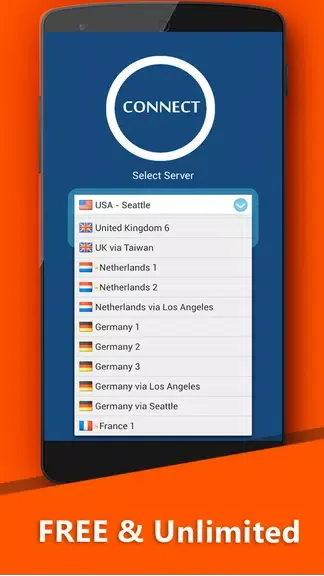
Highlights:
Unblock Internet
Speed UP Your Internet
One click to VPN connection
Keep your privacy Safe
Boost up your connection
No registration required need No need for a user name, or password, no adjustments are necessary
Cloud VPN Speed Master
Unlimited data in time and speed
VPN HotSpot Free
Hide your IP address browsing the private and anonymous Web
Works with Wi-Fi, 4G, and all mobile data carriers
VPN Private Acces Free
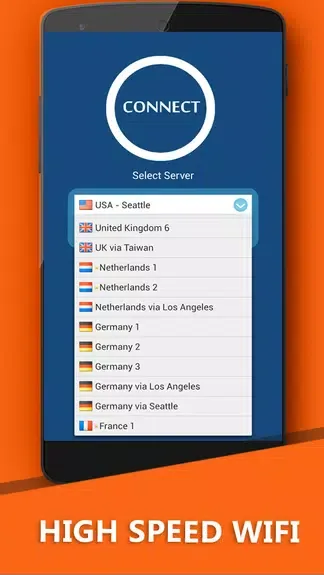
Features:
Unblock Internet: Cloud VPN Speed Master allows you to access blocked websites and apps, bypassing restrictions imposed by your internet service provider or government.
Speed UP Your Internet: This app enhances your internet connection by optimizing your network settings, resulting in faster browsing, streaming, and downloading.
One click to VPN connection: With just a single tap, you can connect to a VPN server and enjoy a secure and private internet browsing experience.
Keep your privacy Safe: Cloud VPN Speed Master encrypts your internet traffic, ensuring that your online activities remain private and protected from hackers, ISPs, and other prying eyes.
Boost up your connection: This app utilizes advanced algorithms to improve your internet connection speed, allowing you to enjoy smooth and lag-free online activities.
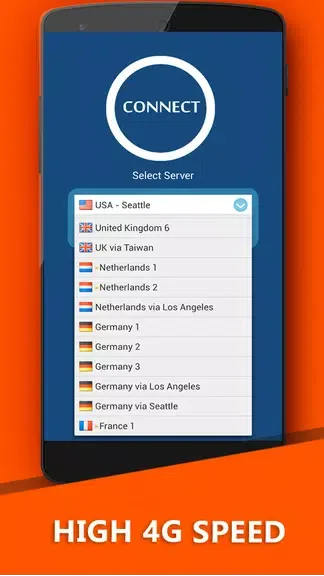
Tips for Users:
Enable the VPN: Make sure to enable the VPN connection whenever you want to access blocked websites or enhance your internet speed.
Choose the closest server: When connecting to a VPN server, select the one that is geographically closest to your location to minimize latency and maximize speed.
Test different servers: If you experience slow connection speeds, try connecting to different VPN servers to find the one that offers the best performance for your specific needs.
Use the app on public Wi-Fi: When connecting to public Wi-Fi networks, activate Cloud VPN Speed Master to ensure that your data is protected from potential snoopers and hackers.
Conclusion:
Cloud VPN Master is a must-have app for anyone looking for a secure and super fast VPN service. With its attractive features such as access to favorite websites worldwide, total free VPN client, easy-to-use interface, and unlimited bandwidth, it offers a user-friendly and reliable VPN experience. By following the playing tips of protecting your privacy, unblocking geographically restricted websites, and enjoying unlimited bandwidth, users can maximize their online experience. Don't miss out on the opportunity to browse, click, and download the app for a secure and fast internet connection.








