Root Explorer is an impressive file management utility. Download the latest free Android version to enjoy efficient and convenient file management services. Root Explorer offers users an easy and convenient way to manage files. This powerful and practical tool can easily obtain root privileges, helping you simplify the file management process. Users can quickly search all files on their device and also set custom file hiding settings. Use Root Explorer now to make finding files easier and keeping your file data well-organized!
Click to load YouTube / 点击加载视频
YouTube ↗Attractive Functions
Built-in Root Permission Detection Tool: Verifies Root Permission Status for Android Pie, Oreo, Nougat, Jellybean, and ICS Systems
Built-in Offline Busybox Installer (Premium)
History Cleaner (Premium)
CPU Overclocking/Underclocking Settings Tool (Premium)
Duplicate File Finder (Premium)
Material Design Style with 6 Themes to Choose From
Simple and Easy to Use, Powerful, and Lightweight (Approx. 3MB)
Supports Gesture Bookmarks
App Backup - Backs up apps to your SD card
Storage Space Cleanup and Analysis
Quick File Search: Quickly search for files on your smartphone
Outstanding Highlights
Full Network Access Access - Used for network and cloud access. We do not receive any information over the internet.
Add or Remove Accounts - Used by the Google Drive SDK to add new accounts as needed. No changes are made to existing accounts, and no other details are accessed except for the account name.
Find Accounts on Your Device - Lists accounts that can be used to sign in to Google Drive.
Prevent Device from Sleeping - Prevents your device from sleeping during extended periods of operation to avoid interruption.
User's Comments
Update: Problem resolved after removing permissions, rebooting, applying permissions again? Back to Great as normal!!//Can no longer copy file to SD Card? App crashes after "grant permissions" instruction dialog? I use it on all my devices....even the "not rooted" ones.
Essential for out-of-the-box Android users. Quintessential software for rooted users. Intuitive, smooth-operating... Useful persistent notifications on file/folder transfers. Hands down -- the best file explorer for Android. User since '12 - worth every red cent.
This is the ONLY app that could actually see and delete a failed download that no other Android file manager or clearer app could find, even with the option to show hidden files turned on. The file was only viewable in Windows Explorer with the Android device connected to a PC, but Windows could not delete the file due to alleged write protection. It was clearly a corrupted file, and after trying numerous other Android apps, I hesitantly paid for this one, assuming it would be Like all the rest. But it found the file and deleted it, and that alone was worth the money.
Exclusive Benefits
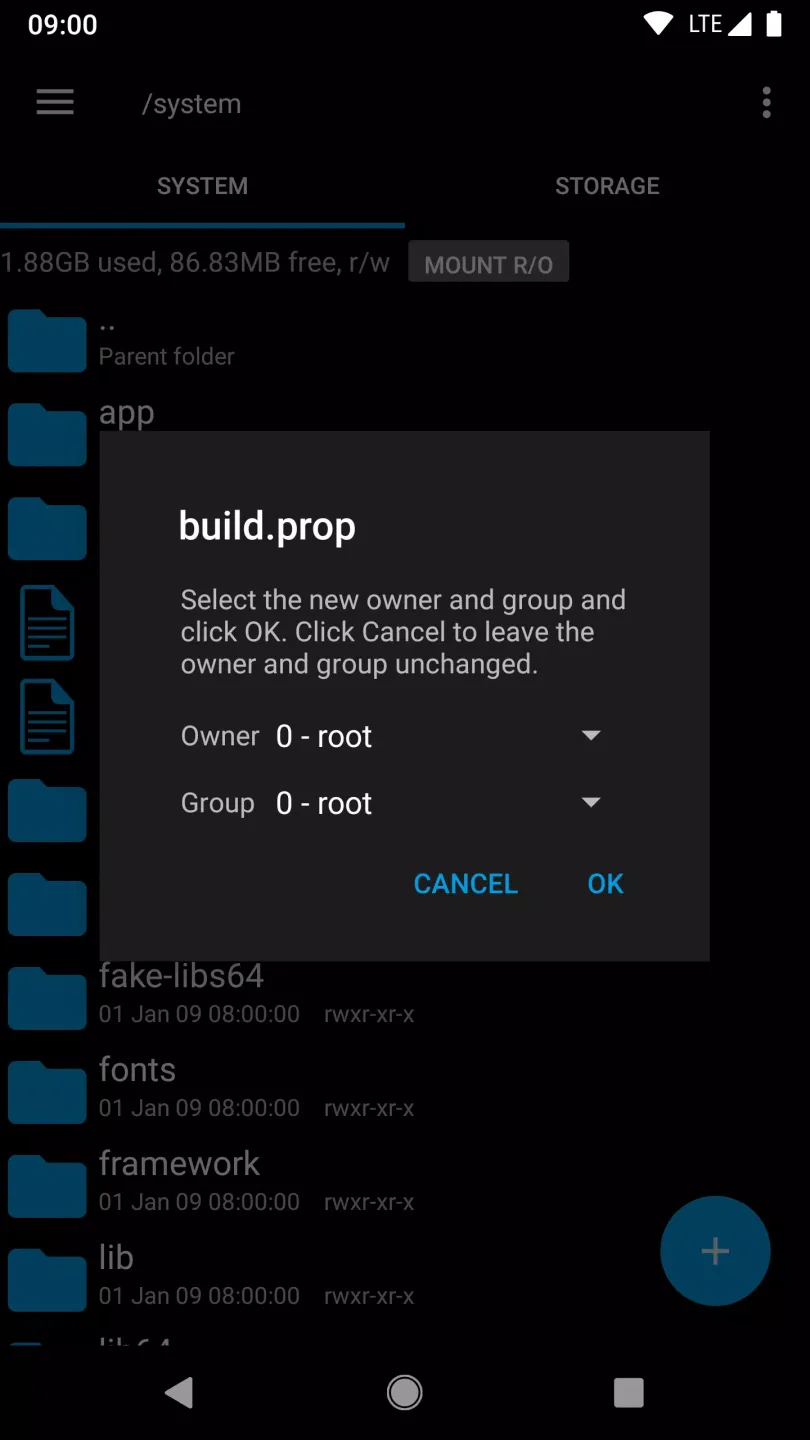
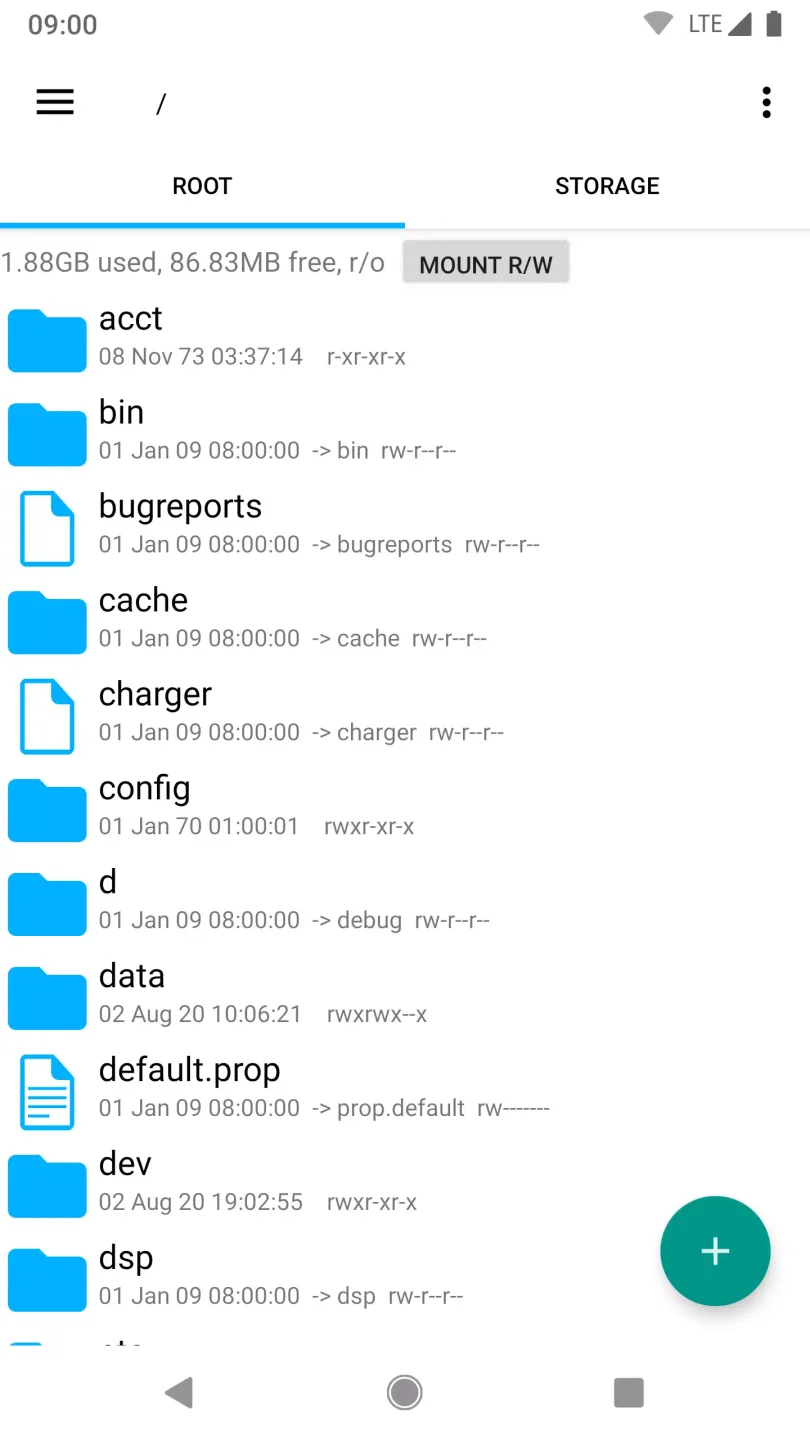
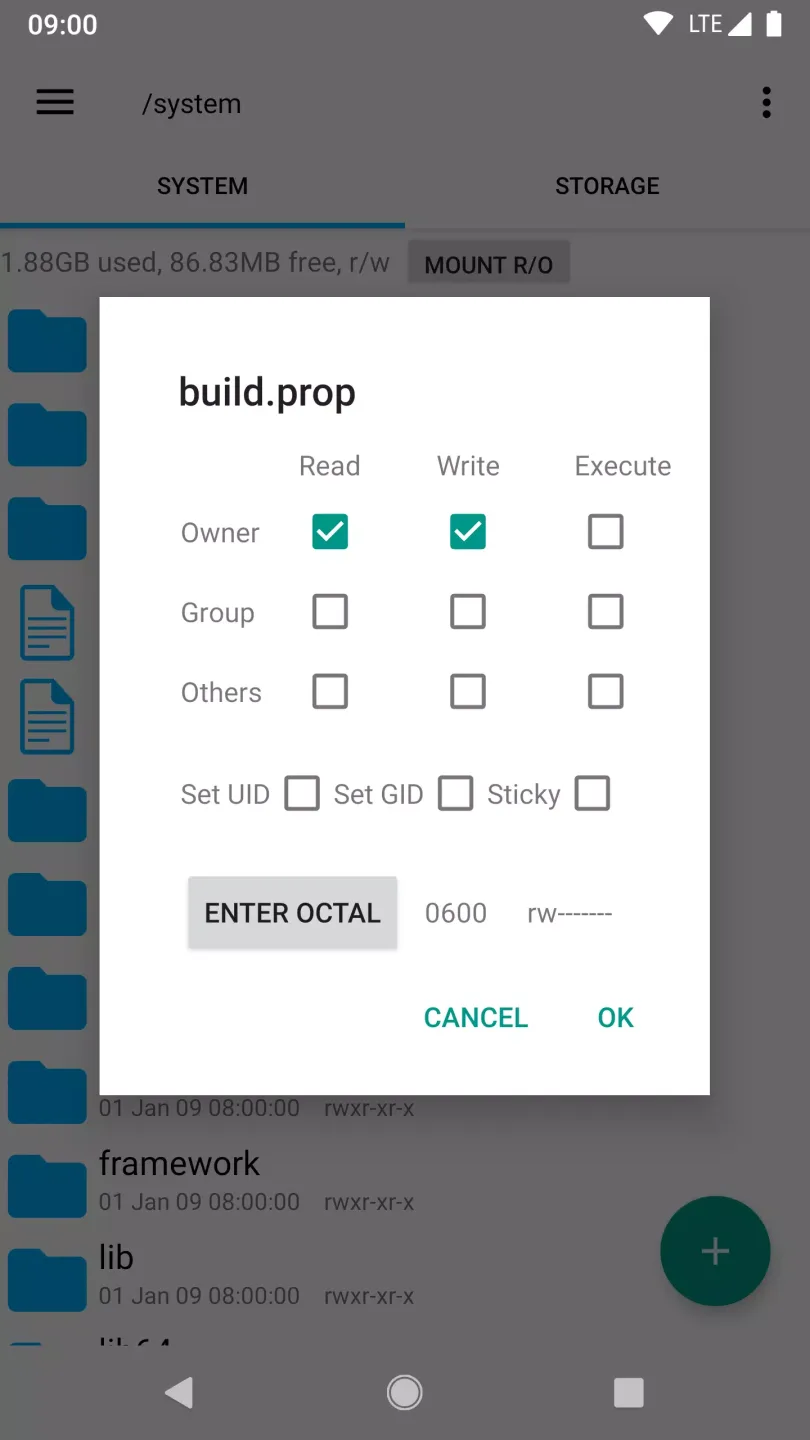
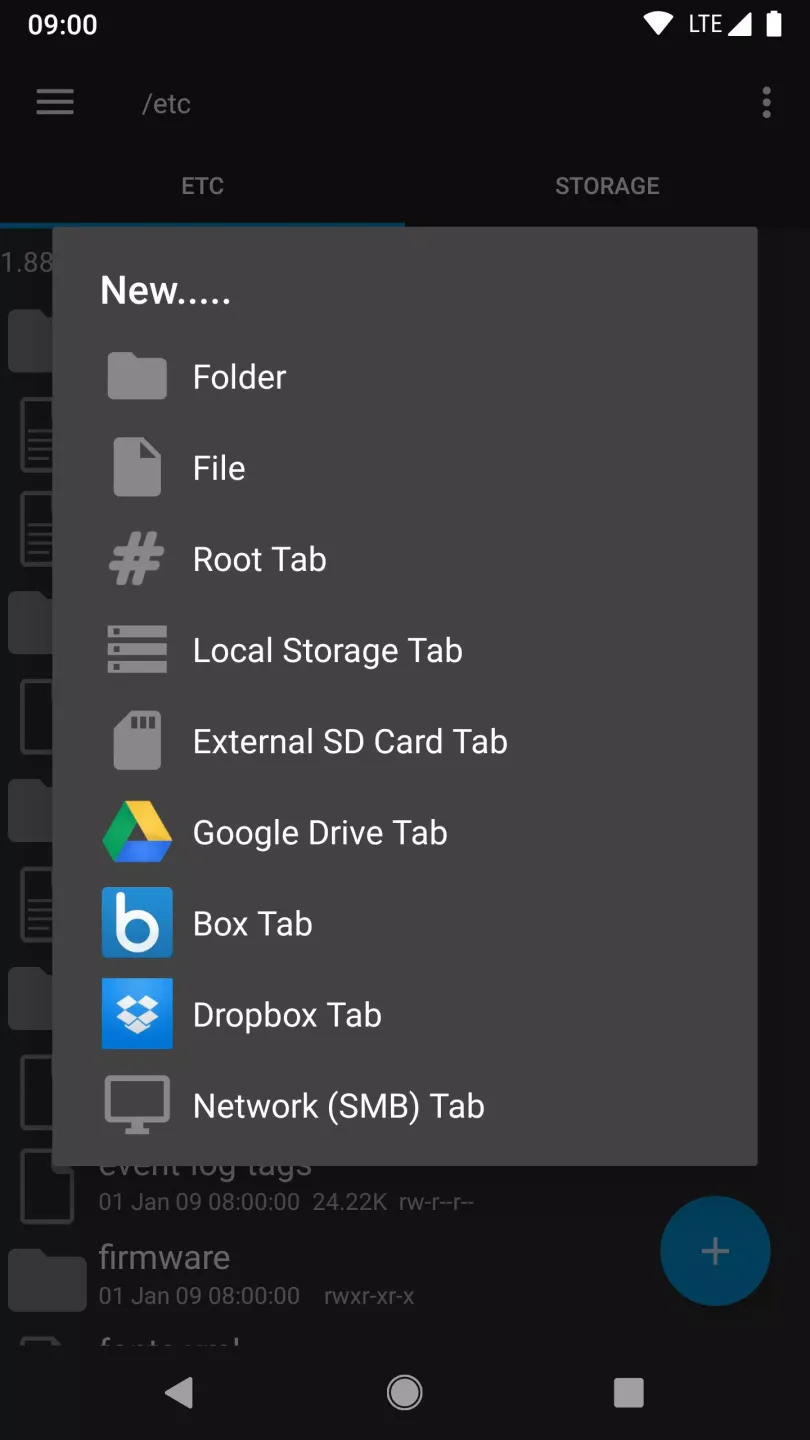
Easy File Management: Files are displayed directly in the sharing interface. Users can search for desired files in the saved file list. Furthermore, user-defined actions such as remounting, granting permissions, or deleting files are also user-defined.
Multiple Format Support: Multiple files are stored in the shared space. Regardless of file format, the application organizes them into a list. Two decompression modes are supported: zip or tar/gzip. Users can flexibly choose the format that suits their needs.
Efficient User Interface: All major folders are pre-labeled in the application. Users only need to open one large folder to browse numerous other smaller files. Files are arranged in an orderly manner for easy searching. Previously logged-in accounts are also listed for easy login next time.
Final Verdict
In short, whether you are a developer enthusiast or simply curious about its inner workings, it offers unparalleled versatility and convenience, allowing you to easily handle various tasks. Unleash your potential now and explore endless possibilities. A wealth of customization options are hidden within this device you'll love. Happy exploring!