PDF Reader, Editor, Converter is an excellent PDF reader. This application boasts a powerful reader and viewer, allowing you to easily view and read PDF documents, and also easily convert images to high-quality PDF files. PDF Reader, Editor, Converter integrates a PDF reader, PDF viewer, PDF editor, and PDF converter into one, providing users with a more convenient experience. With its fast processing speed and user-friendly interface, you can easily handle various documents. Click to download PDF Reader, Editor, Converter now and enjoy a convenient user experience.
Features:
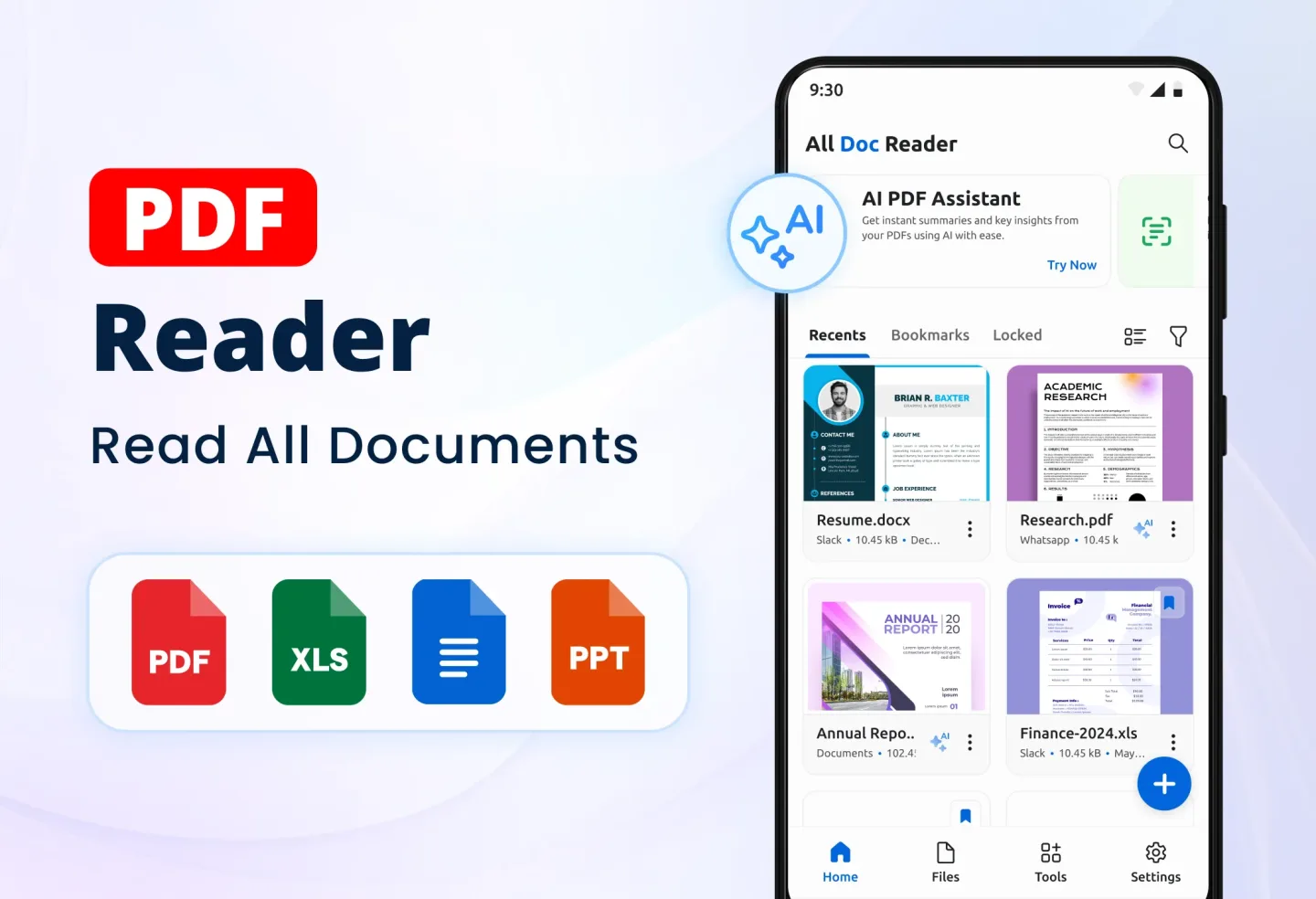
Powerful PDF Reader & Viewer
Open and read PDF files smoothly on your phone
PDF Reader Free with night mode & zoom support
Fast PDF Viewer to access books, invoices, notes, and reports
Document Reader that works with all PDF formats
PDF Opener to quickly load and navigate large PDF files
Bookmark pages for quick reference & seamless reading
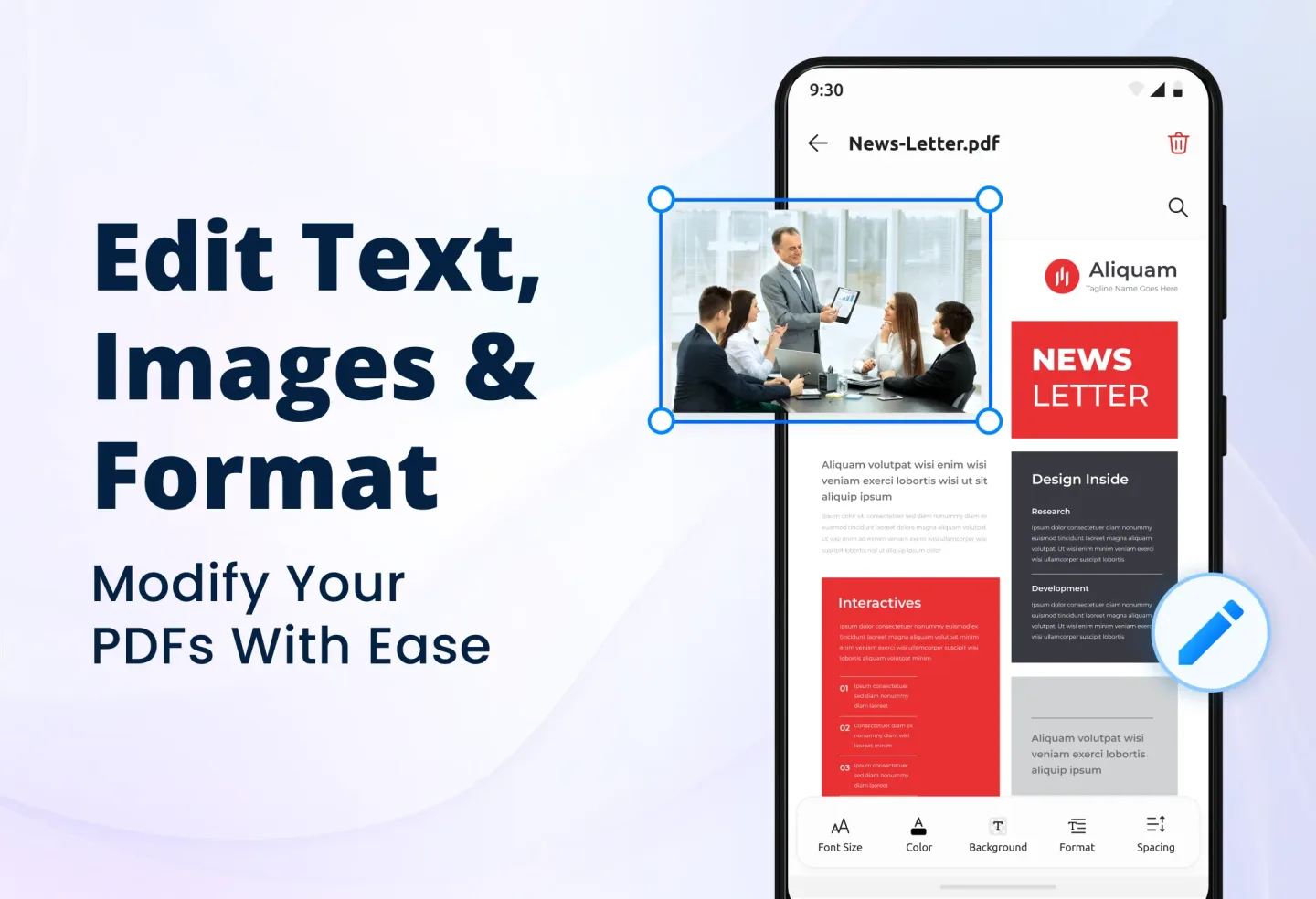
Advanced PDF Editor – Edit PDFs Easily
Edit and modify PDF files with an easy-to-use interface
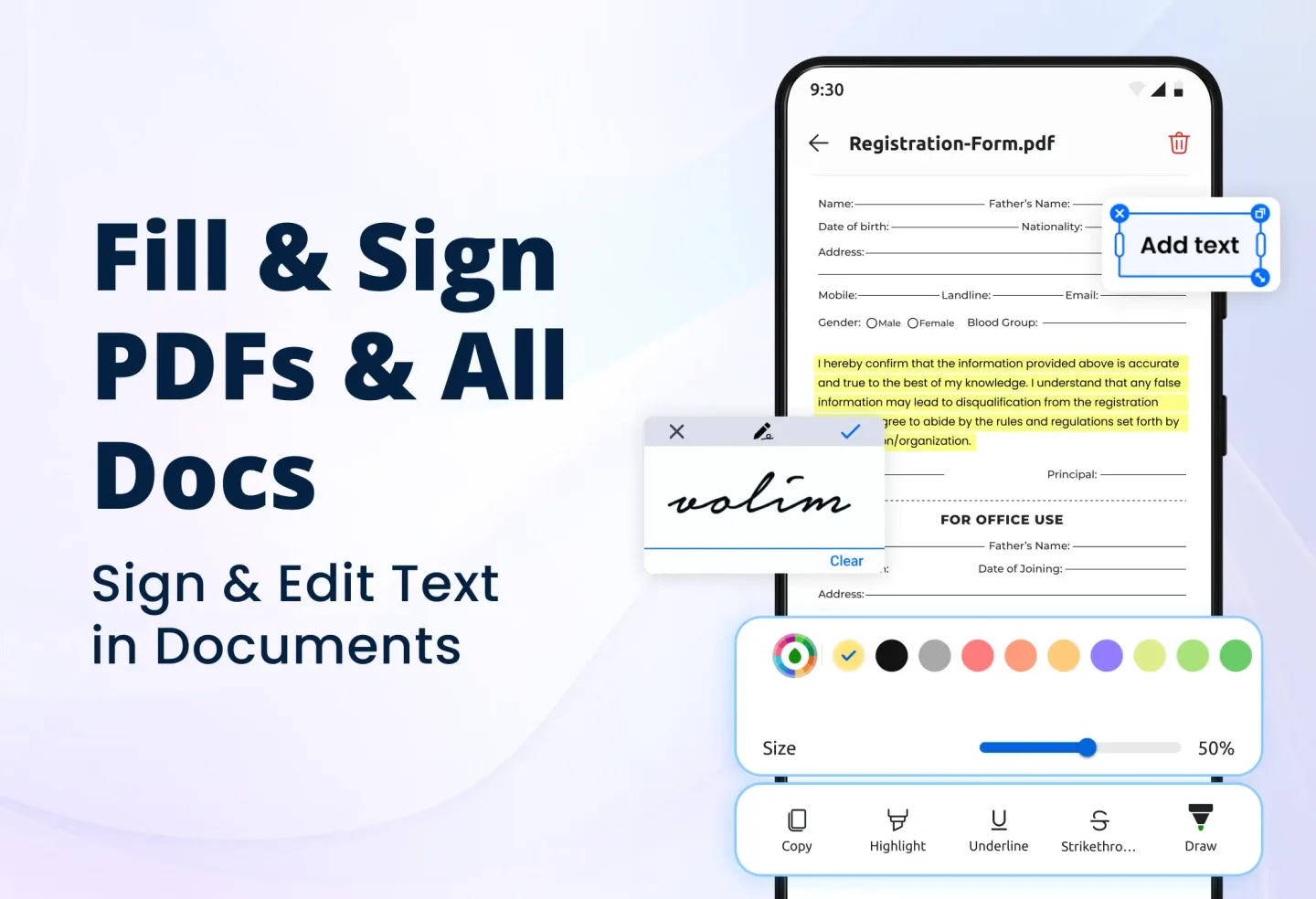
Sign PDF documents electronically without printing
PDF Editor Free to highlight, underline, and add comments
Merge, split, rotate, and delete pages using the best PDF Editor
Add watermarks, page numbers, and text in a few taps
PDF Converter – Convert Files Easily
PDF to Word, PDF to Excel, PDF to JPG, PDF to PNG
Word to PDF, JPG to PDF, PNG to PDF, Excel to PDF
Free PDF Converter to change any document format
PDF Maker – Convert images, scanned documents & notes into PDFs
Image to PDF Converter – Create high-quality PDFs from images
PDF Scanner – Scan & Convert Documents
PDF Scanner Free – Scan documents directly into PDF format
Scan to PDF – Convert bills, receipts, forms, and ID cards
OCR Text Recognition – Extract text from scanned documents
Convert Image to PDF with high accuracy & clear formatting
Free PDF Scanner with auto-detection and cropping for best results
More PDF Tools – All-in-One PDF Solution
Merge PDF – Combine multiple PDFs into one file
Split PDF – Separate large documents into smaller PDFs
Compress PDF – Reduce file size without losing quality
Unlock PDF – Remove passwords from protected documents
Secure PDF – Add encryption & password protection for safety
Rotate PDF – Fix orientation and adjust document layout
Benefits:
All-in-one PDF Converter for reading, editing, and converting.
Supports photo to PDF, JDP to PDF, and Word to PDF formats.
Designed for students, professionals, and office work.
Seamless, offline document management experience.
Tips for Users:
Utilize the PDF Editor: Take advantage of the PDF Editor to modify, highlight, and merge documents. This feature allows you to customize your PDFs according to your preferences.
Explore the PDF Converter: Experiment with the PDF Converter to transform various file formats. Convert images, scanned documents, and more into high-quality PDFs with ease.
Optimize the PDF Scanner: Make use of the PDF Scanner to digitize physical documents into PDF format. Scan bills, receipts, and forms directly from your device for easy storage and access.
FAQs:
Is the app compatible with all devices?
Yes, our app is compatible with both iOS and Android devices, ensuring accessibility for all users.
Can I convert PDFs to different file formats?
Absolutely, our PDF Converter feature allows you to transform PDFs into Word, Excel, JPG, and more.
Is there a limit to the file size for editing or converting?
No, you can edit, convert, and scan PDFs of any size with our app.
How secure is the app for storing and managing confidential documents?
We prioritize security and offer encryption, password protection, and password removal features for secure document handling.
Conclusion:
Upgrade to PDF Reader, Editor, Converter app and take control of your documents. Say goodbye to outdated tools and embrace a world of efficient PDF management and editing. Whether you're a student, professional, or home user, our PDF Editor has got you covered. Trust us for all your PDF needs and start transforming your photos and files into professional PDF documents today. Download PDF Reader, Editor, Converter now to unlock the endless possibilities of documents editing and management.