

Glassify Glass Icons is a fantastic theme and wallpaper utility. Download the latest Android version for free and enjoy a smooth and beautiful interface. Glassify Glass Icons offers users a rich and easy-to-use icon library. Choose icons that match your style, use live wallpapers and transparent widgets to enhance your phone's appeal and improve your user experience. Use Glassify Glass Icons now to give your phone a fresh new look!
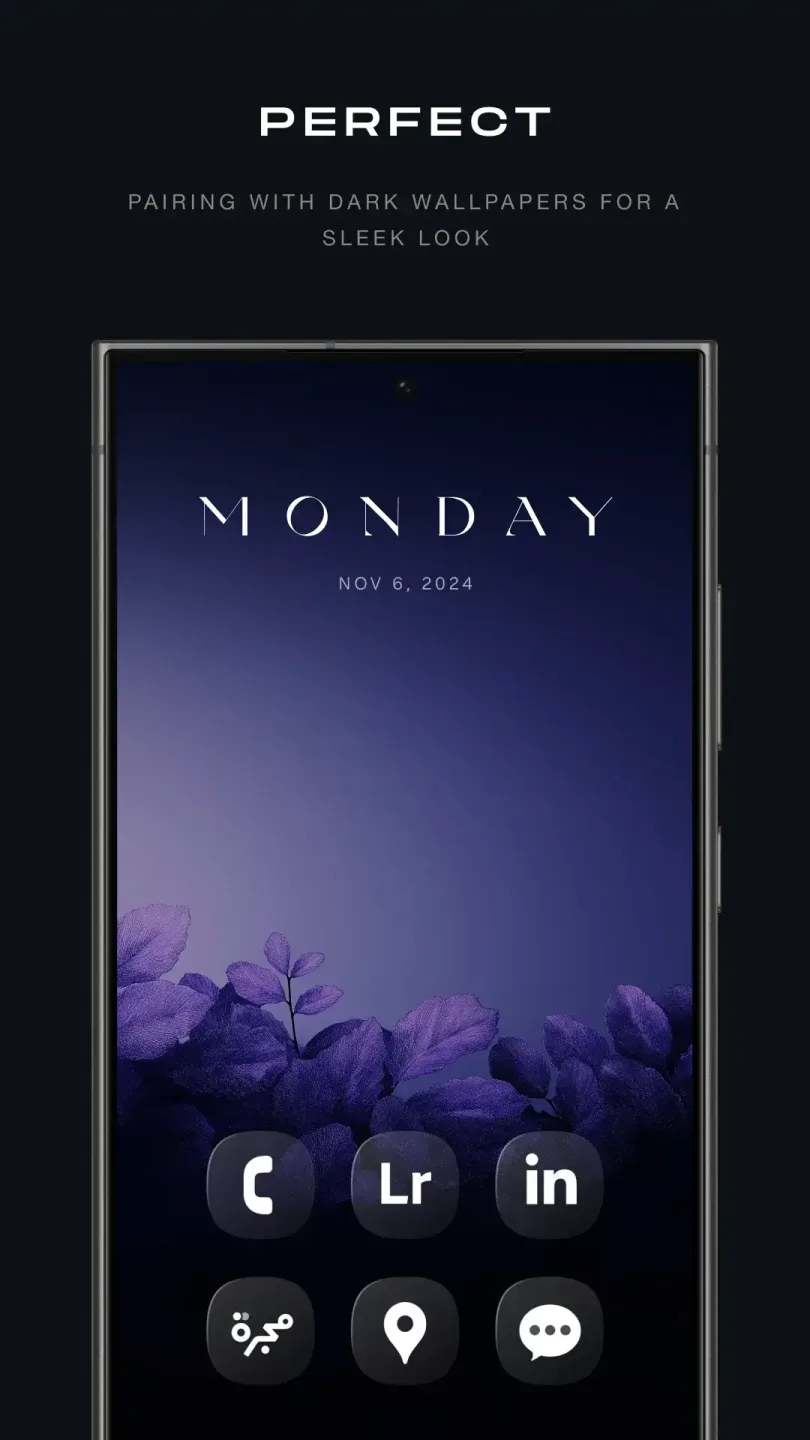
Awesome Highlights
Minimalist Design: Icons are clean and look very modern and stylish.
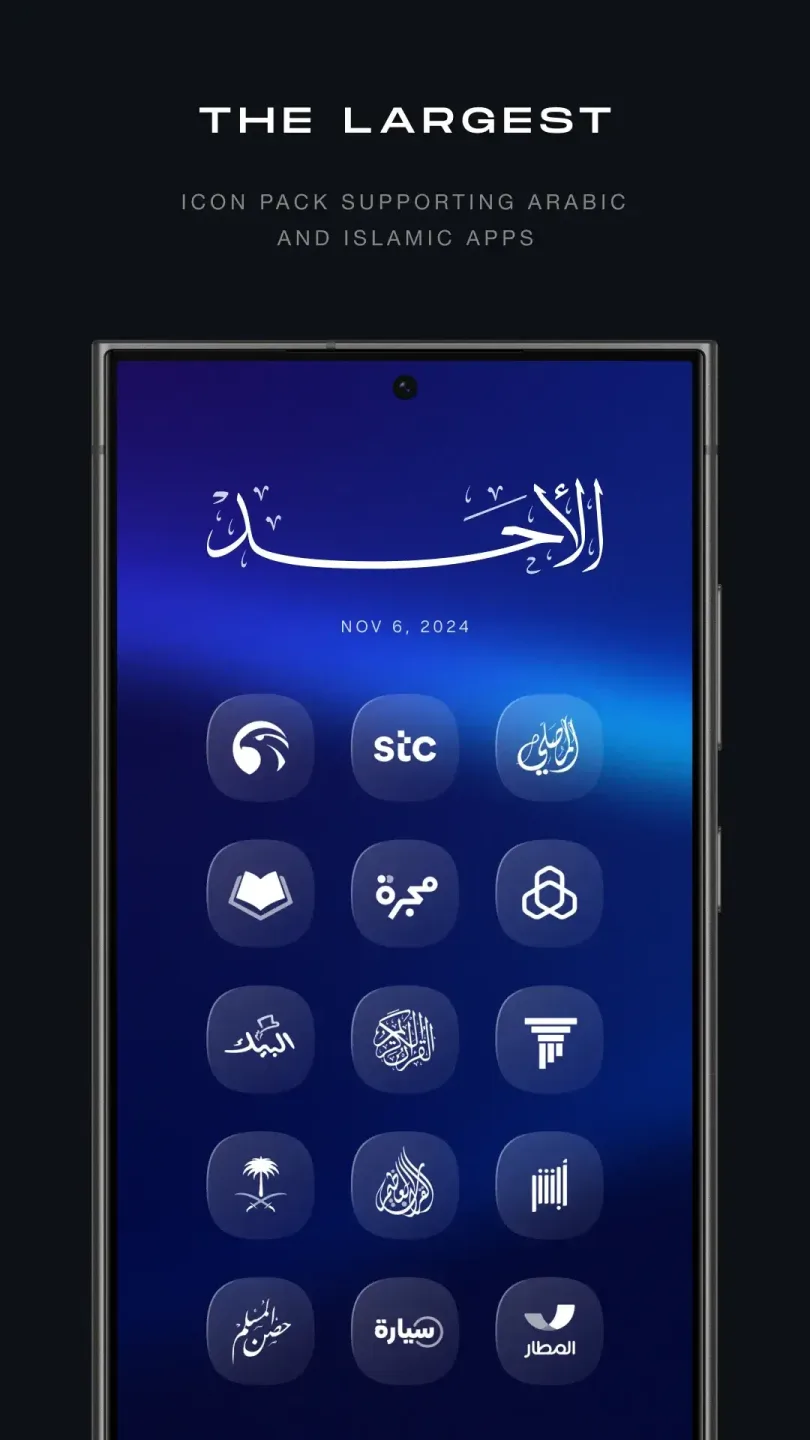
Massive Icon Library: Glassify offers over 5000 stylish glass-style icons. They are clean, modern, and perfectly adapt to dark mode, making your screen look sharp and clear.
Transparent Widgets: Get weather, clock, and calendar widgets with transparent designs. They blend seamlessly with wallpapers, making your screen look like a unified whole.
Live Wallpapers: Glassify also offers live wallpapers that match the glass icons and widgets. They add dynamism and depth to your home screen.
Customization Options: Customize your device by adjusting layouts, fonts, and colors. With Glassify, you can design a home screen that matches your style.
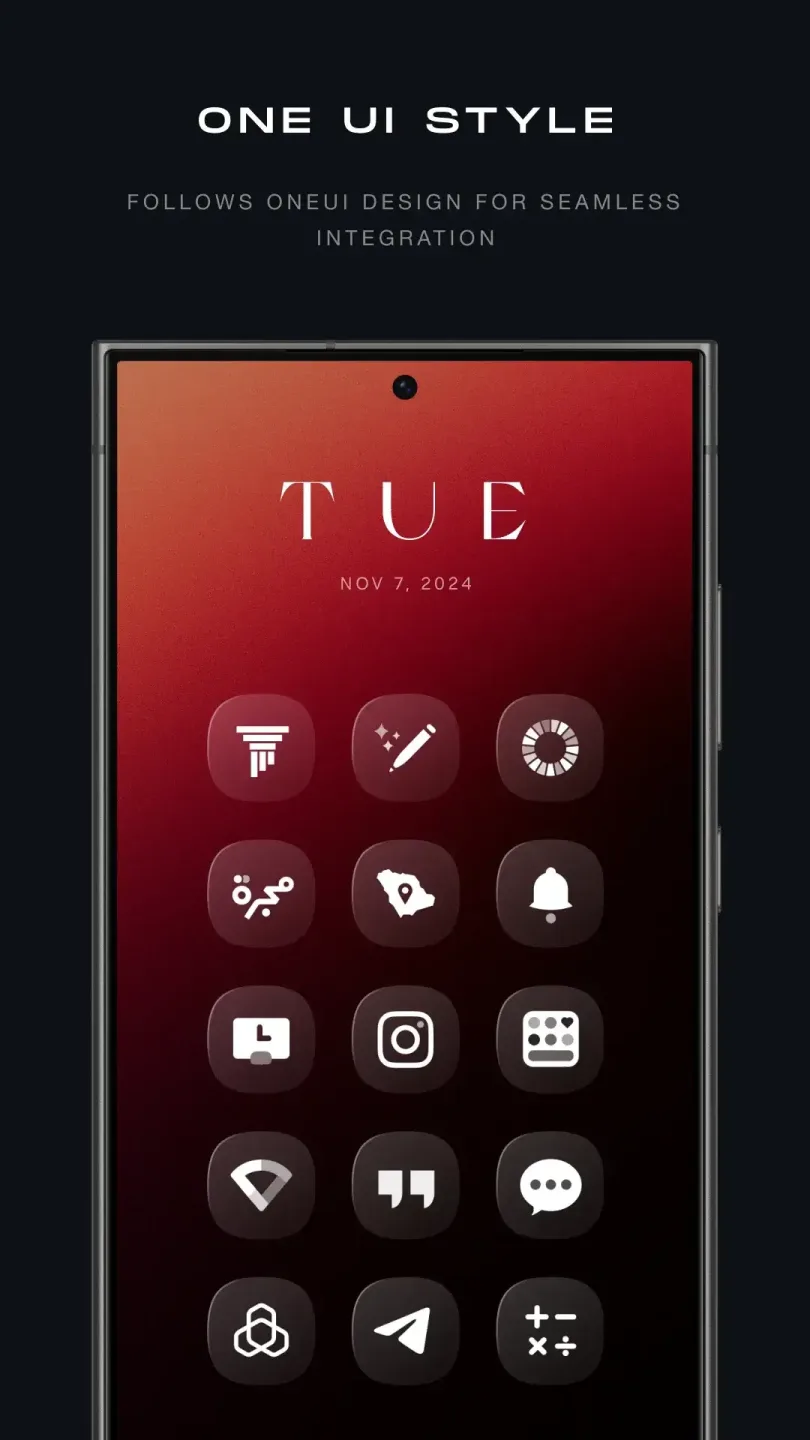
Outstanding Features
Featuring a large collection of beautifully designed icons, transform your home screen into a stylish, modern workspace.
Seamless native support for Samsung One UI, Nothing OS, OxygenOS, ColorOS, and Realme UI.
Fully compatible with major launchers, including Nova, Smart Launcher, Apex, and Action Launcher.
Featured custom wallpapers perfectly matched to the icon pack.
Regular updates, with over 1000 new icons added monthly.
Built-in icon request feature allows users to suggest missing app icons.
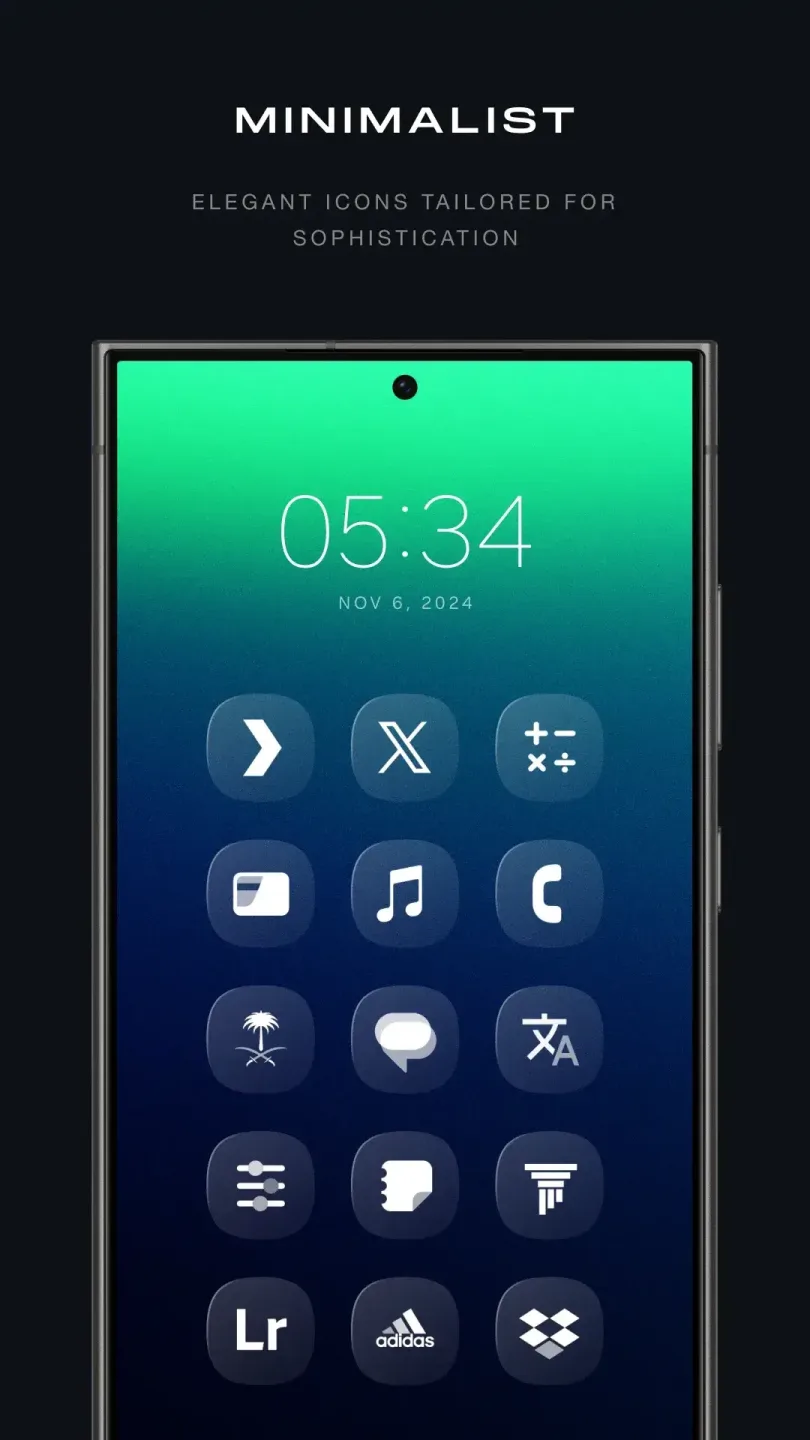
Advantages and Disadvantages
Advantages
Extensive Icon Library: The Glassify Icon Pack APK boasts over 5,000 icons, offering a rich selection to satisfy virtually any aesthetic preference, making it a versatile option for personalizing your device.
Dark Mode Compatibility: The icons are specially designed to stand out against dark backgrounds, enhancing the visual experience for users who prefer dark themes on their devices.
Regular Updates: The developers are committed to regular updates, ensuring new icons are added frequently to keep the app fresh and aligned with the latest design trends.
User Engagement: The ability to request icons adds a personalization element, allowing users to shape future updates and participate in the development process, fostering a deeper connection between the app and its community.
Disadvantages
Paid App: A significant drawback of Glassify Icon Pack APK is that it's a paid app, which may deter some potential users who are unwilling to purchase the icon pack without trying it first.
Launcher Dependency: The full functionality of this icon pack depends on compatibility with third-party launchers. Users who don't use or are unwilling to switch to these launchers may not experience the full functionality of the app, limiting the user experience for some Android users.
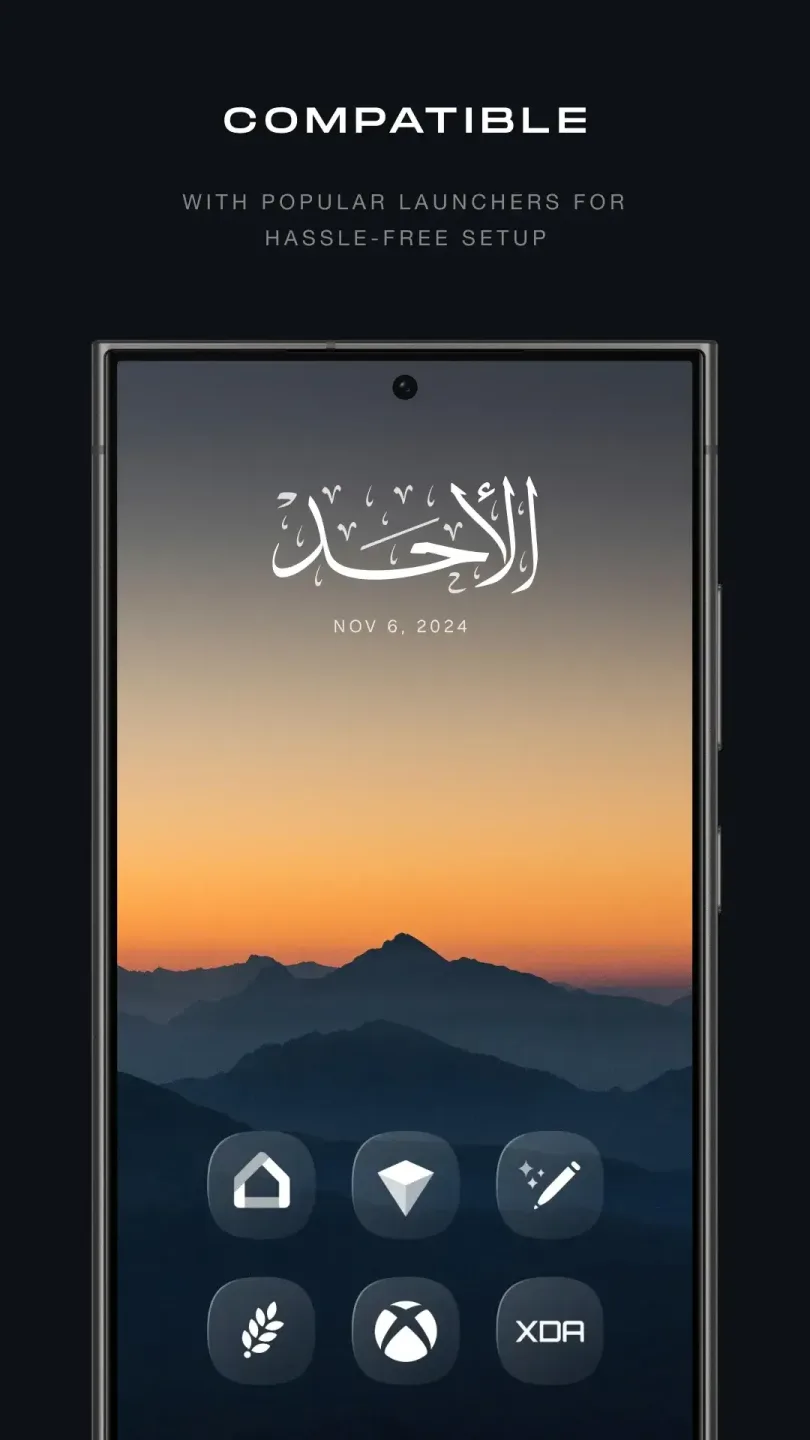
Helpful Tips
Try Different Layouts: Experiment with different theme layouts and see which one you like best.
Mix and Match: Don't be afraid to mix and match different icons and widgets to create a unique personal style. Keep it updated: Be sure to update the app regularly to get the latest icons and features.
Share with friends: If you like this app, share it with your friends so they can enjoy it too!
Final Verdict
Glassify APK is a fantastic app for all Android users who love to personalize their phones. It boasts over 7000 exquisite glass-themed icons to transform your phone into a stylish work of art.








