

zFont 3 is an outstanding emoji and font converter, offering users direct access to a rich font library and convenient emoji replacement. With a smooth and clear user interface and beautiful navigation design, zFont 3 allows users to easily change the fonts on their devices, bringing a personalized look and feel. zFont 3 includes a rich selection of languages, allowing you to quickly find the text type you need through its well-organized arrangement. zFont 3 supports screen preview, allowing for flexible application and quick changes.
Click to load YouTube / 点击加载视频
YouTube ↗Awesome Features
Custom Fonts
zFont 3 brings a brand new device experience, allowing users to easily change the colors and font characteristics on their devices. It not only offers artistic fonts but also a variety of distinctive colors beyond just plain white. Therefore, users can customize text elements to make them more attractive and ensure a fresh experience every time they use it. The application offers some interesting recommendations for users to download, but before downloading, users should pay attention to the following factors.
Cool Text Styles
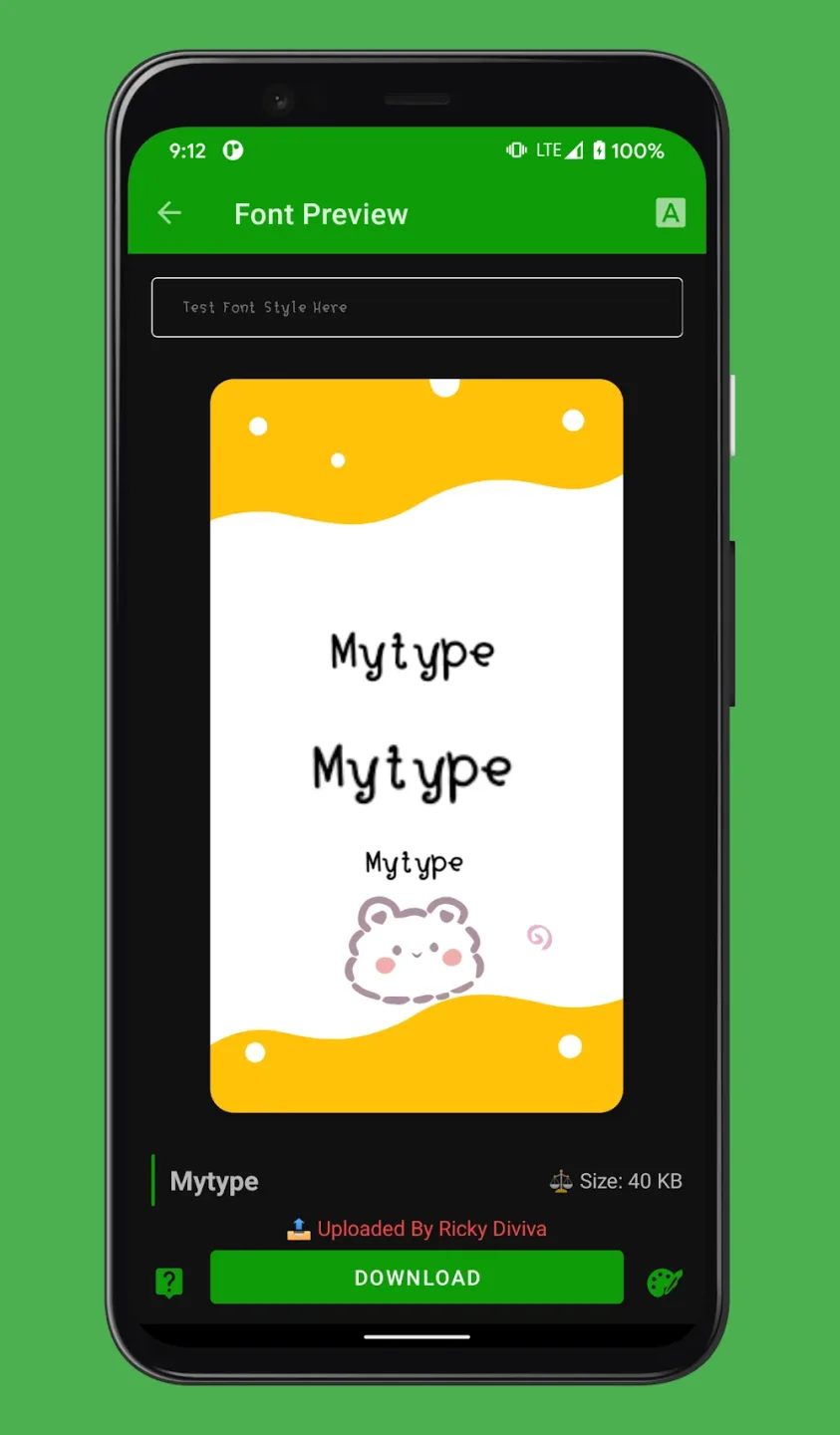
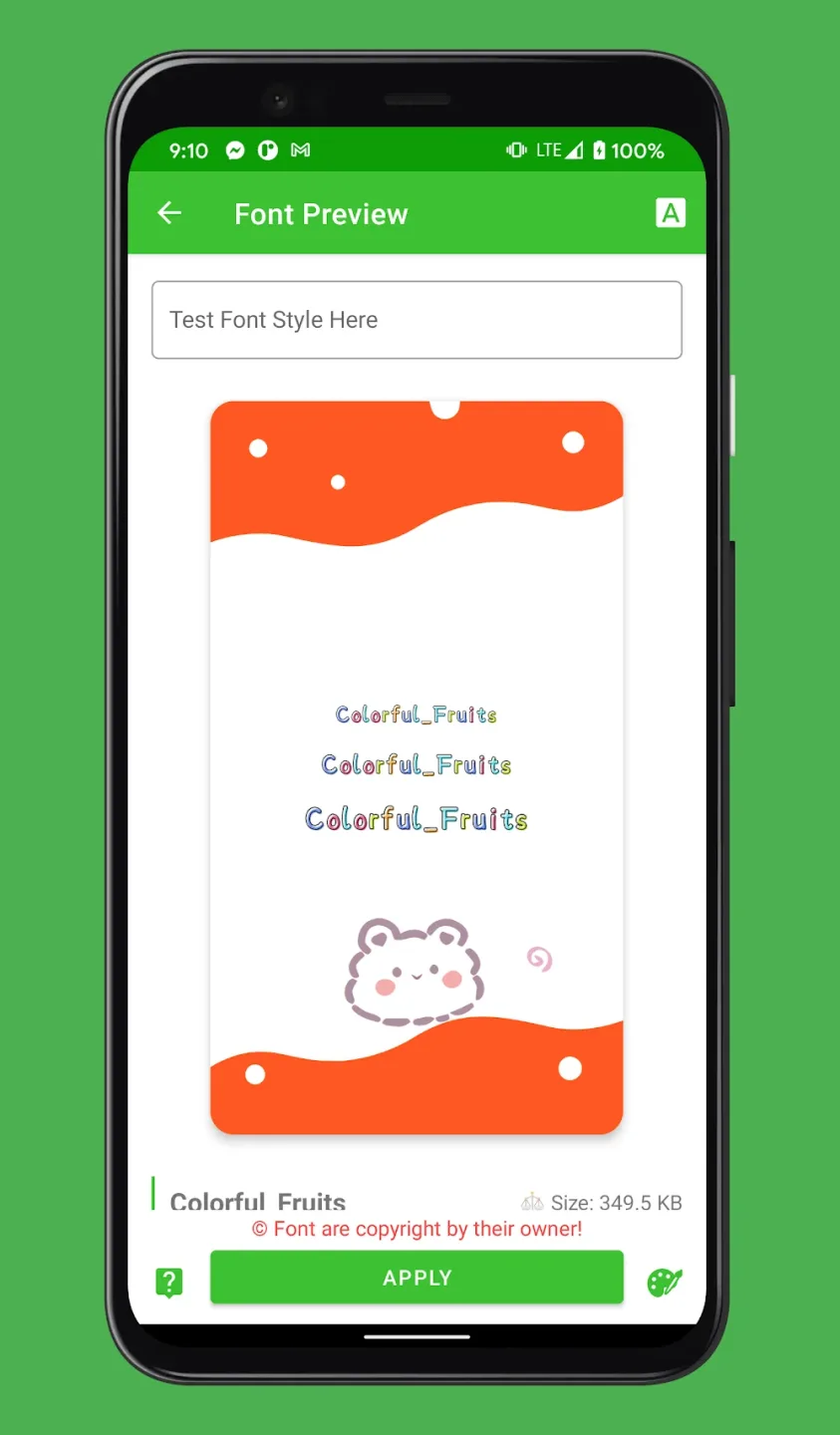
The first thing users should note when using this application is that they must thoroughly test any fonts before downloading them. This approach is perfectly reasonable, ensuring users get the desired effect after actually applying it to their device. Specifically, the app provides a separate preview tab to see the expected effect of any font. Therefore, users need to repeatedly select fonts and preview them to avoid disappointment after downloading the app. Furthermore, each font has its unique characteristics and colors, allowing users to customize them to a certain extent.
Emojis
Besides the basic settings after download, users should also consider some advanced settings included in zFont 3. This is perfectly reasonable, as these advanced settings can help save time and keep your device stable. Specifically, you should enable a feature to check the effectiveness of a particular font. It should adapt to your device without causing any problems, as even on the same Android device, characteristics and operating system may differ.
Attractive Highlights
Preview and App Features
The built-in preview feature allows users to see how selected fonts will display on their device before installation. This minimizes trial and error and speeds up the personalization process. The app allows adjustments to system fonts, keyboard fonts, and even app-specific fonts, depending on device and brand compatibility.
User Interface and Experience
zFont 3 boasts an intuitive and user-friendly interface with clear navigation and a beautiful design. The newly added dark mode provides a comfortable experience for nighttime use. The installation process is detailed, and a community-contributed FAQ section helps new users resolve any issues encountered during installation.
Pros and Cons
Pros
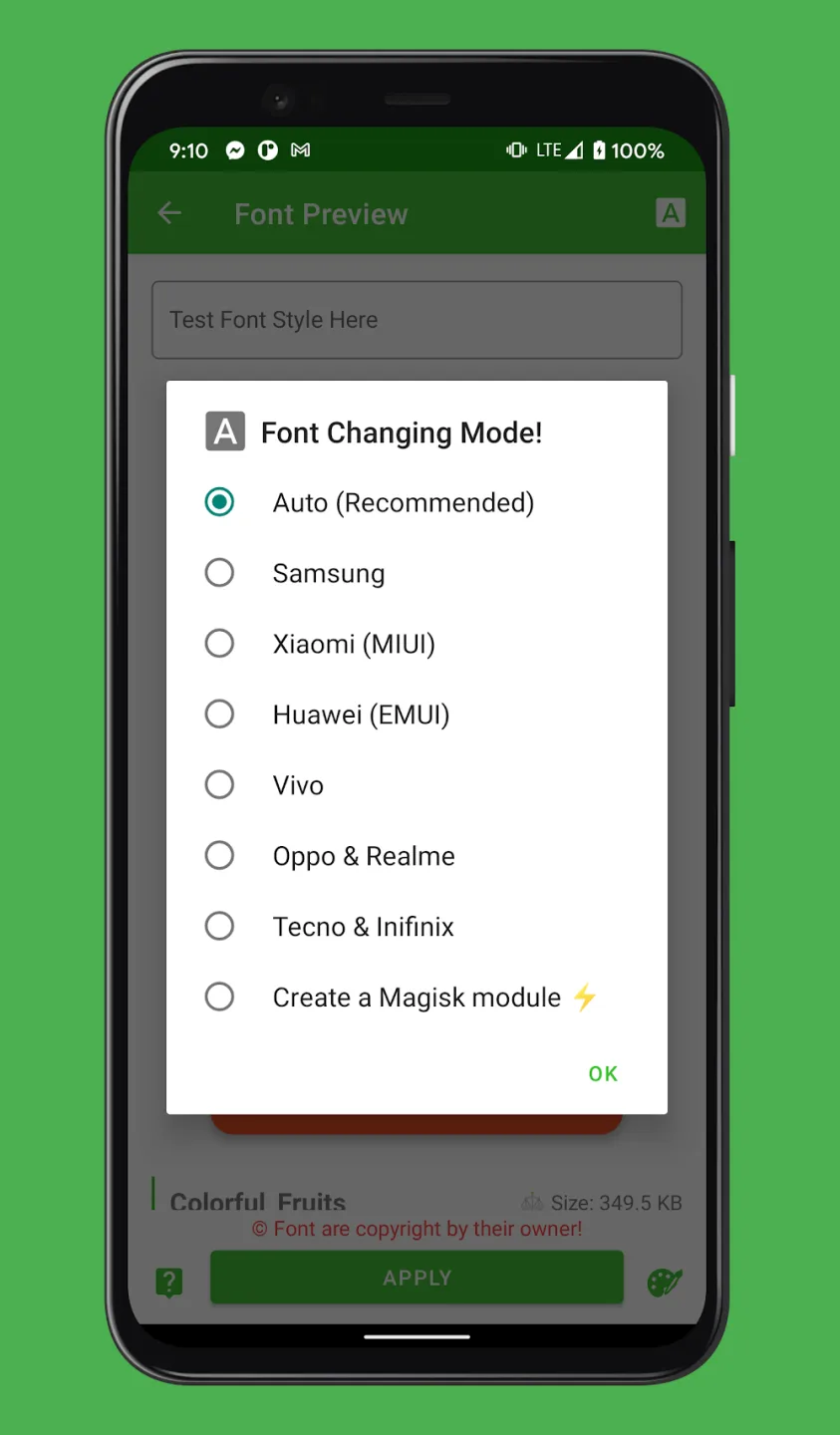
Widely supports major Android brands and models
Organized and rich library of fonts and emojis
Comprehensive guides and built-in preview function
Supports multiple languages and styles
Regular updates and community support
Cons
Compatibility issues exist with some older or limited devices
Ads may interfere with navigation
Occasionally, adjustments to the region or settings are required.
Fantastic Performance
You can choose your favorite font from a wide selection and apply it to different screens on your smartphone. Furthermore, the app is compatible with products from many major phone manufacturers such as Samsung, Xiaomi, and Huawei.
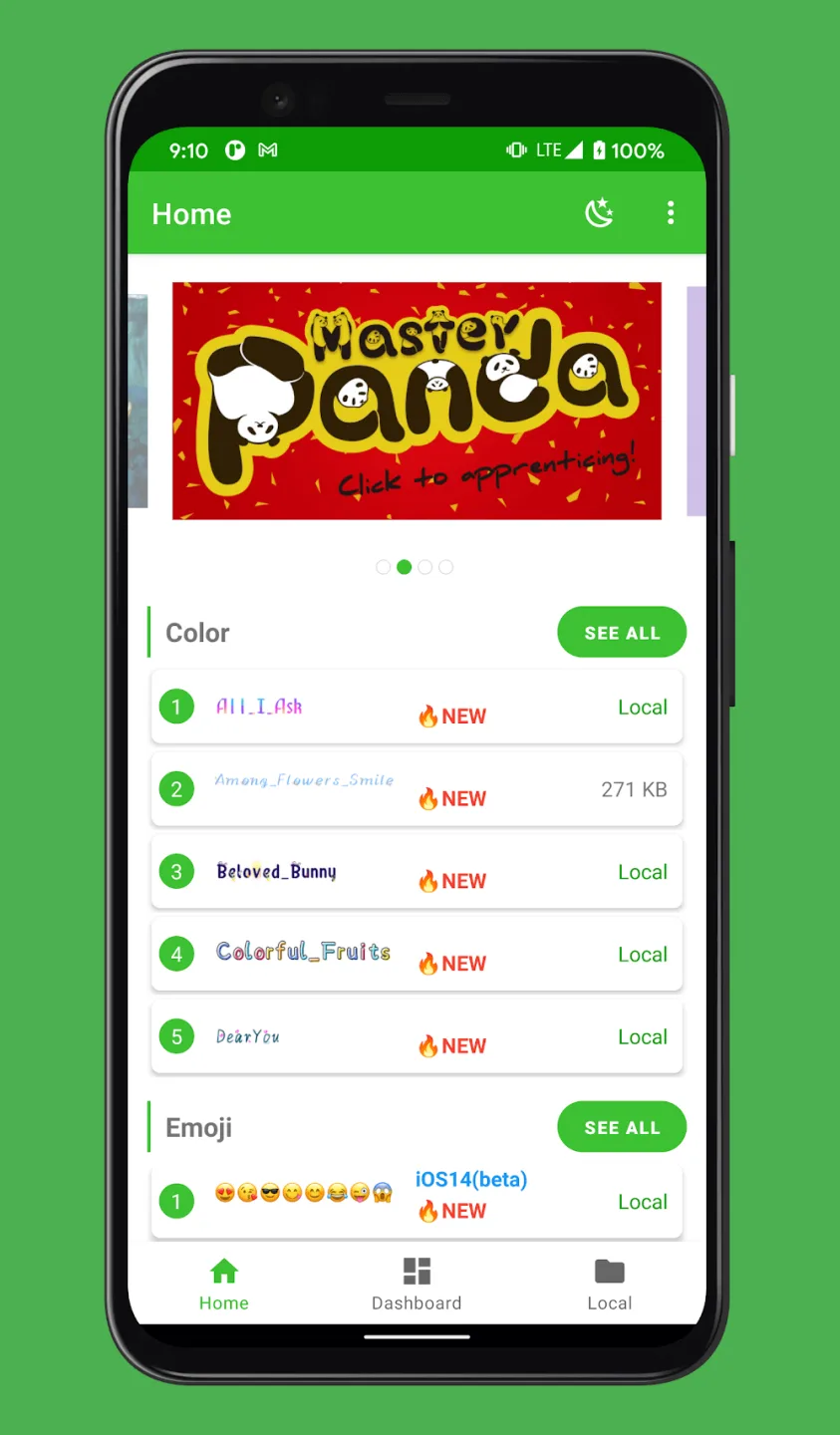
In zFont 3, available fonts are clearly categorized. Simply scroll down the list to select your favorite font. This allows you to find various categories to find the font that best suits your personal preferences.
zFont 3 also includes built-in emojis that you can copy and paste into any text input box in your frequently used apps. This eliminates the need to spend time changing the displayed text and phrase styles every time you use your device. Furthermore, you can bookmark your most frequently used fonts within the app for easy access.
zFont 3 boasts a large selection of fonts, allowing you to change the default font settings on your Android device. This app is incredibly useful if you want to customize your smartphone.
Final Verdict
Overall, zFont 3 - Emoji & Font Changer is a great application that allows users to quickly change fonts and customize various functions. With this app, you can personalize your mobile device for free. It has a clean and easy-to-use interface that anyone can easily pick up and use. However, while this app offers many useful features and conveniences, it might be more difficult to use if you are using an older device.








