
Microsoft SwiftKey AI Keyboard is a popular AI keyboard utility that allows users to experience new input modes, improve typing efficiency, and save time. It offers a customizable keyboard to suit various typing habits. With a clean interface, smooth response, and the ability to learn user input techniques, it provides a rich selection of emojis and symbols to enrich your text.
Click to load YouTube / 点击加载视频
YouTube ↗Wonderful Features
Typing
Slide or tap to type
Spell checker and automatic text processing with AI prediction
Customizable keyboard toolbar with expandable shortcut menu
Rewrite text with different tones and easily compose text using AI, turning your ideas into polished drafts.
Rich Content
Express yourself with emojis, GIFs, and stickers
The emoji keyboard is adaptive, learning and predicting the emojis you'll frequently use in any conversation.
Search emojis and GIFs to find the ones that best express your feelings.
Create unique AI-generated images and emojis to stand out from the crowd.
Customize
Over 100 colorful keyboard themes
Create your own custom keyboard theme using your photos as backgrounds.
Customize keyboard size and layout.
Enhancing Highlights
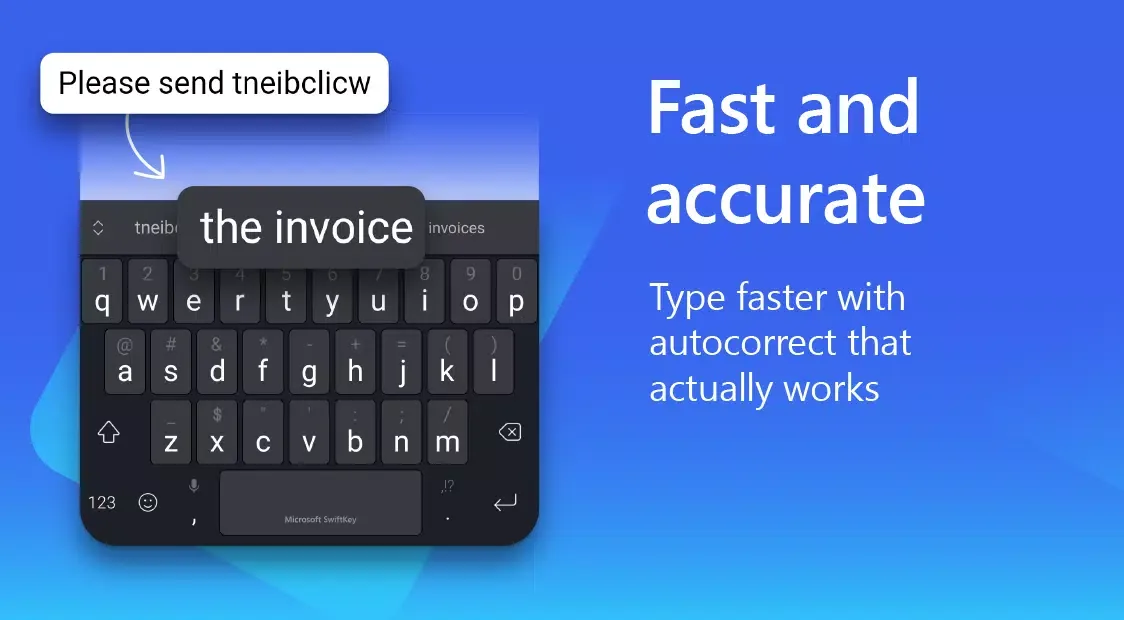
Fast and accurate
Say goodbye to spelling mistakes. Microsoft SwiftKey detects your spelling errors, missing spaces, and missing letters, and automatically corrects them.
Personalized typing
Customize your toolbar and add your favorite input tools—including GIFs, clipboard, translators, stickers, and more—to your fingertips.
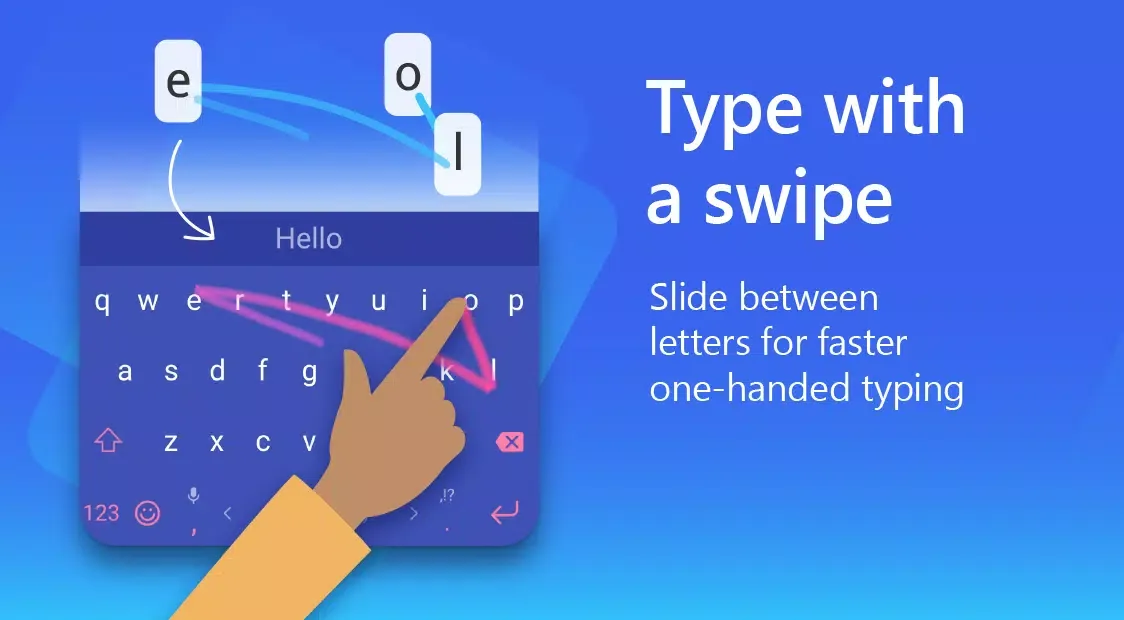
Slide to type.
Tired of clicking? Use SwiftKey Flow to easily slide letters to type.
Learn from you
Microsoft SwiftKey learns your typing style and suggests the next word. Type an entire word with a single tap, without typing each letter individually.
User's Comments
SwiftKey works well for my needs. It supports multiple languages and it is intuitive. I wish there was a few more customization to reassign which keys have which symbols, but most keyboards don't offer that. Coming from another keyboard, some keys are not where I expect them. What I like the most is the ability to use a different speech to text app which gboard didn't support. My voice stays loyal for privacy reasons. I'm unsure about how much telemetry is sent to Microsoft.
When it comes to keyboards for my mobile phones, I consistently opt for Microsoft SwiftKey. This software truly excels and ranks as the finest option available. With a wide array of themes, language packs, and error-free, faster typing compared to other keyboards, it stands out. I also use Urdu, and it performs exceptionally well. Without a doubt, it's the best choice.
I *love* my Microsoft Swiftkey Keyboard. I have been using it for years, ever since I got my 1st phone and the Standard Samsung Keyboard just It didn't work for me. This one has so many more ways to customize, and its learning and prediction text are unparalleled in my opinion. It has even learned to cope with my physical problems. I have tremors in my hands and hit buttons twice a lot. My fingers also frequently hit the key just below what I need. But this app has adapted to all of that. It's the best.
Outstanding Performance
A rich emoji feature is a major highlight of Microsoft SwiftKey. Users can express themselves with emojis, GIFs, and stickers. This adaptive emoji keyboard learns user preferences and predicts the emojis they will frequently use in various conversations. Furthermore, users can search for specific emojis and GIFs to ensure they find the visual material that best expresses their feelings or reactions. The ability to create unique AI images and emojis adds even more personalization to the communication experience.
This app offers a wealth of customization options. Over 100 colorful keyboard themes are available, allowing users to choose a design that matches their style. For an even more personalized experience, users can create custom keyboard themes using their own photos as backgrounds. In addition, users can adjust the keyboard size and layout to suit their typing habits, ensuring comfortable use.
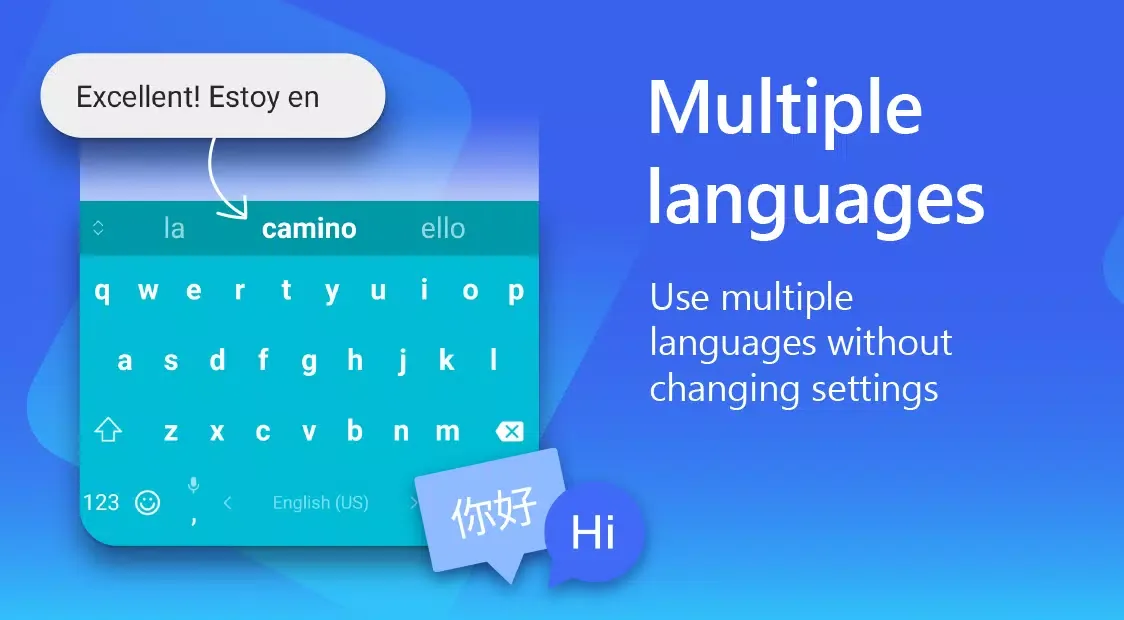
Microsoft SwiftKey supports multilingual input, allowing users to use up to five languages simultaneously. This feature is especially useful for bilingual or multilingual users who frequently need to switch languages in communication. The app supports over 700 languages, making it a versatile tool for users from diverse language backgrounds.
Summarize
Download the SwiftKey keyboard APK for Android and experience the modern ease of use of this top-tier smartphone keyboard. With predictive text functionality and a smart database built during training, you can input text freely and quickly.








