

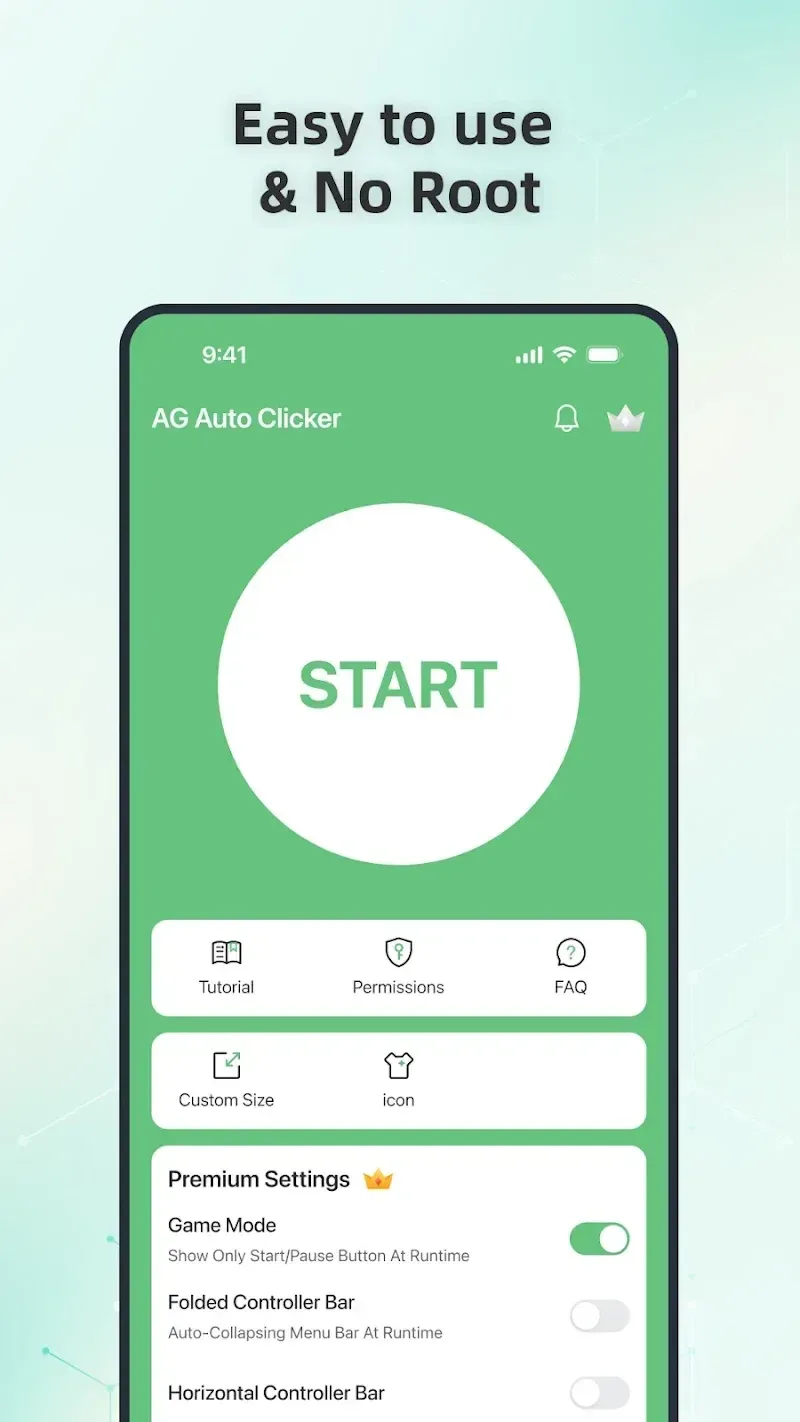
AG Auto Clicker-Auto Tap is a practical mobile tool that records complex user gestures, such as clicks, swipes, and long presses, and replays them as needed. This helps users complete repetitive tasks, saving time and effort. AG Auto Clicker-Auto Tap can be installed without root access and uses state-of-the-art protection technology to prevent detection, allowing it to be used in any software and game. Users looking to enhance their gaming experience shouldn't miss AG Auto Clicker-Auto Tap!
Click to load YouTube / 点击加载视频
YouTube ↗Features:
Versatile Screen Interaction: The application can interact with your phone screen extremely versatile, they are simulated like a real computer mouse and you can perform extremely convenient operations like using a computer.
Customizable Click Settings: You can set up custom clicks, from location to frequency, all of which can be done quickly and neatly, saving you a lot of time.
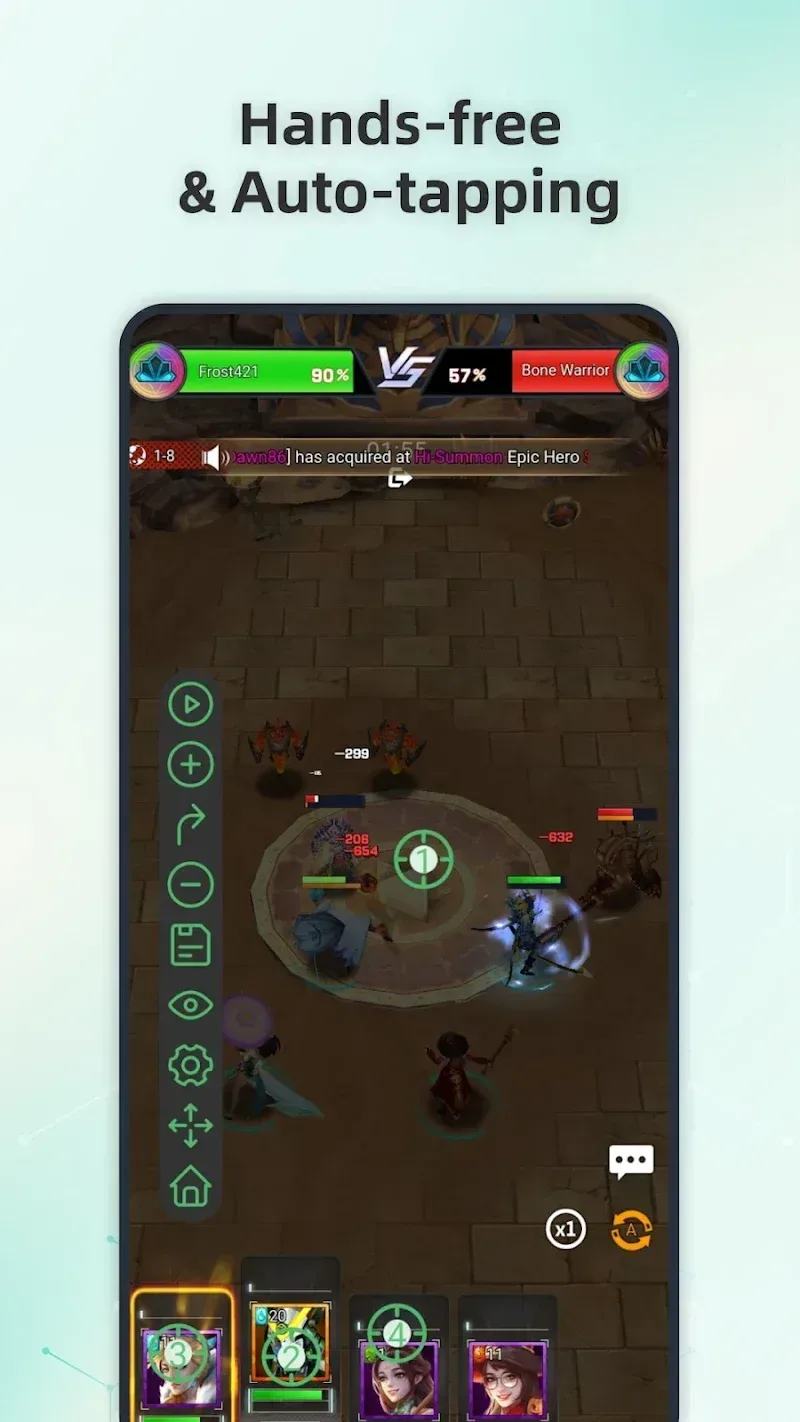
Hands-Free Task Completion: With this application, you can completely free your hands to use for other things. You don’t need to be with the game you’re playing 24/7 and miss all your other work.
Complex Pattern Creation: You can create many click patterns with different speeds. The application will save all these patterns. Then when you use them, you can choose the most suitable one.
Easy Configuration Reuse: Even if you have created click patterns for a long time, you can still reuse them. Click patterns will be saved by date so you can easily find and use them at any time.
Repetitive Task Automation: Your games will become much easier. Not only will you have free time with them, but you will also earn tons of experience points and gold to help your character level up quickly.
Highlights:
Enhanced Productivity: Eliminate the monotony of repetitive tapping or swiping tasks. The app handles these for you, freeing up time for more critical activities.
Optimized Gaming Experience: Level up effortlessly by automating tedious in-game actions. With anti-detection technology, enjoy uninterrupted gameplay while automating taps and swipes.
Seamless User Interface: The app’s intuitive design makes it easy for users of all experience levels to configure and execute automation scripts.
Privacy and Security: AG Auto Clicker prioritizes user privacy. While it requires Access Services for core functionality, it does not collect or share personal data.
Versatility Across Applications: Whether automating actions for games, shopping apps, or routine tasks, this app adapts to your needs with ease.
FAQs:
Is AG Auto Clicker-Auto Tap free to use?
AG Auto Clicker-Auto Tap offers both a free version with limited features and a paid version with additional functionalities.
Can AG Auto Clicker-Auto Tap be used on both Android and iOS devices?
Yes, AG Auto Clicker-Auto Tap is compatible with both Android and iOS devices.
Is AG Auto Clicker-Auto Tap safe to use?
AG Auto Clicker-Auto Tap is safe to use as it does not require any special permissions or access to sensitive information on your device.
Can AG Auto Clicker-Auto Tap be customized for different tap patterns?
Yes, users can customize AG Auto Clicker-Auto Tap for different tap patterns, intervals, and durations based on their preferences.
Final Thoughts:
AG Auto Clicker - Auto Tap is a free utility tool developed by Bright Prospect for Android 8.0 and above. It allows users to simulate clicks repeatedly on their phones without the need for root access. With this app, users can set click positions, click sequences, and frequency, and record swipe gestures anywhere on the screen. It also features scheduled tasks that allow users to set time intervals and click sequences, saving their configuration for later use.








