

SFile Mobi is a professional-grade file management application. It boasts powerful features, allowing users to download and share files such as videos, audio, images, and text documents on Android mobile devices, providing a convenient user experience. With SFile Mobi, users can download large files and quickly share them with others, managing downloaded files through the application, including moving, copying, and deleting files. Furthermore, this application supports simultaneous downloads of multiple files and improves download speed through multiple connections.
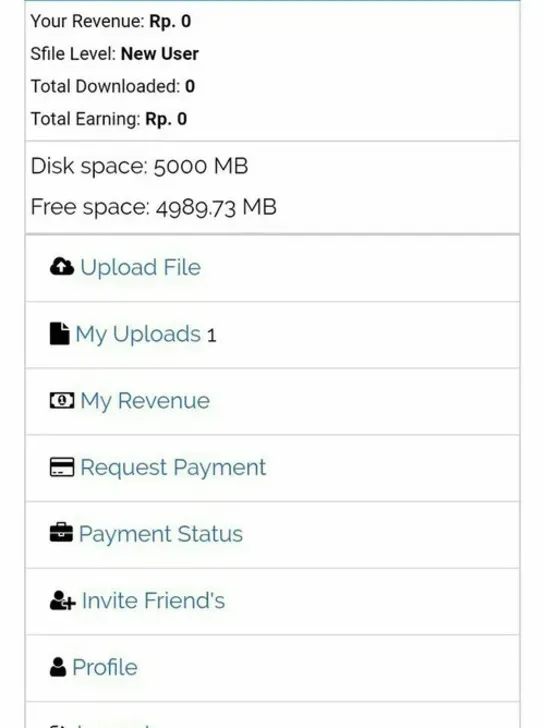
Features:
Download files with high speed: Sfile Mobi allows downloading files with fast and stable speed. This helps users save time and have a better download experience.
Download from various sources: Sfile Mobi supports downloading from various sources, including websites, file sharing applications such as Google Drive, Dropbox and many others.
Supports multiple file formats: This application supports downloading of various file formats, including audio files, videos, images, documents, applications and more.
File management: Sfile Mobi provides a collection of file managers so that users can manage and view downloaded files. It also supports deleting unnecessary files.
Support simultaneous download: Users can download multiple files at the same time with Sfile Mobi.
Simple and easy to use interface: The application has a simple and easy to use interface, making it easy for users to download files quickly and conveniently.
Free: Sfile Mobi is a free application, there is no fee to register or use the features of the application.
File manager: Sfile Mobi APK allows users to manage files on their smartphones. Users can create, delete and convert files easily. Moreover, the application also provides users with features such as backup and restore data, share files with friends or pack files into a single file.
Built-in web browser: Sfile Mobi APK also has a built-in web browser that allows users to access and download files from websites quickly and easily.
Multiple file formats support: The application allows to download and view many file formats such as PDF, DOC, DOCX, PPT, PPTX, XLS, XLSX, ZIP, RAR, MP3, MP4, and many more.
Search feature: Sfile Mobi APK provides fast and easy file search feature, helping users to search and manage their files efficiently.
New Folder Creation Tool: Sfile Mobi APK allows users to create new folders to manage their files in a more organized manner.
Customize access rights: Users can customize access rights to files to protect their personal information.
Simple and easy-to-use interface: Sfile Mobi APK has a simple and easy-to-use interface, making it easy for users to access and use the application's features.
Free and ad-free: Sfile Mobi APK is completely free and contains no ads, helping users to download files quickly and easily without being bothered by unwanted ads.
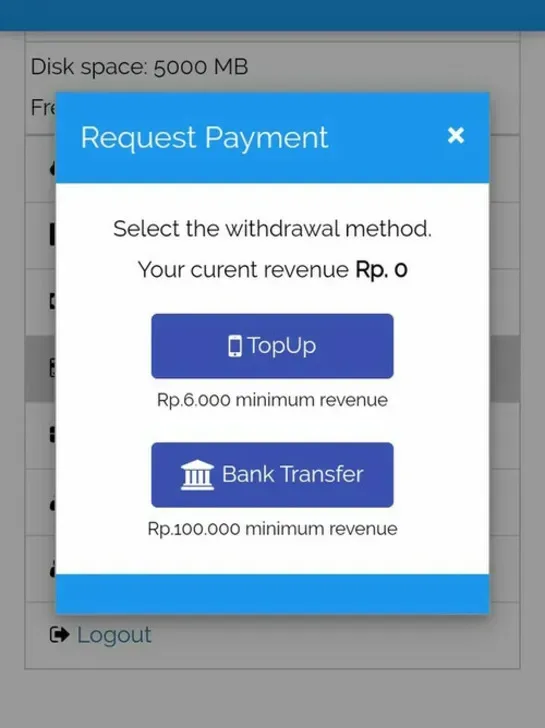
Tips for Users:
Optimize File Naming: Before uploading, name your files clearly and consistently. This practice aids in easier searching and organization, especially when handling numerous files or sharing them with others.
Utilize Cloud Backup Wisely: Regularly back up important files to the cloud storage provided by Sfile Mobi Mod APK. This not only secures your data but also makes it accessible from any device, ensuring you’re never without your critical documents.
Make Use of Link Sharing: For large files or collections, create and share links instead of direct files. This method is less burdensome on your recipient's storage and simplifies the sharing process, particularly for files exceeding email attachment size limits.
Leverage Categories for Organization: Take advantage of the app’s categorization feature to keep your files neatly organized. By grouping files by type (e.g., documents, images, videos), you can streamline access and improve your overall user experience.
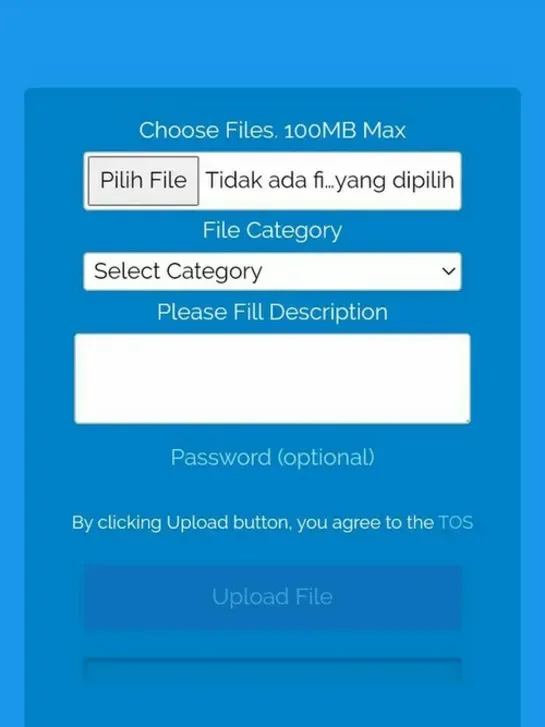
Pros & Cons:
Pros
Easy to use and navigate.
Offers a secure platform for file sharing, storage, and access.
Automatically syncs across multiple devices with the same account credentials.
It supports various types of files, such as documents, images, audio clips etc., making it versatile in its usage.
Allows users to download shared content from remote locations without hassle or time constraints.
Provides an intuitive user interface which makes it easy for anyone to understand how the app works quickly, even if they are newbies at using mobile applications.
Cons
It is not compatible with all types of Android devices.
Users may experience difficulty in downloading and installing this app on their devices due to its large size.
The user interface can be confusing for some users, making it challenging to navigate the various features available within the application.
Limited options exist for customizing or personalizing your account settings within Sfile Mobi’s mobile application.
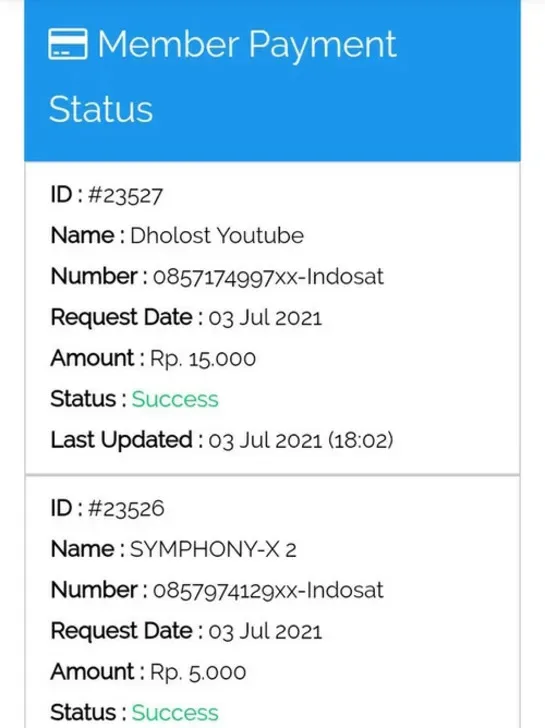
Conclusion:
Sfile Mobi is a great tool to download files from the internet quickly and easily on your Android device. With many useful features such as fast download, support for many file formats, and easy file management, Sfile Mobi APK will definitely meet the needs of users. However, the minus point of this application is that the interface is not beautifully designed and there are ads displayed during use.








