
Unicode Pad is a lightweight mobile tool that includes a wide variety of characters and symbols. Users can quickly find the desired characters by simply entering keywords or code points, meeting their needs for fast input. Unicode Pad also offers a long-press function; long-pressing reveals detailed information such as code points and enlarged images, helping users remember relevant information for easier future input. Unicode Pad is not only open-source software but also shares its code in the community. Users can modify it according to their preferences or upload new characters, thus contributing to the optimization of Unicode Pad.
Click to load YouTube / 点击加载视频
YouTube ↗Features:
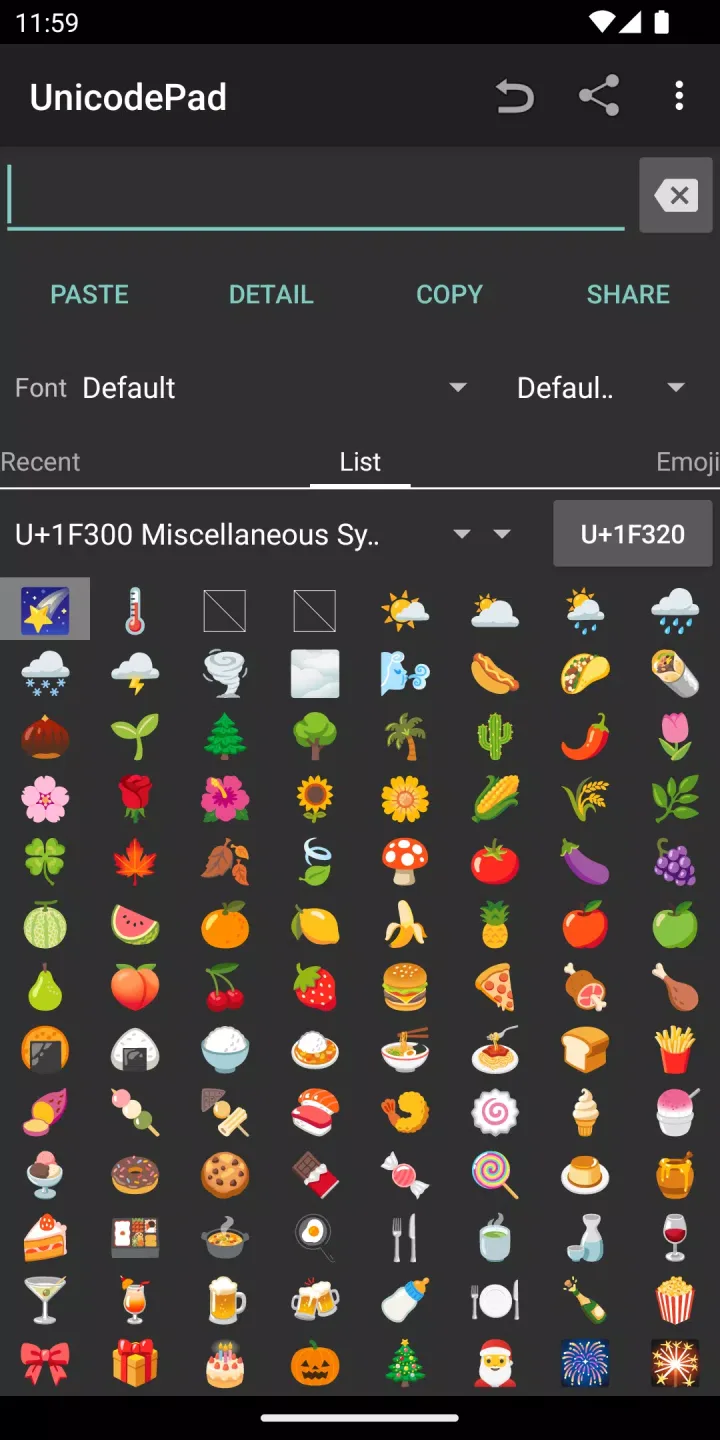
The interface of UnicodePad is user-friendly, allowing users to navigate through an extensive list of Unicode characters. Each character can be easily accessed through simple clicks, which input the selected character directly into the text field. This straightforward method of character input facilitates seamless writing and editing across different applications.
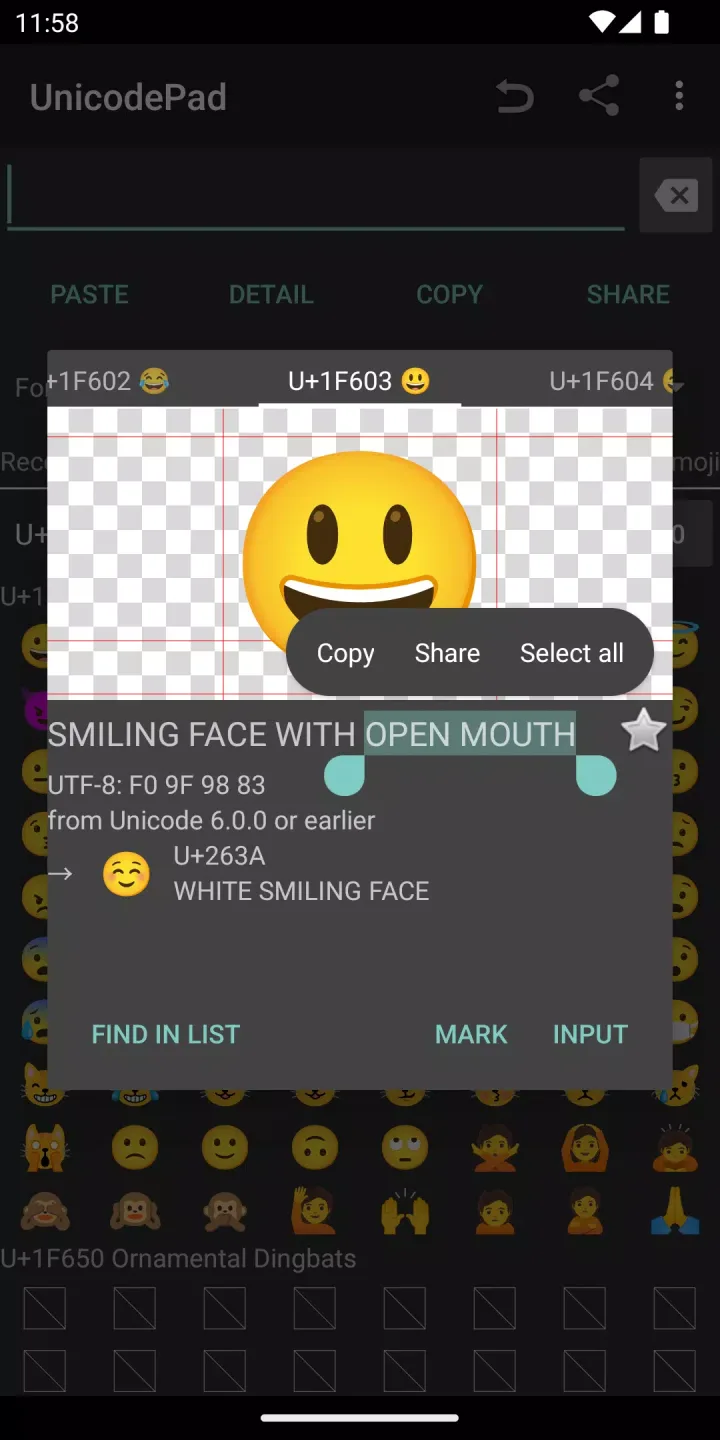
UnicodePad provides a long-click feature that reveals detailed information about each character. This includes the character's larger visual representation and its corresponding code point. This information is beneficial for users who need to understand the exact specifications of the characters they are using, particularly in technical or academic contexts.
Another important aspect of UnicodePad is its ability to store favorite characters. Users can memorize characters they frequently utilize, which enhances efficiency and expedites the character input process. This feature is particularly advantageous for individuals who work with specific symbols or characters regularly, as it eliminates the need to search for them repeatedly.
To ensure visibility of special characters, UnicodePad recommends users install compatible fonts, such as the Noto font. This step is essential for those who may not be able to see certain characters due to font limitations on their devices. The Noto font is available for download, providing users with access to a wide array of characters and ensuring that their text displays accurately.
The app also includes a search function, allowing users to quickly locate characters by entering relevant keywords or code points. This search capability streamlines the process of finding specific characters, saving time and effort, especially when dealing with extensive Unicode character sets.
Highlights:
Extensive catalog: Every character defined in the Unicode standard up to version 13 is represented.
Direct input options: Output can be copied or injected straight into compatible apps via Mushroom, eliminating extra steps.
Character details: Long-press pop-ups show the official name and code point, helpful for developers or linguists.
Favorites: Commonly used characters can be pinned for rapid access.
Open source: Source code is available on GitHub, inviting community contributions.
What's new:
v2.2.0
The backspace button is back
Added an input tab (available in settings)
Disabled the "no glyph" and "no character" icon in the emoji tab
v2.1.0
Workaround for an emoji disappear problem on high-res phones
Added the "no glyph" icon [] and the "no character" icon [X]
Added an erase button
Minor bug fixes
Final Thoughts:
Unicode Pad features an intuitive input system where users can easily click to input characters or long-click to see the code point. It also allows users to save favorite characters for quick access and offers search functions by name or code point, making character retrieval straightforward and hassle-free for anyone.However, the app has some issues to be aware of. First, it requires some specific external fonts, like the Noto font, to display special characters correctly, which can be an inconvenience for users. This necessity to hunt for and install fonts may frustrate those who expect a seamless out-of-the-box experience.








