

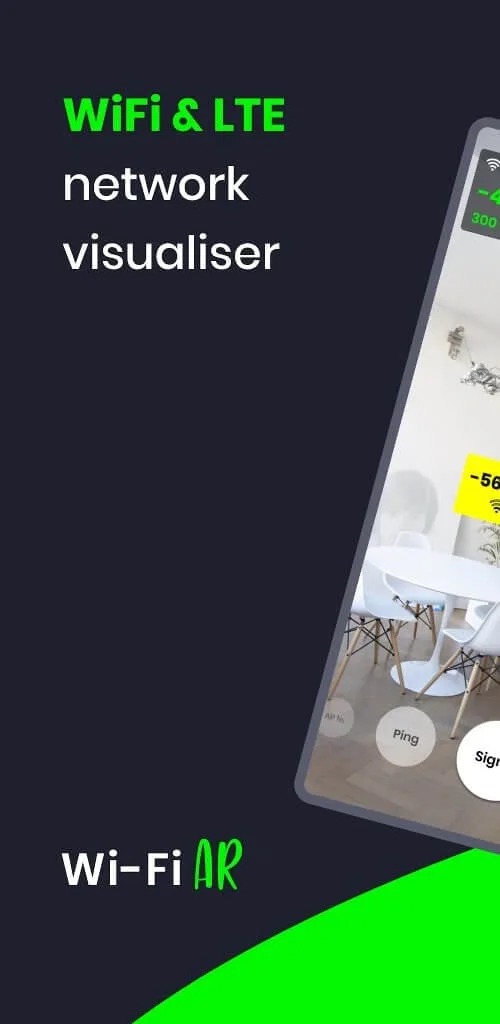
WiFi AR is a free Android application. This powerful app utilizes Google ARCore technology to enhance the user's WiFi network experience and improve network speed through augmented reality. With WiFi AR, you can use its powerful analytics to find the optimal location of WiFi access points, resulting in a smoother online gaming experience. Users simply need to open the app, point their phone's camera in the desired direction, and then check the screen to easily understand the network signal strength.
Highlights:
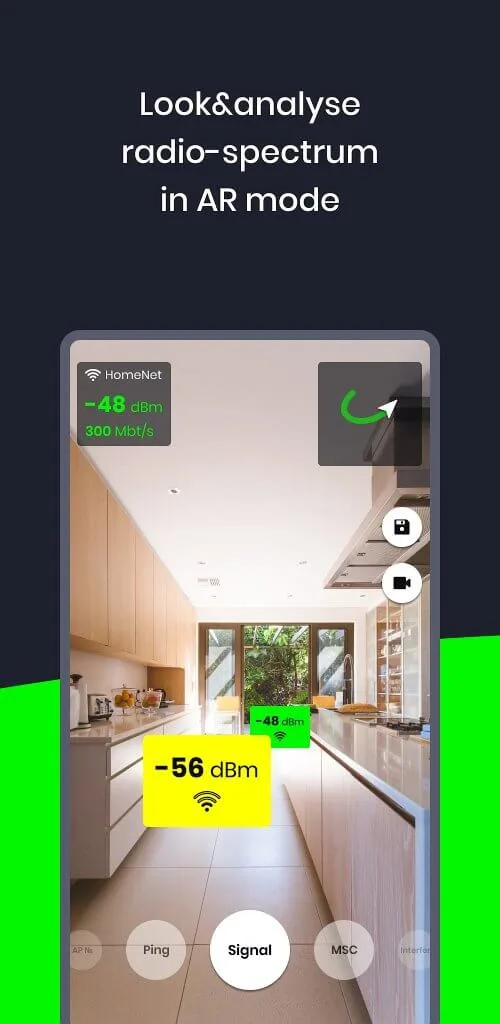
Signal level: Find best WiFi access point (AP) location
Speed value: Get current connection speed value
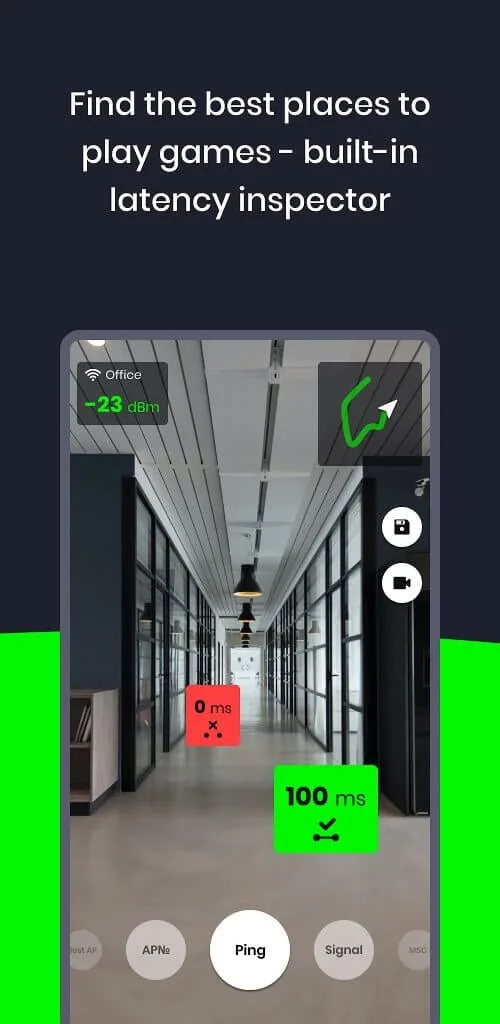
Ping value: Find lowest latency in space to play online-games smoothly -Wi-Fi&5GLTE modes
Interfering networks: Find neighbour networks that impact and reduce quality of your connection. Try to select another channel in router settings to minimize that impact
Best WiFi AP detection: If you have more than one router, check if your device switches correctly between them
Features:
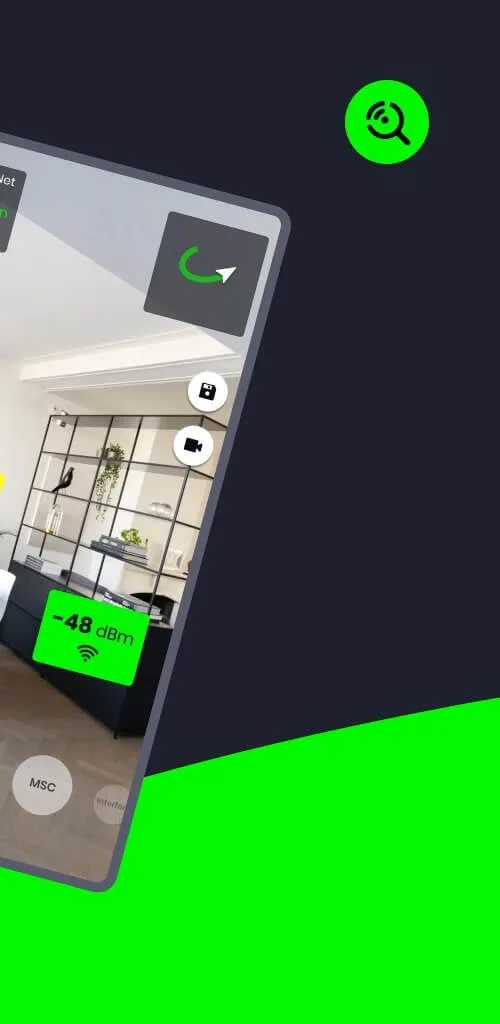
Authentic Signal Levels: This app reads Wifi signal, Speed, Ping, Interferences, Wifi network types and wifi location accurately. The signal, Speed and Ping levels go up and down as you move near or away from Wifi Network.
Precise Maps: To use a map, you have to give permission to use GPS service to use this app. The location of Wifi is accurate and recorded in google Maps.
Better Signal Strength: The signal of Wifi shows how strong the network is and helps you find the location of the network. WiFi AR precisely detects the signal strength and helps you get high-quality data.
Best WiFi Signal Detection: WIth AR in the app, you can easily detect the signal. Besides the signal, it also shows the cell index, AP index, Ping and mode of Wifi. WiFi AR detects the best wifi signal to use the internet at high speed.
Supports 5G and LTE modes: If you want to search cellular Wifi Network, you must change the wifi mode to 5G/LTE mode. It accurately finds the best 5G and LTE networks around you. This app also signifies whether the network is 5G or from LTE (3g or 4G) based internet.
Visualize the network: You can visualize the direction of the signal with this app. It shows the map with your camera and signal strengths on the screen to understand the location of the signal.
Pros & Cons:
Pros
Augmented reality view of WiFi and cellular networks in your actual surroundings
Shows signal level, speed, and ping values to guide router placement and gaming spots
Supports both Wi-Fi and 5G/LTE modes
Identifies interfering networks so you can choose less congested WiFi channels
Helps verify how devices switch between multiple access points in one network
Very useful for comparing different home network setups and coverage across floors
Cons
Requires an ARCore-compatible device, which limits compatibility
No option to save complete measurement sessions for later comparison
Lacks a full floor coloring or gradient heatmap view
Ads can be intrusive for some users, with fullscreen formats that disrupt the experience
Conclusion:
We’ve all suffered through the annoyance of a poor and unpredictable internet connection due to outside networks interfering with our own. WiFi AR saves the day with its ability to identify and highlight potentially disruptive networks in your immediate area. With this information, you may make educated selections and change your router’s settings to a different channel, reducing the negative effects of the conflicting networks. No matter how busy the WiFi environment may be, this app puts you back in control by ensuring your connection is reliable and consistent.








