

Device Info HW is a unique and practical tool for testing smart hardware devices, helping users quickly and easily understand the hardware and software details of their personal devices. Device Info HW presents users with an intuitive and powerful device monitoring tool, allowing you to easily understand the current operating status of components and take measures to extend their lifespan. Device Info HW provides users with comprehensive and detailed analysis reports, helping you intuitively query important data information.
Click to load YouTube / 点击加载视频
YouTube ↗Amazing Functions
Thermal Imaging: Temperature measured by a thermal sensor
Sensors: Availability of basic sensors and their testing methods
Applications: You can quickly find applications and view their information, including system-installed applications.
Drivers: You can find other chips used in the device.
Partitions: List of partitions and their sizes.
PMIC: List of power regulation voltages applied to each component.
Wi-Fi: Connectivity information
Bluetooth: Supported functions
Input Devices: List of input devices.
Codecs: Decoders and encoders, DRM information
USB: Connect devices via OTG
Awesome Highlights
System settings offer full theme support, including Basic, Dark, Black, and Auto modes.
Create reports in HTML or PDF format.
You can choose what to report: basic information, codecs, or OpenGL ES extensions.
You can open it and share or send it to your email.
Long press in the information list to copy text.
Redesigned battery label with charge/discharge graphs
Additional information for installed applications
Task: CPU frequency graph
Get early access to the new version.
Exclusive Features
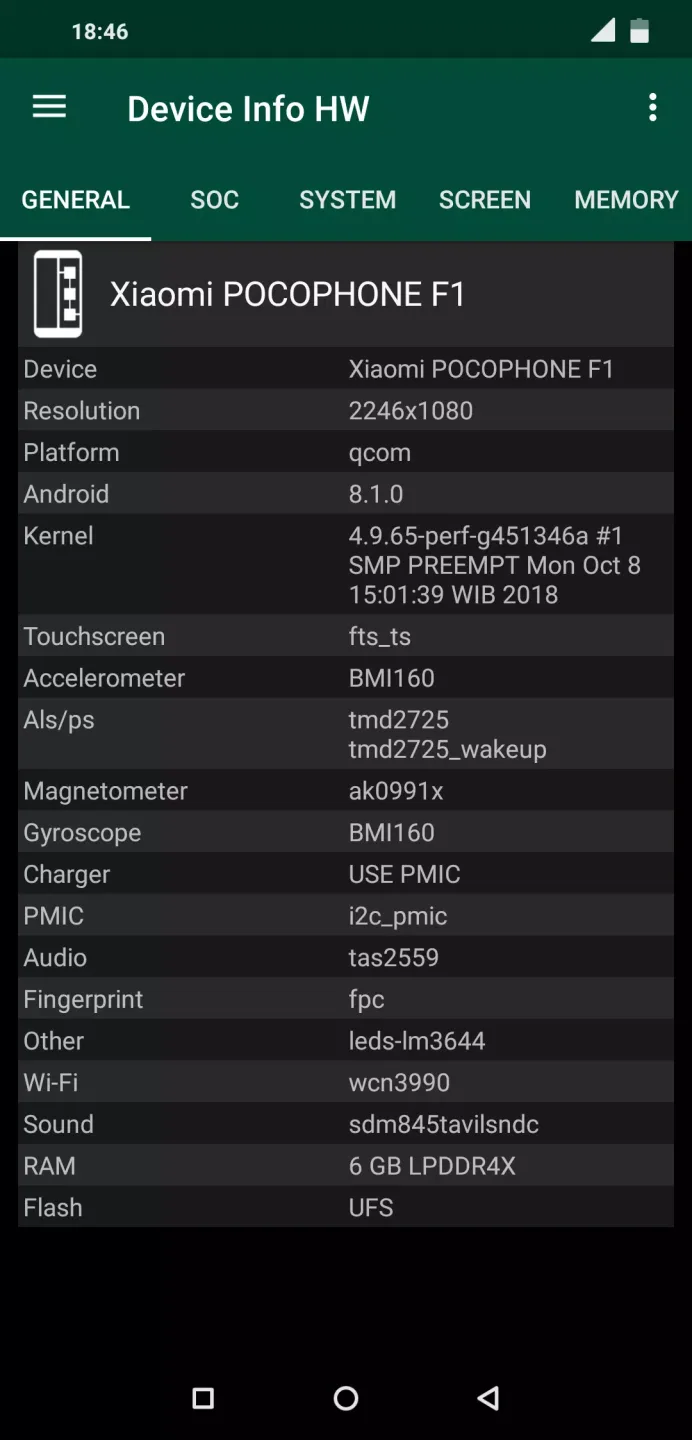
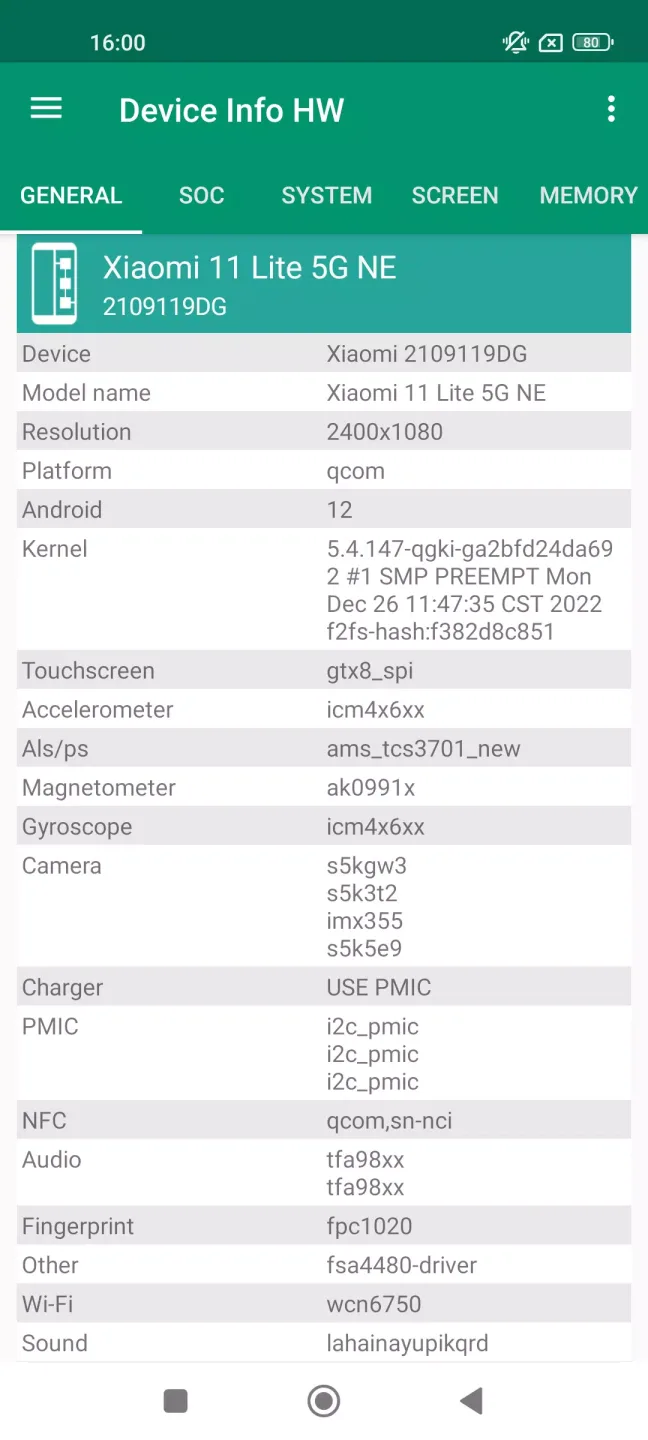
This application attempts to detect components on your smartphone to provide complete information about your device's hardware.
Now supports detecting the LCD screen, touchscreen, camera, sensors, memory, flash, audio, NFC, charger, Wi-Fi, and battery if your device supports this feature.
I think this app is both fun and useful for users and developers creating kernels or Android systems.
The app has smooth navigation and a fresh design. It also supports a dark/black theme (Pro version or two-week free trial).
You can switch tabs or use the navigation panel. Many items are clickable, allowing you to jump to other tabs or menus.
Wonderful Performance
Users can quickly and easily view almost every detail of their device's hardware and software. It helps you quickly diagnose your smartphone's health for better maintenance and to keep it looking new for longer.
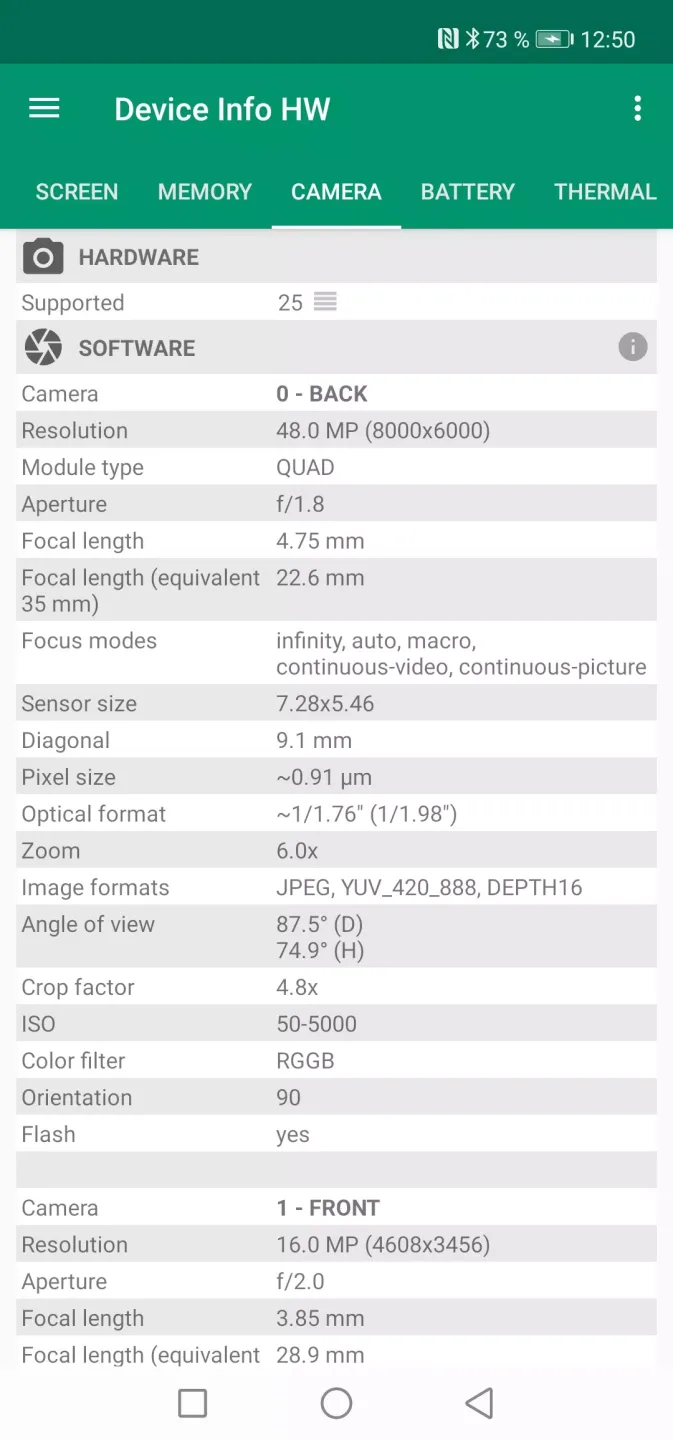
Device Info HW is incredibly easy to use. Once run, it automatically analyzes your device's internal structure. In just seconds, you get a comprehensive report containing crucial data such as battery life, camera technical details, current memory status, and CPU information.
While this information may be too technical for the average person, you never know when you might need reliable data to help you troubleshoot a device problem. In such cases, an app like Device Info HW can make your life easier.
Device Info HW takes up very little memory on your device and is incredibly easy to use, making it invaluable for staying informed about your smartphone's detailed condition.
Final Words
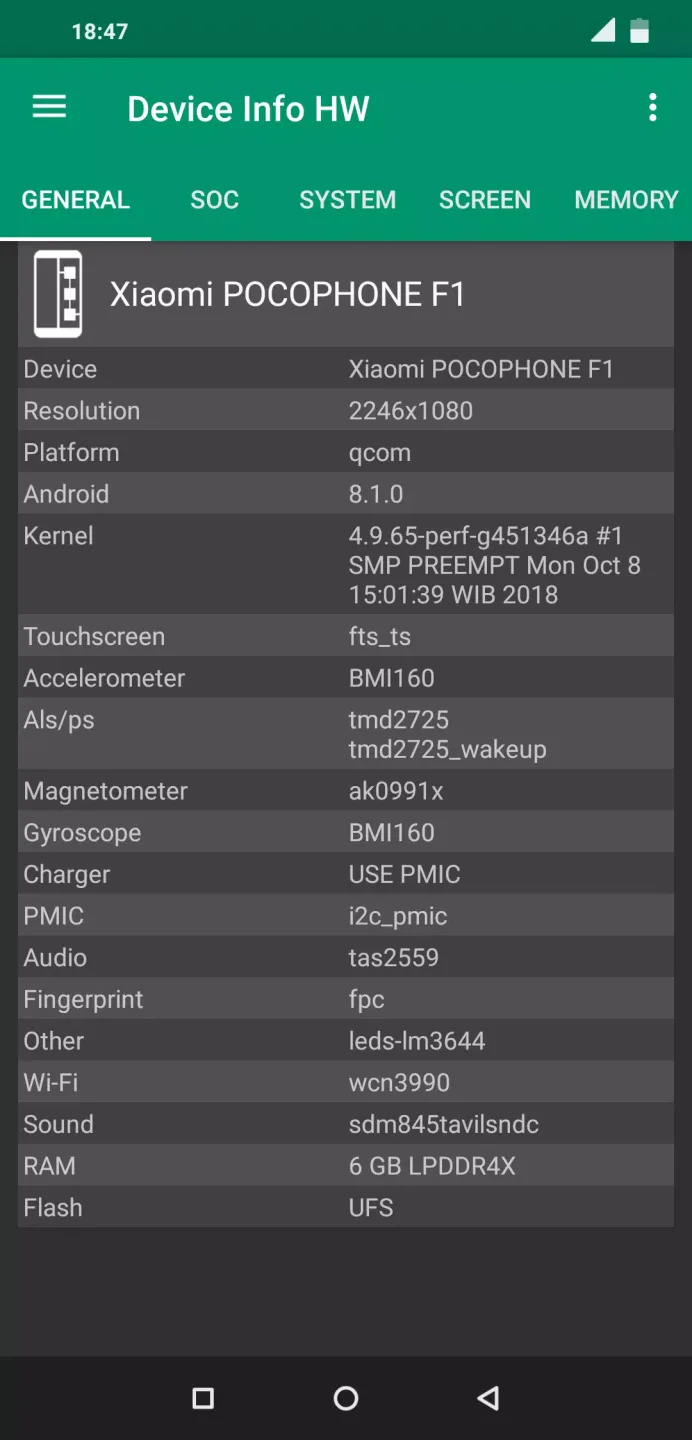
This application attempts to detect components of your smartphone to provide complete information about the device's hardware. It now supports detecting the LCD screen, touchscreen, camera, sensors, memory, flash, audio, NFC, charger, Wi-Fi, and battery, if your device supports these features.








