

Vaulty is a reliable privacy protection software that allows users to hide important files, pictures, and videos. It enhances file privacy by using PIN codes or biometric authentication. Vaulty can disguise itself as a calculator or stock query software, requiring a password to unlock, making your important information more secure. Vaulty also backs up important information, ensuring its integrity even if your device malfunctions.
Features:
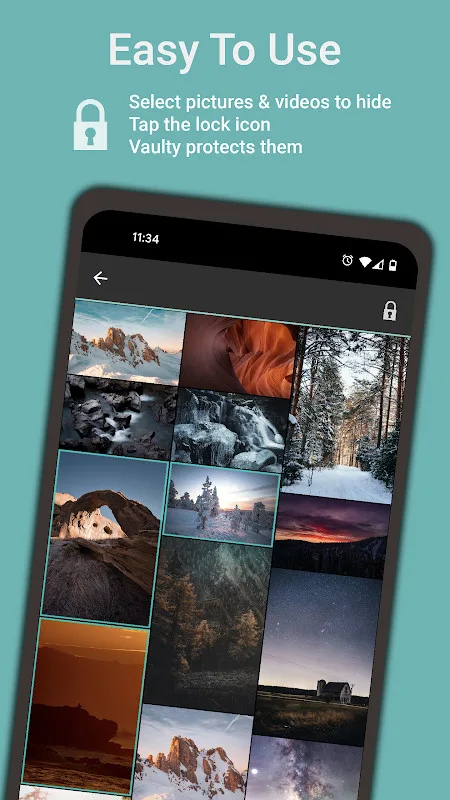
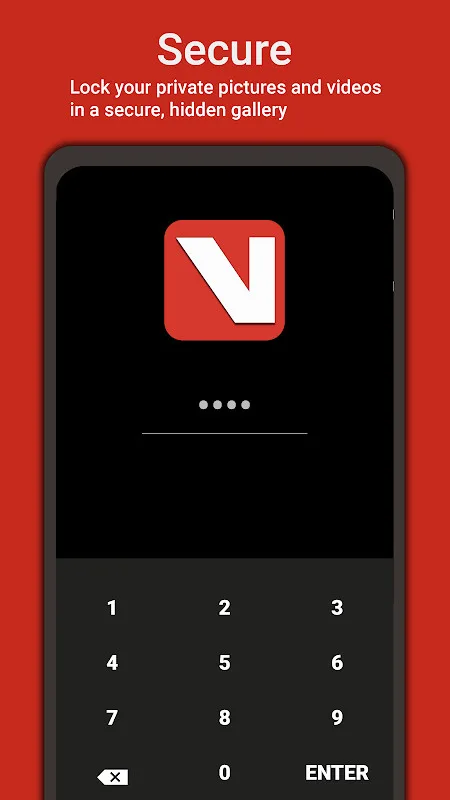
Simplicity and Security: Vaulty stands out for its straightforward approach: select the files to be hidden and secure them with a personal PIN. Once imported, files are removed from your device’s main gallery and can only be accessed via the app after entering the correct credentials. For added security, biometric logins such as fingerprint or face unlock are supported on compatible devices.
Disguise Options: The app increases privacy by providing disguise modes. Users can mask Vaulty as a fully functional calculator or a stocks lookup app, reducing the chance of drawing unwanted attention to the app’s real function. This attention to stealth is a welcome layer for those requiring extra discretion.
Intruder Protection: A notable feature is Vaulty’s break-in alert. If someone tries to access your vault and enters the wrong PIN, the front camera snaps a photo of the intruder and stores it in a dedicated "mugshots" folder within the app. This allows the app owner to review security breaches and verify who tried to access their data.
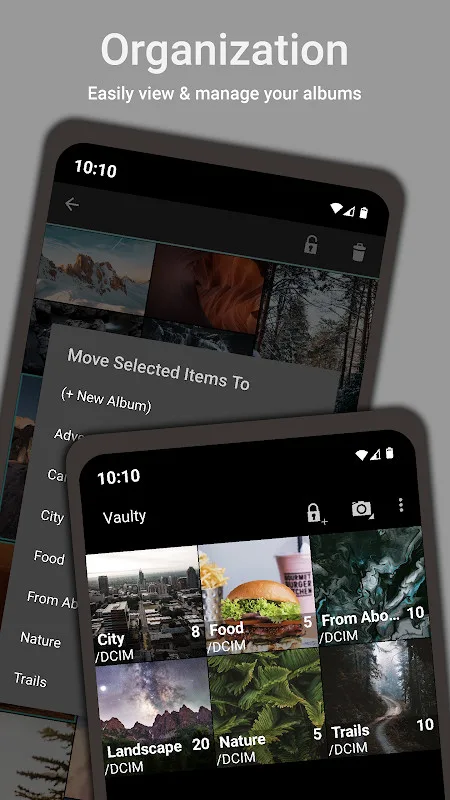
Media Playback and File Management: Vaulty supports in-app video playback and can handle various file formats, extending functionality beyond a simple storage folder. It also allows for organization by albums, making it easier to manage large collections of hidden files.
Functions:
App Disguise: Disguise Vaulty as a fully functional calculator or stocks lookup app for added security.
Biometric Login: Quickly unlock your private vault with just your fingerprint or face on supported devices.
Free, Automatic, Online Backup: Automatically backup your secret media online regardless of phone status.
Store and Organize Important Docs: Protect copies of essential documents like driver’s license, ID cards, and credit cards.
Intruder Alert: Take secret photos of snoops attempting to access your personal media with the break-in alert feature.
Create a Decoy Vaulty vault with a Separate PIN: Maintain different vaults for different people.
Play Videos through Vaulty’s Player: Play any video your device supports securely within Vaulty or in third-party apps if needed.
User Reviews:
it's a good app for the most part, i've been using for a while now, premium too. i justnoticed that you can add live photo's & view them as live photos in the app too which iscool . my only problem is that the cloud backup always fails & has been for months if notover a year . it'll load all the way to100%& say 'failed do to network issue'&'faileddue to unknown errors 'in the backups log, when i know my network is fine. also all of asudden i can't add anything & its done this before. it'll say it added & ask to deleteoriginal, but content isn't added. if i can't backup my content how ami supposed todelete & redownload if that's a solution?PLEASE HELP DEVELOPER, IM A MOSTLYSATISFIED CUSTOMER.
My Vault had been crashing recently. I had files about 10 GB but unfortunately i lost itwhen i deleted the app and i didn't have a backup as well. Later, after looking in the appfor several hours i found out what was the real problem of the app for crashing like that.It was themes. If you change your default theme to a new theme(i am talking about somethemes not all of them), the app is going to crash next time you try to open it.So pleasenever try to change your default theme.
FAQs:
Q: Is Vaulty Hide Picture Gallery safe to use?
A: Yes, the app is designed to keep photos private using password-protected folders; always download from a trusted source and check permissions.
Q: Can I set different passwords for different folders?
A: Yes, the app allows you to assign unique passwords to individual secret folders for additional security.
Q: What happens if I forget a folder password?
A: Password recovery options vary by version; check the app settings for recovery or backup features, and consider using a secure password manager.
Q: Will hidden photos appear in my regular gallery?
A: No, photos moved into secret folders are hidden from the main gallery and can only be accessed through the app with the correct password.
Q: Can I uninstall the app without losing hidden photos?
A: Uninstalling may remove the app’s data, including hidden files, unless you back them up first. Use any built-in backup feature or manually save copies before uninstalling.
Q: Does the app require internet access?
A: Basic hiding and password features do not need internet access. Some optional backup or cloud features may require a connection.
Summary:
Vaulty’s primary function is to provide a fast and convenient solution for Image or video storage. Furthermore, the app offers versatile features that allow you to securely Store various types of content. This application is user-friendly, making it accessible for anyone; you’ll quickly adapt after a few uses. Once familiar with it, mastering the app becomes seamless. To access the app's security features, you'll first have to navigate through a pasSword-protected layer. Entering this password correctly is crucial for accessing these functions; failing to do so can lead to avoidable challenges. Users adopt various techniques to memorize their passwords, which is advisable to prevent any accessibility issues with the app's media files.








