
XCast - Cast to TV is an amazing screen mirroring utility that helps users easily project content to various devices and TVs, meeting your flexible screen mirroring needs. XCast - Cast to TV presents users with a clear interface and smooth response performance, allowing you to enjoy large-screen media playback, support for numerous file types, and easy preparation for entertainment activities. XCast - Cast to TV's simple and intuitive operation makes it easy to use and compatible with a variety of device types.
Click to load YouTube / 点击加载视频
YouTube ↗Amazing Features
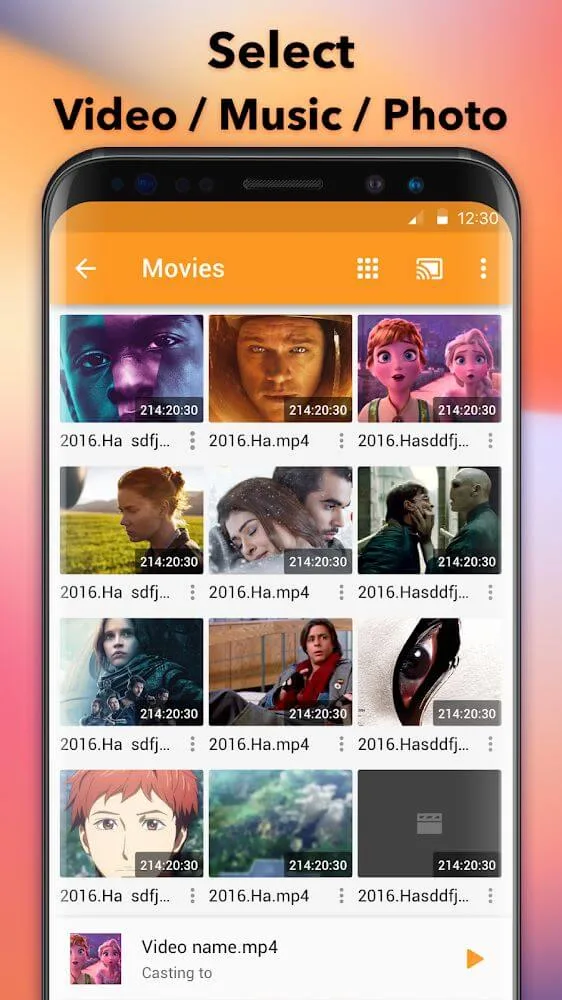
Cast Everything: You can cast various content, such as online videos, local videos, music, and images.
Easy to Use: Casting content to your TV is incredibly simple. Just a few taps!
Privacy is Paramount: This app will not disclose your viewing content to other companies or individuals. Your secrets are absolutely safe here!
Compatible with Multiple Devices: Whether you're using a smart TV or a TV with Chromecast, this app has you covered.
Free to Use: Using this application doesn't cost a penny. It's free for everyone.
Gripping Characteristics
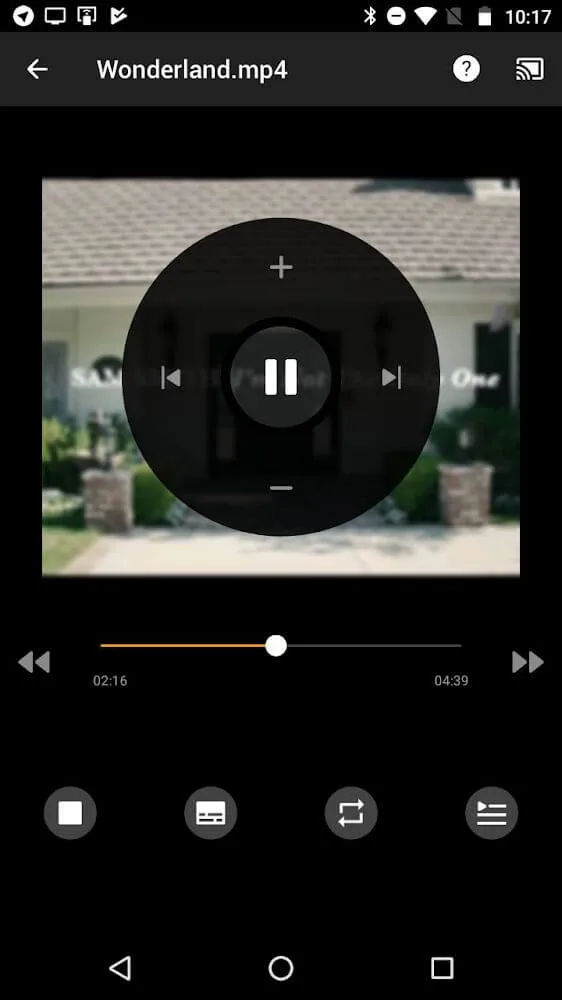
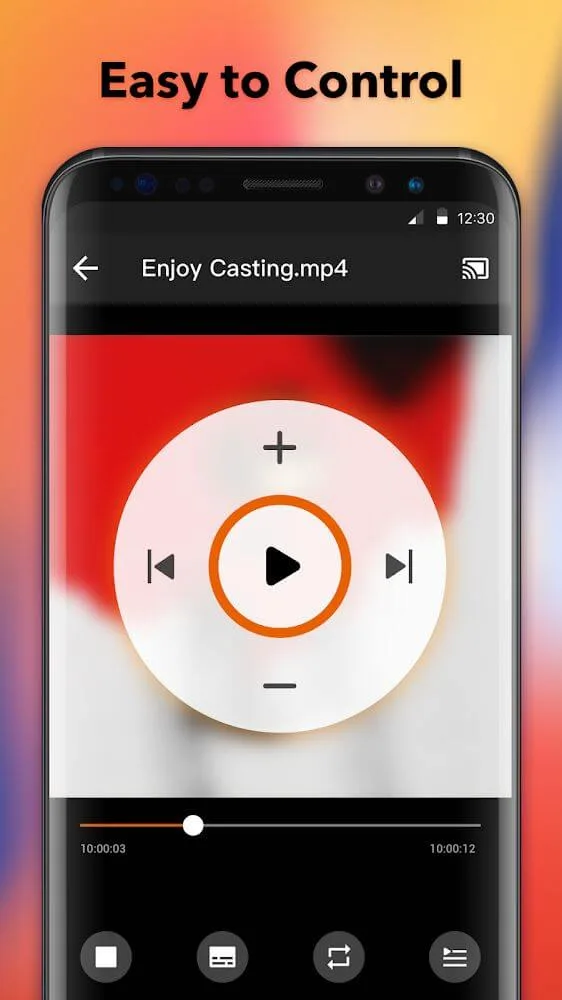
Control volume and playback via remote control.
Automatically searches for devices for broadcasting and streaming.
Automatically identifies video, audio, and graphic files on devices and SD cards.
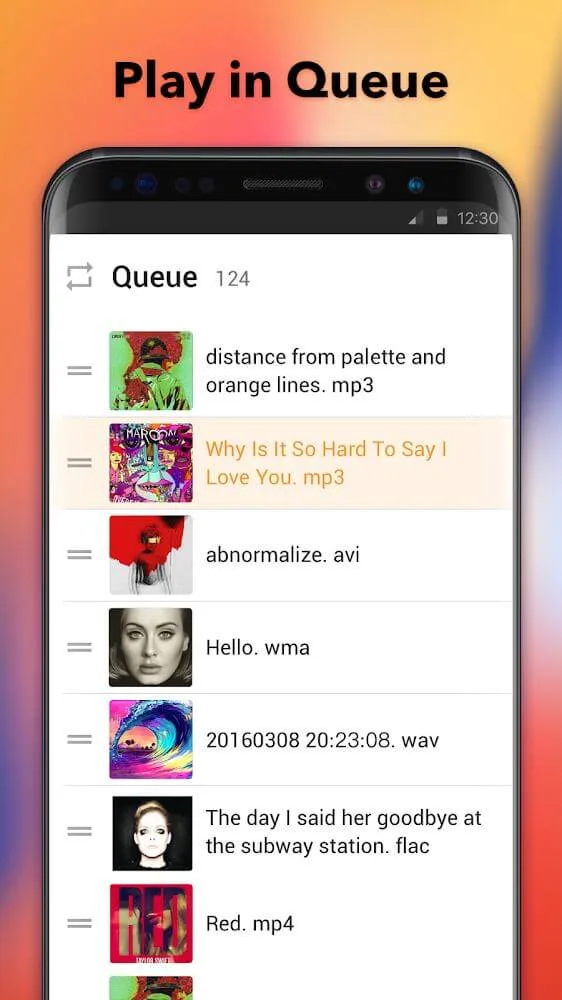
Multiple playback modes.
Compatible with multiple systems, with support for Apple TV expected soon.
Exciting Highlights
With just a few taps, Android devices can easily play content on a large TV screen.
The application will update the connected devices through a list that the user can select from.
The application supports a wide variety of devices and TVs; you need to follow some connection conditions to complete the process.
Many files can be played on the TV screen, and the control methods will vary depending on the file type.
Playing content on the TV screen can be used for many different purposes.
Wonderful Benefits
Allows you to cast videos, music, and other images from your Android smartphone to any Chromecast, Amazon Fire Stick, Fire TV, Xbox One, or other smart TVs (LG, Samsung, Sony, or Panasonic). You just need to connect both devices to the same Wi-Fi network.
One of the most practical features of casting to TV, Chromecast, and Roku is the ability to directly cast any video or picture from your Android smartphone's memory to your smart TV or Chromecast. Now you can watch all your home videos from your smartphone directly on your TV.
Cast to TV, Chromecast & Roku is a fantastic app that allows you to cast multimedia content from your Android device to other devices. Furthermore, while casting videos, you can use your smartphone as a remote control to pause, fast forward, rewind, or adjust the volume.
Final Words
Xcast APK is like a magical bridge connecting your phone and TV. It's simple to use, protects your privacy, and is compatible with a variety of devices. Now that you know all its features, why not try it yourself? Download Xcast APK and unlock a more exciting TV casting experience!








