
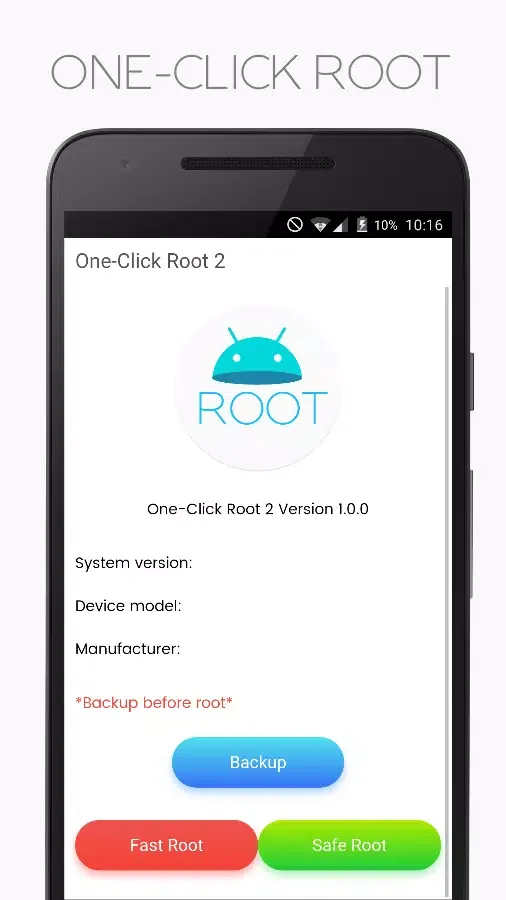
One Click Root is a highly praised utility for gaining root access to your system, providing users with a fast and convenient root solution. One Click Root offers a user-friendly interface and powerful functionality, boasting outstanding smoothness and responsiveness. Users can easily gain system privileges and perform powerful customization settings with One Click Root, making your device more user-friendly. With One Click Root, you can try a wealth of advanced system optimization tools.
Click to load YouTube / 点击加载视频
YouTube ↗Attractive Performance
It allows users to fully customize and modify settings on their rooted Android devices. With just one click, users can easily modify and optimize their rooted Android devices. This software is an excellent solution for most users who encounter problems such as improper partitioning, incorrect file formats, various errors, and other issues related to rooted Android devices. One Click Root also comes equipped with advanced system optimization tools to improve the running speed of Android devices. In addition, it provides users with various convenient utilities, such as a boot manager, backup manager, modem manager, quick boot manager, data backup manager, and more. One Click Root includes many advanced features and applications.
If you want complete access to your Android device and all the features rooted users expect from the Android operating system, then you need OneClick Root. It's a perfect program that greatly simplifies your operation. Many users consider OneClick Root to be the best program on the market, fulfilling all user expectations. It allows you complete access to your Android data and lets you use all features and apps without any third-party applications or programs.
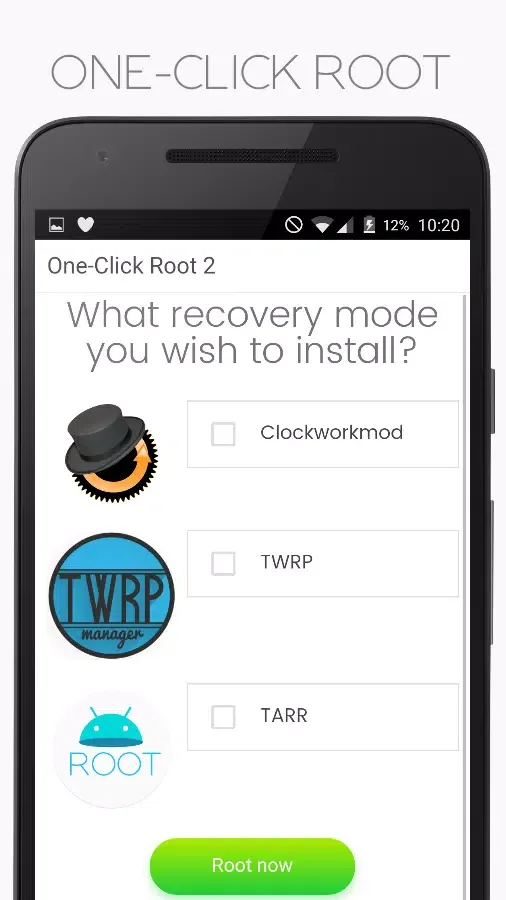
Wonderful Features
Enjoy Hidden Features
Take full advantage of your Android device, free from manufacturer and carrier restrictions. Simply root your phone to access different options and features. You'll be able to use the camera in high FPS mode, protect yourself from ARP, DOS, and MITM attacks, download apps unavailable in your country, and much more!
Block Ads in Any App
Pop-up ads on your phone can be frustrating. That's why rooting your device is a great solution to help you get rid of unwanted ads in all apps and browsers. If you don't want to manually enter every website that needs blocking ads, you can install ad-blocking apps like AdBlock or AdFree.
Improve Battery Life and Speed
Is your battery draining too quickly? Are you always worried your phone will shut down before you find the nearest outlet? If so, rooting your phone can help. It will speed up your phone or tablet and extend its battery life. You can install apps and custom ROMs designed specifically to improve performance and extend battery life.
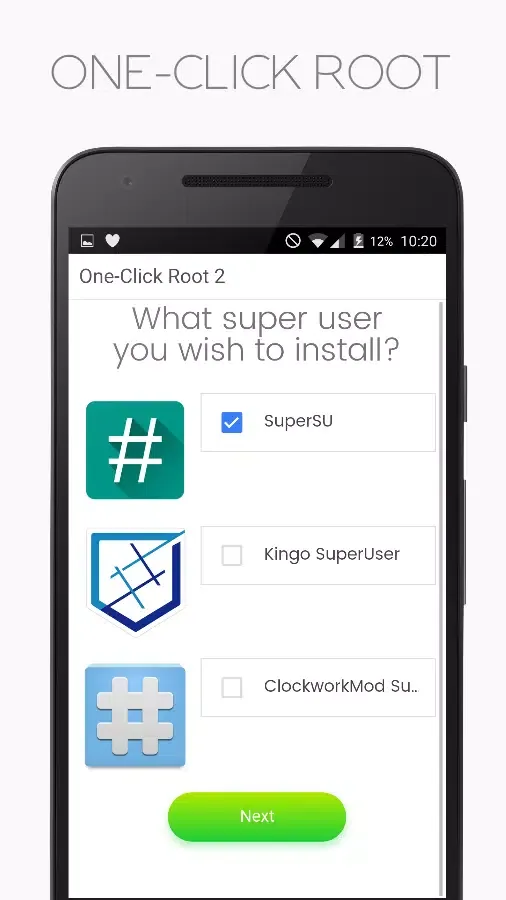
Pros and Cons
Pros
Root and unroot operations assisted by a remote technician
Brick recovery function
Extended support via subscription plan
Payment only after successful rooting
Cons
Direct client rooting is no longer supported.
Reliance on remote technician intervention
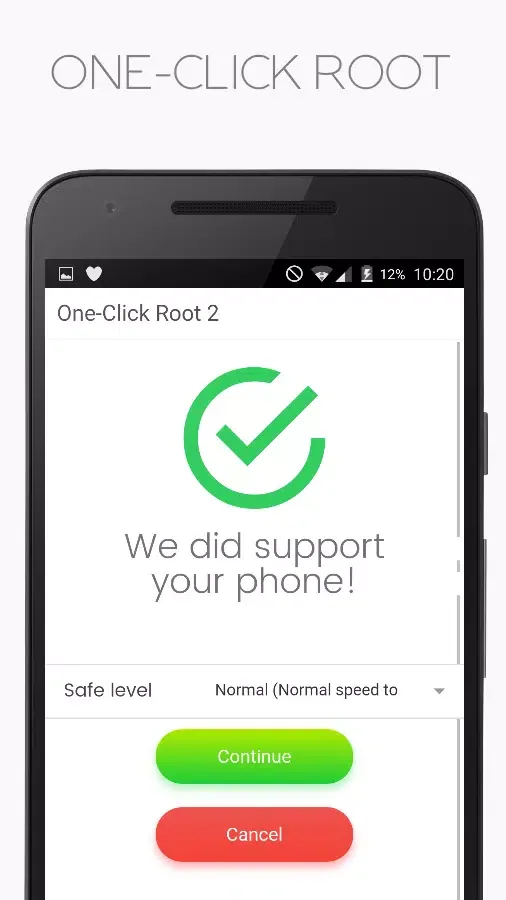
Amazing Highlights
Now smoother and more responsive
New user interface and Libused!
Supports Android 4.0 - 7.0+
Pure Material Design, simple to use and responsive
Fast and simple!
Easy to use
Summarize
The advantage of obtaining root privileges (or superuser privileges) is that you can access some operating system features that are not visible to all users. This app can quickly accomplish this. Simply download the app to your phone and scan your device to see if you can obtain root access.








