

YTD Video Downloader is a fast and stable video downloader. This powerful application utilizes advanced features to provide users with a convenient experience. With YTD Video Downloader, you can easily download your favorite videos and save them to your device for repeated viewing. Users simply need to find the desired video, copy the URL, and paste it into the program; there's no need to worry about the video being deleted or permissions being changed. Furthermore, you can choose the video resolution, slightly reducing image quality to save device space.
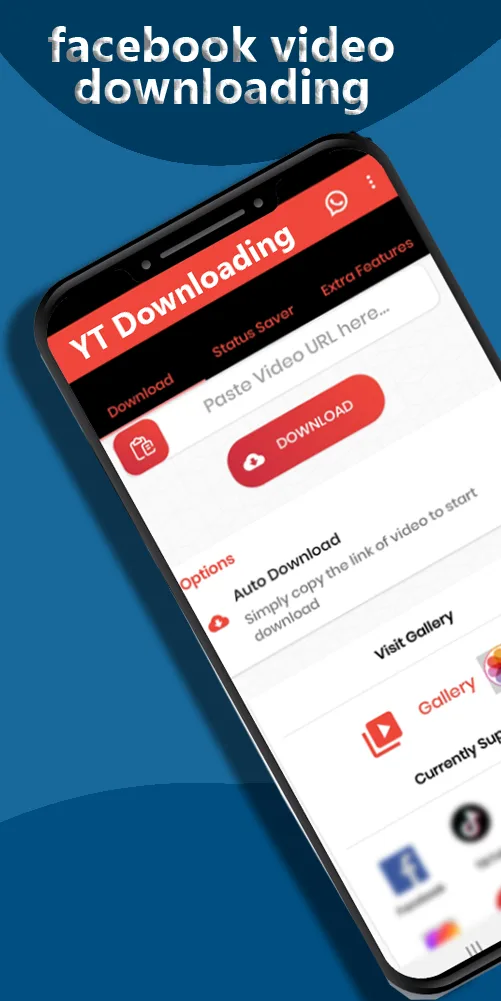
Features for YTD Video Downloader:
Designed & Used on Millions of Android Devices
Forget about compatibility app issues. YTD is designed from the get-go to run flawlessly on your device.
No Video or Audio Quality Degradation During Conversion
YTD converts files fast while maintaining the original's quality - no artifacting, pixelating or degradation of any kind, that you usually see with online browsers or Chrome extensions on Android.
Download in HD, 4K, Up to 8K Quality
Download your favorite movies or videos in HD, 720p, 1080p, 2K, and 4K videos from major websites and social media. YTD preserves the original quality and doesn’t add watermarks.
Monitor Panel & Automatic Download Retry
YTD automatically retries the download when your internet fails. Monitor your saved media, and convert and download files in batches via YTD's advanced panel.
Sync Across Android Devices & Google Drive
Sync downloaded assets across your devices or Google Drive for easy access.
Light on Resources & Storage Space
YTD makes efficient use of space and resources and gives users a lot of control over the apps resource consumption.
Strong Data Protection
YTD is a safe, trusted, malware-free software aligned with Google's app privacy and security policies. Plus, you don’t need an account to use it, and we protect your privacy by locking the YTD app with a password.
Fast Downloads on Any Android Device
Are you in a hurry or just want to download a lot of videos really fast? Copy and paste the video URL and let YTD do its magic.
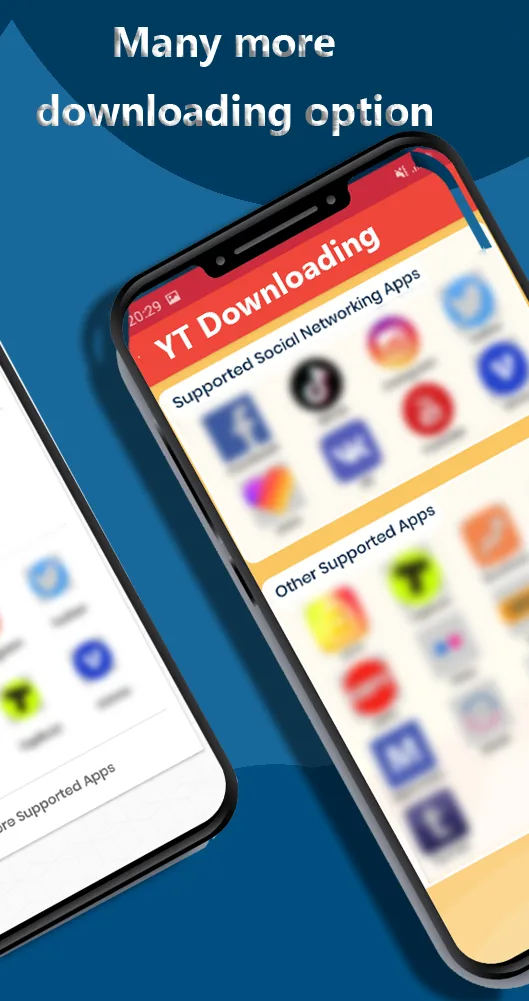
Benefits:
Download video in the background
Free video downloader, fastest video downloader , movie downloader and video saver
Fastest video downloader, inscrease download speed about 500% with super fast download mode
Build-in file manager
Support full high definition video download ( HD video download )
Download notification to let you know the download status at anytime
Support all download formats
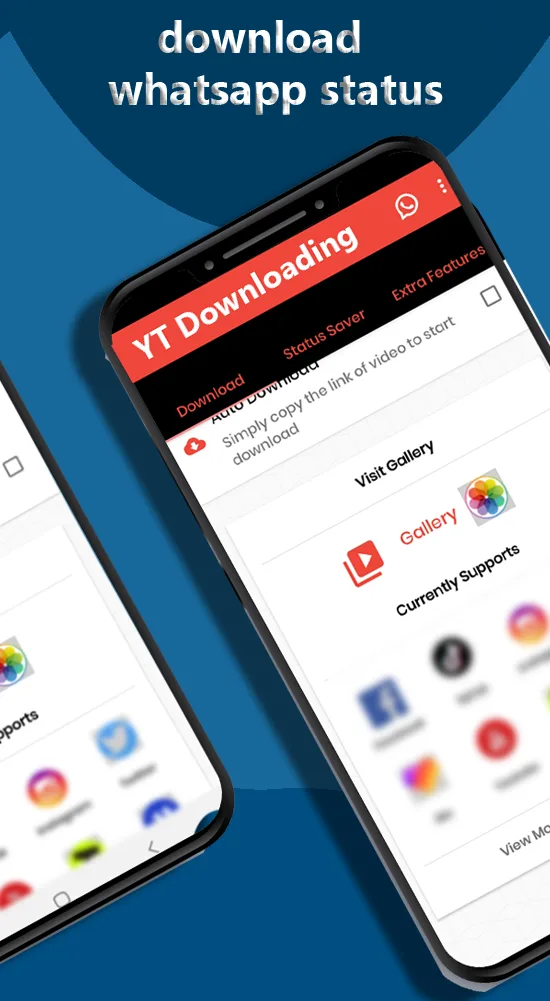
Tips for YTD Video Downloader:
Input the URL in the Browser tab to open the page from where you want to download the video.
Once the app has found the downloadable videos, choose which one you want.
Once it has downloaded, you can access it from the Downloads tab.
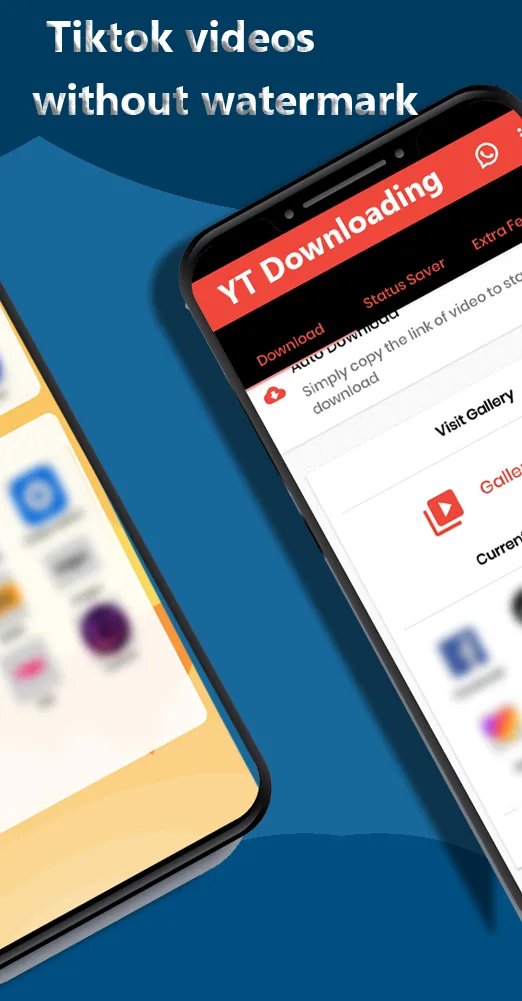
Conclusion:
YTD Video Downloader does have a basic built-in video player, or you can set a preferred external video player that it will use instead. Videos are available without the use of the program as well, of course. The program does request to install some unnecessary software during installation, but nothing is checked by default, so if you happen to skip through it, nothing extra will be installed.








