

Root Checker is a highly acclaimed root permission verification utility that helps users quickly verify whether their device has the correct root permissions and can safely and effectively execute root commands. Root Checker provides users with an intuitive and clear interface and powerful and convenient permission detection tools, allowing you to easily solve user management issues related to permission control. Root Checker provides you with detailed and reliable information about your device's root permissions, helping you solve various problems in customizing your device.
Click to load YouTube / 点击加载视频
YouTube ↗Fantastic Function of Root Checker
Verify and detect root permissions on your phone.
Check history and results.
Device information: model and Android version.
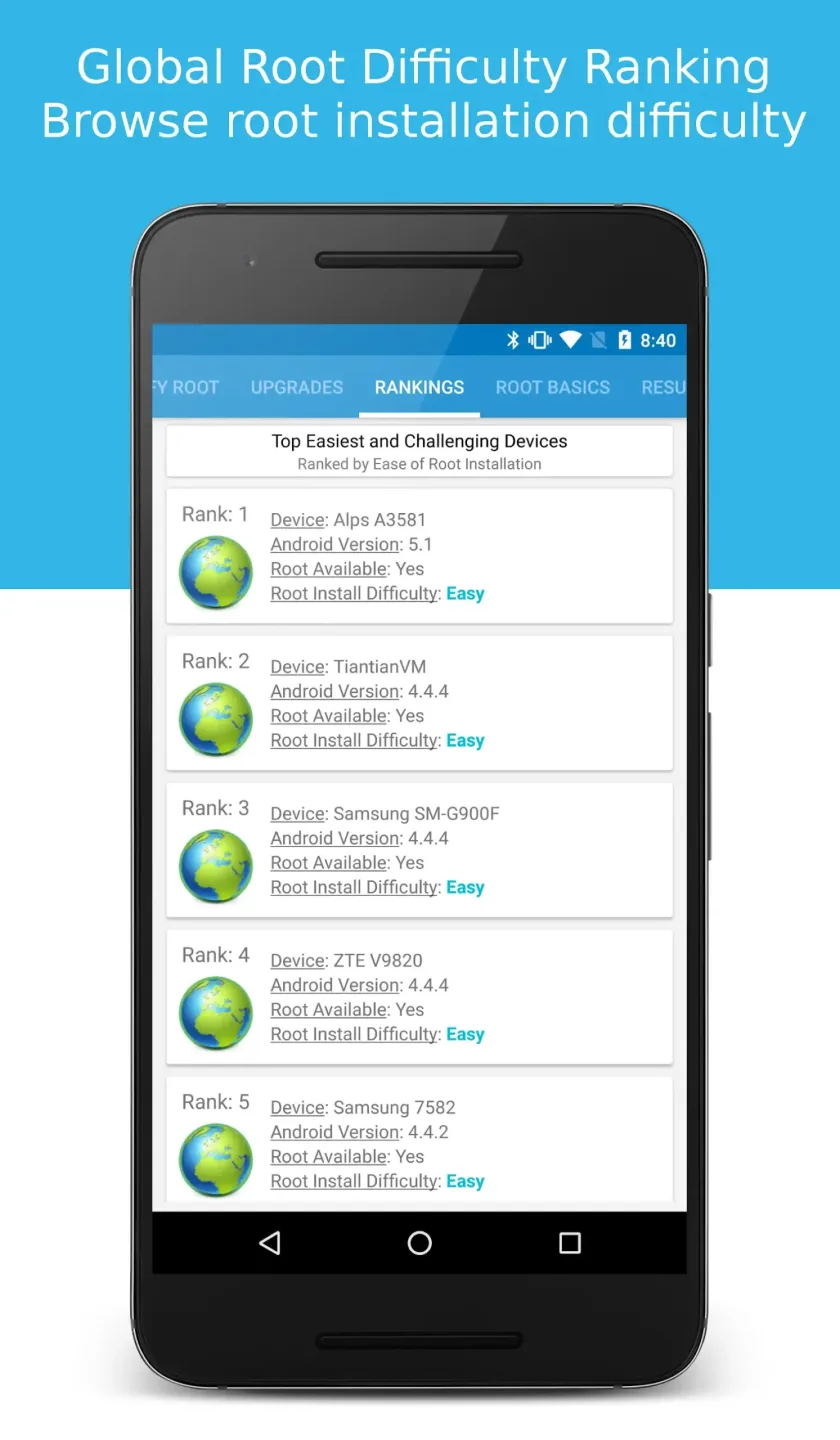
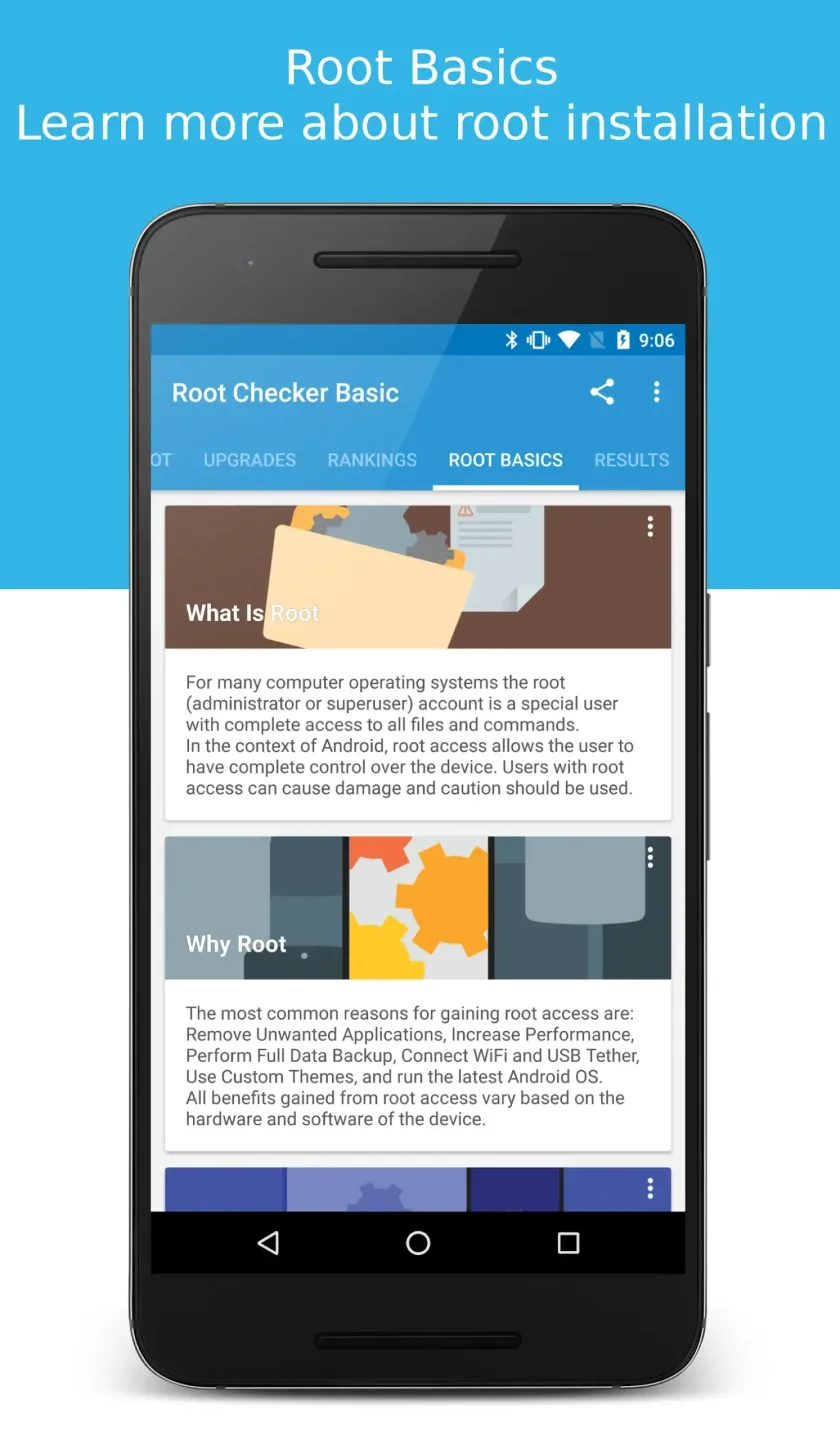
This section contains basic information about rooting: what rooting is, why you should root your phone, and how to root your phone.
Additional tools for superusers in professional mode.
Attractive Benefits of Root Checker
Download Root Checker and easily verify if your Android device has the correct root (superuser or su) permissions! With over 50 million Android device users, Root Checker's free, fast, and reliable service makes it the preferred application for users to understand their root permission status.
Root Checker uses a simple yet effective method to quickly assess whether your device has root permissions configured by checking the location and functionality of the su binary file. Whether you are an experienced root user or a newcomer exploring superuser permissions, Root Checker's intuitive interface makes the verification process easy and convenient.
When users encounter problems installing, activating, or removing root permissions, Root Checker provides a simple and easy-to-use solution to confirm the functionality of root access. By checking common superuser management applications such as SuperSU or Superuser, Root Checker ensures that users can safely and efficiently execute commands with root privileges.
Excellent Characteristics of Root Checker
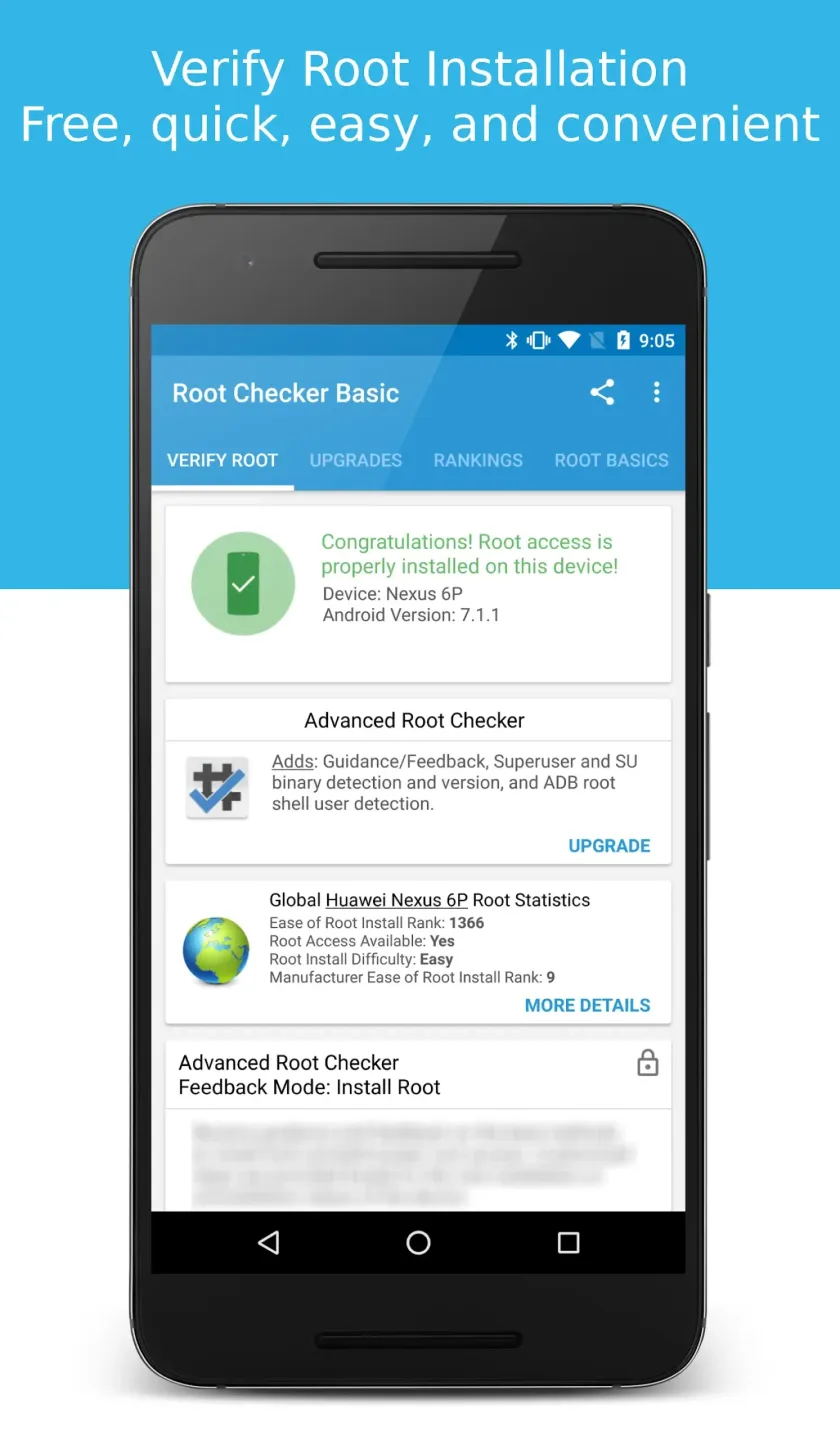
The Root Checker application checks whether a SuperUser management application (such as SuperSU, SuperUser, etc.) is installed and running correctly. If it is running correctly, the user will see a dialog box asking whether to accept the root permission request. After accepting the request, Root Checker will check and confirm root permissions. If the request is denied, Root Checker will show that root permissions were not obtained, even if the device is rooted.
On Android devices, the su binary file is used to grant and manage root (superuser) permissions. Root Checker will check and verify that the su binary file is located in the correct location on the device.
The application allows you to see if Busy Box is installed on your device and displays the status of Busy Box. Root Checker also displays device information and provides basic information about rooting.
Root Checker is compatible with Android devices and tablets.
Several popular developer forums provide information on how to obtain root access on Android devices.
Amazing Performance of Root Checker
One-Click Root Verification
With Root Checker, simply press the verify button to check if the SU binary file exists in common system locations. It then attempts to execute commands through this binary file to confirm that it actually grants superuser privileges, not just some invalid standalone file. If everything is configured correctly, you will see a message indicating that root access is enabled; if it fails, it means your device is not rooted or the configuration is invalid, and you need to go back and recheck the steps you performed earlier.
Verification History and Guides
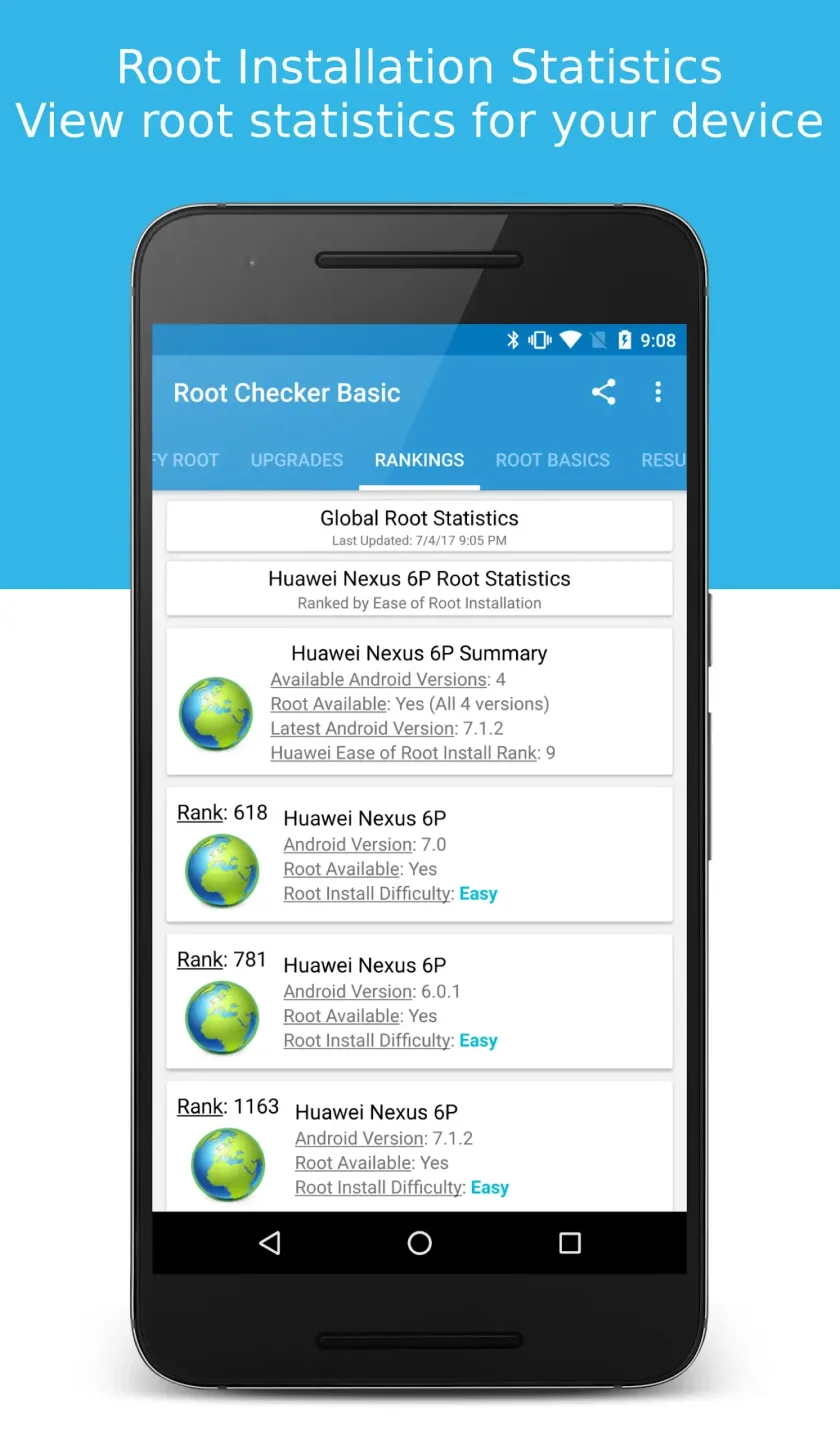
To make it easy for you to review previous check records, Root Checker saves all root access checks performed through the app. You can view the date and time of the request, the result, the duration, the device, and the Android version installed on the device when the check was performed. The app also includes a ranking feature where you can view the check results of other similar devices, as well as guides and tutorials related to the rooting process. These tutorials can teach you what rooting is, why you should root, and the conditions required for successful rooting.
See SU Binary File and Superuser Manager.
With Root Checker, you can check if the SU binary file (a key component of granting root privileges in the Android system) is correctly installed on your system. Additionally, if you have a superuser management application installed, such as SuperSU, Superuser, or Magisk, Root Checker will prompt you to allow root access when it requests it. If you accept the request, the app can confirm whether the superuser management tool is working correctly; if you deny the request, it will indicate that root access was not granted, which helps you diagnose permission issues.
Summarize
Download the Root Checker APK to confirm in seconds whether your device is correctly configured and running with root privileges, without the need for ADB commands or desktop tools. Root Checker provides you with clear information and reliable assurance, allowing you to confidently navigate the world of superuser privileges.








