

GoDuck is a web browsing software that allows users to access different network nodes simultaneously on up to five devices simply by registering an account. Users can freely browse restricted web content and download their favorite files, software, and images to their devices for convenient viewing and use anytime. GoDuck provides high-speed network nodes, ensuring smooth video playback and more stable, uninterrupted gaming, meeting all user needs. Security is also guaranteed; there are no log entries, and anonymous browsing automatically deletes browsing history, ensuring safe and secure use.
Click to load YouTube / 点击加载视频
YouTube ↗Features of GoDuck:
GoDuck VPN lets you securely browse the global web anytime, anywhere.
Enjoy simultaneous access on five devices, just one account is needed;
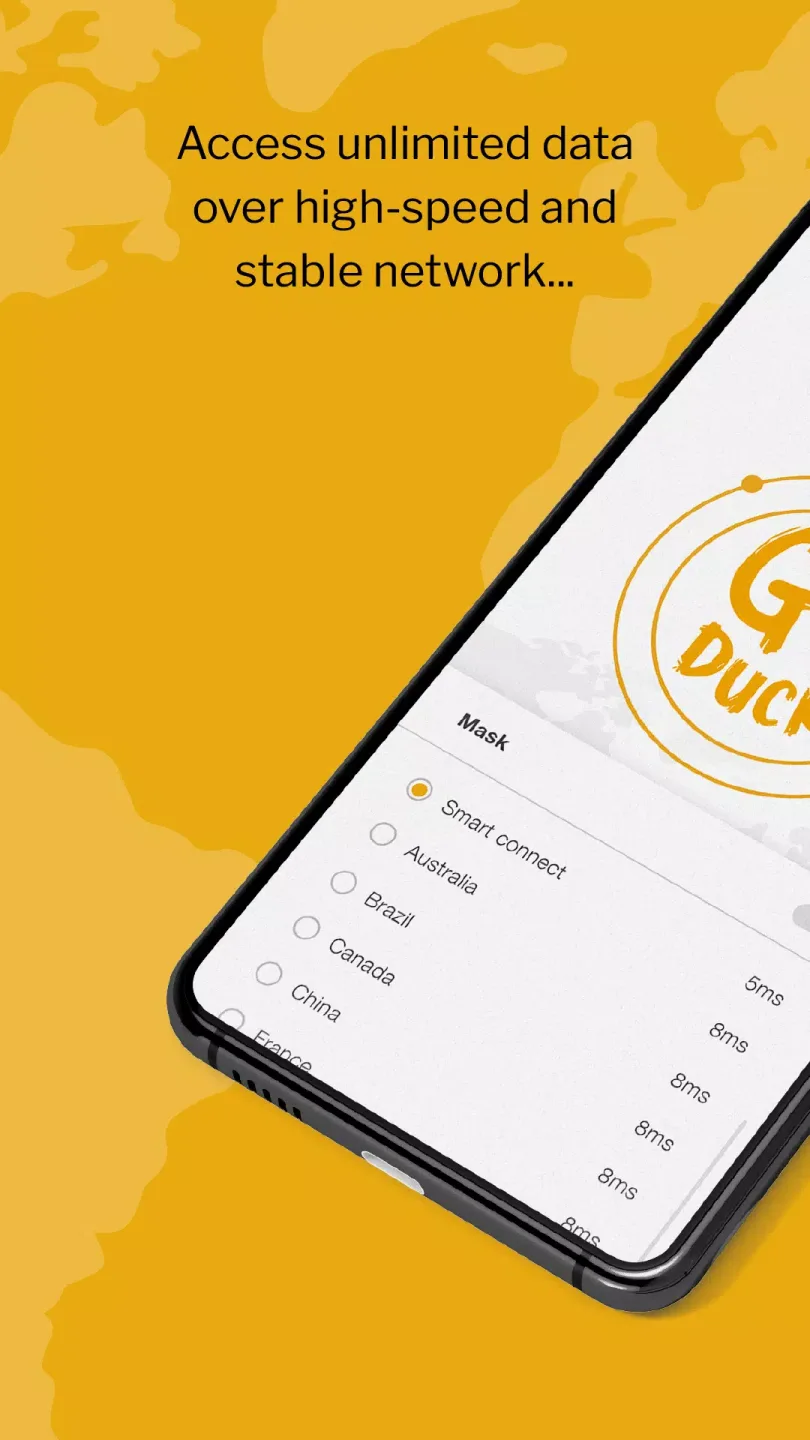
One-click connection with unlimited speed and unlimited data;
Cross-platform support: available on iOS, Android, Windows, and macOS;
Premium servers provides high-speed network, optimizes a stable experience for video and games;
Zero logs, no tracking, anonymous browsing;
Saving more for the Great subscription prices ever than before;
Share and earn rewards, get high commissions and 30 days VIP for free.
Functions of GoDuck:
Unbreakable VPN Security: GoDuck VPN acts as an invisible cloak, fully safeguarding your privacy. Every server employs cutting-edge encryption and a strict no-log policy, ensuring maximum privacy and data security.
Global Premium High-Speed Network: With GoDuck VPN’s top-tier global servers, smart routing, and automatic optimization, enjoy fast and stable connections wherever you are. Switch between protocols seamlessly and experience unlimited, unthrottled internet access.
Access Global Content Without Boundaries: GoDuck VPN lets you bypass regional restrictions and access content worldwide. From gaming and streaming to using international apps, explore internet freedom without boundaries.
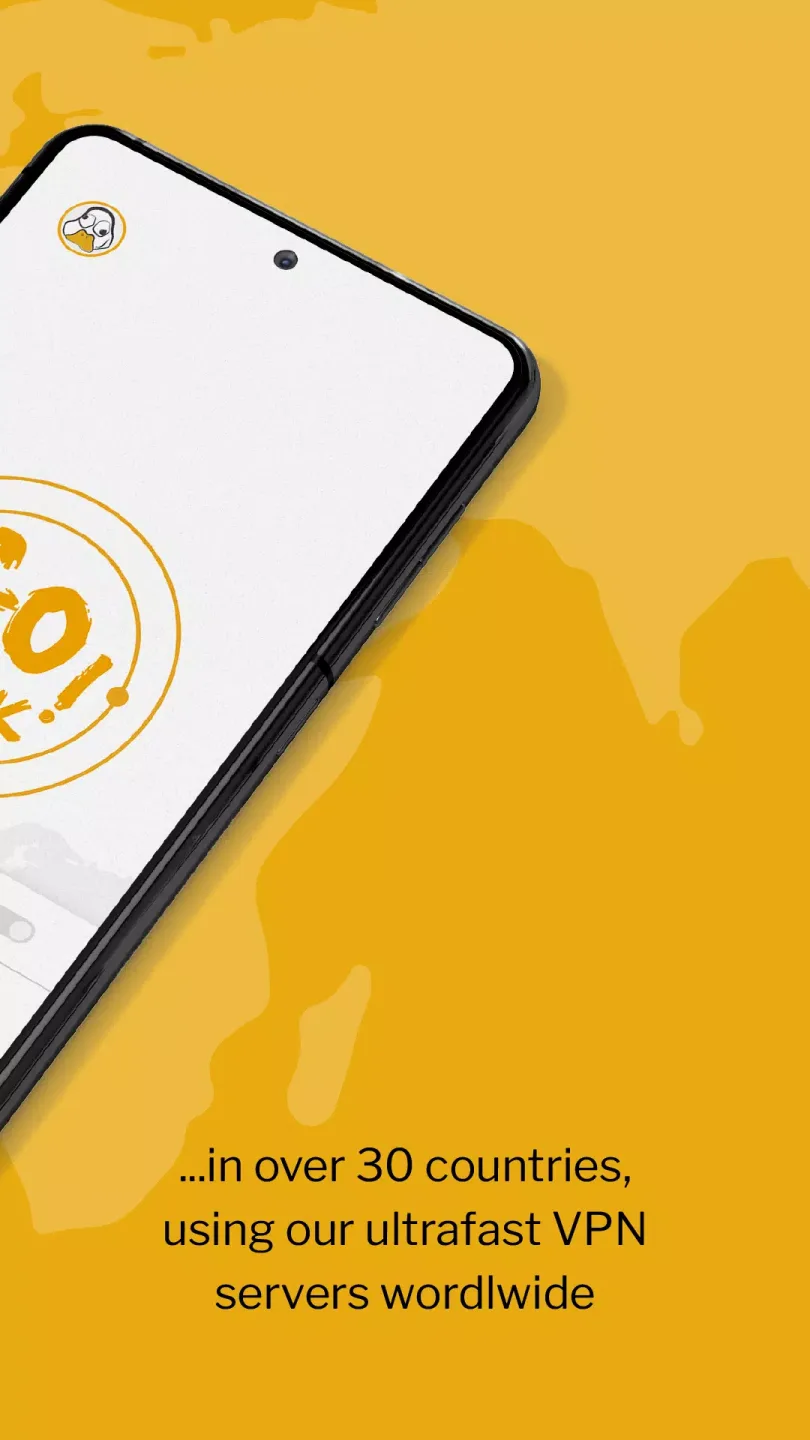
Ultra-Fast Dedicated Lines: GoDuck VPN uses a global acceleration network with premium dedicated channels to deliver stable, low-latency, high-bandwidth private-network-level connections. Browse or transfer data without limits — unlimited speed, unlimited data, zero buffering.
One Account, 5 Devices: With just one GoDuck VPN account, you can log in on up to 5 devices simultaneously! Whether it’s a phone, computer, or tablet, connect with ease anytime, anywhere.
Strategies of GoDuck:
Choose the right server: When using a VPN to access specific content, choose a server in the corresponding country or region to optimize speed and access.
Test your connection speed: Sometimes, using a VPN can slow down your Internet speed. Test the speed and try multiple servers to find the fastest one.
Consider legal restrictions: Know the regulations regarding VPN use in your location, as some countries have restrictions on VPN use.
Do not use VPN for illegal activities: Use VPN legally and unethically.
Turn off VPN when not in use: When you don't need to use VPN, disconnect it to increase Internet speed and avoid consuming computer or mobile device resources.
Update your app regularly: Make sure you're always using the latest version of your VPN app to get security improvements and bug fixes.
Conclusion:
GoDuck is engineered for simplicity, requiring just one click to connect to a VPN server. It ensures top-tier encryption, protects user privacy, and allows access to content that may be restricted in certain regions. Whether you're browsing on public Wi-Fi, streaming content, or simply looking to maintain anonymity online, GoDuck delivers a robust solution.








