
Remove Unwanted Object is a popular and practical photo editing tool that helps users easily remove specified objects from images, delivering satisfying visual results. Remove Unwanted Object features a modern and stylish interface, powerful functionality, and ease of use. Users can remove unwanted content from photos in just a few simple steps, saving you from tedious graphic editing processes. Remove Unwanted Object supports intelligent recognition and selection, providing excellent object removal capabilities.
Click to load YouTube / 点击加载视频
YouTube ↗Fantastic Highlights of Remove Unwanted Object
Remove telephone lines, utility poles, and power lines
Remove surface cracks and scratches
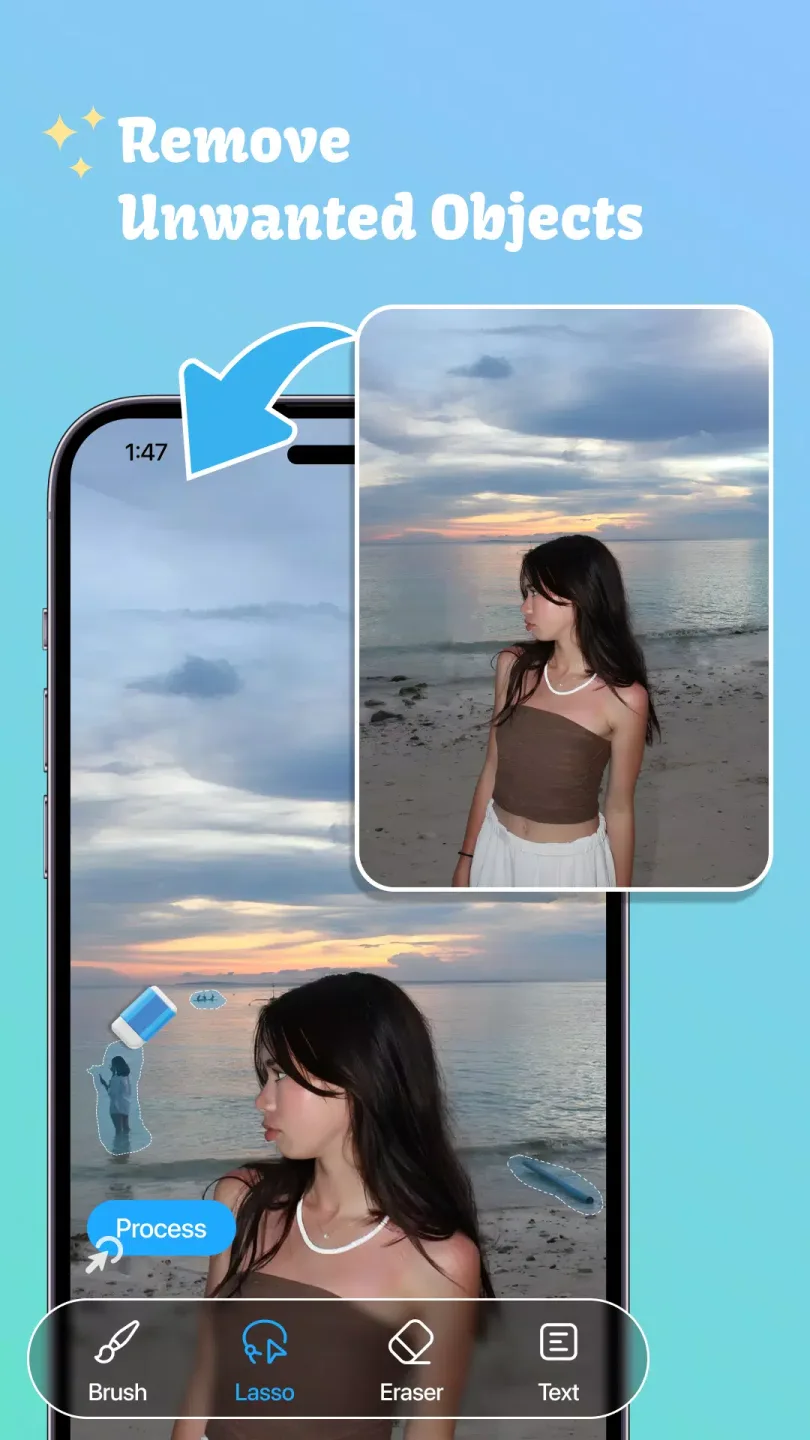
Remove unwanted people
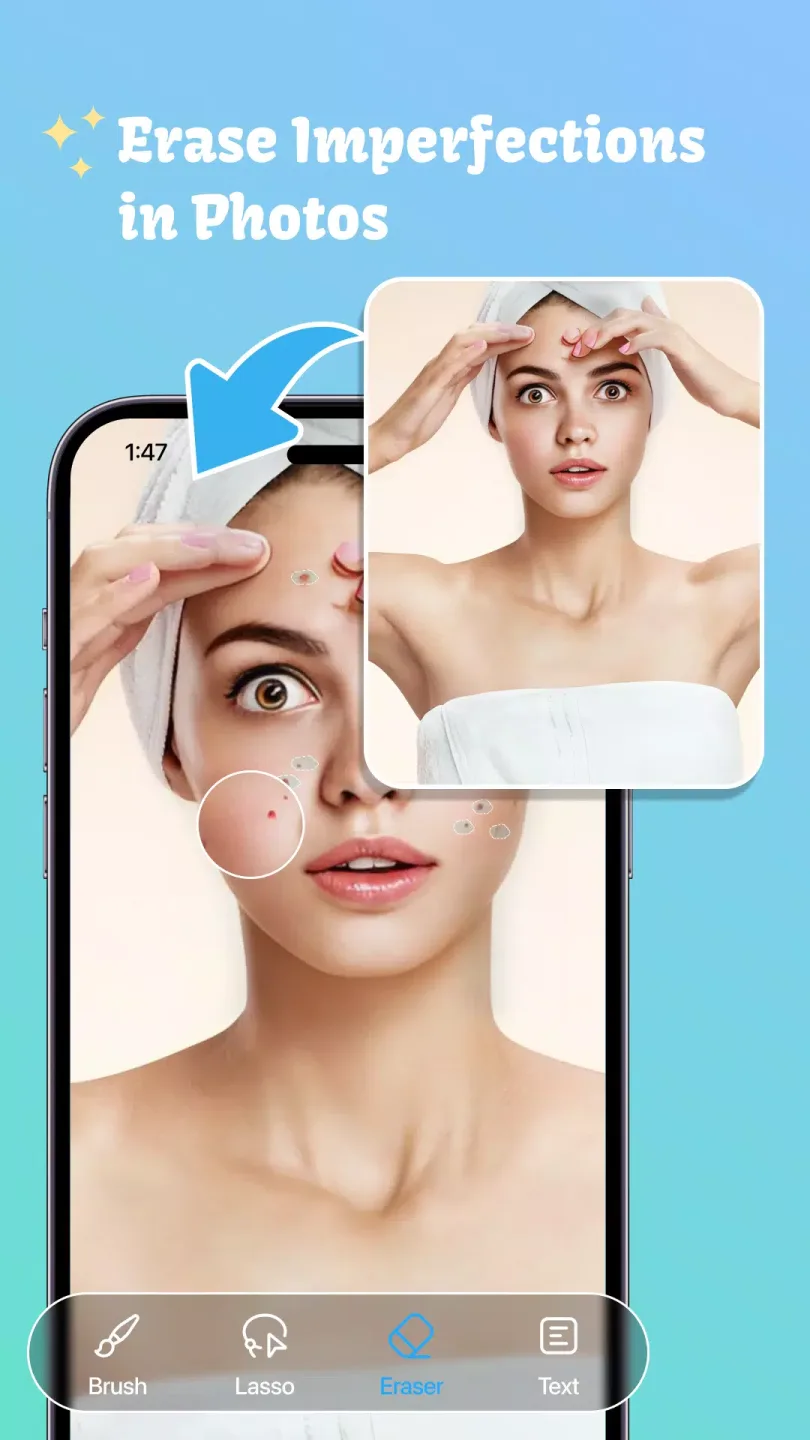
Eliminate acne and skin blemishes
Remove man-made objects such as traffic lights, road signs, and trash cans
Remove unwanted stickers or text, erase titles
Remove stamps and signs from photos
Remove anything you think will ruin the photo

Helpful Tips of Remove Unwanted Object
Select photos from your camera or gallery
Select the object to remove (selected in red).
Press the process button and witness the magical transformation of your photo.
Save or share this image with your friends.
Excellent Performance of Remove Unwanted Object
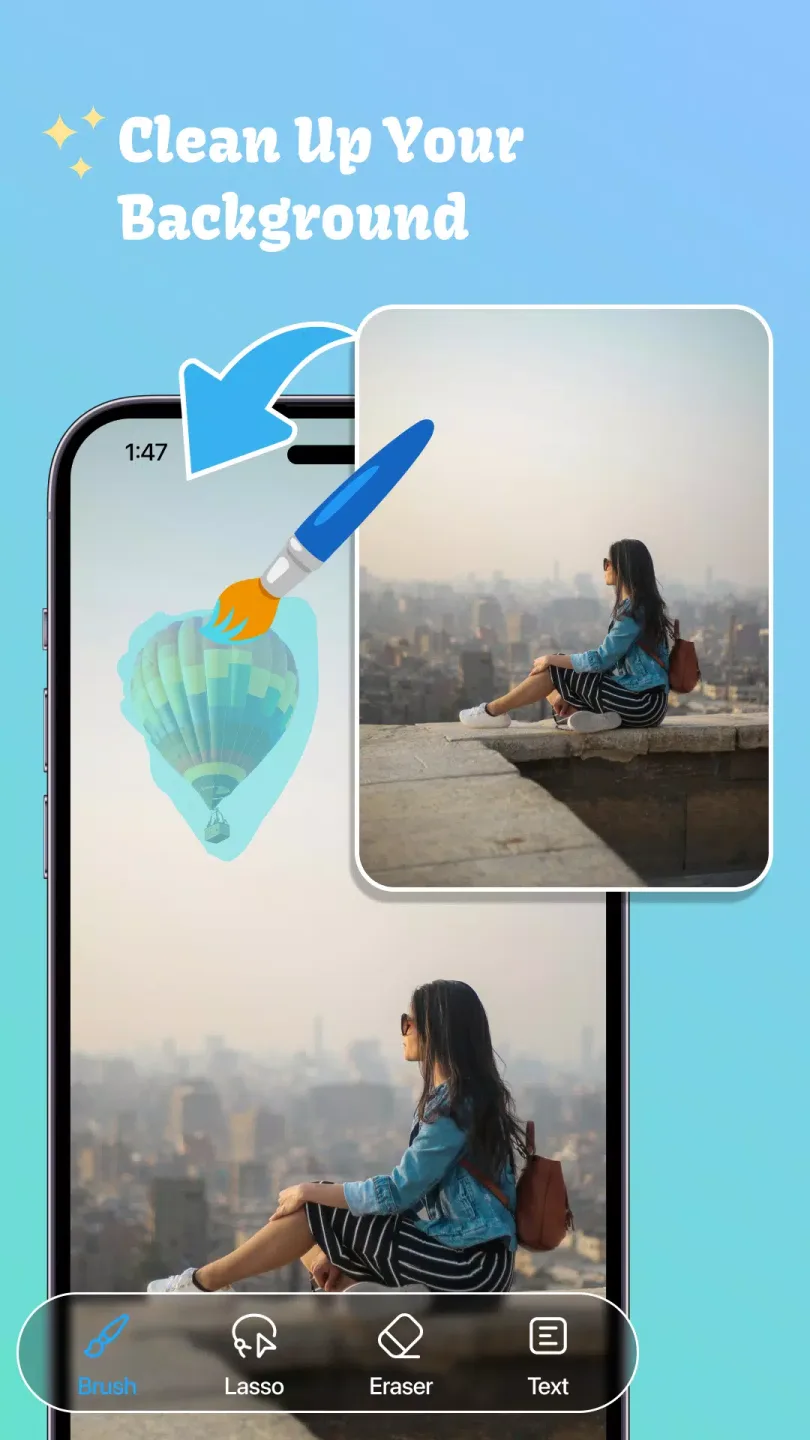
A wealth of tools to help you improve image quality.
This powerful and versatile app lets you easily change backgrounds. The AI background eraser lets you create unique avatars in different styles. Additionally, the clone object tool lets you creatively duplicate yourself or other elements. Easily remove skin blemishes and distortions for a flawless finish. The app offers precise tools like the brush, lasso, and eraser to ensure accurate blemish removal, while the pinch-to-zoom interface allows for fine-tuning.
Learn to edit photos like a pro.
This app includes easy-to-understand tutorials, allowing anyone to use the "Remove Objects" function like a pro. Simply select the photo, use the brush to paint or outline unwanted areas, refine as needed, and then click "Remove" to see the effect. Furthermore, the app includes convenient redo/undo options and before-and-after comparison features to help you further optimize your results.
Enhance your photo editing skills
The "Photo Editing - Remove Objects" app provides efficient object and background removal tools to help you easily improve your photo editing experience and achieve perfect images every time. Download the app now to easily fix blemishes and beautify your photos.
User's Comments of Remove Unwanted Object
This app is excellent. I can remove anything I want, even free if I watch ads. It also has more features, but I've only tried some. I think those will be super great, and I will try those later. I love this app, that's why I'm rating it 5 stars. You can also give it a try.
I've tried so many apps to enhance my picture and remove objects, and I like this app. The object removal is so satisfying, and the enhancers aren't great; they depend on the picture you want to enhance, but I like it. Good job!
So good object removing app. I don't have to pay for removing objects, and ads are short, so it's definitely the best app for removing objects.
Conclusion
This photo editing and background eraser app is always there to help you fix any blemishes in your images. Regardless of the actual quality of the photo, it effectively enhances it. We are constantly dedicated to improving the quality of our image eraser.








