

GC Auto Clicker is a unique and practical tool for automating tasks, helping users easily complete repetitive activities and freeing up their hands for more meaningful work. GC Auto Clicker offers users a stylish interface and powerful clicking capabilities, allowing for extensive customization to meet your flexible task needs. GC Auto Clicker supports features such as combined clicks, multi-touch points, simultaneous clicks, delayed start, and scheduled start. GC Auto Clicker improves your task efficiency, freeing you from the tedium of repetitive tasks.
Click to load YouTube / 点击加载视频
YouTube ↗Amazing Features of GC Auto Clicker
Delayed Scheduled Start
Need quick touches but can't use your phone? Whether it's a saved configuration or a new one, you can choose the start time for quick touches.
Simultaneous Click Mode
Is one click insufficient to complete the task? If you need to quickly click multiple targets simultaneously, you can choose simultaneous click mode.
Multi-Touch Click Mode
Multi-touch mode supports continuous clicks on multiple target points. Specifically, you can set the first target point to be clicked 10 times in a loop, then automatically click the second target point. The number of cycles for each target point can be set individually.
Combined Click Mode
Combined click mode supports simultaneous click, swipe, and long press operations. When playing games using a mobile auto-clicker app, you not only need to automatically click certain points on the screen, but also automatically swipe and long press to assist in performing other operations.
Edge Click Mode
Use our clicker when you need to click the edges of your phone screen with a single tap. Since edge click mode allows you to easily click the top, bottom, left, and right edges of the phone screen, you can click areas that other clickers do not support.
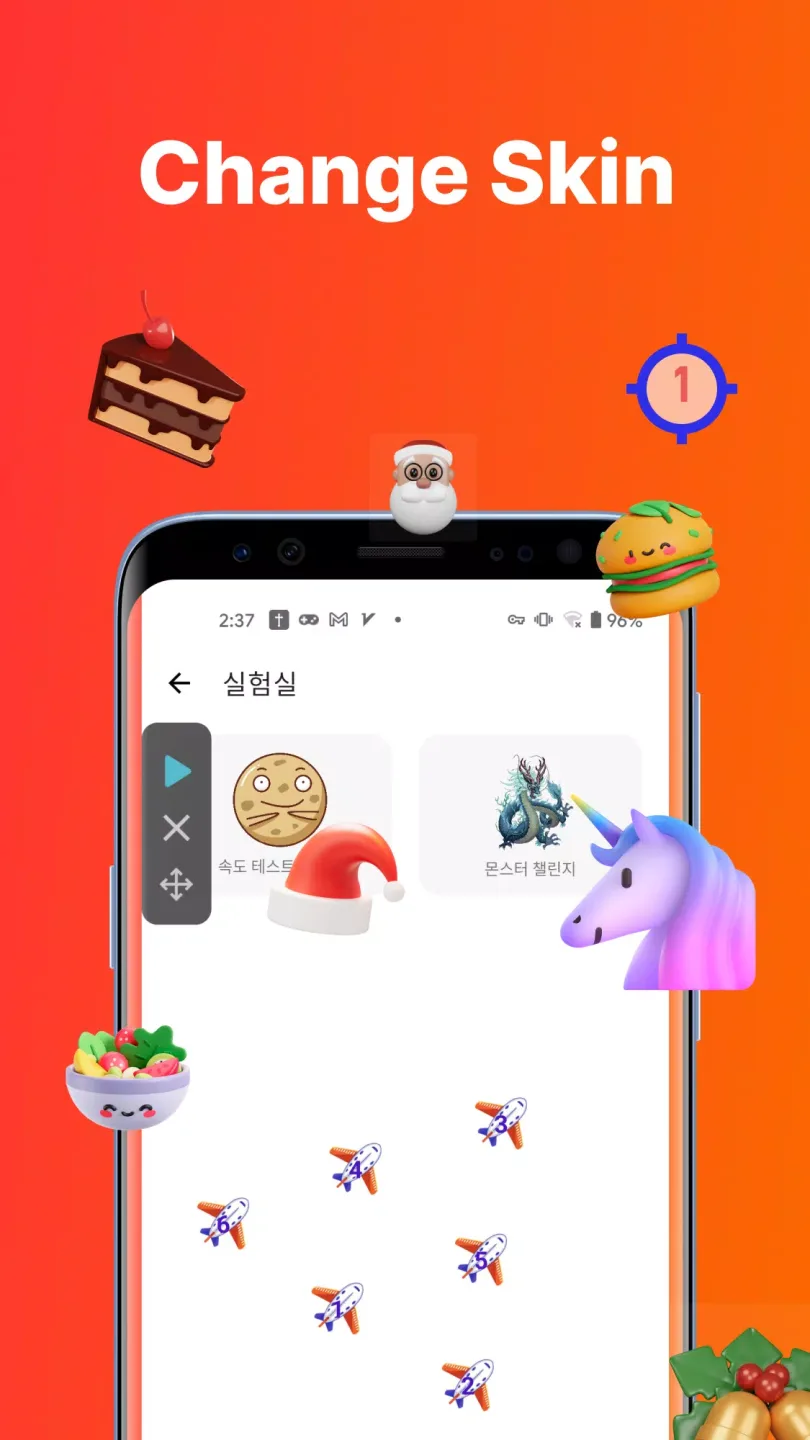
Attractive Characteristics of GC Auto Clicker
Looping and Timer Functionality
GC Auto Clicker allows you to loop operations as needed. You can also set a timer to stop the automation after a specific time. This feature is especially useful for placement games or testing repetitive applications.
Floating Control Panel
The floating control panel allows you to easily start, pause, or stop automation without leaving the current application. Its interface is clean and clear, and it can be placed anywhere on the screen for easy operation.
Import and Export Settings
You can save automation settings and export them for later use. This is very convenient for users who frequently switch devices or want to use different click configurations for multiple applications.
Game Anti-Detection Mode
For gamers, this mod APK includes an advanced anti-detection feature that randomizes click timing and touch coordinates. This helps prevent detection in games with auto-clicker restrictions, ensuring a safe and stable user experience.
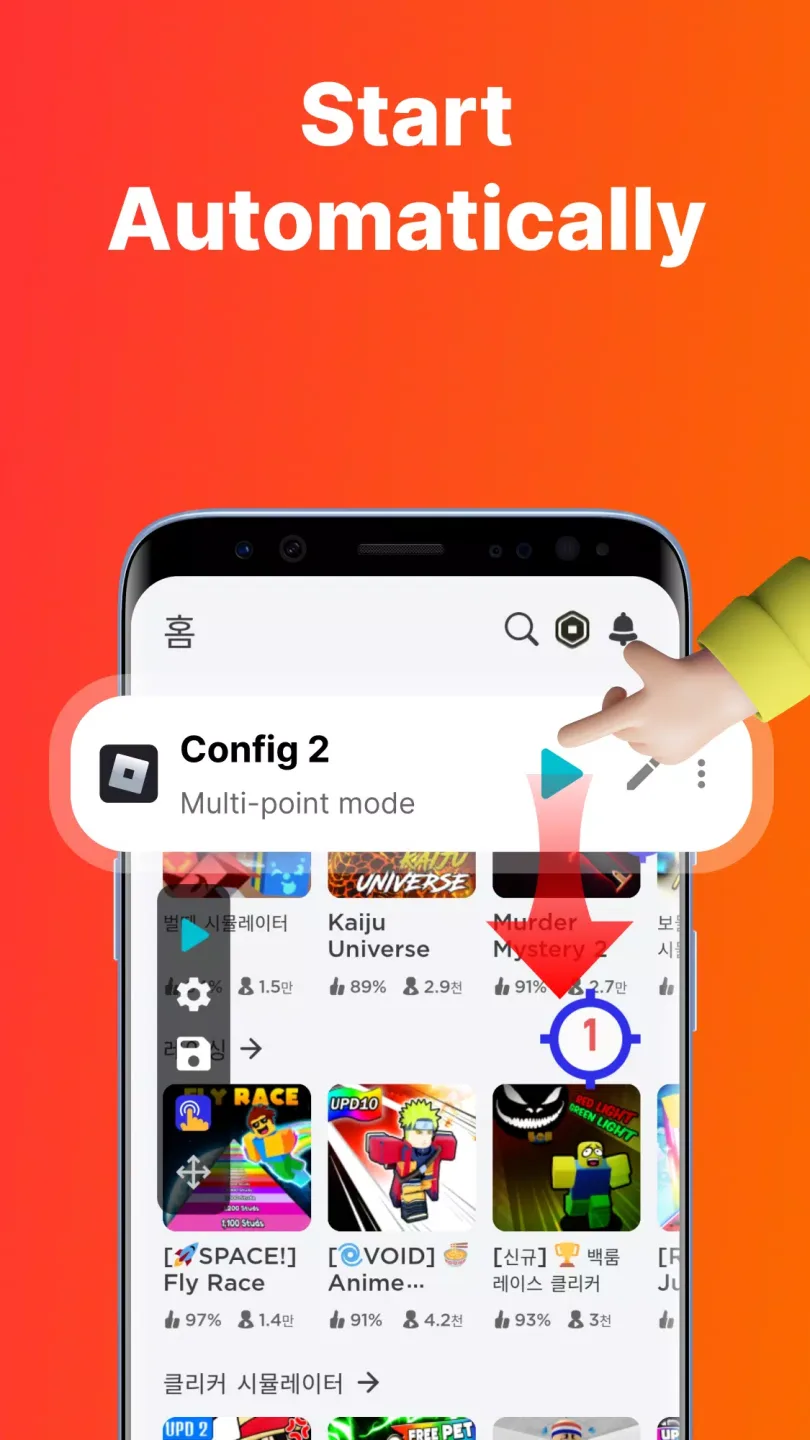
Enhancing Performance of GC Auto Clicker
Click Automation
Auto-Clicker allows you to automatically click the device screen without manual repetition. You can also set the click duration, click interval, and specific areas of the screen to be clicked. This feature is especially useful for mobile games that require rapid, repeated clicks.
Advanced Customization
This application offers rich customization options to adjust the automatic click behavior to the specific needs of each task. In the editing panel, you can create multiple configurations, save custom profiles, and adjust the speed and precision of each click. Furthermore, "Auto-Clicker" allows you to configure single and multiple clicks, as well as gestures such as swipes and drags.
Macro Recording
Auto-Clicker also features macro recording, allowing you to record actions and automatically replay them. This feature is suitable for complex tasks requiring a specific sequence of actions. You can record a series of clicks and gestures and then replay the macro multiple times as needed.
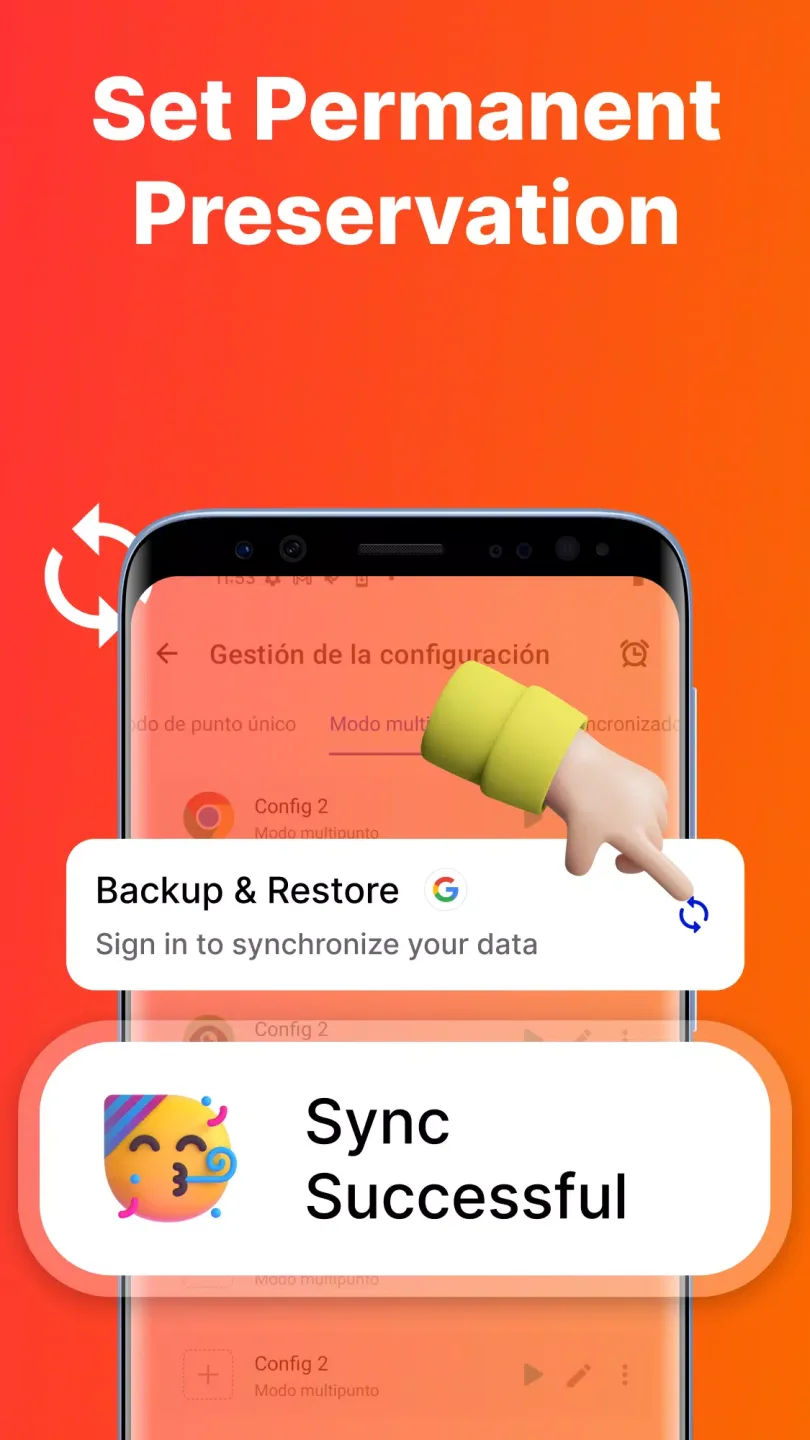
Outstanding Benefits of GC Auto Clicker
This app allows you to customize click intervals, durations, and click locations, giving you complete control over automation. You can record complex touch patterns and automatically play them back accurately and consistently. GC Auto Clicker also supports multi-tap and looping modes, making it ideal for idle games, repetitive tasks, or productivity tools.
The app boasts a clean and intuitive interface, setting up automatic clicks takes only seconds, and requires no root access. You can easily start or stop the auto-clicker using a floating control panel that remains available even when using other apps.
Final Words
Download the Auto Click - Automatic Clicker APK for free and automate clicks on Android in a simple, convenient, and customizable way. The app uses the AccessibilityService API to implement core functions such as automatic clicks, swipes, synchronized clicks, and long presses.








