

YTDLnis is a meticulously crafted media file downloader utility that helps users easily access video content from popular social media platform YouTube, satisfying your needs for flexible viewing, sharing, and secondary creation. YTDLnis presents users with a clear interface and powerful features, allowing them to enjoy high-quality, fast, and stable download services with simple operation steps. YTDLnis supports rich custom download options, allowing users to easily adjust image quality, format, and other options. Users can also experience convenient file management and multi-project processing functions.
Click to load YouTube / 点击加载视频
YouTube ↗Exclusive Functions of YTDLnis
Formats: Download various video and audio formats, such as MP4, MKV, WEBM, MP3, M4A, OGG, FLAC, WAV, etc. Use the built-in converter to convert video to audio or audio to video. View the complete list of supported formats.
Backup and Restore: Back up and restore your templates and settings using the backup and restore function. Transfer data to other devices or share it with friends.
Cookie Support: Log in with your account on various platforms to download private or unpublished videos. You can also unlock premium formats or features by logging into your account.
Excellent Features of YTDLnis
Search and Download Videos Directly from YTDLnis
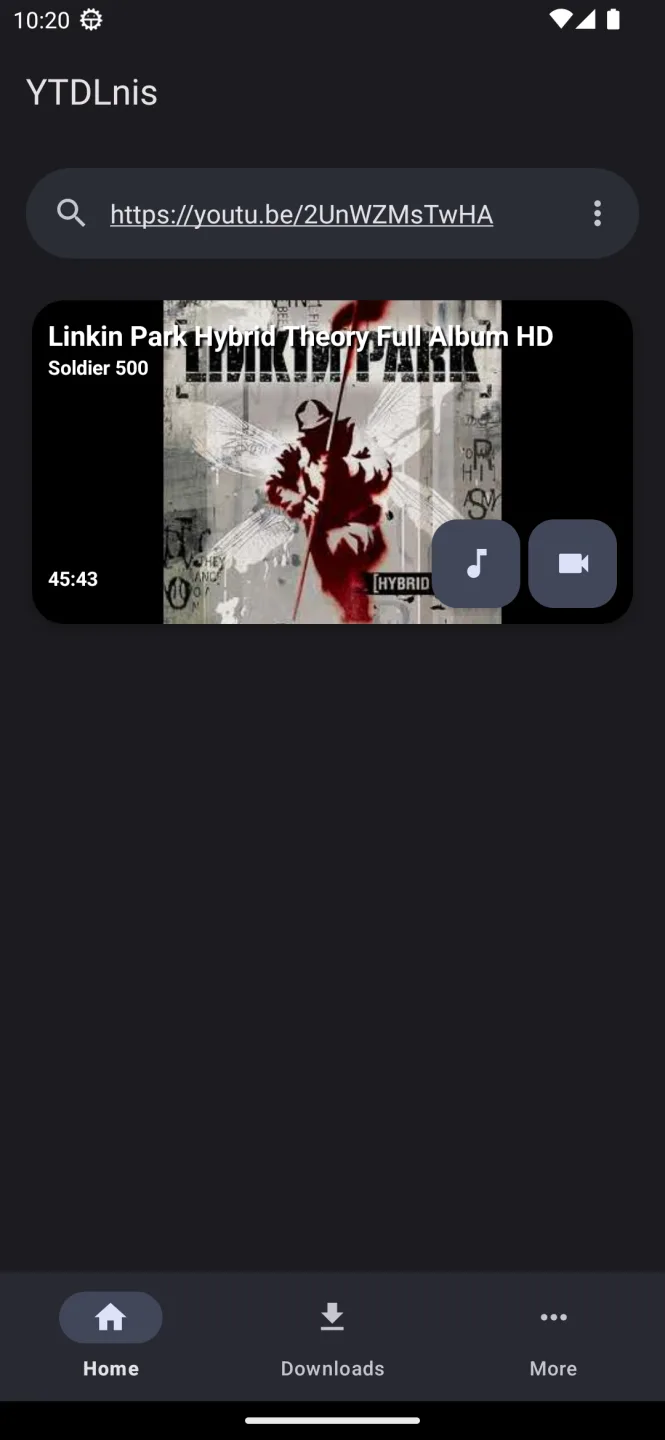
There are two ways to download videos using YTDLnis: paste the URL of the video you want to download, or use the app's built-in YouTube search engine. This allows you to find and download any video you want, either individually or as a playlist. Furthermore, you can automatically rename downloaded videos and download multiple files at once. If a download is interrupted, you can easily resume it.
Native Integration with Revanced Extended
YTDLnis integrates seamlessly with the Revanced Extended app, an enhanced version of YouTube offering even more features. This integration allows you to download any video you're watching on YouTube with a single tap and save it to your device for later viewing.
Outstanding Characteristics of YTDLnis
YTDLnis also offers additional settings, such as specifying an output directory, so users can easily organize downloaded files according to their preferences. This feature ensures easy access to these files when browsing saved content in other media players installed on your device.
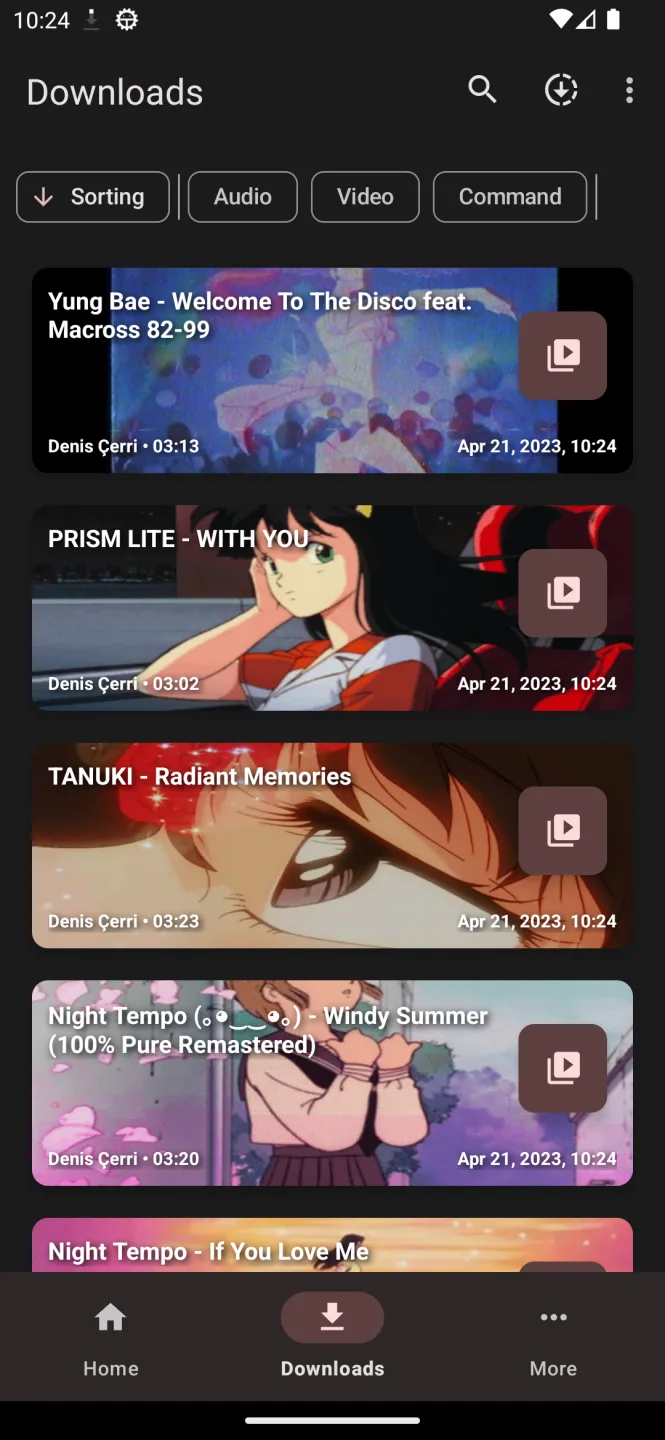
Another noteworthy highlight is YTDLnis's efficient batch download function—it not only allows users to download single files but also multiple videos simultaneously! Previously, downloading multiple videos required tedious manual operations; now you can easily add them all to the download queue!
Fantastic Highlights of YTDLnis
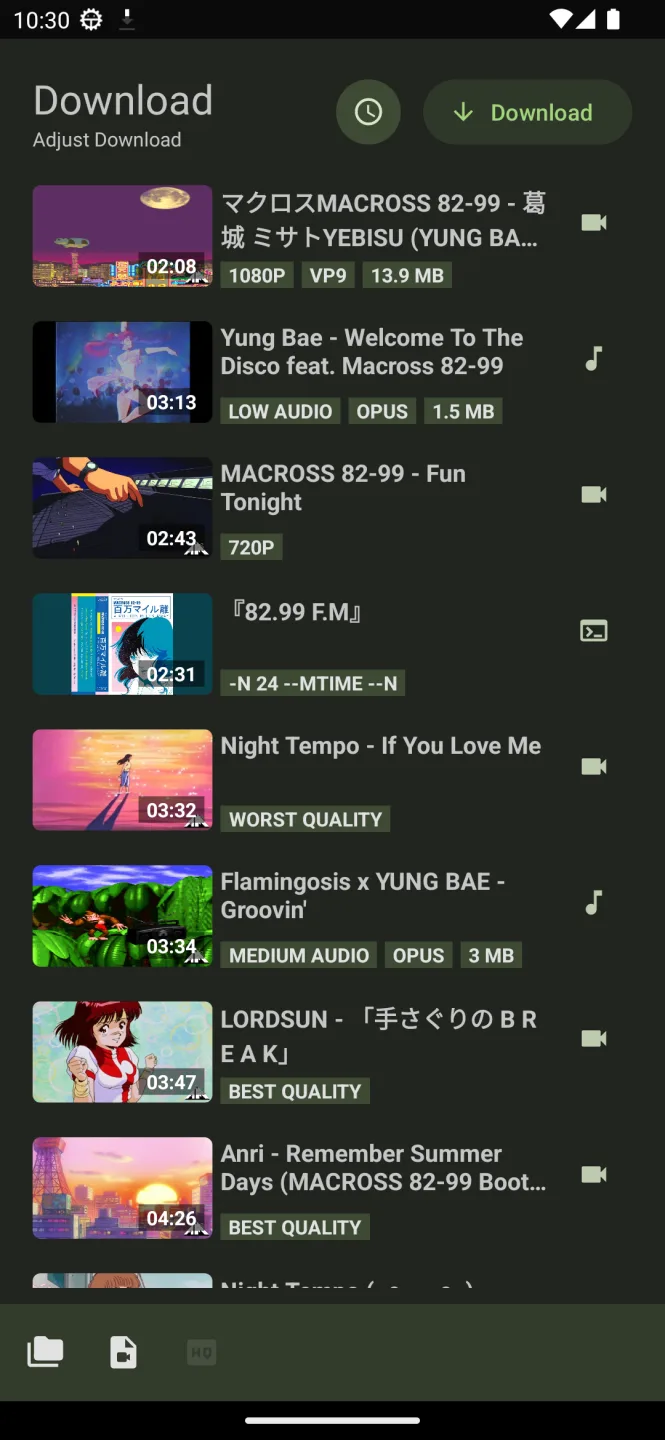
Choose a common format for all projects; if you're downloading videos, you can choose from multiple audio formats.
Choose download paths for all projects.
Choose filename templates for all projects.
One-click batch update of download types to audio/video/custom commands.
Add downloads to the queue and schedule downloads by date and time.
You can also schedule multiple projects simultaneously.
Download multiple projects simultaneously.
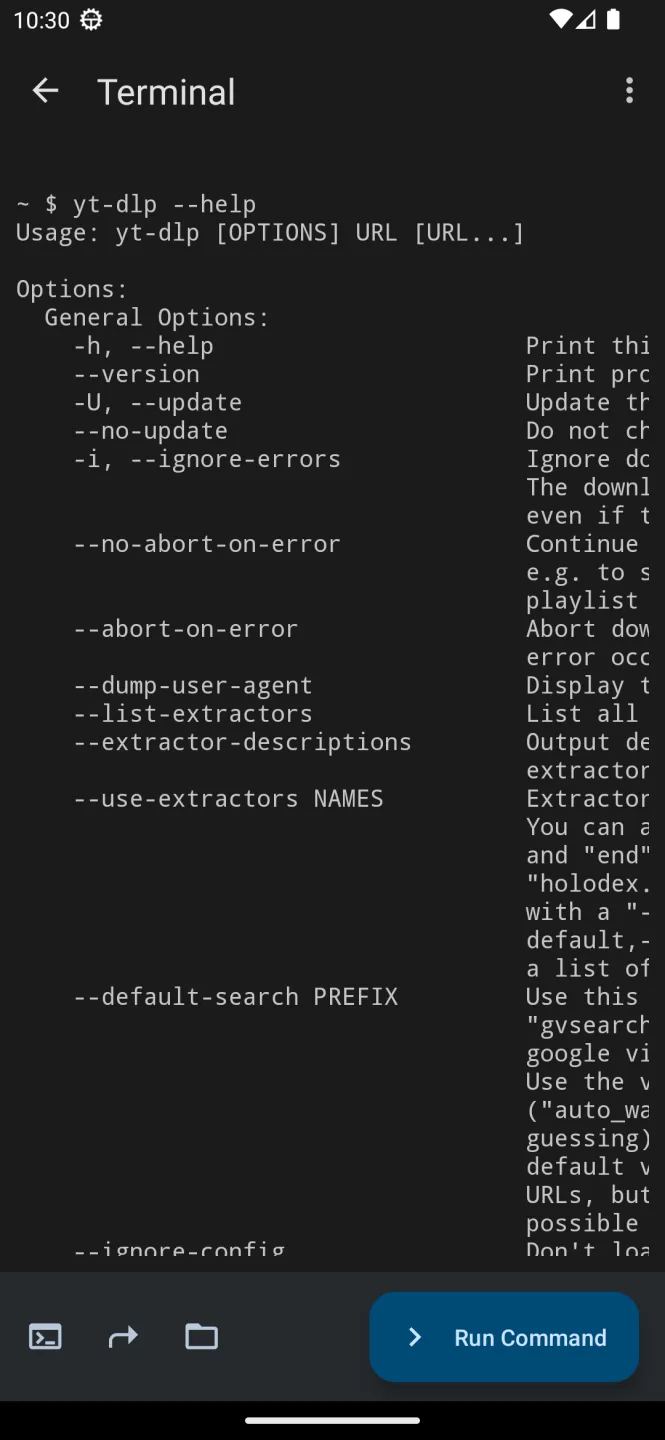
Use custom commands and templates, or fully enter yt-dlp mode using the built-in terminal.
You can back up and restore templates for sharing with friends.
Final Verdict
In short, if you're a loyal YouTube user who frequently craves offline video viewing or simply wants better control over your downloaded content, then YTDLnis is the perfect choice. With its intuitive interface, extensive customization options, batch download capabilities, and commitment to security and continuous improvement, this Android app is poised to revolutionize the world of video downloaders.








