
Exness is a powerful financial trading platform. The application provides users with an intuitive and user-friendly interface, allowing traders to access the financial markets anytime, anywhere. With Exness, you can trade forex, precious metals, cryptocurrencies, and more, and get real-time quotes for various financial instruments, helping you make informed decisions when managing your investments. Whether you are a novice or an experienced online trader, Exness can meet your needs and help simplify various financial transactions. Users can set price alerts, place market orders or pending orders, and manage risk through stop-loss and take-profit functions.
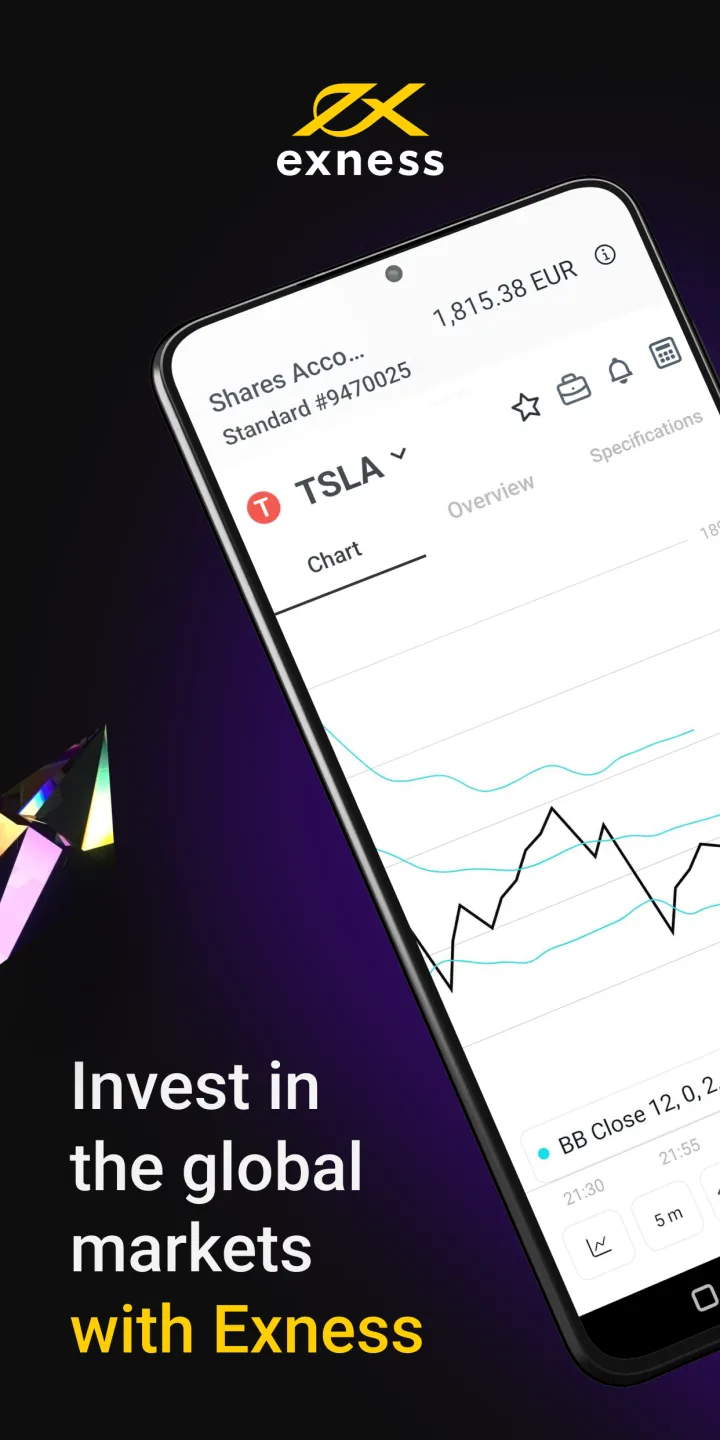
Features of Exness:
Trade stocks, gold, oil, indices, and more.
Receive essential notifications regarding your account balance, trading activity, and more.
Open, close, and modify trades.
View your open, pending, and closed trades.
Open as many new accounts as you need on the trading app.
Test your online trading skills and improve as a trader using a free demo account.
Chat with our live in-app support 24/7.
Strategize and identify your next trade using free market news and analysis.
Fund and withdraw from your account using your preferred payment method.
Pros and Cons of Exness:
Pros
Easy to use and navigate.
Secure trading environment with advanced encryption technology.
Offers access to global markets, including Forex, CFDs on commodities & indices.
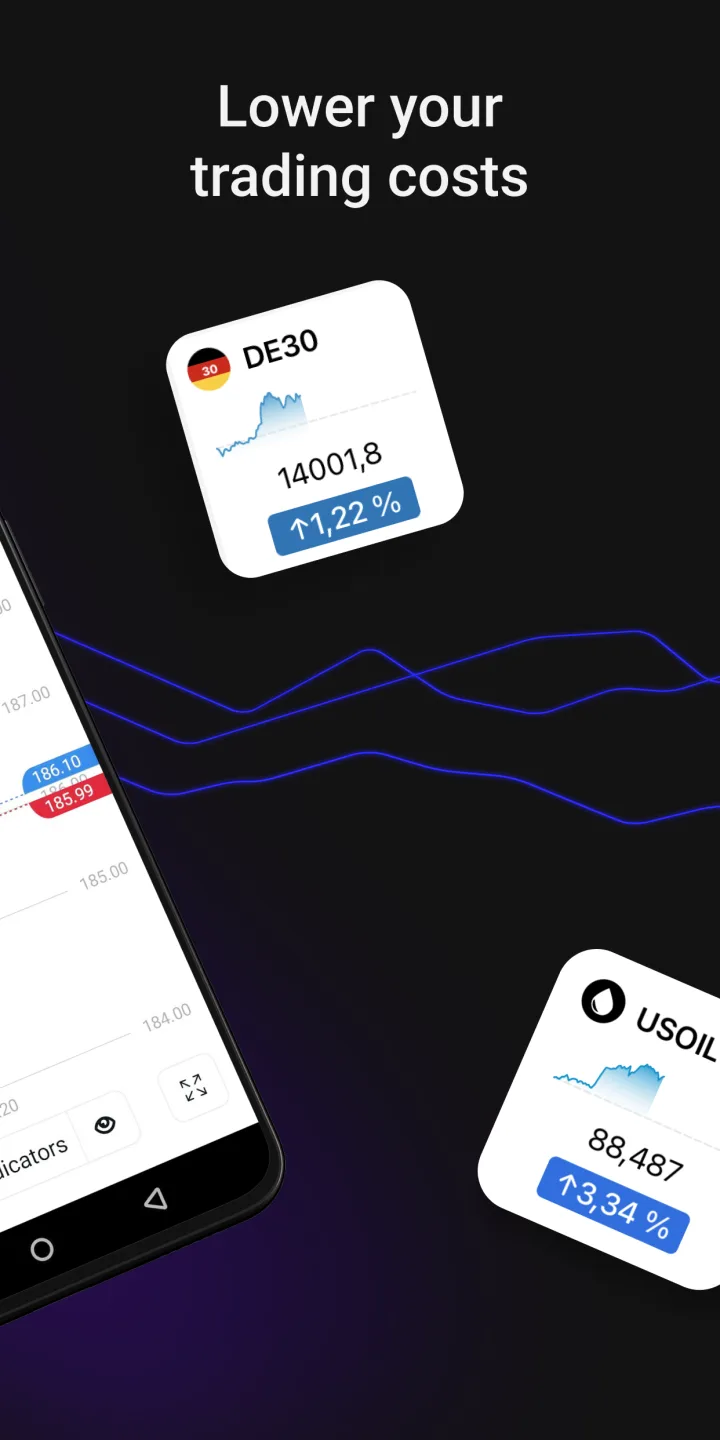
Live streaming quotes for more than 1000 instruments.
Accessible from any Android device anytime anywhere.
Real-time market news updates.
Advanced charting tools.
Cons
Limited trading options are available compared to the desktop version.
No access to advanced order types like OCO, trailing stops or hedging features.
Compatibility issues with some Android devices.
Slow response time when placing orders and executing trades.
FAQs about Exness:
What are the minimum system requirements for the Exness APK?
The APK requires Android 5.0 or later, at least 2GB RAM, 100MB free storage, and a stable internet connection of 1 Mbps or higher.
Can I trade both forex and CFDs using the Exness APK?
Yes, our mobile platform supports over 120 currency pairs and 400+ CFD instruments including indices and commodities, fully accessible via the APK.
How long does account verification take users?
Verification typically completes within 24 hours after submitting valid Emirates ID or passport and proof of residence documents through the mobile app.
What payment methods are available traders?
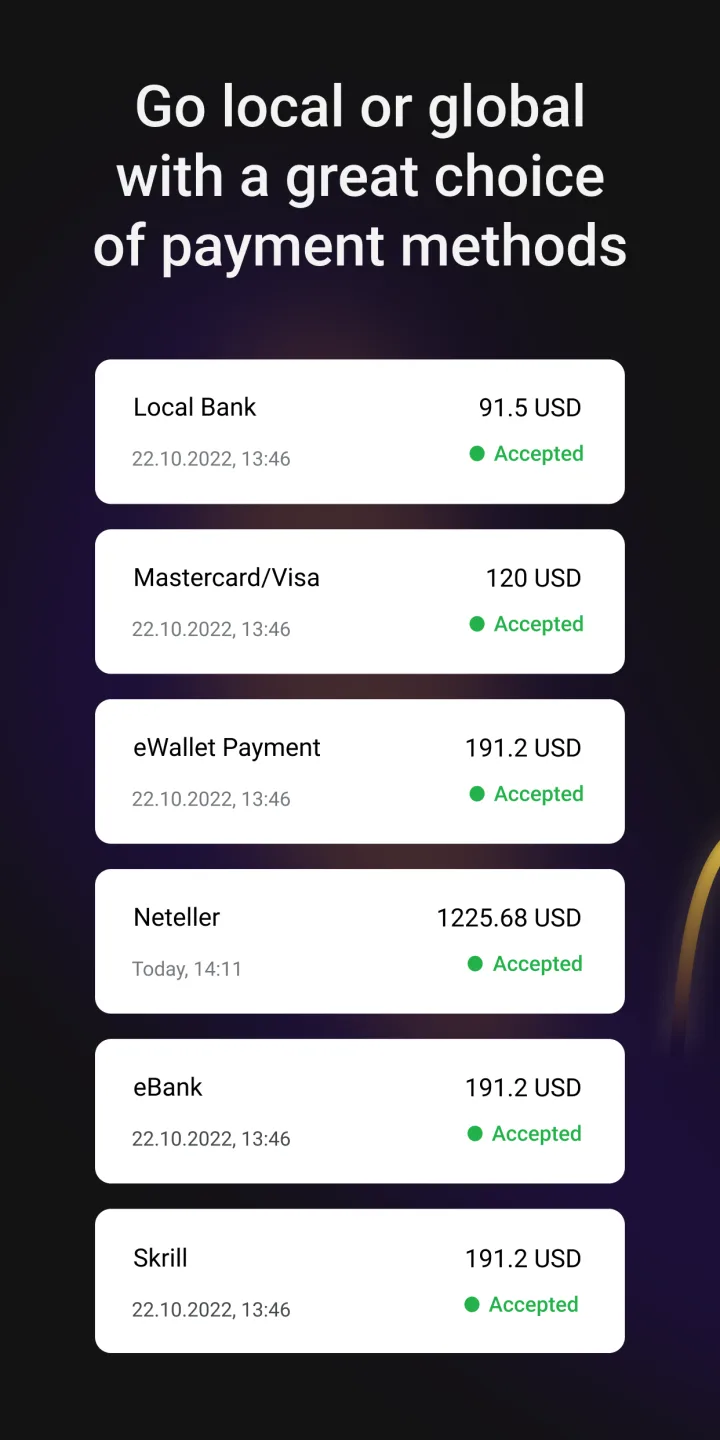
We accept deposits and withdrawals via local bank transfers, Visa/Mastercard cards, Skrill, Neteller, and local exchange services supporting AED currency.

Conclusion:
Exness delivers a clear and functional trading experience tailored for MT5 users on Windows. Its combination of account management, analysis tools, and demo account support makes it suitable for beginners and intermediate traders. Users should note that spreads, execution speed, and commissions depend on account type and market conditions. Despite these limitations, the platform provides a dependable framework for trading and strategy development in digital asset markets.