Notebloc Scanner is a highly praised document scanning utility that helps users complete complex office tasks more efficiently, making your data scanning more effortless. Notebloc Scanner presents users with a feature-rich, powerful, lightweight, and easy-to-use document scanning application. Users can experience advanced document editing, multi-page scanning, image recognition, and other services, and try one-click sharing and powerful conversion functions. Notebloc Scanner provides users with an efficient and convenient document processing and management tool to help you handle common document tasks.
Click to load YouTube / 点击加载视频
YouTube ↗Attractive Features of Notebloc Scanner
Unlimited Free Scanning: Scan as many pages as you want, without any restrictions or paywalls. Simply open the app, point your camera, and start scanning.
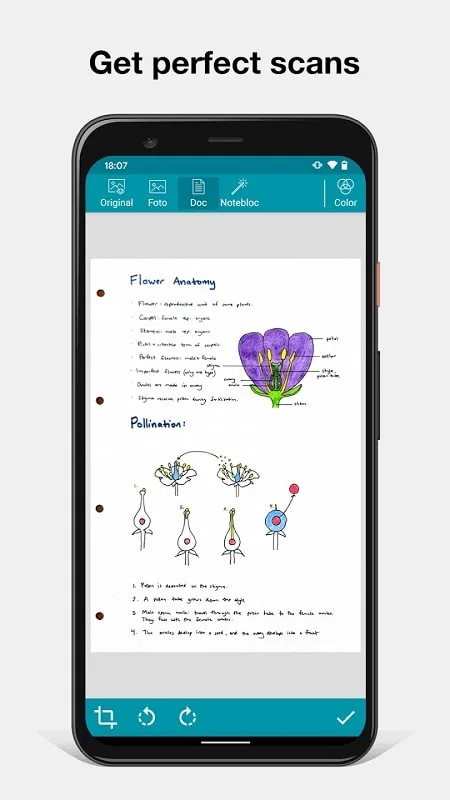
Instant Document Cleanup: The app takes a photo and automatically corrects the scanned document, removing strange shadows and making your notes or sketches look sharp and clear against a bright white background.
Multi-Page Scanning: Need to digitize a stack of documents? You can scan multiple pages consecutively and merge them into a single PDF or JPEG file.
Powerful Organization Tools: Easily organize all your documents using custom folders and subfolders. Rename files, sort by date, or move pages—making it easy to find the receipts or sketches you need.
Excellent Highlights of Notebloc Scanner
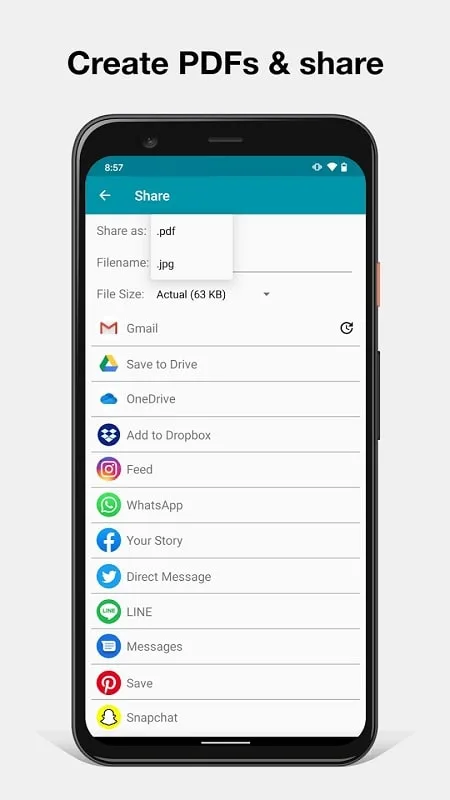
Create documents and save them as PDFs or JPGs.
Share documents online: email, instant messaging, social networks, and more.
Rename documents.
Categorize documents by creation date or version.
Choose the PDF file size you want to save your notes for.
Digitize images/other documents to save with Notebloc notes.
Add, copy, and sort pages within the same document.
Create folders to better organize your files.
Wonderful Function of Notebloc Scanner
Notebloc Scanner is a 100% free scanner application with unlimited use, developed by a Barcelona-based laptop company.
You can scan any type of document: notes, receipts, drawings, sketches, photos, or images.
Scan multiple pages at once using our multi-page scanning feature.
You can create single-page or multi-page documents and organize them into folders and subfolders.
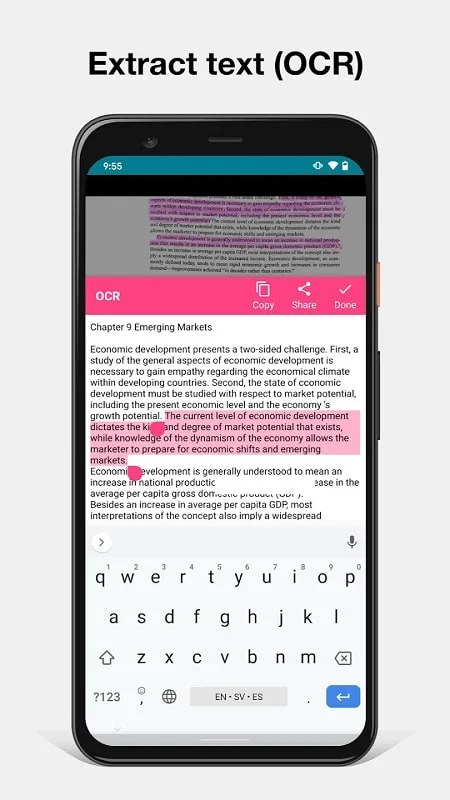
It includes OCR recognition capabilities for text in 18 different languages (English, Spanish, French, Italian, Danish, Catalan, Dutch, German, Finnish, Hungarian, Latin, Norwegian, Polish, Portuguese, Romanian, Swedish, Tagalog, and Turkish).
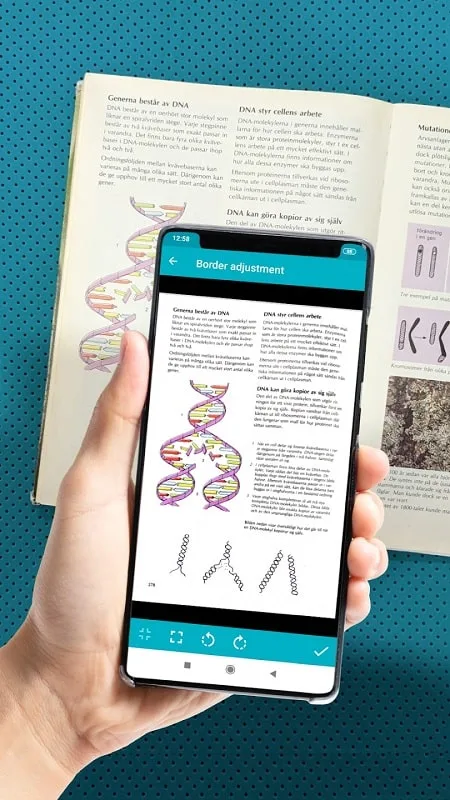
The app automatically detects the four corners of an image and corrects perspective to make it appear as if it were taken at a 90-degree angle.
Any shadows or other similar imperfections will disappear.
You can crop documents or images directly within the app.
You can save or share scanned documents via email/WhatsApp/Dropbox, etc.
User's Comments of Notebloc Scanner
This is a very nice scanner app to create PDF's that look professional. After a slight learning curve, I was able to photograph some paperwork, straighten the images, and email them to an associate. The app saves to storage, and can also sync with Google Cloud. My only wish is that support for an SD card be provided to save storage space.
i really like the way this app performance. the quality is crisp even if you're using an Android phone, the only downside is the ads inside it.
if you want a quick scan but you want to upload as many pictures as you like, this is the app you're looking for! I've been looking for an app that I can scan and make as words, but I couldn't... Until I found this!! Unlike other apps, they only recommend 2-3 pictures, but this? You can upload as many pics as you like!! There are ads, but it's not repetitive! anyways have a good day! :DD
Final Verdict
Have you ever wished you could throw away all those loose papers, receipts, or sketches and neatly store them on your phone? Notebloc Scanner's "Scan to PDF" feature can make that happen, and it's incredibly easy to use. Simply photograph any document to get a clear digital copy for easy saving or sharing. This app is perfect for users who want quick scanning, neat organization, and to say goodbye to clutter.