
Lockscreen Widgets and Drawer is a fantastic theme widget utility that helps users enhance their device's security while providing a beautiful visual experience through exquisite and practical lock screen widgets. Lockscreen Widgets and Drawer presents a lightweight, convenient, powerful, and easy-to-use widget theme application. Users can search and select from a vast library of widgets in an intuitive interface and apply them instantly with simple steps. Users can experience the convenient user experience brought by Lockscreen Widgets and Drawer widgets, with rich and flexible personalization adjustments to meet your basic daily needs.
Click to load YouTube / 点击加载视频
YouTube ↗Gripping Highlights of Lockscreen Widgets and Drawer
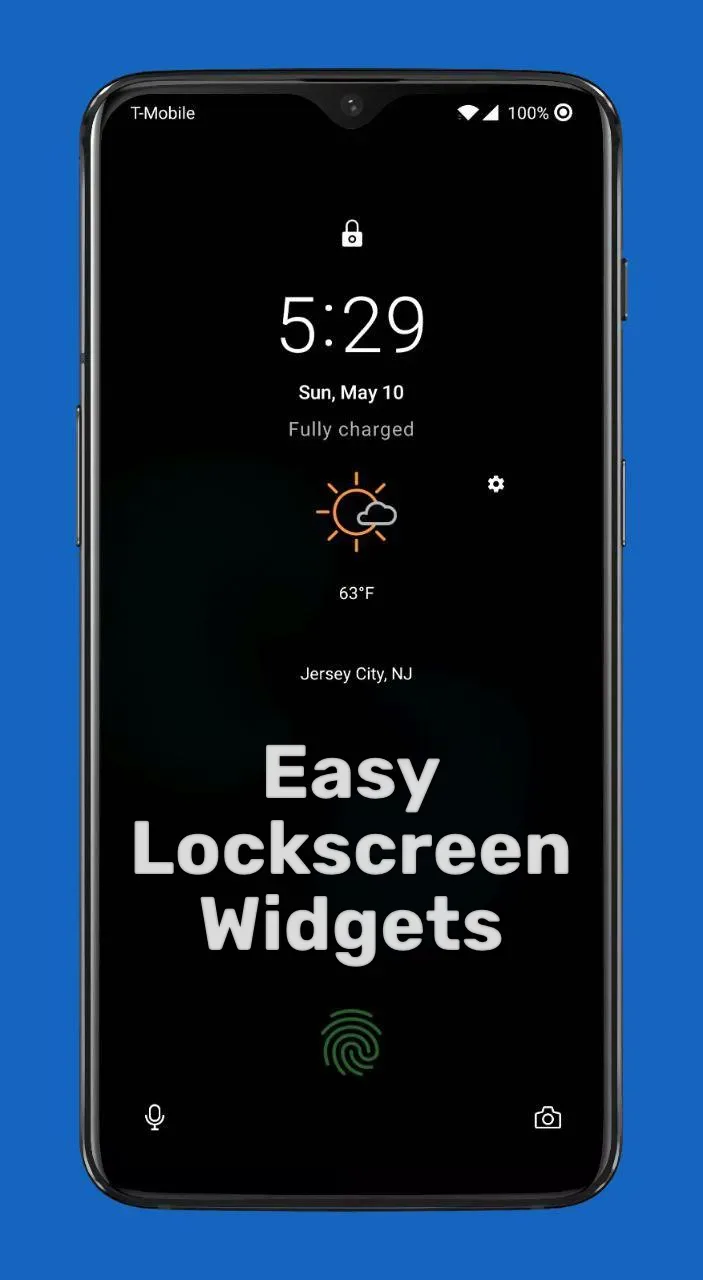
Lock screen widgets are displayed at the top of the lock screen in a paginated "frame" format.
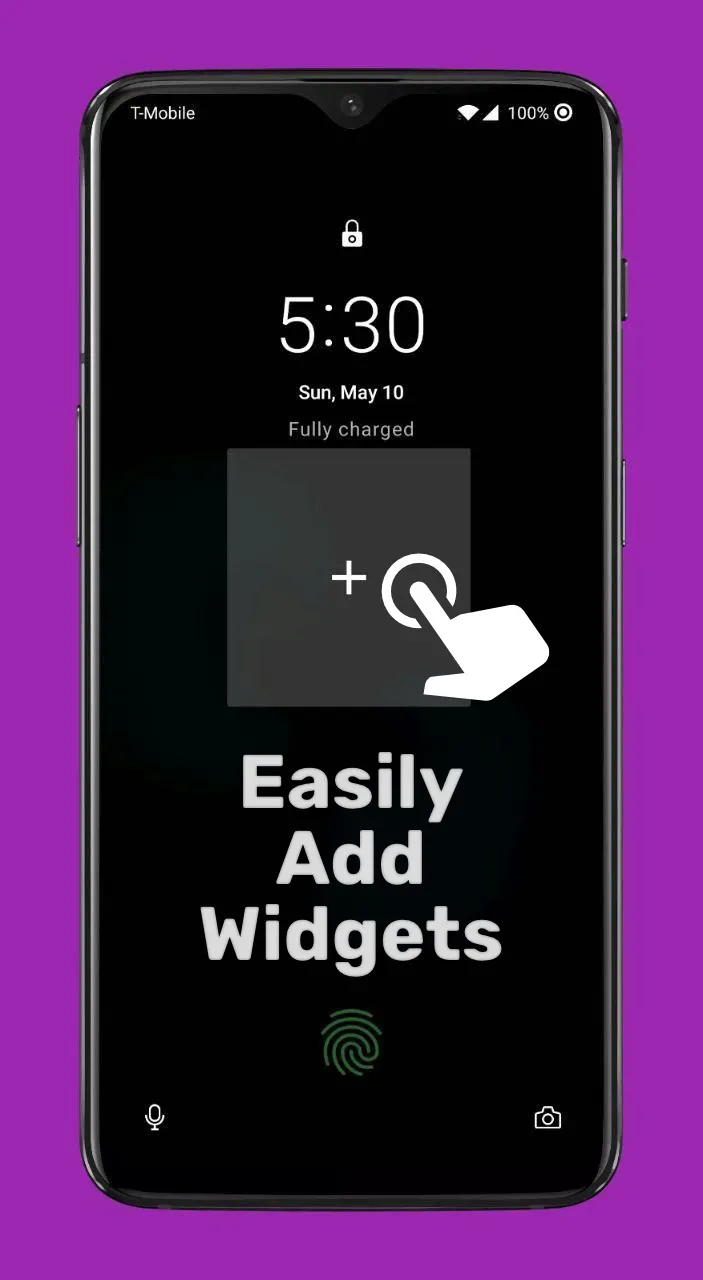
Click the plus button in the frame to add a widget. This plus button always points to the last page.
Each widget you add will have its own page, or you can place multiple widgets on one page.
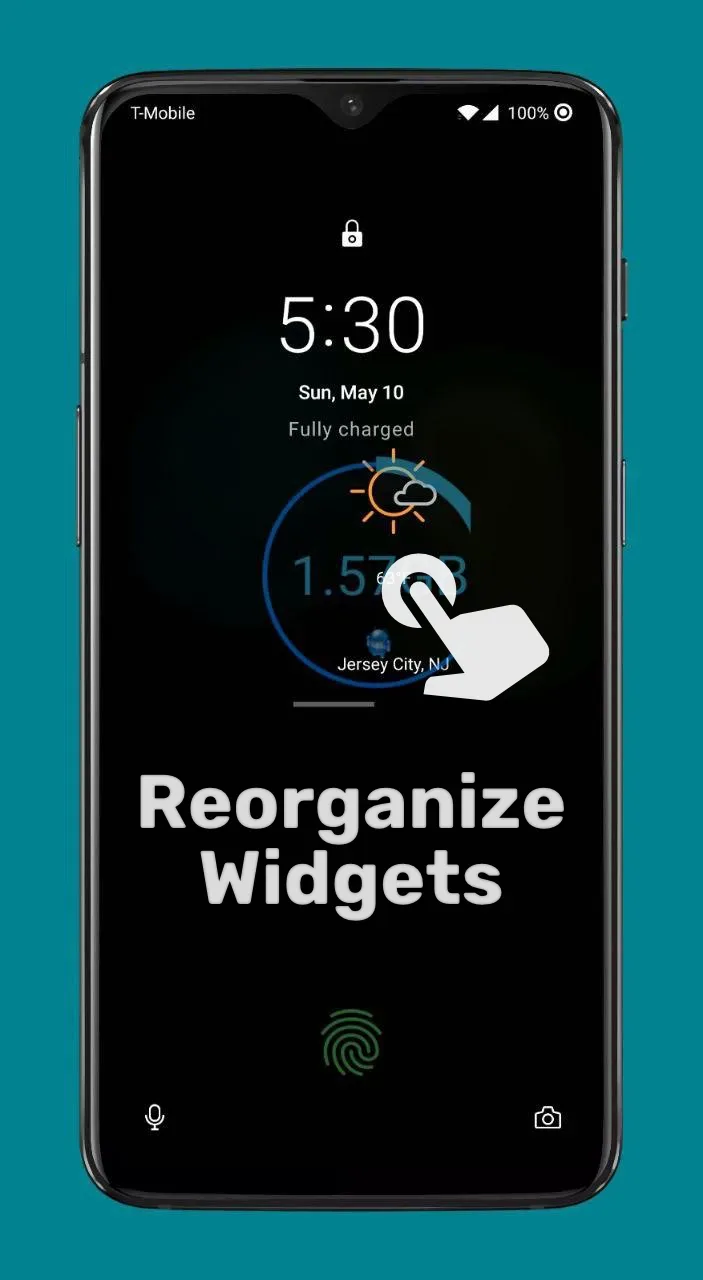
You can press and drag the controls to rearrange their order.
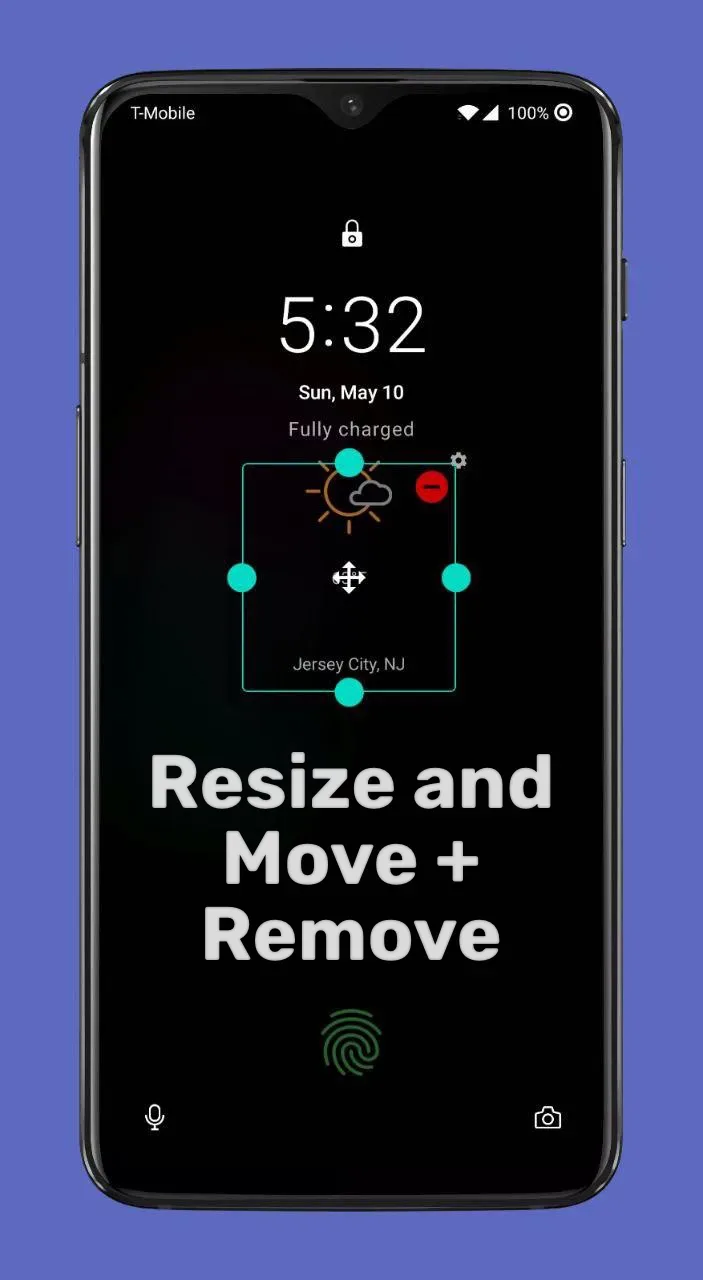
You can press and hold widgets to delete them or edit their size.
Tap the screen with two fingers to enter edit mode, where you can adjust the screen size and move its position.
Tap the border with three fingers to temporarily hide it. The border will reappear when the screen is turned off and on again.
Any home screen widget can be added as a lock screen widget.
Fantastic Performance of Lockscreen Widgets and Drawer
Widget Drawer
Upon entering the app, you'll see a drawer-style menu. This drawer contains your various widgets. You can access this drawer to quickly use widgets without unlocking the screen.
Lock Screen Widget Borders
This app brings you unique lock screen widget borders. You'll see a range of borders with different themes and styles, providing you with the richest selection.
Exclusive Features of Lockscreen Widgets and Drawer
Easy Widget Addition: You can quickly and easily add widgets to your phone's lock screen without any restrictions or difficulties.
Full Layout Control: With this application, you can quickly control and manage your lock screen interface. You can adjust widgets to your personal preferences and usage habits, and arrange them anywhere on the screen.
Gesture Editing: This app allows you to use gestures to install and use your phone. This feature makes operating your phone more convenient.
Swipe Access Anytime, Anywhere: Quickly and easily access widgets with just a gesture. You can customize gestures and use them to access widgets, bringing you a convenient and fun user experience.
Well-Organized Widget List: This app lets you quickly organize your widget list. You can easily add any widget you need to the list.
Simple Setup: The app's setup process is extremely simple. Just a few steps to easily and smoothly complete the setup and use the app.
Wonderful Characteristics of Lockscreen Widgets and Drawer
For the lock screen widgets and drawer to function effectively, accessibility features must first be enabled on the device, allowing the app to access, read notifications, and remove the device's original lock screen interface or display a secure input view. Additionally, the lock screen widgets and drawer need access to the user's photo library to support decorating the home screen with pictures and adding related widgets. These are necessary permission requirements; it is recommended that users grant the app all permissions to ensure smooth operation and avoid any interference. This will significantly improve the user experience of using the lock screen widgets and drawer.
With lock screen widgets and an app drawer, users can customize their lock screen for a more aesthetically pleasing look. Furthermore, by moving widgets from the home screen to the lock screen, users can conveniently view the latest app notifications without unlocking the screen. This is especially beneficial for busy users. Users can add various widgets to the lock screen, such as weather, messages, phone calls, gallery, and alarms. Calculators, contacts, dictionaries, and even social networking sites can also be added. Now, users no longer need a monotonous image on their lock screen; they can accomplish more and view all apps without unlocking the screen.
Final Thoughts
This app allowed you to display specific widgets on the lock screen. For some reason, this useful feature was removed in Android 5.0 Lollipop, and widgets could only be displayed on the home screen. While some manufacturers, such as Samsung, have restored some lock screen widget functionality, you usually can only use manufacturer-pre-created widgets. This app not only restores the previous functionality but also adds some additional features.








