

OneGlass 7 - Icon Pack is a minimalist theme application. It offers a large selection of minimalist themes and icon packs to make your home screen incredibly clean and uncluttered, showcasing your stylish taste. With OneGlass 7 - Icon Pack, you can find your favorite styles in a vast and extensive icon library that blend perfectly with your wallpaper. If you're not satisfied, it will also recommend several different wallpapers to match. Furthermore, if you get tired of using a particular icon set for a long time, you can easily switch to it to refresh your screen.
Higlights:
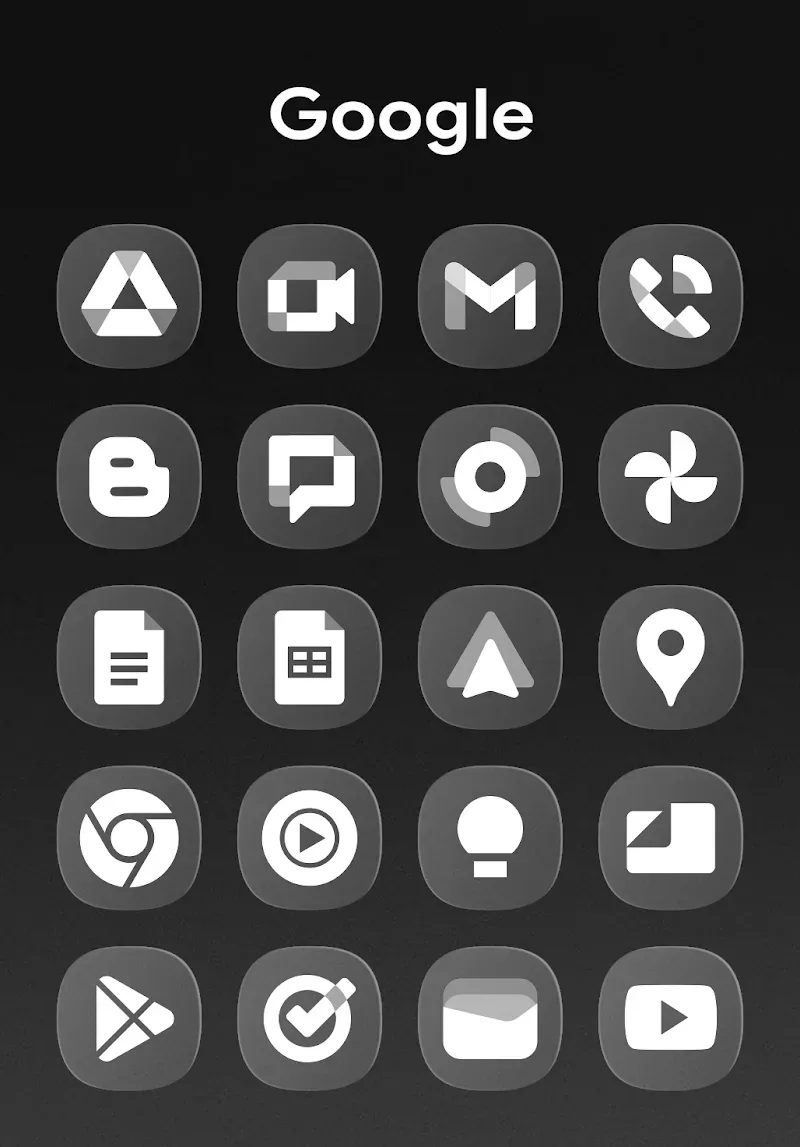
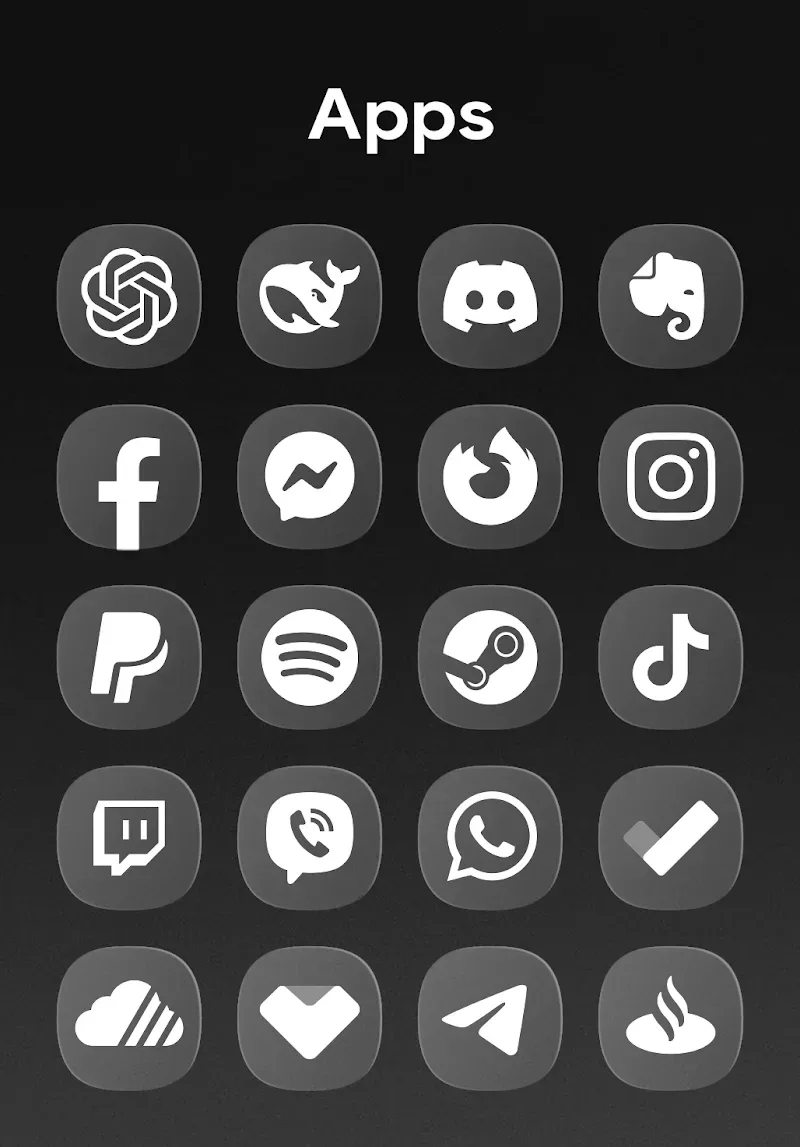
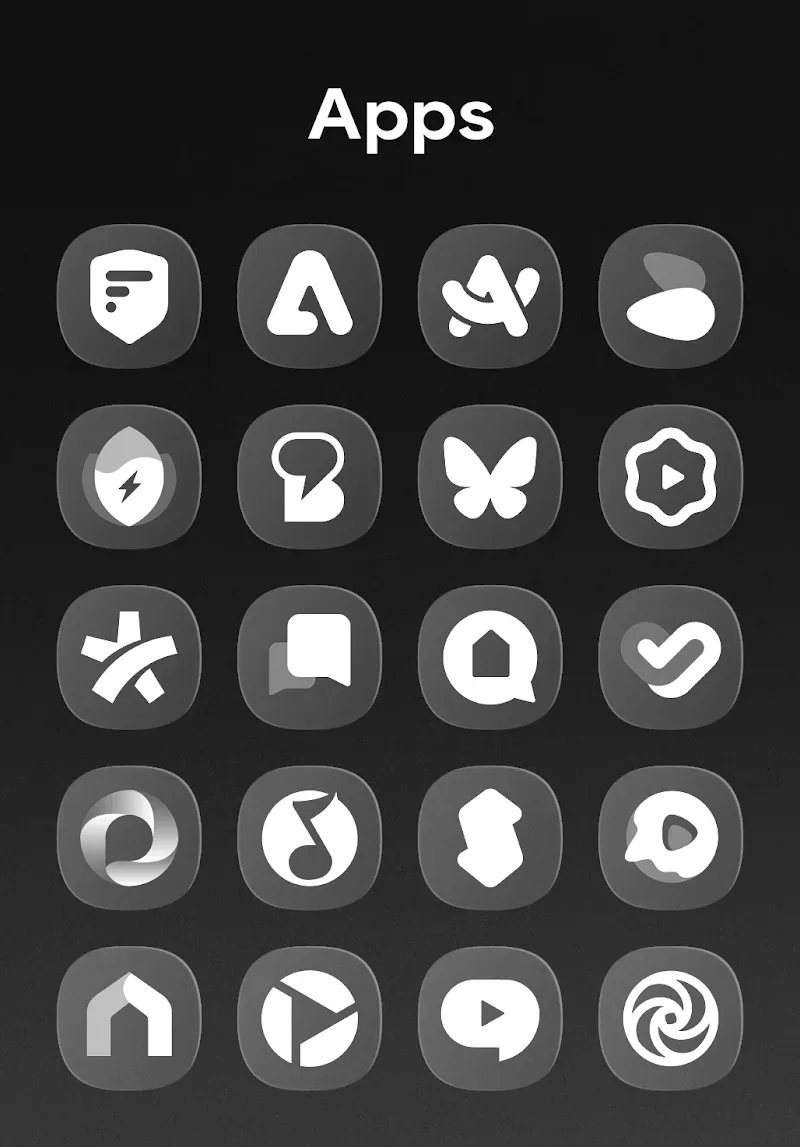
Comprehensive App Coverage: The diverse icon collection with 3,800 icons will ensure coverage of almost every application you have. You can spice the device up because covering all the bases will help enhance the experience as this collection meets the user’s needs from A to Z.
Modern Samsung Design: The modern designed icons match Samsung’s latest interface to provide a smooth user experience. Beauty is in the details, so it can create a sleek visual experience for users.
Visual Consistency Boost: Your entire device interface becomes more consistent and professional, so you can use features smoothly while still being trendy. The whole nine yards of consistency from the home screen to the apps gives you a personalized experience with your unique look.
Features:
Minimal Fit: The application brings you new, modern designs and takes the historical element as a highlight to better suit the needs of many audiences.
Transparent Style: The application brings diverse styles in many different directions to ensure that transparent designs will be used for many new purposes.
Visual Harmony: Each design has its own unique characteristics, and all create harmony to make your device more impressive. The overall impression is impressive.
Icon Variety: A series of icons with many diverse themes has been newly added to facilitate the selection process, using the most seamless.
Wallpaper Match: In addition to choosing interesting icon templates, users can also choose additional typical wallpaper templates to completely renew their interface.
Smooth Integration: The process of integrating new background templates, or professional icon templates, is seamless, effective, and instantaneous.
Tips and Tricks:
Abundant Wallpaper Options: Over 300 available wallpapers that match the icons will give you countless options to refresh your device. Variety is the spice of life, so the OnePro Dark wallpaper set will add richness to your interface. This allows you to freely customize the interface and icons to make your device more attractive.
Diverse Style Choices: Various styles from minimalist to complex wallpapers for users to choose according to their preferences. To each their own so you can easily find a wallpaper that suits your personal style. This helps create an eye-catching interface to enhance the experience with your device.
Frequent Fresh Looks: The app is updated with new wallpapers regularly so that your phone interface always stays ahead of the curve. You will always be a trendy person who catches up with the trend to customize unique wallpapers. You will never feel bored with your interface.
Conclusion:
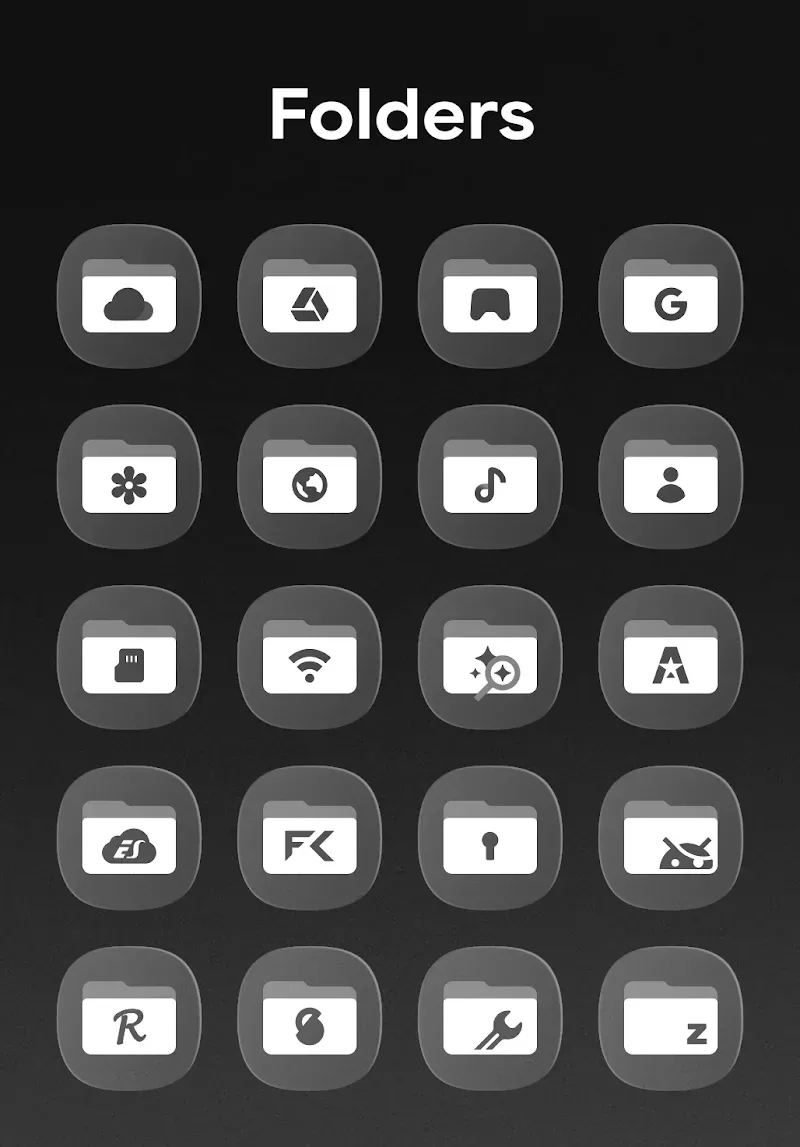
OneGlass 7 - Icon Pack is a feature-rich app that lets users fully customize their Android device's interface. With a huge icon library, innovative design options, and dark mode optimizations, the app offers a simple and effective way to enhance your device's appearance. Its simplicity and versatility make it an essential tool for Android users looking to efficiently personalize their devices.








