

RAM Swapper is an innovative utility application. This powerful application is designed to improve the performance of user devices by creating additional swap files using unused internal storage space. With RAM Swapper, users can optimize their device's RAM capacity through flexible swapping operations, while also efficiently utilizing unused internal storage space in mobile devices manually. This tool helps devices that frequently run high-load applications maintain smoother operation and better manage running tasks.
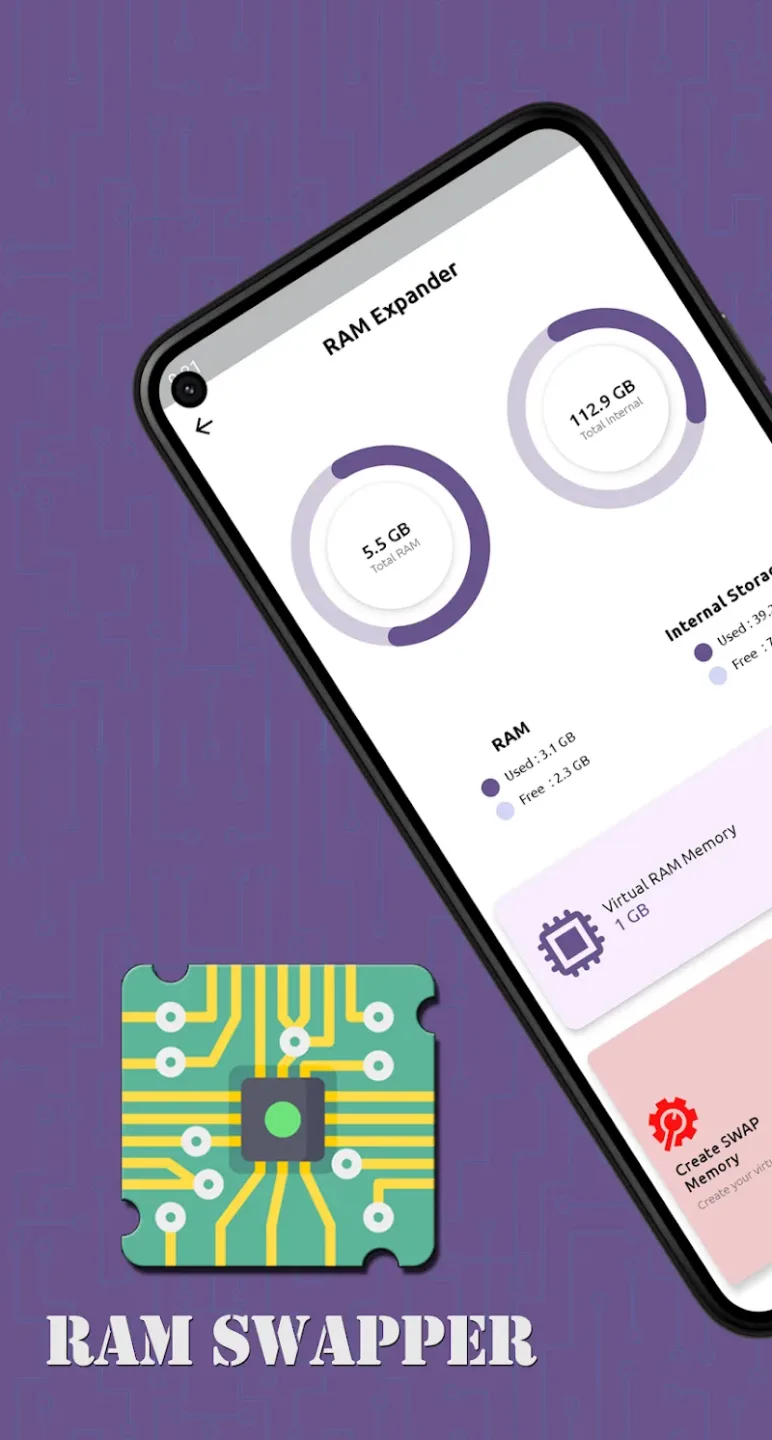
Highlights of RAM Swapper:
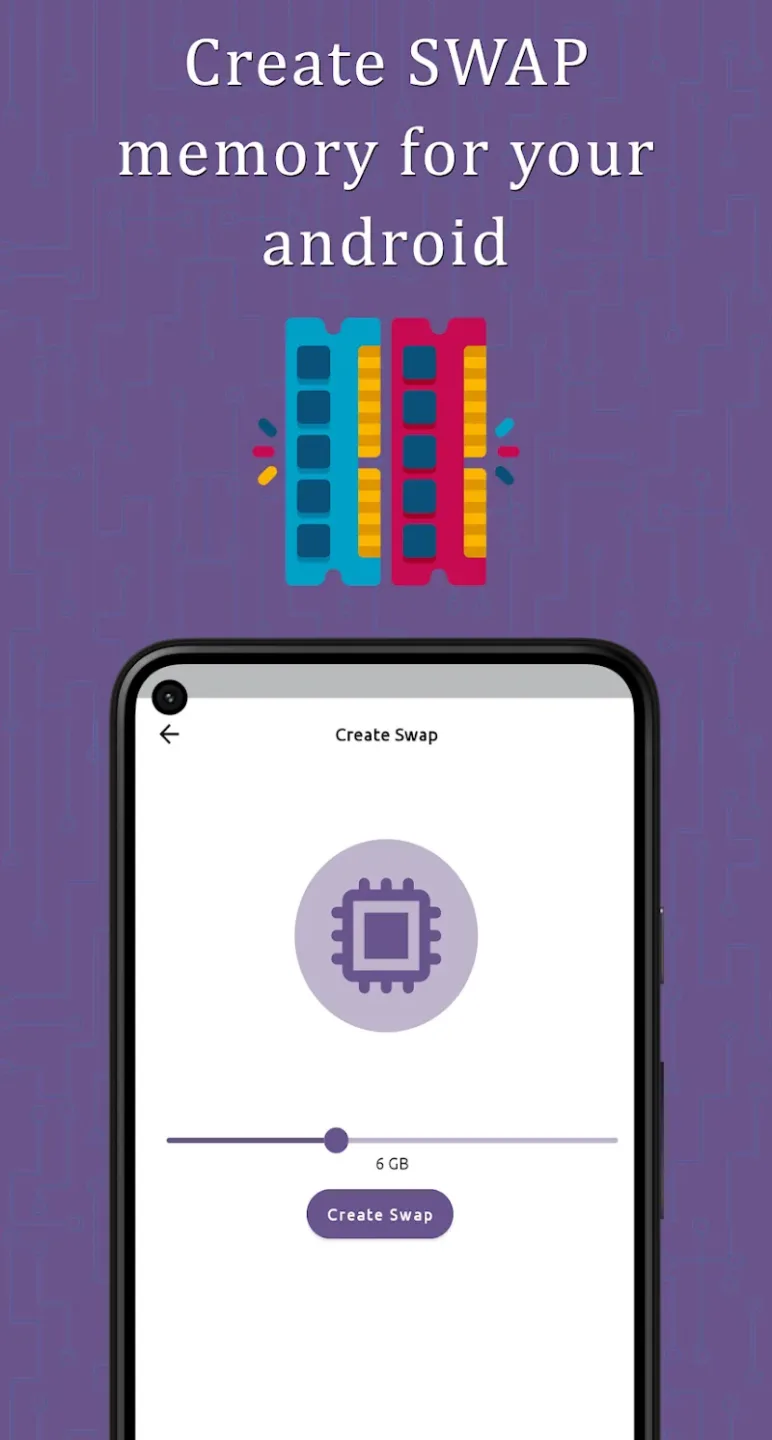
Create Multiple Swap Files: With RAM Swapper, you can create as many swap files as needed. The size of each file can be up to half of your device’s available internal storage, providing ample room for your needs.
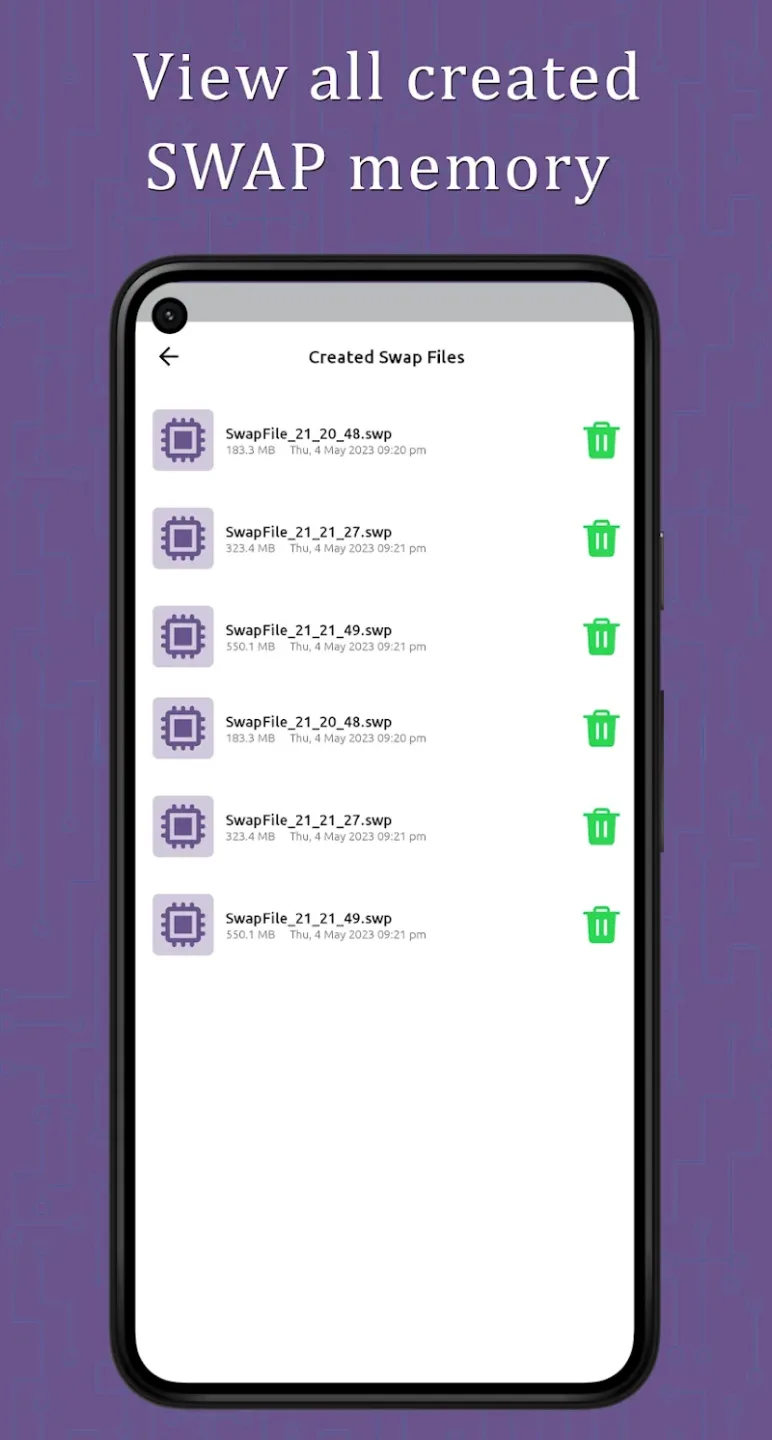
Flexible Management: Once created, you can easily delete any swap files that are no longer required. This ensures that your device remains clutter-free and optimized for performance.
View Your Swap Files: Easily access and manage the swap files directly from within the application. Get an overview of all the swap files you’ve created and their current status.

Features of RAM Swapper:
Maximize Storage Capacity: The application will utilize unused internal memory by creating swap files up to half of the free space on your device.
Boost Performance Instantly: The system helps improve device speed without needing to purchase additional hardware.
Scale According to Needs: Users can adjust storage capacity based on the device’s requirements and specifications.
Create Multiple Files: Users can create multiple swap files simultaneously for organized storage management.
Delete Unnecessary Files: The application will immediately delete unused files to free up storage space.
Monitor All Swaps: The system can monitor all created swap files through a visual viewing interface.
Benefits of RAM Swapper:
This RAM Swapper application allows users to create swap files to increase virtual RAM capacity without requiring access permissions on their Android device. With this feature, the application allows users to utilize the phone’s unused internal memory to create swap files, thereby supporting the expansion of temporary system memory.
Users can easily choose the file size to match the available free space, helping to improve multitasking performance on devices with limited physical RAM.
The RAM Swapper application supports users in creating and using multiple swap files simultaneously, with a maximum limit of half the available memory capacity. This provides flexibility in allocating virtual RAM according to user needs. The application also allows users to experiment with different configurations to achieve optimal performance without affecting device operation.
Conclusion:
RAM Swapper is a valuable tool for Android users looking to optimize their device's performance by efficiently managing memory allocation. With its user-friendly interface and essential features, this app is a must-have for those seeking to enhance their device's capabilities.








