
Force LTE is a mobile network switching tool designed specifically for mobile devices. With this software, users can freely switch between 5G, 4G, and 3G networks while maintaining a stable network connection, allowing them to freely access various websites or download files. Simultaneously, the software supports data plan optimization, locking the mobile network connection when not needed to reduce unnecessary data consumption. What are you waiting for? Start managing your data usage with this software now!
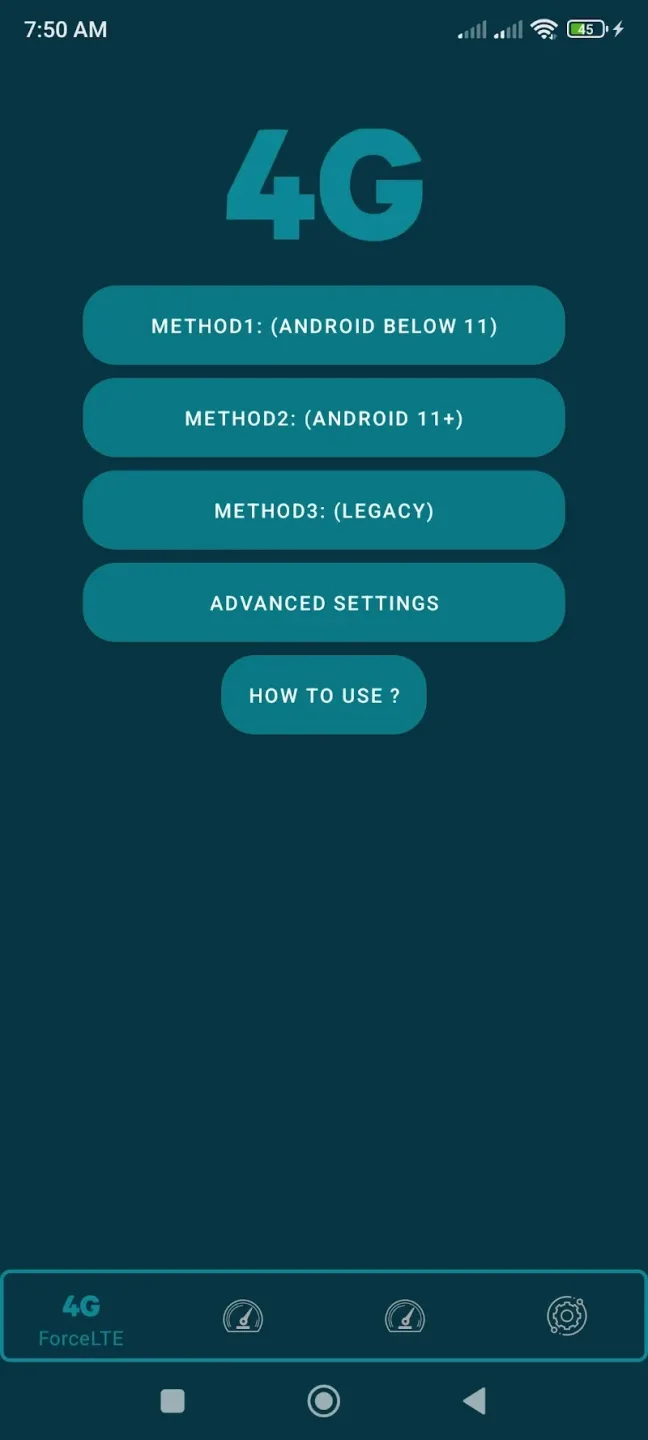
Features of Force LTE:
Stable LTE/5G network lock: Keep the connection fixed in 4G or 5G mode, avoiding the situation where the phone automatically switches to a weaker network.
Android 11 and 5G device compatibility: Supports modern operating system versions and devices, ensuring a smooth experience.
Flexible 2G/3G/4G/5G options: Allows manual switching between network modes according to usage needs.
Save data and costs: Helps users take advantage of free 4G/5G data packages without worrying about being switched to charged 3G.
Friendly interface, easy to use: With just a few steps, you can set up the desired network mode quickly and effectively.
No complicated access rights required: Lightweight operation, no deep intervention in the system, ensuring device safety.
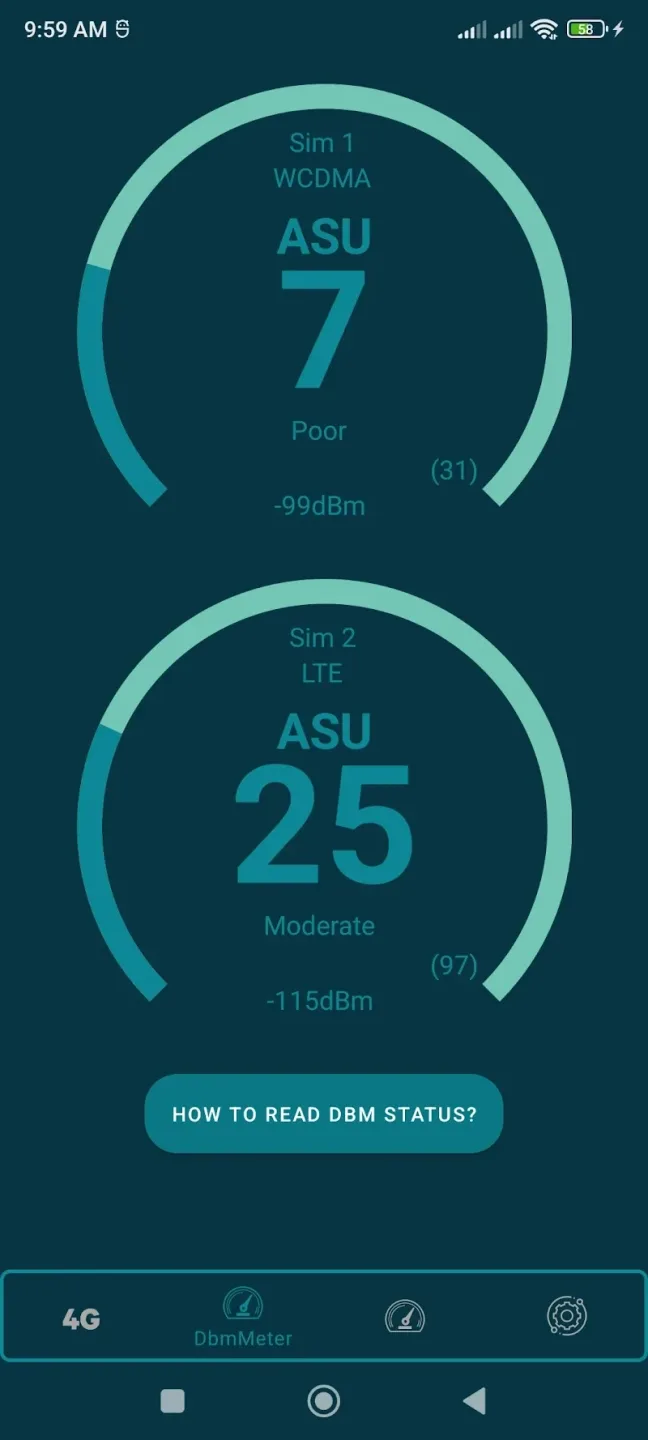
Functions of Force LTE:
This application provides a simple interface that enables users to select their preferred network type. It caters to those who may want to avoid unexpected charges associated with using 3G or lower network types. The app focuses on providing a reliable connection by allowing users to lock their devices onto the LTE network, minimizing interruptions caused by automatic switching.
It is important to note that the ability to force LTE may vary based on the specific brand of the device. Some phone manufacturers may restrict the option to change network settings, impacting the app's functionality. Users are encouraged to understand that the app's performance is dependent on their device's compatibility. Therefore, individuals should not rate the app negatively if it does not work on their particular phone model, as this limitation is beyond the control of the app developers.
Force LTE Only is designed to work with Android 11 and newer versions, as well as devices equipped with 5G capabilities. This makes it a suitable choice for users looking to optimize their connectivity on modern devices. The app's focus on LTE connectivity can be especially beneficial in areas where 4G networks are more reliable than older technologies.
One of the main advantages of using Force LTE Only is its ability to prevent the phone from automatically switching to lower network types when the signal strength fluctuates. This feature can help maintain a more stable internet connection, which is particularly useful for tasks that require a consistent data flow, such as streaming videos or online gaming. By locking the network to LTE, users can experience fewer interruptions and a more seamless online experience.
Moreover, the app serves as an effective tool for those who have specific data plans that favor 4G usage. Users can easily configure their devices to connect only to LTE networks, ensuring that they do not incur additional costs associated with using other network types. This is particularly advantageous for people who have limited data plans or who prefer to use free 4G data whenever possible.
Conclusion:
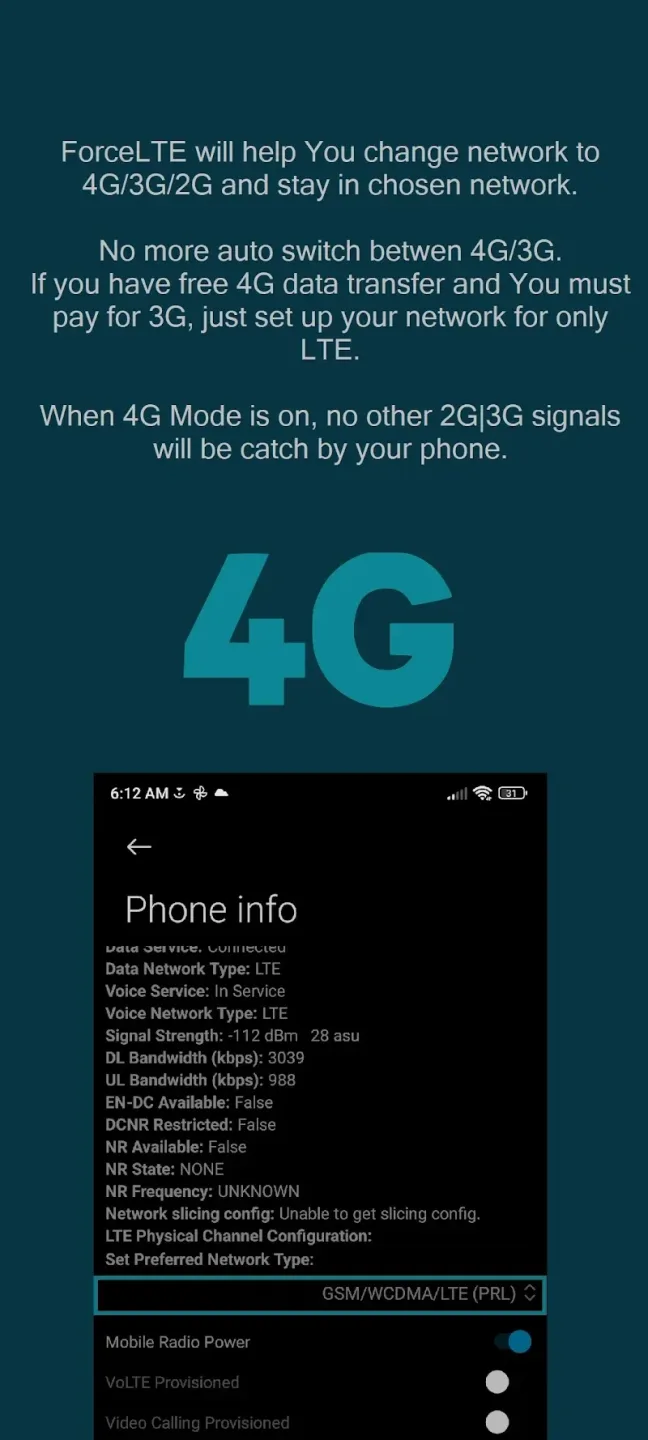
This app will help You change network to 4G/3G/2G and stay in chosen network.No more auto switch betwen 4G/3G.If you have free 4G data transfer and You must pay for 3G, just set up your network for only LTE.Force LTE not support every phone. It is depends what phone brand your phone is.Some phone brands block opportunity to force switch network.








