

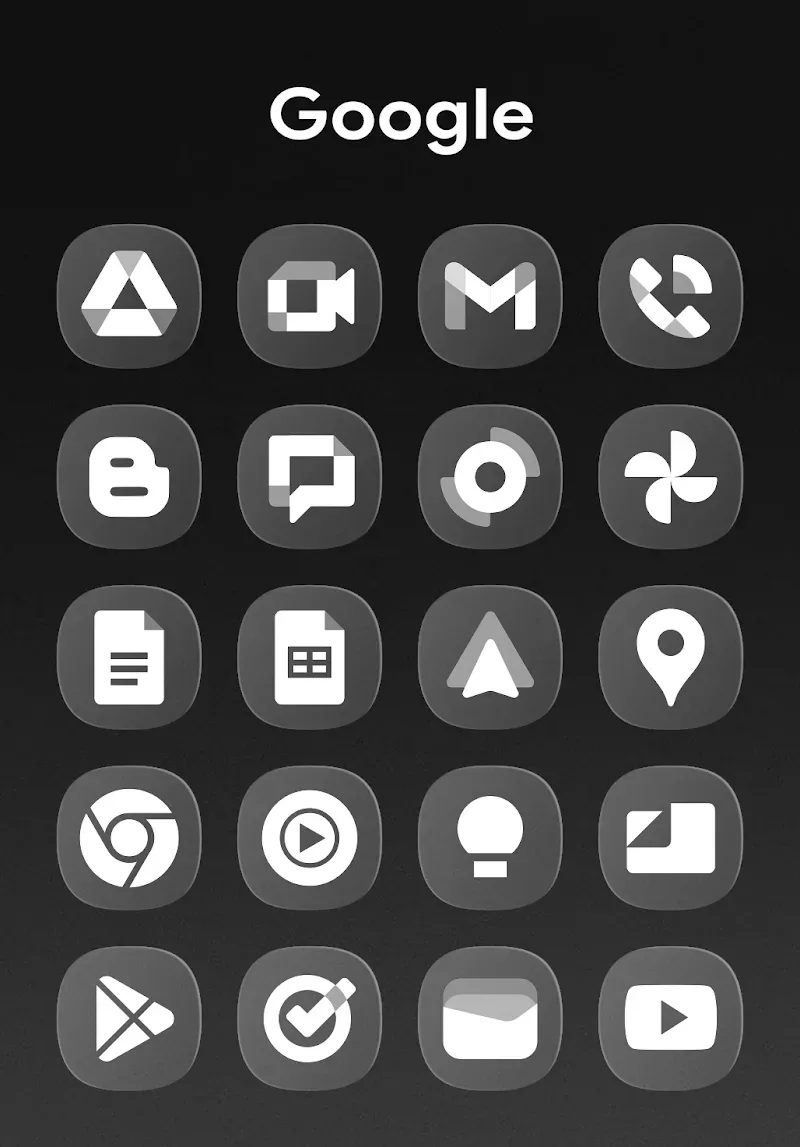
OneGlass 8 - Icon Pack is a stunning wallpaper and icon utility that brings users a clean and stylish interface, giving you a refreshing screen visual experience and a superior device usage experience. OneGlass 8 - Icon Pack presents users with a lightweight, convenient, and feature-rich icon and wallpaper application. Users can freely explore a vast collection of carefully selected themes and wallpapers, experience the smooth and convenient launcher function, and enjoy the new changes brought by dynamic calendars and widgets. The application's simple, fresh, and elegant appearance completely transforms your screen experience, bringing you a constant stream of novelty.
Attractive Features of OneGlass 8
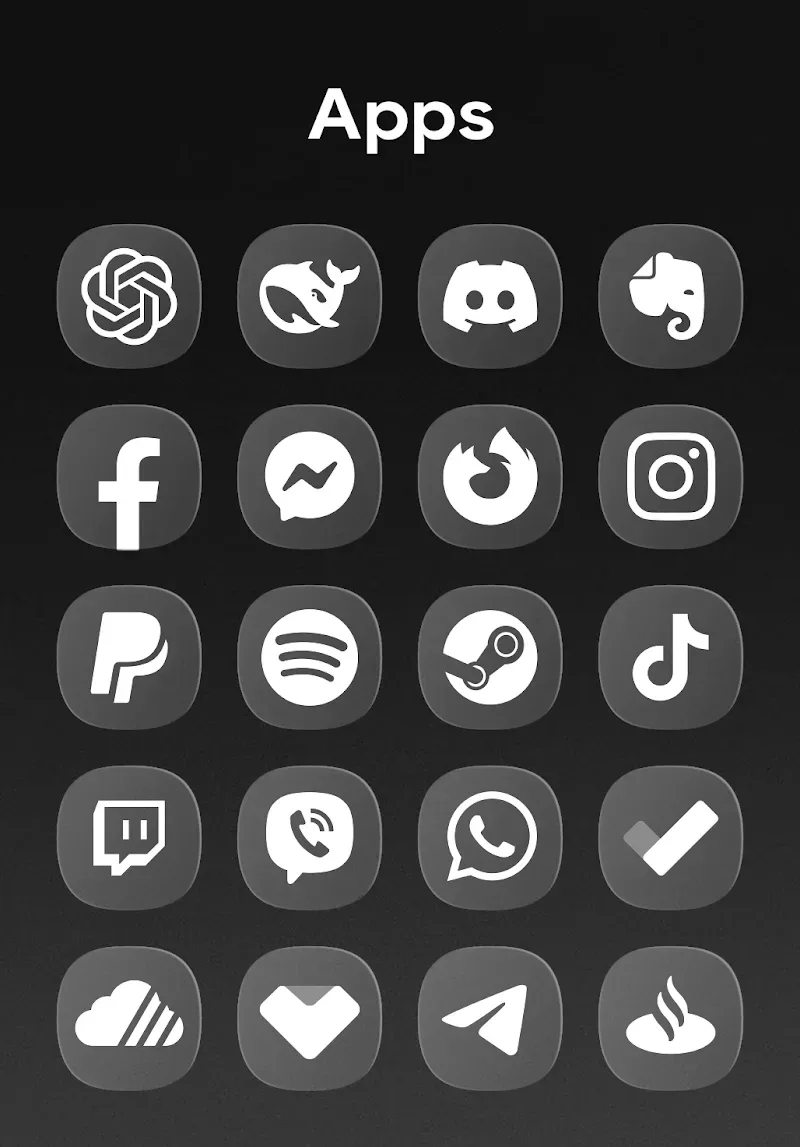
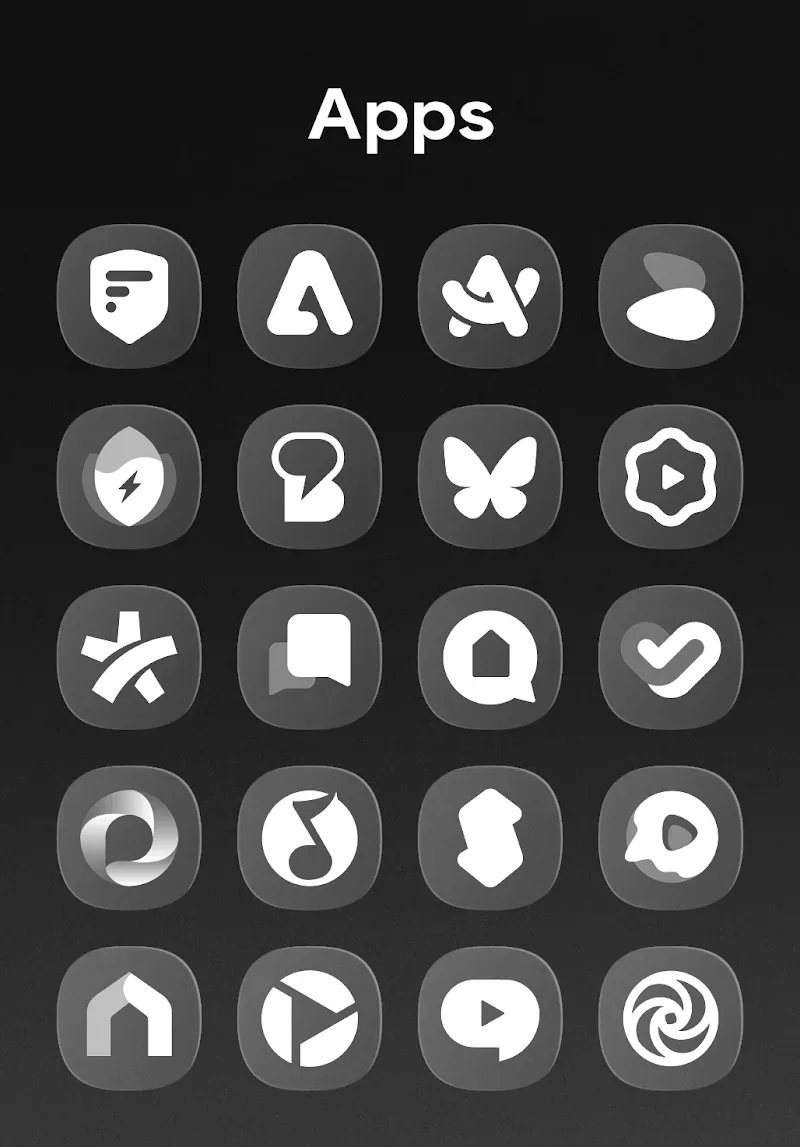
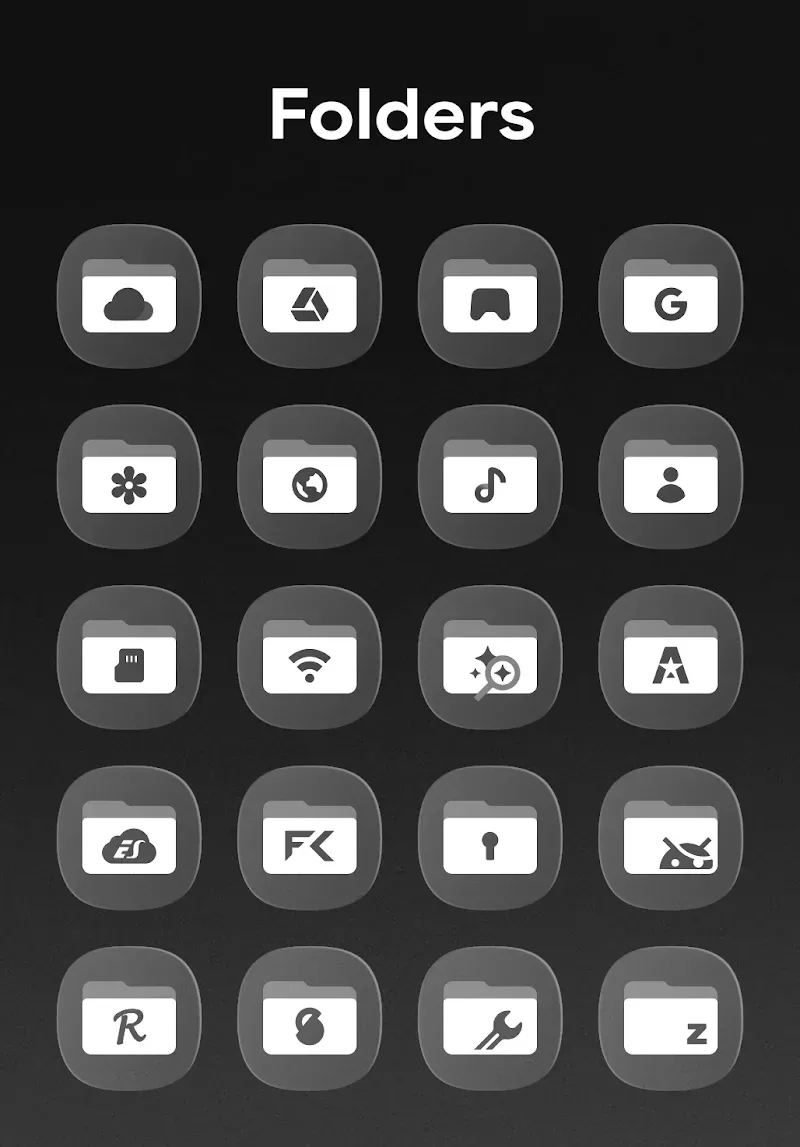
Over 4300 Icons: You will have access to an icon set containing up to 4300 icons with various unique and attractive themes. We offer a rich selection, making it easy for you to choose the icons that best suit you.
Includes 430 Wallpapers: This application not only boasts a massive collection of icons but also offers a rich selection of wallpapers. 430 carefully selected artistic images will bring you an extremely refined and luxurious screen experience.
Offers Multiple Options: This app also provides many attractive alternatives to ensure the most perfect and standard interface.
Supports Major Launchers: With this app, major launchers will run smoothly without any issues. It provides a highly satisfying user experience, avoiding any unpleasant surprises.
Built-in Dynamic Calendar: This app offers an automatic calendar function. With it, you can always keep track of the exact date without much effort, providing an extremely convenient user experience.
Wonderful Highlights of OneGlass 8
Simple and Transparent Design: Glass-textured icons enhance the aesthetics of your home screen.
Regular Updates: Frequently updated with new icons and improvements.
Easy Application: The application process is simple and easy to use with supported launchers.
Frequently Asked Questions of OneGlass 8
Does it work on all Android devices?
Yes, it works on most Android devices running Android 5.0 or higher with a supported launcher.
Do I need a special launcher to apply these icons?
Yes, you must install a launcher that supports custom icon packs, such as Nova, Hyperion, or Evie.
How do I use it with the OneUI launcher?
You need to install Good Lock and Theme Park from the Galaxy App Store and follow the setup steps in the tutorial.
Does it support dynamic calendar icons?
Yes, the icon pack supports dynamic calendars for frequently used apps.
User's Comments of OneGlass 8
Hands down the cleanest icon pack to ever exist, especially for one ui 8 users. You can also request icons to be added, and updates pretty quickly. Overall, It's the best one on play store right now.
This..is just a masterpiece. The icon pack may not support all the icons (which is fine as I don't really care) however, the way the polishing on the glass feel..it's on another level. Definitely worth the dollar any day.
It truly is a great icon pack, but I just have one problem, and it's my folders that appears white instead of looking like glass. I use theme park.
Absolutely perfect, Good optimization, Good color balance 10/10. But I really would to hide the names of the apps.
Final Thoughts
Its simple and transparent interface, easy-to-use operations, and frequent updates make it an ideal choice for personalization lovers. Whether you prefer minimalism or a unique visual style, OneGlass 8 has everything you need to create an elegant home screen.








