
Tube Video Downloader is a free download tool designed for video enthusiasts. It's not only easy to use but also boasts high-speed downloads, allowing users to watch their favorite movies, TV shows, and videos anytime. Users simply copy the video link into the software, select different quality levels, and download to their devices. Users can also pause and resume playback. Additionally, the software has a built-in player, allowing users to watch videos while downloading.
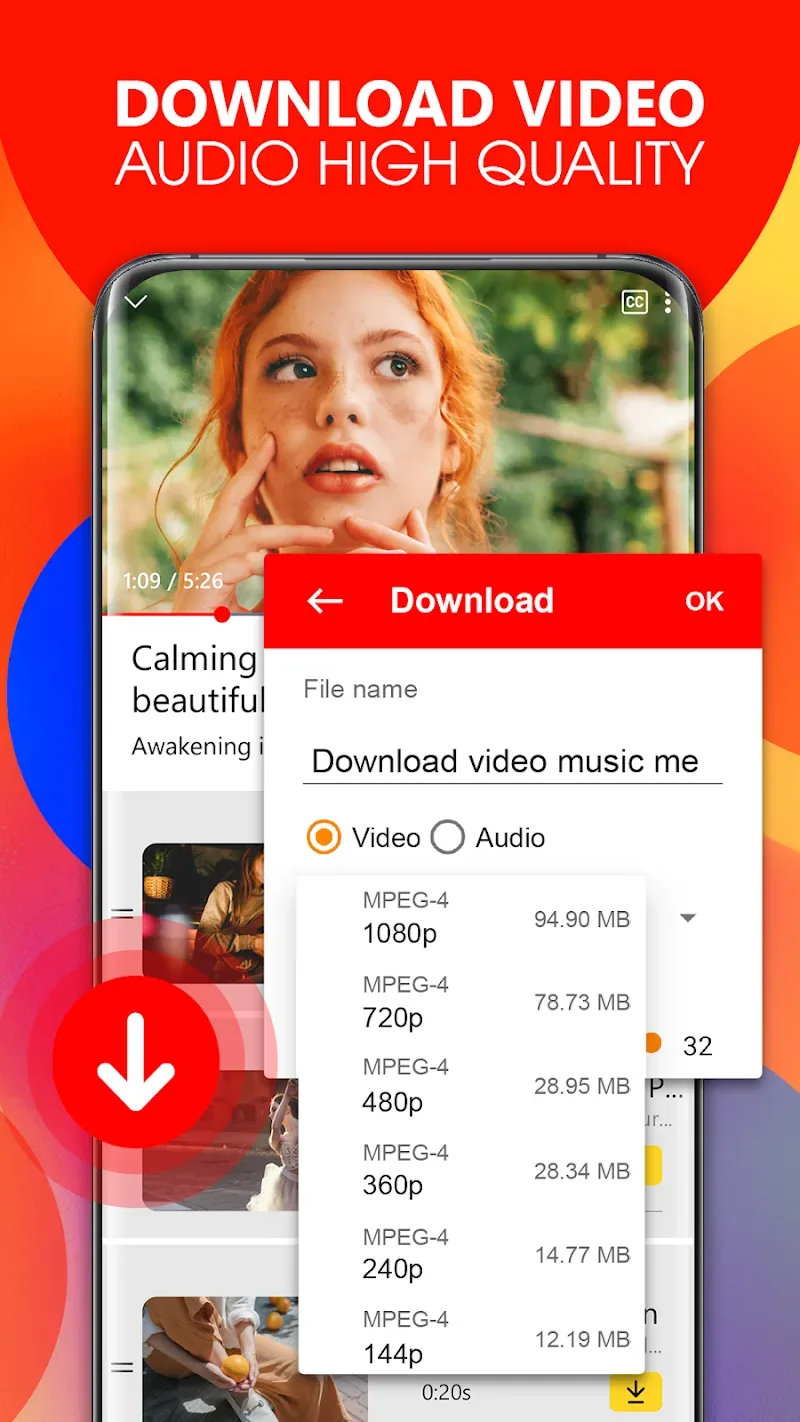
Features of Tube Video Downloader:
Auto Video Detection: The application will automatically detect the video you want to download. You don’t need to spend too much time searching manually and still get the best results.
One-Click Download: With this application, you don’t need to perform many complicated steps to download videos. With just one touch, all content will be downloaded quickly and easily.
Multi-File Support: This app allows you to download multiple files simultaneously without needing multiple downloads. This feature saves you time and provides an extremely convenient and smart experience.
Background Download Mode: The app also offers a background download mode. With this mode, you don’t have to wait for apps to load while using other apps. All the content you download will continue even when you’re not around, without any interruptions or cancellations, providing you with an extremely smooth download process.
Multi-Thread Acceleration: You can also speed up the download speed of your videos. With this feature, download times will be shortened. You only need a few short seconds to get the perfect result you want.
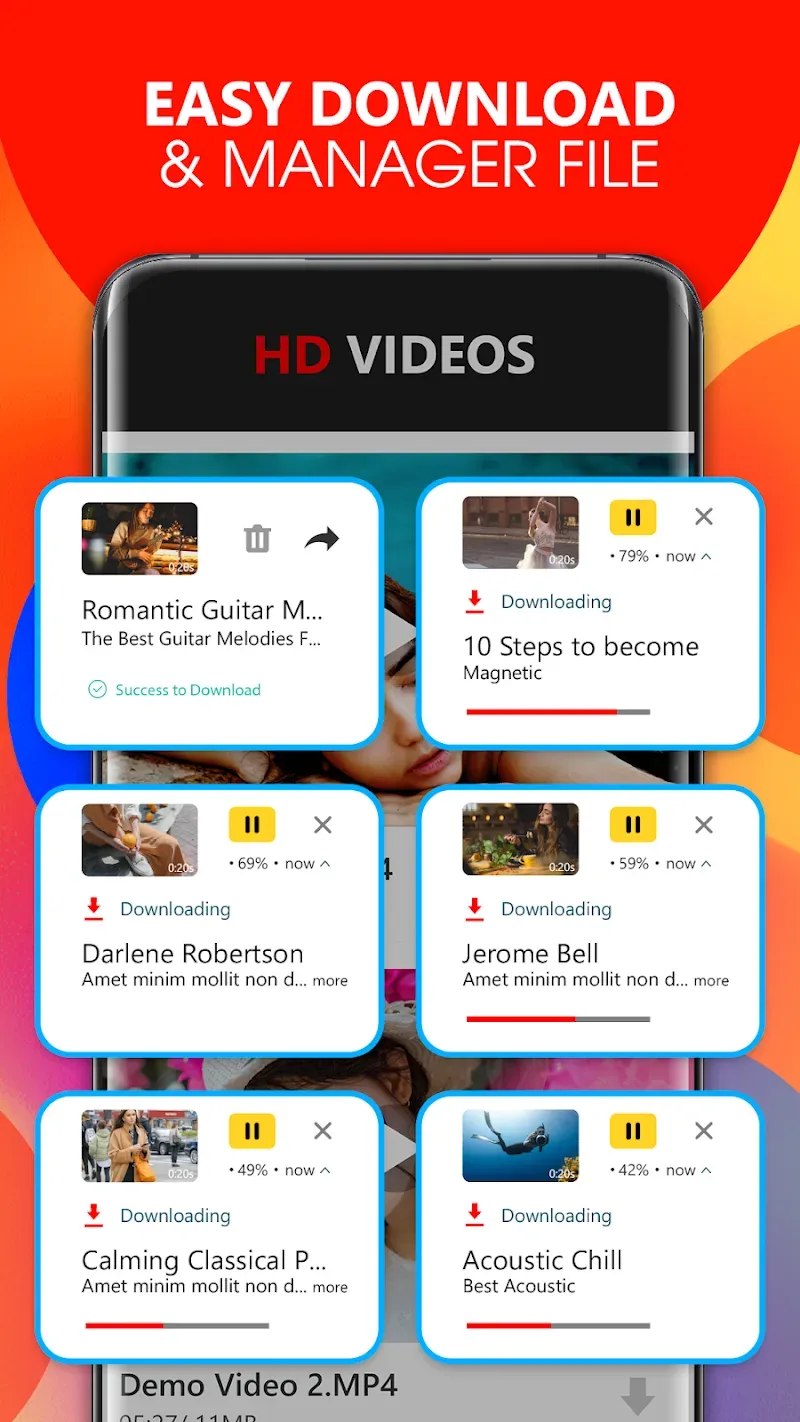
Highlights of Tube Video Downloader:
Background downloads and alerts: After you start a download, Tube Video Downloader/ For All continues in the background. You get reminders and notifications that show progress and completion, so you can use other apps while files are saving. A speed mode is available to improve performance depending on network conditions.
Pause/Resume Control: This app also offers attractive viewing features. You can quickly pause videos without any difficulty, providing a very convenient viewing experience.
Format compatibility and HD support: For different needs, the app supports many formats when available from the source. Examples include MP3, M4A, MP4, M4V, MOV, AVI, WMV, M3U8, PDF, APK, and PNG. High definition video downloads are supported when the site provides HD quality.
File manager and quick access: To keep things organized, a built in file manager helps you view, rename, and manage saved files. Quick access sections for bookmarks, history, and most visited pages make it easier to return to frequently used sites and clips.
FAQs of Tube Video Downloader:
Q: Is the app safe to use?
A: Yes, the app is safe and ensures that it is securely downloaded from social networks.
Q: Does the app support all video formats?
A: The app supports most common video formats like MP4, AVI, and more.
Q: Can I download videos in HD quality?
A: You can select HD for your downloads depending on the original video quality.
Q: Is the app free to use?
A: The basic version is free but offers additional features without ads.
Q: How can I resume a paused download?
A: Simply go to the download section in the app and tap on the paused download to resume it.
Summary:
Tube Video Downloader fits moments when you want videos ready for offline viewing during flights, commutes, or limited data. It keeps browsing and saving in one place, so you can search, watch, and store content without switching tools. The interface focuses on clear controls and progress status, which makes the process easy to follow. Files stay organized inside the app for quick access later.