
VPN Russia - Use Russia IP is a secure VPN application. It provides a powerful and reliable VPN service, allowing users to access the internet securely and without restrictions. With VPN Russia - Use Russia IP, you can easily enjoy unlimited access and free usage time, ensuring a smooth internet experience. Users can easily bypass website restrictions in their region with just a few clicks and enjoy unrestricted access. With its user-friendly interface, it's easy to get started and connect to servers worldwide.
Highlights:
Change the IP address of your device to the IP address of the VPN to suit all connections.
Access and launch entire websites or applications, whether it is an unauthorized or blocked connection.
Connect to public wifi addresses quickly without a password.
Block ads or spam that always appear on your device while surfing the web.
We are sure that our application will ensure the safety of your information.
Features:
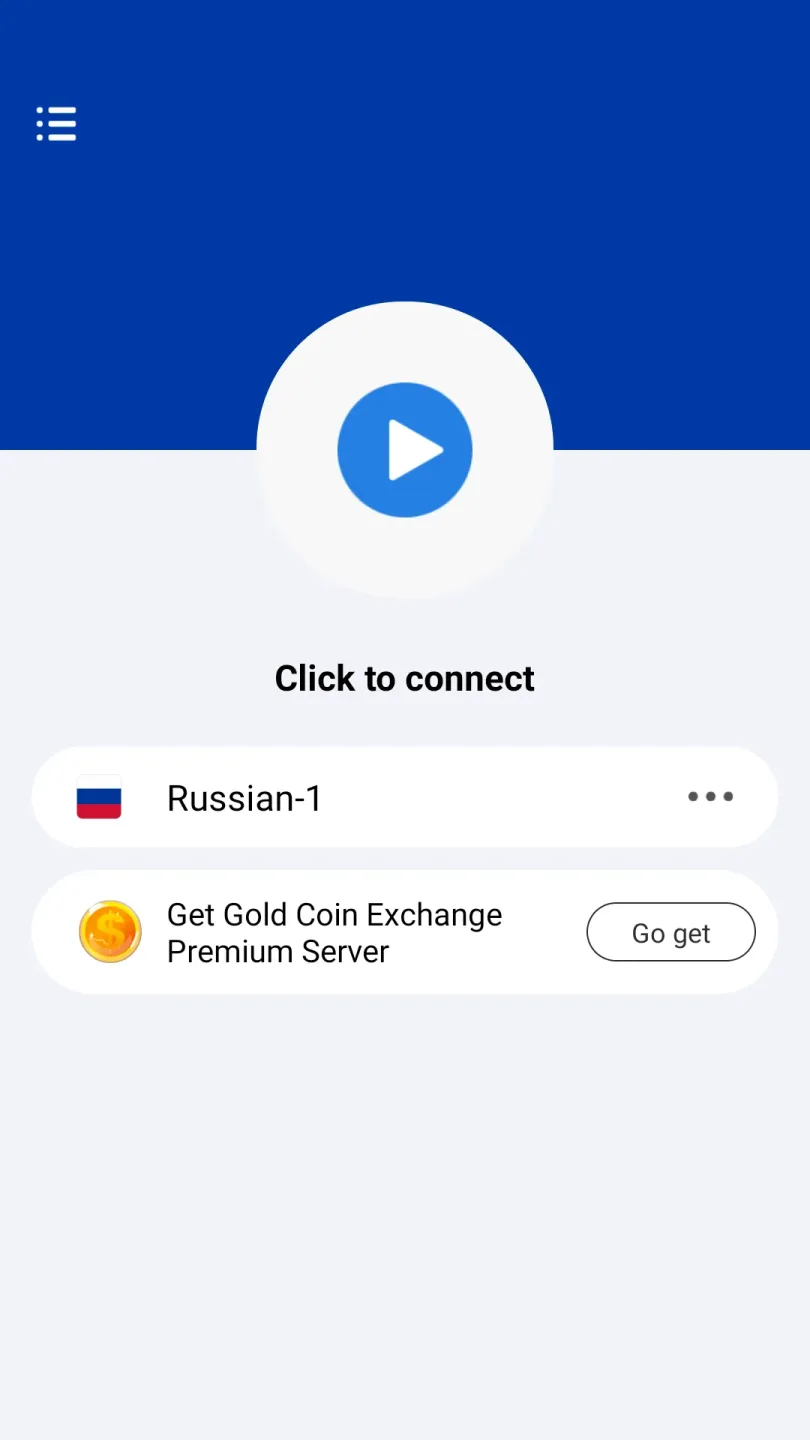
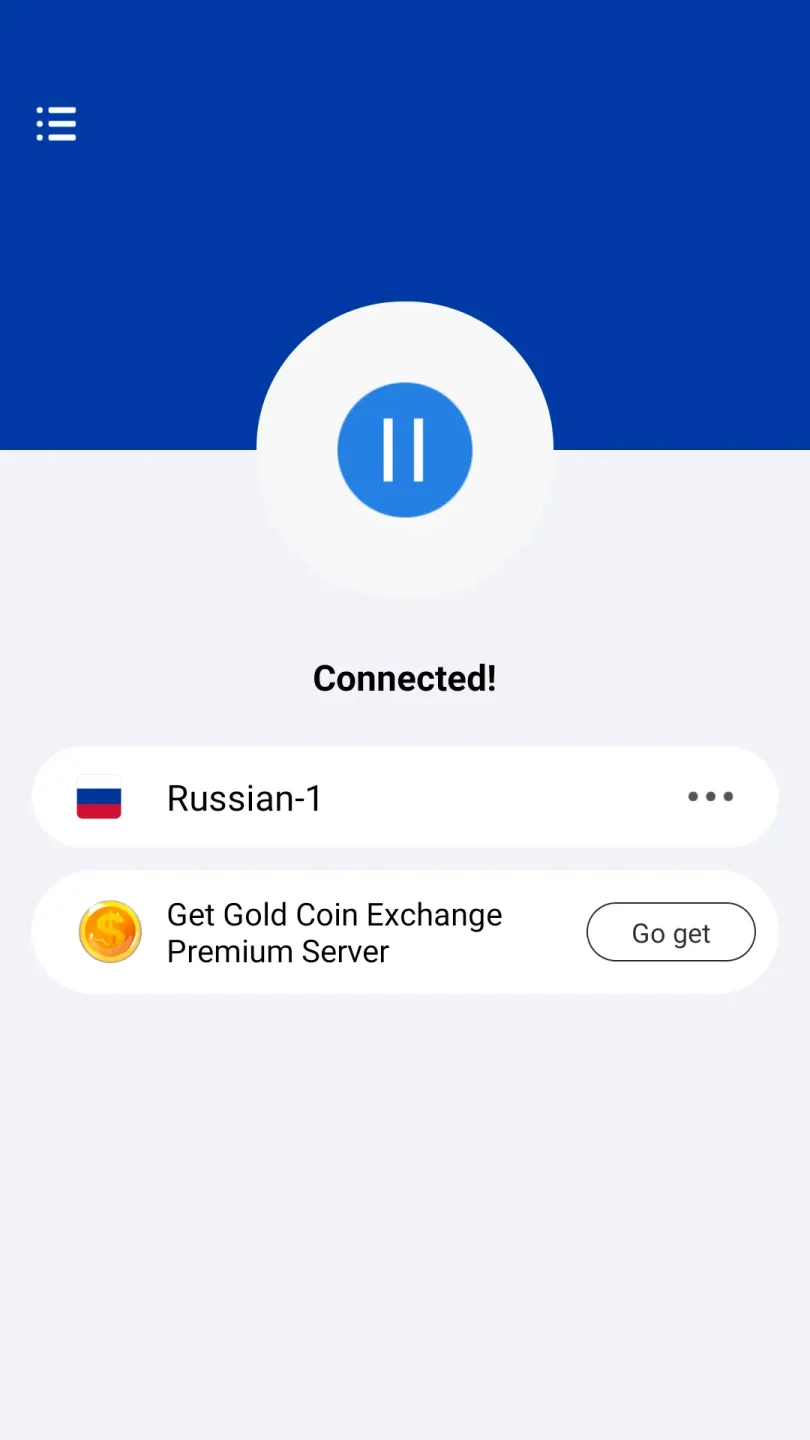
Easy to use: The Russia VPN app is extremely user-friendly, allowing users to connect to a Russia IP address with just one click.
Unlimited bandwidth and free time: Users can enjoy unlimited data usage without any restrictions on bandwidth or speed. Additionally, the app offers free time for uninterrupted browsing and streaming.
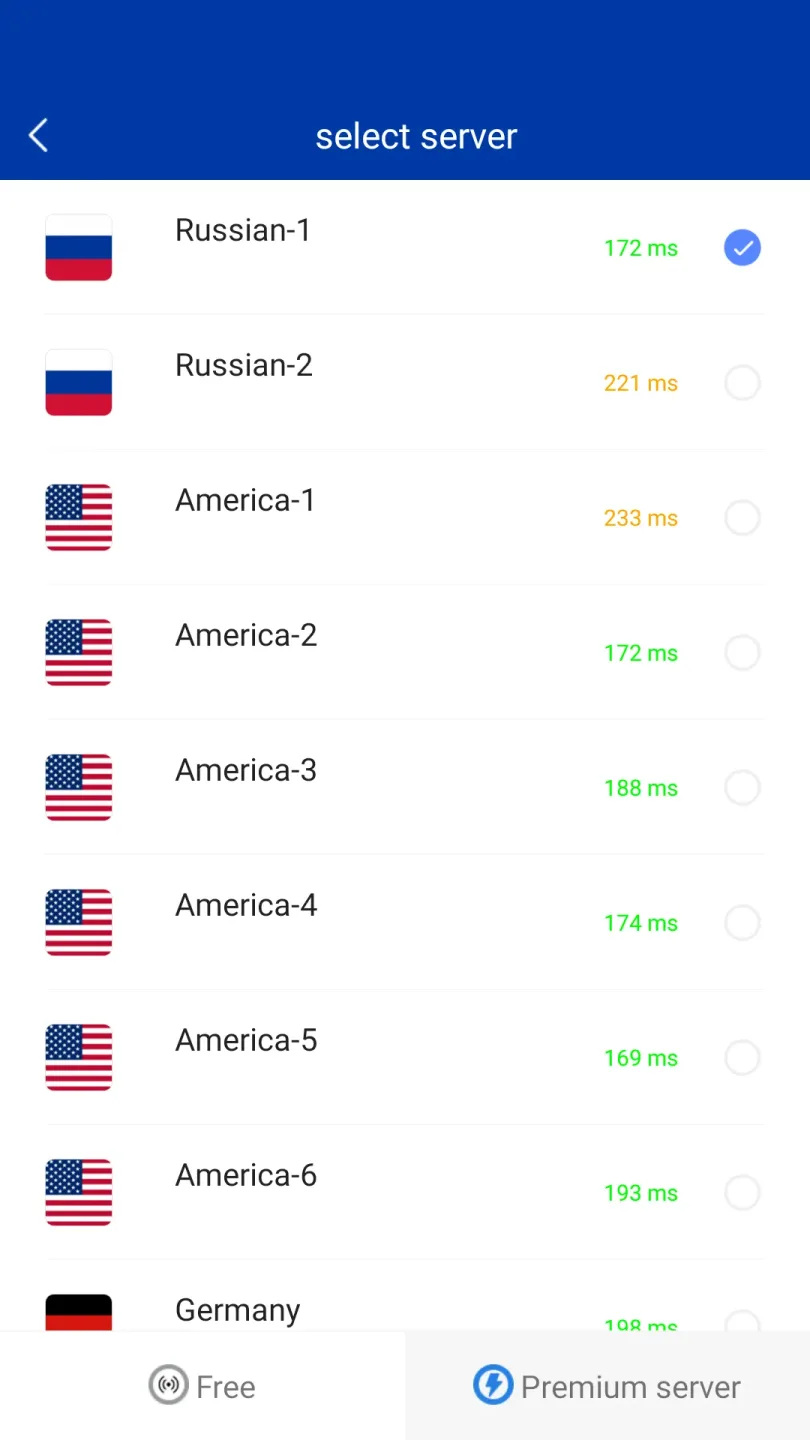
Fast servers across the world: The app provides access to fast servers located in key locations worldwide, including America, Germany, England, Netherlands, Canada, Russia, Japan, Korea, Singapore, Hongkong, and Thailand. This ensures a smooth and seamless online experience without buffering videos or slow downloads.
Advanced security features and privacy: Russia VPN offers secure and encrypted internet access, protecting users' data and ensuring privacy. It also avoids logging any activity or connection information for enhanced security.
Unblock blocked websites and apps: With Russia VPN, users can unlock access to blocked websites and applications, enabling them to freely browse and use their favorite content.
Protection against malware and malicious websites: The app helps users avoid malicious websites and protects their devices from malware, ensuring a safe online experience.
Tips for Users:
Connect to the Nearest Server: To ensure the fastest connection speeds, it's recommended to connect to the nearest server available. This will minimize the distance between your device and the server, resulting in a smoother browsing experience.
Choose the Optimal Server: If you're looking to access content from a specific region in Russia, make sure to select a server in that location. This will allow you to bypass any regional restrictions and access the content you desire.
Enable the Kill Switch: VPN Russia offers a useful feature called a kill switch, which automatically disconnects your internet connection if the VPN connection drops. Enable this feature to ensure that your online activities remain secure even in case of a connection failure.
Conclusion:
With VPN Russia - Use Russia IP, users can enjoy a free and unlimited VPN service that is easy to use and provides fast servers worldwide. The app prioritizes user privacy and security, offering advanced security features and encrypted internet access. Users can also access blocked websites and streaming platforms, enhancing their internet browsing experience. Furthermore, the app provides round-the-clock customer support, ensuring users have assistance whenever they need it. Click to download the app now and enjoy a seamless and secure internet browsing experience with Russia VPN.








