

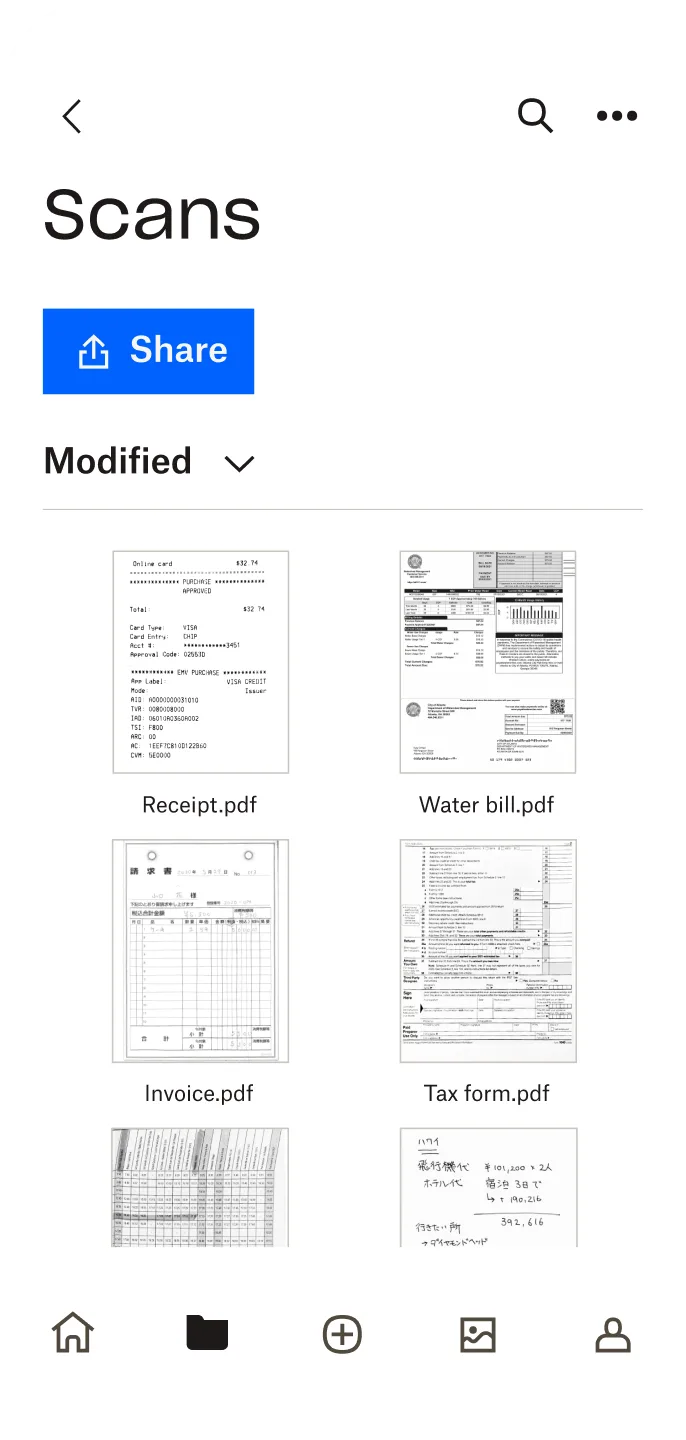
Dropbox is a cloud storage and file synchronization service platform that allows you to preview over 175 different document types and easily share files with friends. Running out of storage space? Upload your documents to the cloud for convenient access anytime, anywhere. The platform features a mobile scanning device for simple and convenient operation, eliminating the hassle of handling paper documents. It also includes offline access, so you'll never have to worry about not finding your desired documents without internet access!
Click to load YouTube / 点击加载视频
YouTube ↗Features:
Backup important files with just a couple of taps
Automatically backup photos and videos
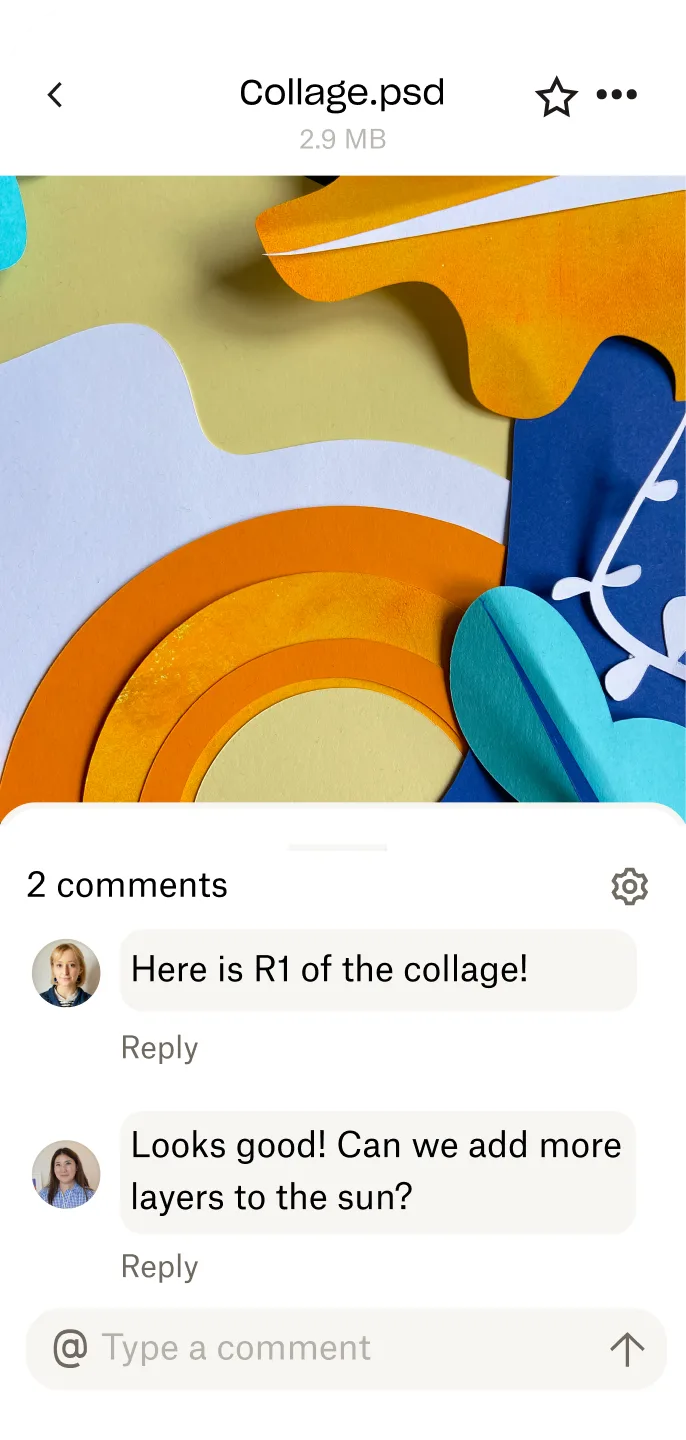
Get links for anything in Dropbox
Download and edit Microsoft Office files
Dropbox Security Measures
Encryption: Dropbox uses Advanced Encryption Standard (AES) 256-bit encryption to protect data at rest and in transit. This means files are encrypted before leaving your device and while stored on Dropbox servers.
Two-Factor Authentication: Dropbox offers two-factor authentication (2FA) for added security to your account. When enabled, users are required to enter a verification code sent to their phone or email address along with their password to log in.
Version History: Dropbox retains a version history of up to 30 days, allowing users to restore older versions of files if needed. This is especially useful in cases of accidental deletion or malicious activity.
Security Measures: Dropbox has implemented numerous security measures to protect its infrastructure from physical threats. These measures include 24/7 monitoring, video surveillance, and on-site security personnel.
How to use Dropbox?
Using Dropbox is very simple. Here's a step-by-step guide to getting started:
Sign up: Visit dropbox.com and create an account. You can choose a free or paid plan based on your needs.
Download and install: After signing up, download the Dropbox desktop application to your computer or laptop from the link above.
Create folders: Once installed, you can create folders in your Dropbox account to organize your files. You can add folders to your Dropbox account by dragging and dropping.
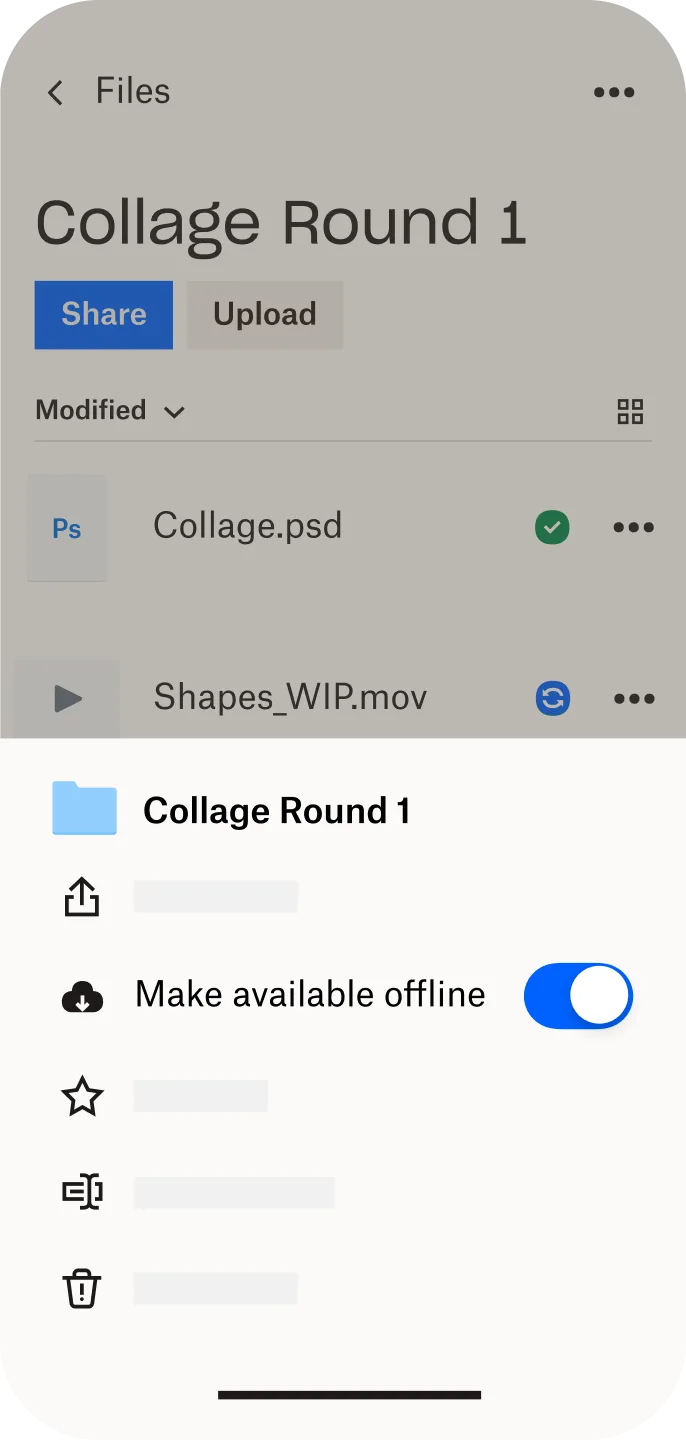
Upload files: To upload files to your Dropbox account, drag and drop the files into the application or click the "Upload" button. The files will be uploaded to your Dropbox account and sync across all connected devices.
Share files: To share a file or folder with someone, right-click the file or folder and select "Share". Enter the email address of the person you want to share with, and they will receive an invitation to access the file or folder.
Collaborate: If you want to collaborate on editing a file with someone, open the file using your preferred software, make changes, and save it. All devices connected to the same Dropbox account will update these changes in real time.
FAQs
What is a Dropbox for Teams user?
A user is any person on your team with their own unique email address. Each team member should have his or her own user licence. And each user can link their Dropbox account to as many of their devices as they’d like (PCs, phones, tablets, etc.) at no additional charge.
How much space does my team get?
Dropbox provides three plans to fit your team’s needs. The Standard plan gives your team 5,000 GB of shared storage. For teams needing more space, the Advanced plan starts at 15 TB of storage per team (5 TB of storage per utilised licence, three licences minimum) and Enterprise plans provide customised space.
What is the difference between Dropbox Standard and Advanced?
Standard provides teams with 5,000 GB of storage with easy to use security, sharing and collaboration tools. Advanced starts at 15 TB of storage per team in addition to robust security controls and alerts. To find out more, compare Dropbox plans.
Can I upgrade my existing Basic or Plus account? How does migration work?
If you already use Dropbox, moving to a team plan is easy! All of your content will stay the same – your files will stay where they are, and all your settings (like shared folder relationships and linked devices) will remain the same. For admins, your team members who already use Dropbox will have the same experience. And anyone without an existing Dropbox account will be prompted to sign up when you send them an invitation. For Plus users who switch to a team plan, any remaining credits will be returned as a pro rata refund to the original payment method.
In summary
Dropbox is a powerful cloud storage service that offers a variety of features including file synchronization, sharing, and collaboration. It places great emphasis on security, employing multiple measures to protect user data. Whether you want to store personal files or collaborate with team members, Dropbox is worth considering.








