
Proton VPN is a VPN application. Its VPN network is extensive, with over 15,000 servers in more than 120 countries, ensuring fast connections wherever you are. Worried about ads affecting your experience? Proton VPN uses advanced filtering tools to block ads and protect your privacy. It also features advanced security features to guarantee secure and private internet access. 10 Gbps servers and a unique VPN Accelerator boost your browsing speed by up to 400%. Use the VPN simultaneously on your computer, phone, and iPad from the comfort of your home – a single subscription supports up to ten devices!
Click to load YouTube / 点击加载视频
YouTube ↗Key Features
Secure Core VPN
Secure Core protects your connection against advanced, web-based attacks by routing your traffic to multiple servers before it leaves our network.
Secure Core servers are located in hardened data centers in Switzerland, Iceland, and Sweden, protected by strict privacy laws, and run on Proton's private network.
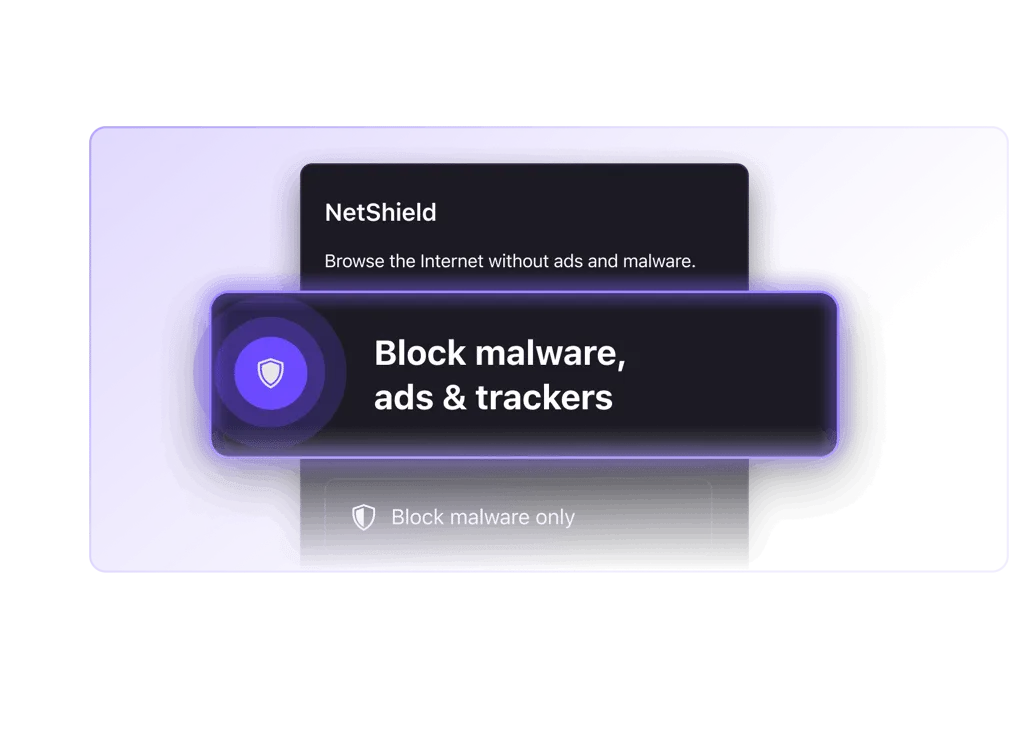
NetShield Ad Blocker
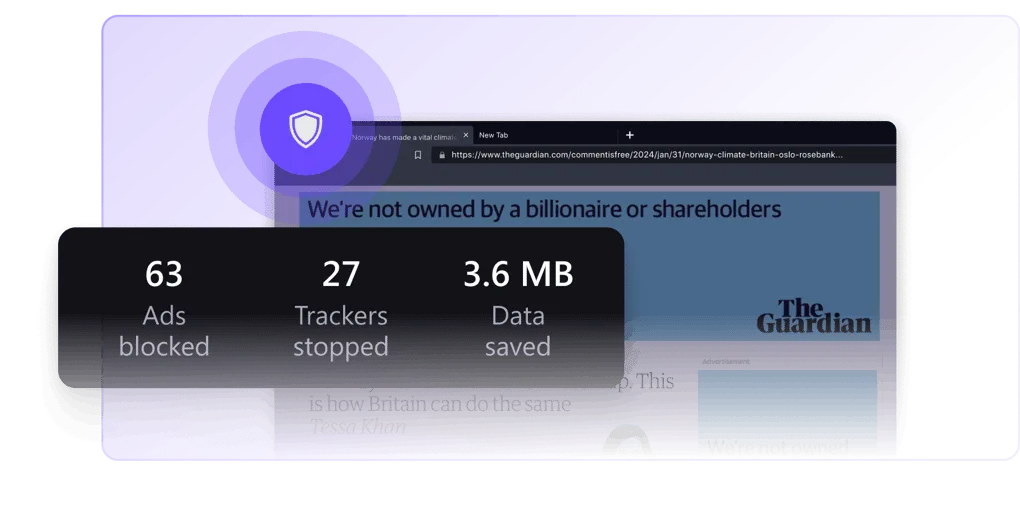
NetShield speeds up your connection and protects you from malware by filtering images, scripts, and other resources from domains known to host malware.
NetShield is also available for VPN Plus and Unlimited users and blocks online trackers and ads.
Kill Switch
The VPN kill switch protects your IP address when your VPN connection fails.
If your VPN connection fails, the kill switch will prevent your device from connecting to the internet until your device reconnects to the VPN server.
Why use Proton VPN?
No Logs. Ever.
We will never log user activity or share user data with third parties. Even if authorities request information on our users' online activity, we have nothing to share.
Perfect Forward Secrecy
Proton VPN uses ciphers with Perfect Forward Secrecy, meaning your encrypted traffic cannot be captured and decrypted later, even if an encryption key gets compromised in the future.
Based in Switzerland
As a Swiss company based in Geneva, we are subject to Swiss law, which has some of the strongest privacy protections in the world.
How to Use Proton VPN
Step 1: Create an Account
To get started with Proton VPN on Android, sign up for a free account or purchase a paid Proton VPN Plus account.
With our paid plan, you can use Proton VPN on up to 10 devices simultaneously, connect to over 15,000 high-speed servers in more than 120 countries, and access premium features.
Step 2: Download Proton VPN and Sign In.
Our open-source Android app is also available on F-Droid. Alternatively, you can download the APK file from GitHub.
After installing it on your Android smartphone, sign in to the app using your Proton VPN username and password. Proton Mail users who already have a Proton VPN account can sign in directly using their existing Proton credentials.
Step 3: Connect to a Server
You can automatically connect to the fastest VPN server in your location, or choose to connect to any specific server available in your plan.
Data transmitted between your device and the VPN server is encrypted, meaning:
Your internet service provider cannot monitor your online activity.
Websites can see the IP address of the VPN server you are using.
You can check your IP address at any time while connected to find the VPN server's address.
FAQs
How to choose the best VPN for Android?
The Proton VPN app for Android is designed to be secure, fast, and easy to use. You can use Proton VPN to watch your favorite shows, share files via BitTorrent, access censored content, and protect your privacy.
Proton VPN is a community-supported VPN service whose mission is to create an internet where privacy is the default setting. Founded by scientists at CERN, Proton VPN aims to ensure everyone can protect their privacy. Proton VPN offers one of the few completely free VPN services, with no data limits, no logging, and no privacy-invading ads.
How to install a VPN on an Android device?
The easiest way to install our app is from the Play Store. (New window) If you access the Play Store page via computer, you can select your Android phone or tablet when prompted to choose a device. If you don't want to use Google, our Android app is also available on F-Droid. (New window) Alternatively, you can download the APK file from GitHub.
You can verify the downloaded APK using the SHA256 fingerprint of the following signing certificate:
DC:C9:43:9E:C1:A6:C6:A8:D0:20:3F:34:23:EE:42:BC:C8:B9:70:62:8E:53:CB:73:A0:39:3F:39:8D:D5:B8:53
How to easily connect to a VPN server on an Android device?
Log in to the app and tap the "Quick Connect" button in the bottom right corner of the screen. It's that simple. Alternatively, you can choose a specific country or a dedicated server (P2P or Tor).
How to access blocked content using a VPN on an Android device?
You can use the Proton VPN Android app to access content blocked by your internet service provider, government agency, workplace, or school. Simply connect to a VPN server in a region where the content is not blocked. If you have a VPN Plus or Proton Unlimited account, you can also access popular streaming services by connecting to a Plus server.
Summary
Proton VPN is a trustworthy Swiss VPN. With its innovative security architecture, it stands as a top VPN extension, effectively protecting your privacy and defending against third-party attacks. Connecting to its high-speed servers allows you to enjoy a smooth, buffer-free streaming experience and complete tasks faster. Furthermore, its strict adherence to a zero-logs policy, ensuring it doesn't collect or store any data, is also commendable.








