
Facemoji Emoji Keyboard & Fonts is an exceptional smart emoji keyboard utility designed to help users enrich their social chats with a vast array of emojis, stickers, GIFs, fonts, and themes. Facemoji Emoji Keyboard & Fonts presents users with a powerful yet user-friendly keyboard application, allowing them to explore stylish free themes, wallpapers, and color schemes to make their keyboard screen visually stunning and lively. Users can also experience intelligent typing controls that adapt to their personal input habits, ensuring a more convenient and fluid typing experience.
Click to load YouTube / 点击加载视频
YouTube ↗Attractive Features of Facemoji Emoji Keyboard and Fonts
Expanded Library of Emojis, Stickers, and GIFs
Facemoji AI Emoji Keyboard offers a collection of over 6,000 emojis, stickers, symbols, GIFs, and emoji art pieces. It includes the latest 2025 emojis, as well as hidden TikTok emojis that appear on supported platforms. You can insert vivid expressions while typing text, ensuring your replies remain timely and relevant across platforms like WhatsApp, Instagram, and Telegram.
Genmoji-style Emoji Creator and DIY Avatar Stickers
Use the built-in creative tools to design personalized emojis and avatar stickers that perfectly match your mood or style. You can customize facial features, accessories, and colors, then convert your creations into animated GIFs for easy sharing anytime, anywhere. When standard emojis fail to convey your exact meaning, this creative process allows you to send original visual content.
Deep Keyboard Customization
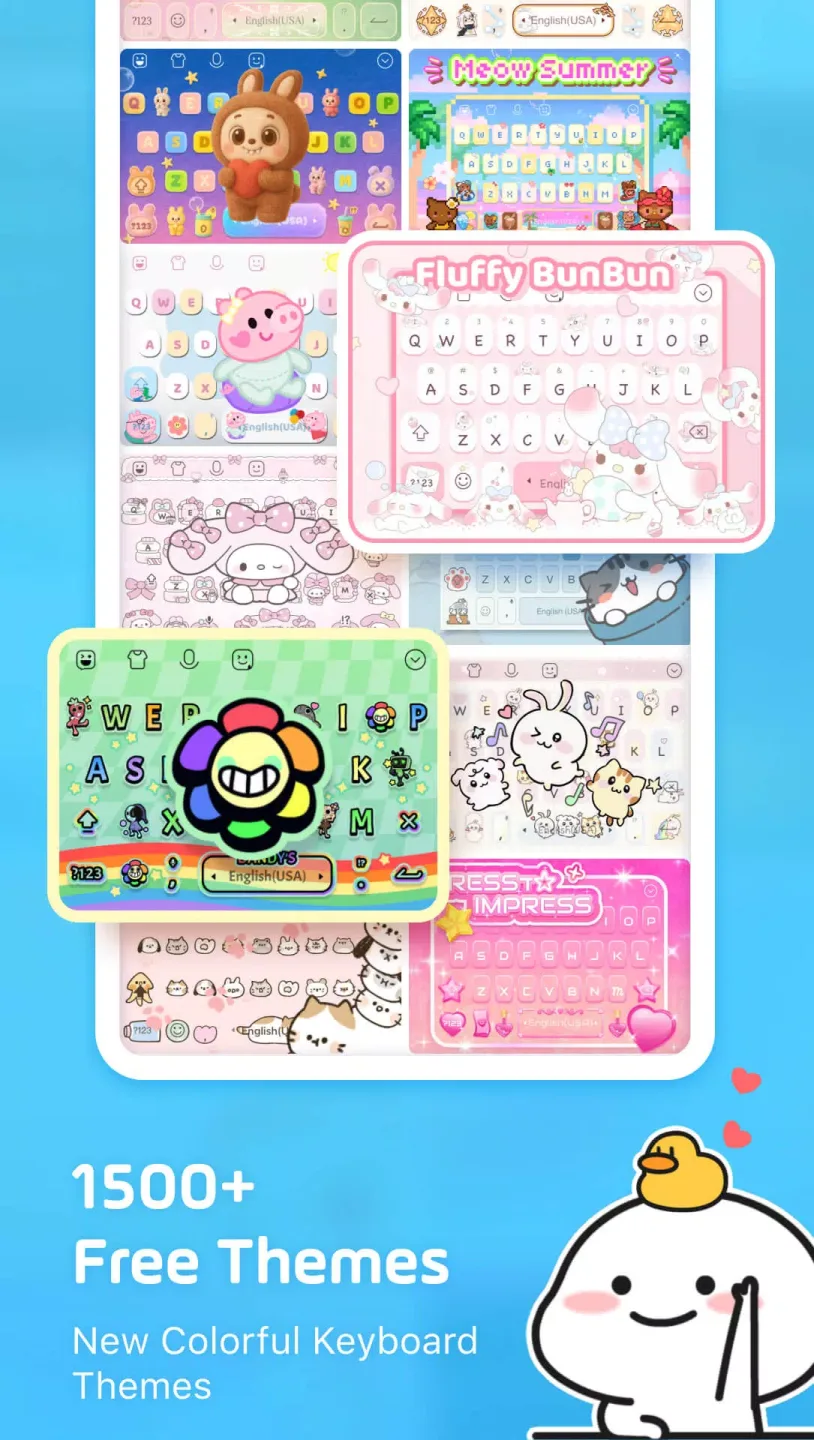
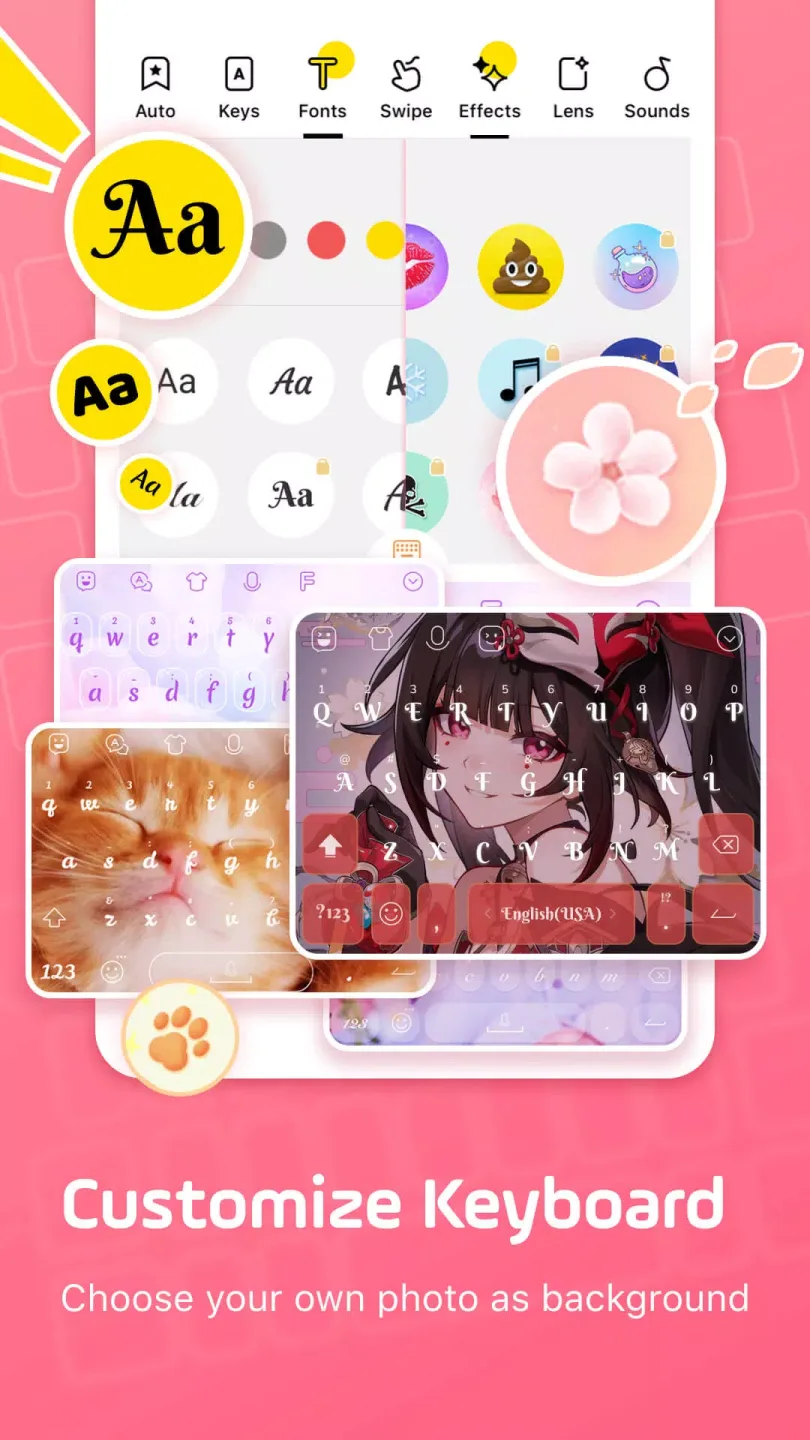
Facemoji AI Emoji Keyboard supports over 1,500 free themes and allows you to set custom wallpapers, fonts, colors, and key styles. Tap effects and sound options enable further fine-tuning, ensuring your keyboard's appearance and user experience align seamlessly with your home screen. Even after customization, the layout remains clear and the keys remain easily legible.
Fonts, Symbols, and Text Art
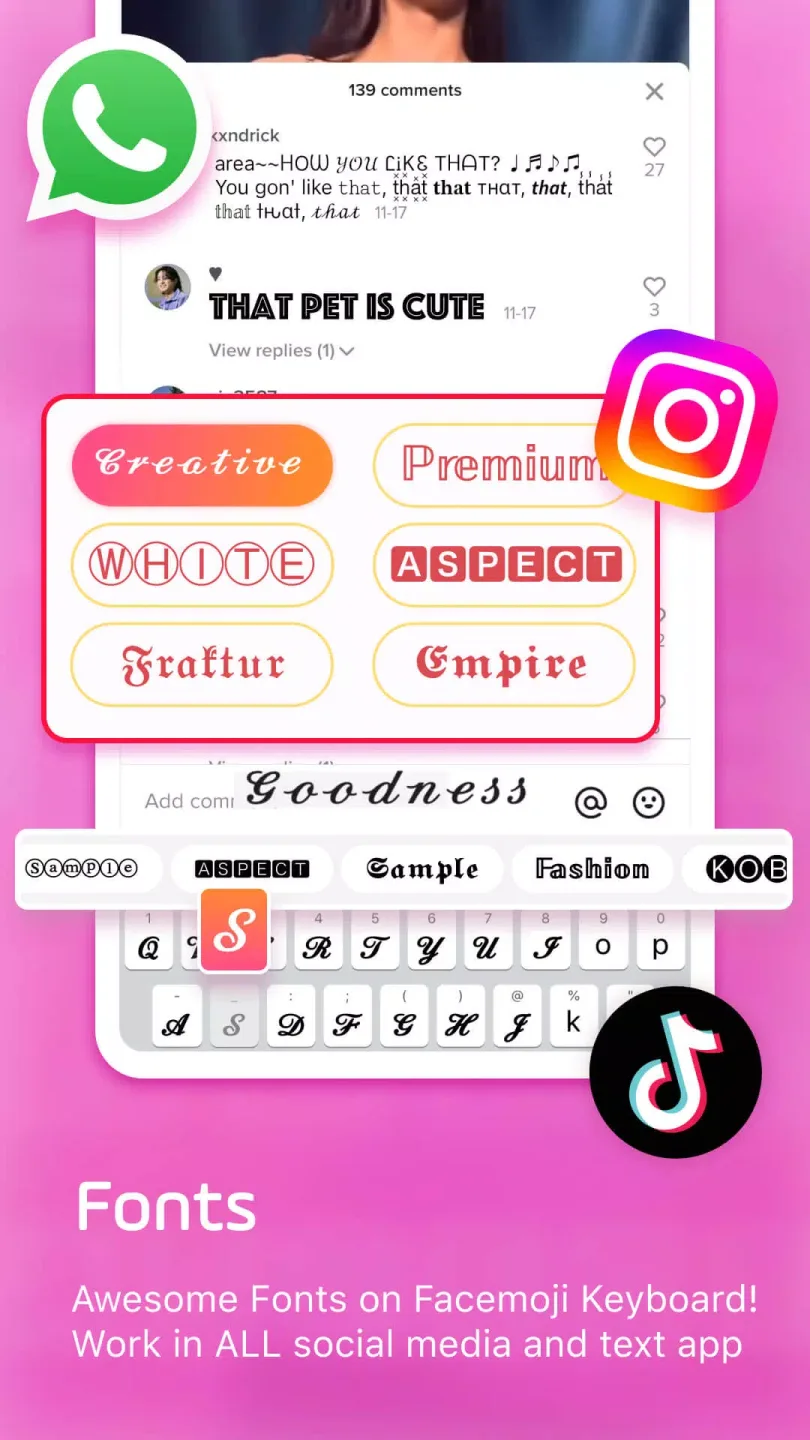
Switch between over 100 cool fonts—without ever leaving the keyboard—and add more than 1,000 Unicode symbols, kaomoji, and text art designs. These tools help you format your TikTok and Instagram bios, captions, and posts with just a few taps. This allows you to tailor your content style to suit different messages while maintaining a clean and fluid typing experience.
Smart Input & Clipboard Tools
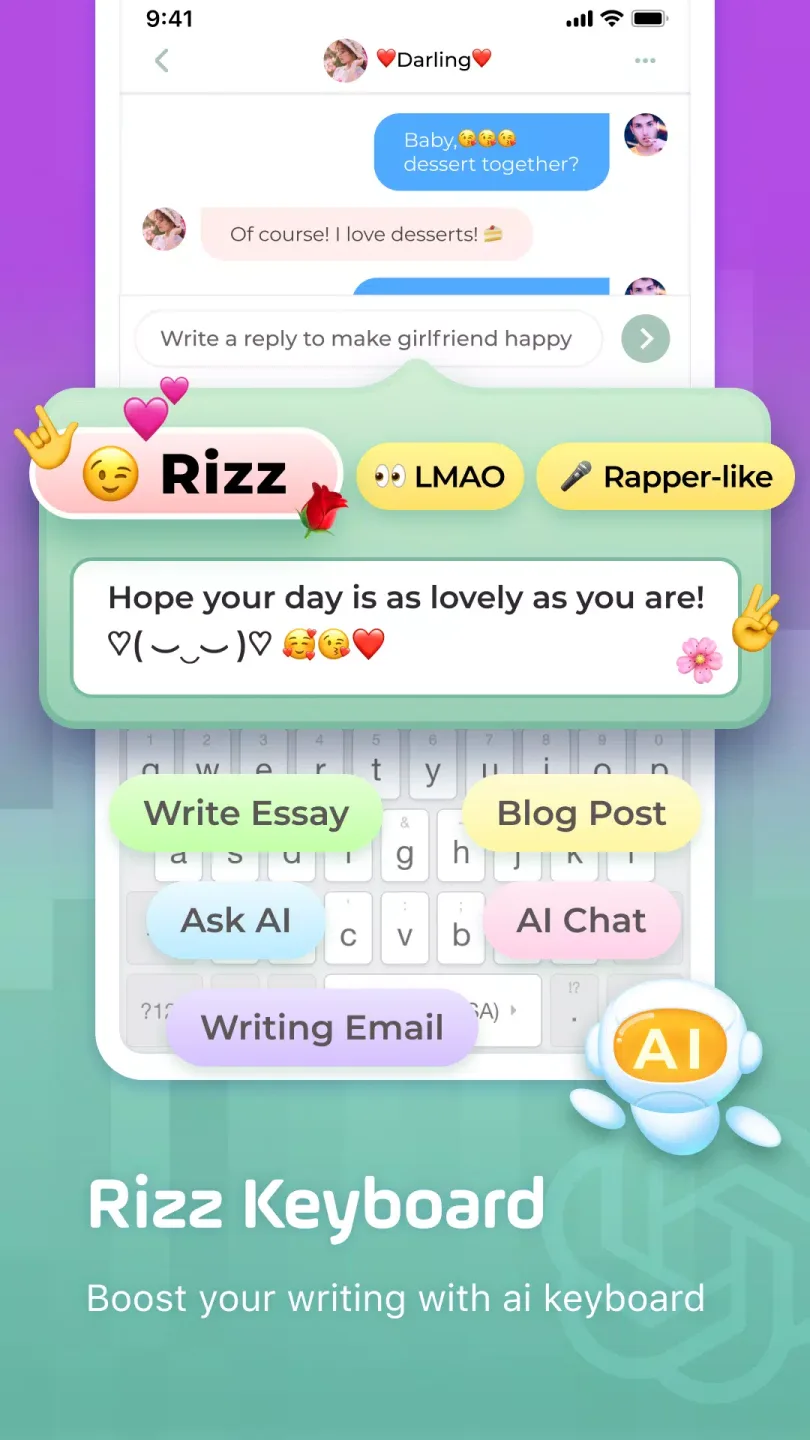
As you type, emoji and sticker predictions appear in real-time, while glide typing and auto-correction features ensure a smooth input experience. The auto-paste keyboard and built-in clipboard allow you to send saved text snippets, links, and contact information with a single tap. This setup minimizes repetitive typing and accelerates the speed of your daily replies.
Helpful Tips of Facemoji Emoji Keyboard and Fonts
Install the app on your Android device, then launch Facemoji AI Emoji Keyboard from your home screen.
Go to Settings, locate "Languages & Input," open "Keyboards," and enable Facemoji AI Emoji Keyboard.
Set Facemoji AI Emoji Keyboard as your default input method. Then, open any chat window; you can switch to this keyboard whenever needed.
Tap "Themes" to select a preset theme, or customize the wallpaper, colors, fonts, and key-press effects to create your own unique layout.
Open the Emoji Maker, select a base face shape, adjust the facial features and colors, then save and send your very first custom emoji or sticker.
Fantastic Highlights of Facemoji Emoji Keyboard and Fonts
Access a wide variety of emojis, stickers, and animations while typing.
Customize the keyboard interface—such as colors and layout—to create a setup that works best for you.
Choose from a vast selection of keyboard wallpapers, or upload your own favorite photos directly from your gallery.
Select from over 1,500 colorful keyboard themes, with new additions released every week.
Discover a diverse array of unique and adorable character designs.
User's Comments of Facemoji Emoji Keyboard and Fonts
This app is fantastic! I've been using this app for a view years and never had any complaints. You can choose from many backgrounds or even use a picture from your camera roll to put as the background for your keyboard. You can customize the front on your keyboard, add effects, and even use different fonts when you're typing! This is a fantastic app and I don't plan on ever deleting it.
I've tried a few other keyboards and uninstalled them within the first 30 mins, or sooner. This is a good one. Keyboard allows numbers on top, which is important to me. Some don't even offer something that simple. I wish the fonts were serious, instead of those 10 silly fonts no one would use. But other than that, I've been very happy. LOVE the, Make Your Own Keyboard.
I love the Studio Ghibli keyboard, but I wish there was an option to get rid of the small bubbles at the bottom. I also wish there were some more masculine options, things that looked a little darkee, more metallic, and visually striking in a way that is not necessarily cute or feminine. But, it's a great,app and idk if its in my head or not, but the keyboard feels a lot smoother than the default Android keyboard.
Final Verdict
With the addition of Ginger Keyboard and Mint Keyboard, mobile users now have another excellent virtual keyboard tool. With Facemoji Emoji Keyboard&Fonts, you can customize the keyboard interface anytime and anywhere, experience many smart functions, and have fun.








