

Fluid Navigation Gestures is an outstanding theme control utility that helps users improve the appearance of their mobile screen interface while providing flexible and convenient operation. Fluid Navigation Gestures presents a feature-rich, powerful, and easy-to-use navigation gesture application, allowing users to complete efficient screen tasks using simple gestures. Fluid Navigation Gestures supports powerful custom gesture settings to meet users' flexible and quick gesture needs. Users can experience a smooth interactive interface and enjoy familiar and intuitive operation.
Click to load YouTube / 点击加载视频
YouTube ↗Excellent Features of Fluid Navigation Gestures
Edge Gesture Control
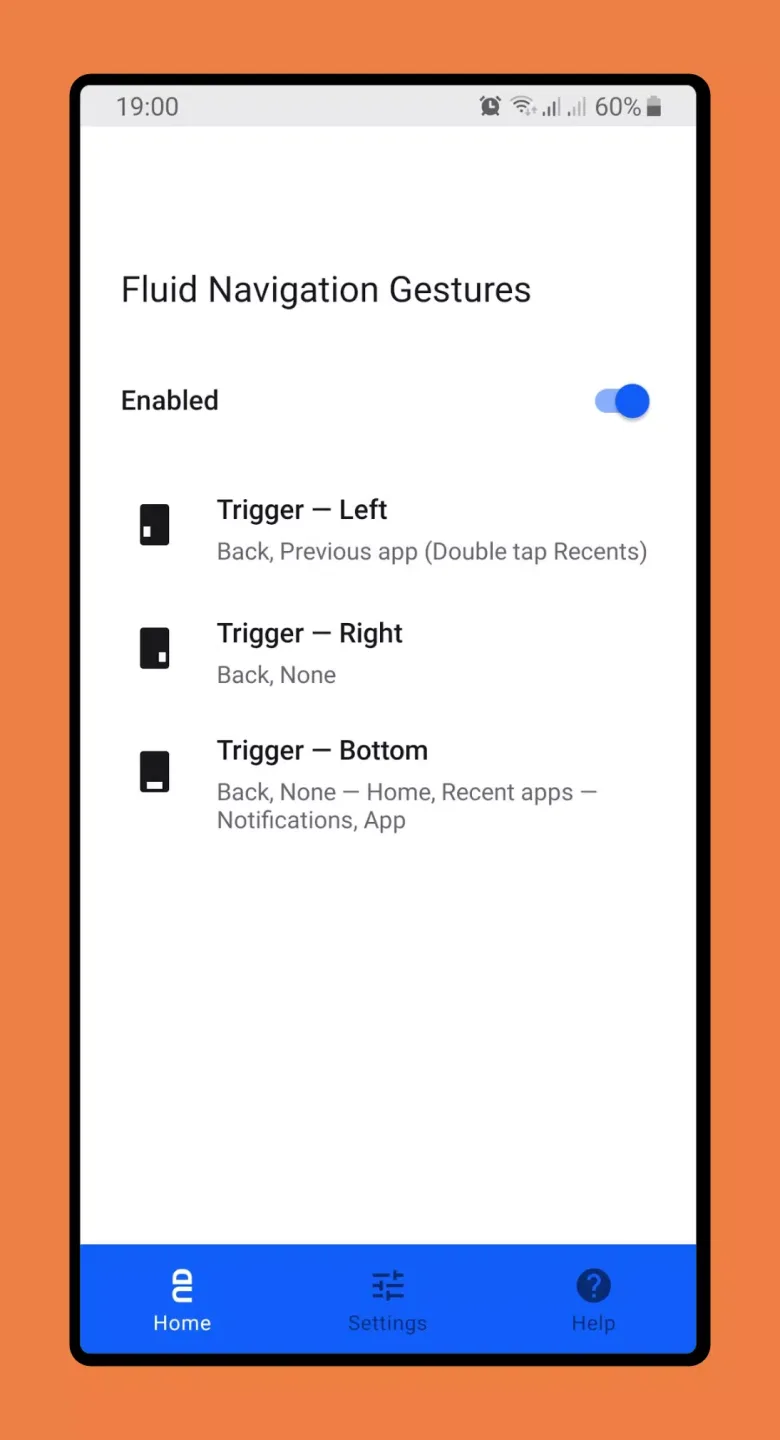
Smooth navigation gestures add quick swipe and swipe-and-hold gestures to the bottom and side edges of the screen. You can customize the location and behavior of the trigger points. Side trigger points only respond in the lower half of the screen, which helps maintain the accessibility of the application's side menus. This layout ensures smooth navigation without obscuring important user interface areas.
Assignable Actions
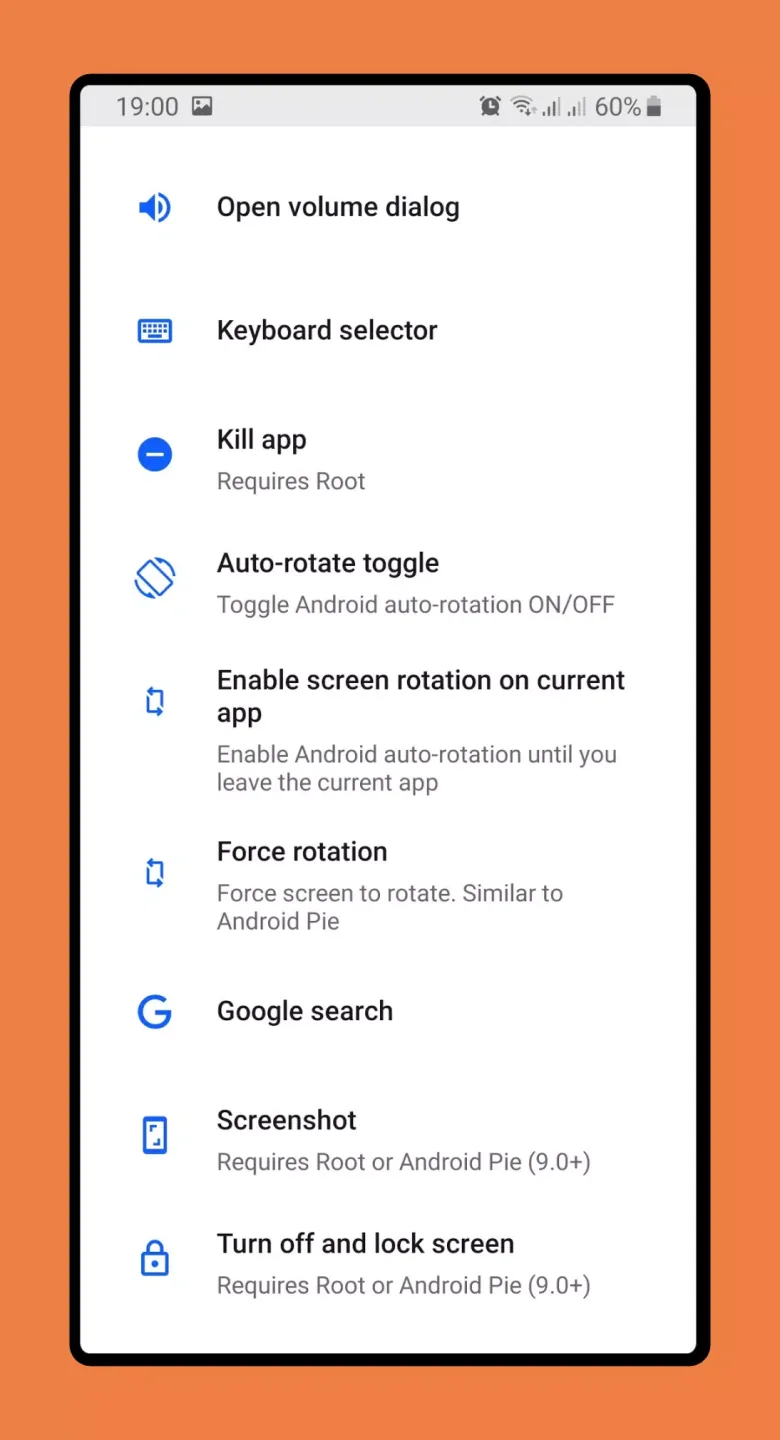
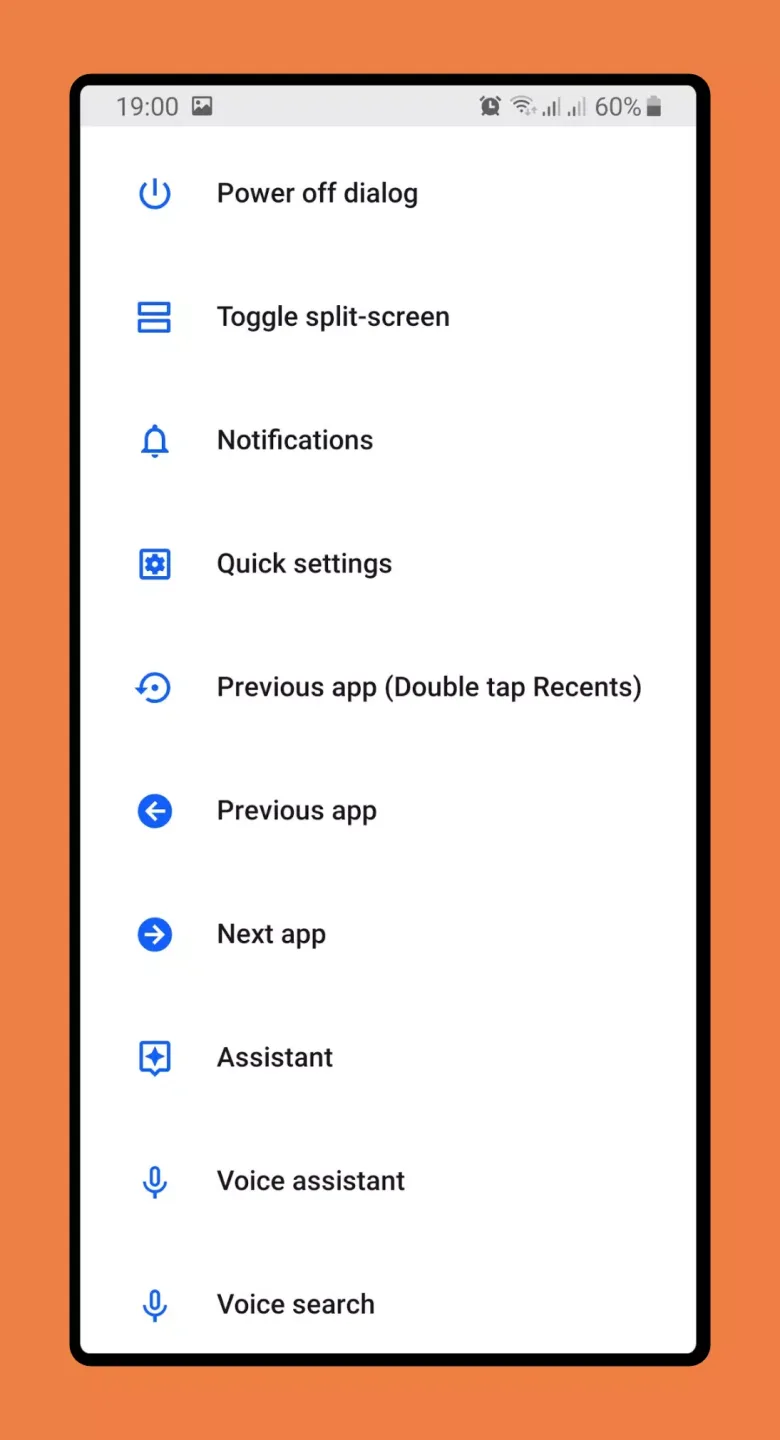
You can map each gesture to a specific action, such as back, home screen, recently used apps, split-screen switching, notifications, power dialog, quick settings, Google search overlay, keyboard picker, voice search, voice assistant, or launching an app or shortcut. This allows you to set up a control scheme that suits your habits.
Hide and Restore Navigation Bar
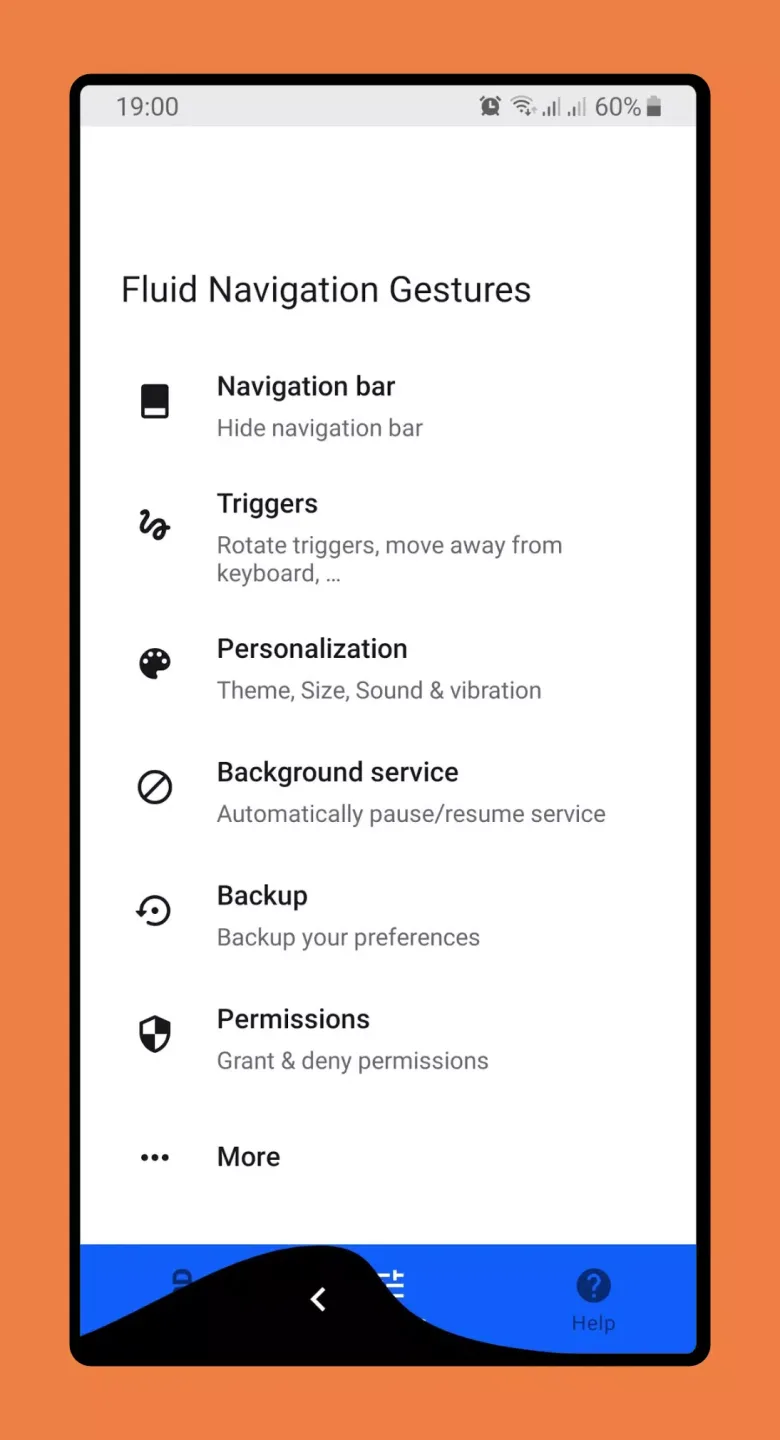
The app can hide the in-app navigation keys if needed. To enable this feature, grant permissions on your computer using root privileges or ADB commands. Typical steps include enabling developer options and USB debugging, then running `adb shell pm grant com.fb.fluid`
Fantastic Highlights of Fluid Navigation Gestures
With this personalization app, you can perform various actions simply by swiping your finger on the bottom or side of your device. Furthermore, the app can distinguish between regular presses and long presses.
Using this application, you can create custom gestures for many different commands, such as back, returning to the home screen, opening recently used apps, opening the notification bar, opening the settings menu, launching a specific app, or bringing up the keyboard.
Wonderful Performance of Fluid Navigation Gestures
Enjoy the app experience in multiple languages
For an even better experience, Android users who support Fluid Navigation Gestures can now use the FNG Permission Granter to translate the app into their preferred language. With minimal setup, enjoy a more intuitive and user-friendly experience.
Access our free and unlocked app
Unless you want to pay to unlock the full version, downloading the modified version of Fluid Navigation Gestures from our website is always a better option for Android users. Our modified app has removed ads, offers unlimited functionality, and added features. Simply download the Fluid Navigation Gestures Mod APK and follow the instructions to start using all its features.
Helpful Tips of Fluid Navigation Gestures
Enable Developer Mode in Android Settings.
Enable USB Debugging
Set up ADB on your PC.
Grant permissions by running the following adb command:
adb shell pm grant com.fb.fluid android.permission.WRITE_SECURE_SETTINGS
To restore navigation keys, simply disable FNG or run the following ADB command:
adb shell wm overscan 0,0,0,0
Summarize
Create personalized gestures for your Android device and save significant time with these useful shortcuts using the powerful custom app Fluid Navigation Gestures. An open-source tool that easily grants FNG the necessary permissions on Windows systems.








