

Private Zone is a privacy protection software designed specifically for mobile devices. It provides users with app locks and multiple encryption methods to protect important user information and software in real time. It also allows users to set virtual icons for specific apps to better hide important information. Users can also place their favorite pictures, videos, etc., in hidden folders and set passwords to prevent unauthorized access and privacy leaks. The software also offers users various lock screen styles and wallpapers, which can be changed with a simple click, making your device more stylish.
Click to load YouTube / 点击加载视频
YouTube ↗Features of Private Zone:
Comprehensive Security Features: Private Zone delivers robust privacy management for Android devices, arming users with a suite of tools designed to safeguard sensitive content and apps. By supporting both PIN and pattern lock methods, the app aims to block prying eyes from accessing private photos, videos, or personal applications like messaging, social media, and banking.
Multi-Layer Protection: The app goes beyond basic app locking by enabling the concealment of specific files—ranging from images and videos to documents and APKs—within a secure vault. The added benefit of Break-in Alert actively notifies users of unauthorized access attempts, snapping a photo of the intruder using the device's front camera whenever an incorrect unlock pattern or PIN is entered.
Customizable App Covers: Private Zone stands out with its innovative Cover options, letting users disguise locked apps with convincing screens, such as fake errors or fingerprint prompts. Each cover type, including App Error and Beauty Cover, offers an extra layer of deception, potentially deterring anyone who tries to access a restricted app without permission.
Privacy-Focused Browsing: Addressing digital privacy concerns, Private Zone integrates a discrete browser accessible via its Discover feature. This private mode ensures browsing history and search activity remain hidden from standard browser logs, granting users the freedom to access sites like Facebook, YouTube, and Amazon confidentially.
Functions of Private Zone:
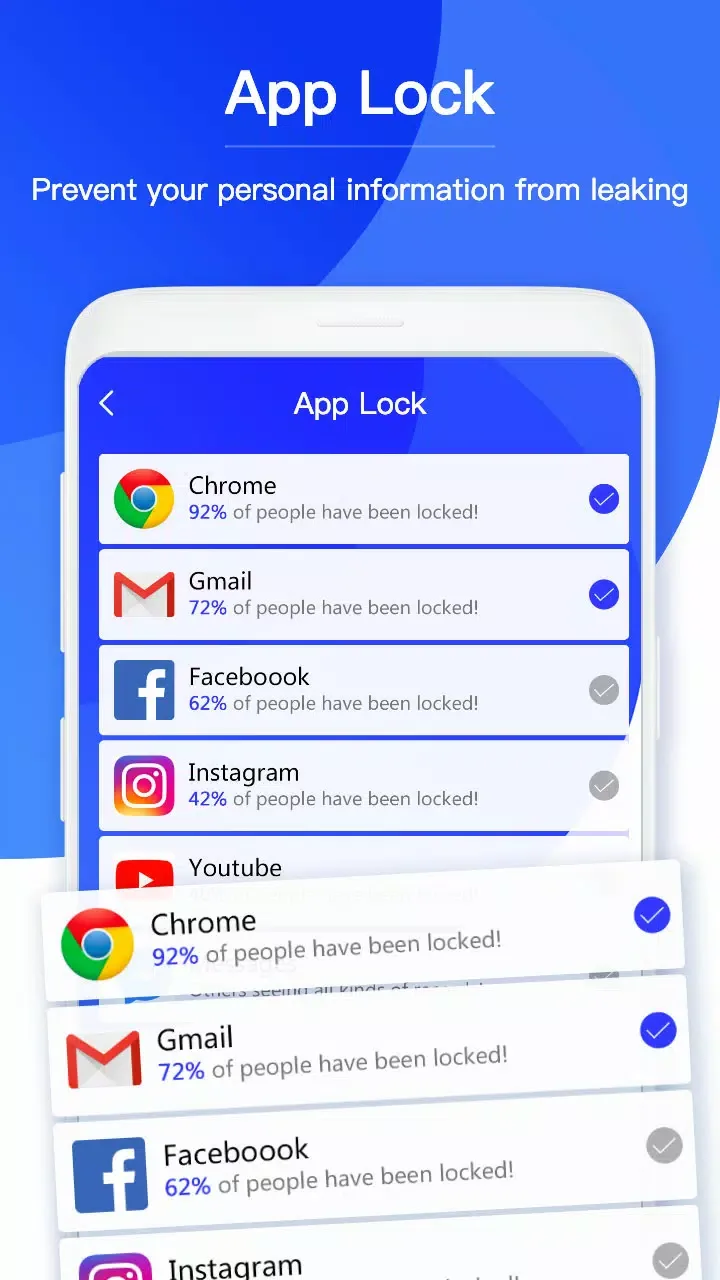
No one can find out yoursecrets: Lock up your Facebook, WhatsApp, Snapchat, Messenger,Gallery and other important apps which may leak your privacy.Secure password protection to lock your favorite apps.Usepattern, digital or fingerprint password for locking/unlockingapps.Customize your lock mode, lock different apps underdifferent circumstances.Prevent children from playing games orbuying unwanted things.
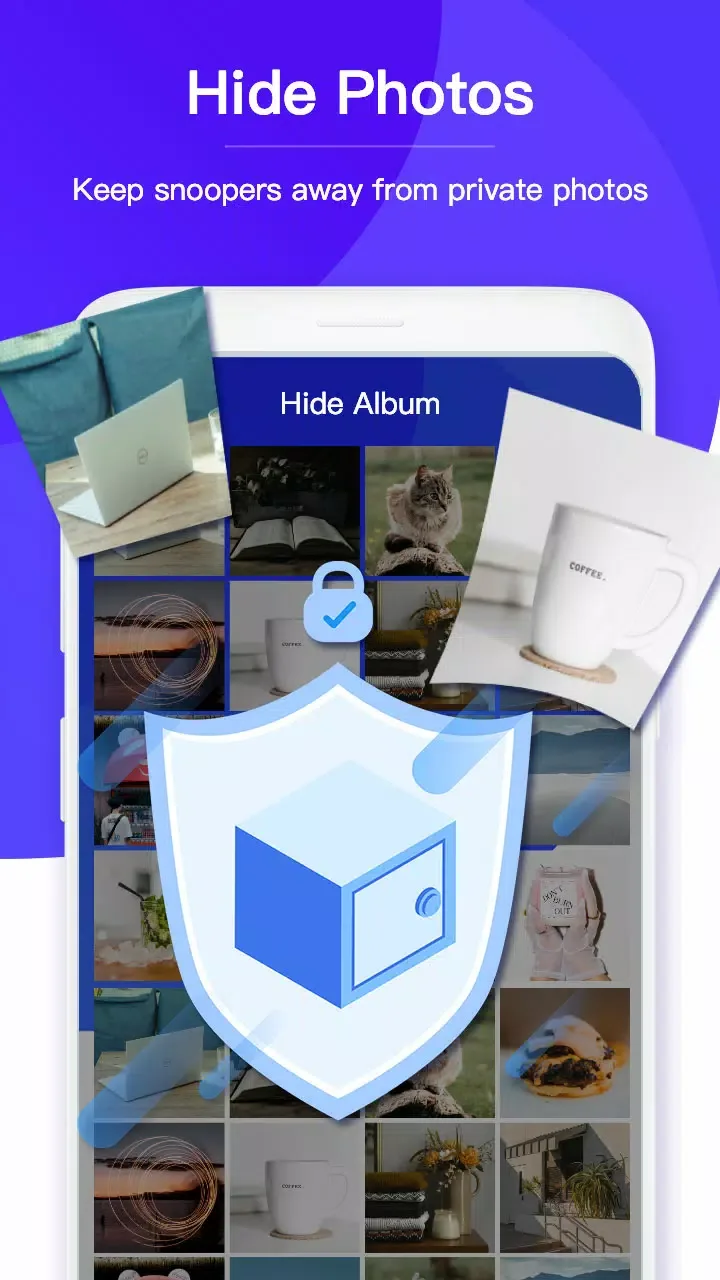
Hide Photos: Protect your personal photos: Easily hide pictures to our vault from your gallery.Keepsnoopers away from private photos.Enjoy a private photo gallerythat only you can view.
Hide Videos: Protect private memorieseasily: Don’t worry about your private media in our video vaultnow.Protect your secret videos from prying eyes and nosyfriends.
Lockscreen: Enjoy your amazing phone lock: Use screenlock protect your phone from intruders.Choose different themesor covers to customize your lock screen.Support fingerprint.
Cloud Backup: more secure data with one click backup: Encryptyour phone data and backup to Google drive:Privacy files are neverlost!
Conclusion:
Overall, Private Zone is a multifunctional app equipped with a browser, file cleaner, and many more. However, its main functionalities lie in its app and file locker. With the ability to set Covers and take pictures of intruders, the app promises next-level security, in addition to your peace of mind. Unfortunately, one glaring flaw of the app is the slow load times of hidden videos.








