
DiskDigger is an excellent file management application. This powerful application runs without root access and can recover lost photos, images, videos, documents, or other types of non-media files from your internal storage or external memory cards. With DiskDigger, easily recover lost images stored on your smartphone's internal storage or SD card. Whether you accidentally deleted photos or formatted your memory card, this application's data recovery function can help you find and recover your precious memories.
Click to load YouTube / 点击加载视频
YouTube ↗Highlights:
If your device is not rooted, the app will perform a "limited" search for your lost files by performing a full search of your existing internal storage, thumbnail caches, databases, and more.
If your device is rooted, the app will search all of your device's memory for any trace of photos, videos, and certain other types of files.
After the scan is complete, tap the "Clean up" button to permanently delete any items that you no longer need (currently an experimental feature, available only in the Basic Scan).
You can also use the "Wipe free space" option to erase the remaining free space on your device, so that any deleted files can no longer be recoverable.
Features:
Restore multiple file types
DiskDigger can look for photos, images, videos, documents, and other common files on your device. It searches internal memory and external SD cards to surface items that were removed by mistake or lost during storage issues. This gives you a single place to run photo recovery and general file checks without switching tools.
Scanning on devices without root
You can run a thorough basic scan even if your device is not rooted. DiskDigger checks visible storage areas, thumbnail caches, and app databases to locate recoverable items. This mode is simple to start and is the quickest way to see what the app can find on your phone.
Deep scanning on rooted devices
If your device has root access, DiskDigger can perform a deeper scan across device memory. This mode looks for traces of photos, videos, and select file types that are not easily visible otherwise. It is a more advanced option that may uncover additional results compared to the basic scan.
Flexible save and backup options
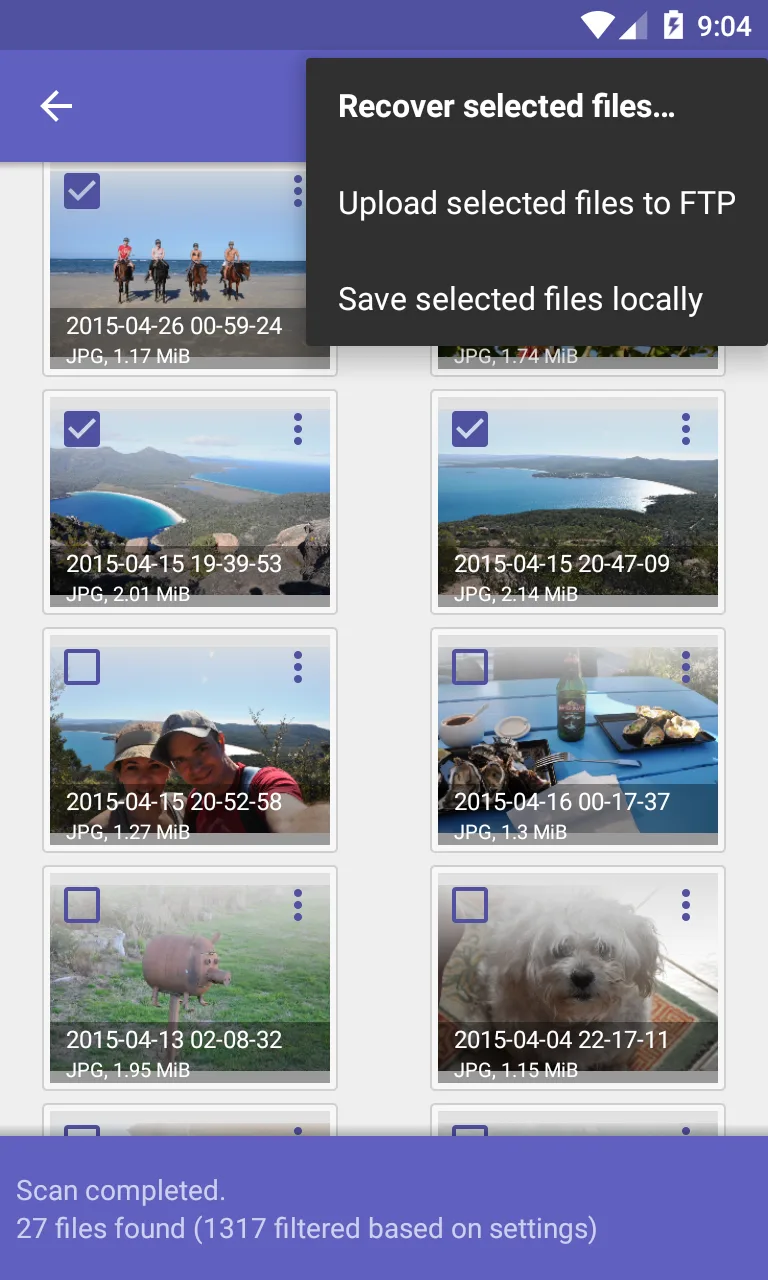
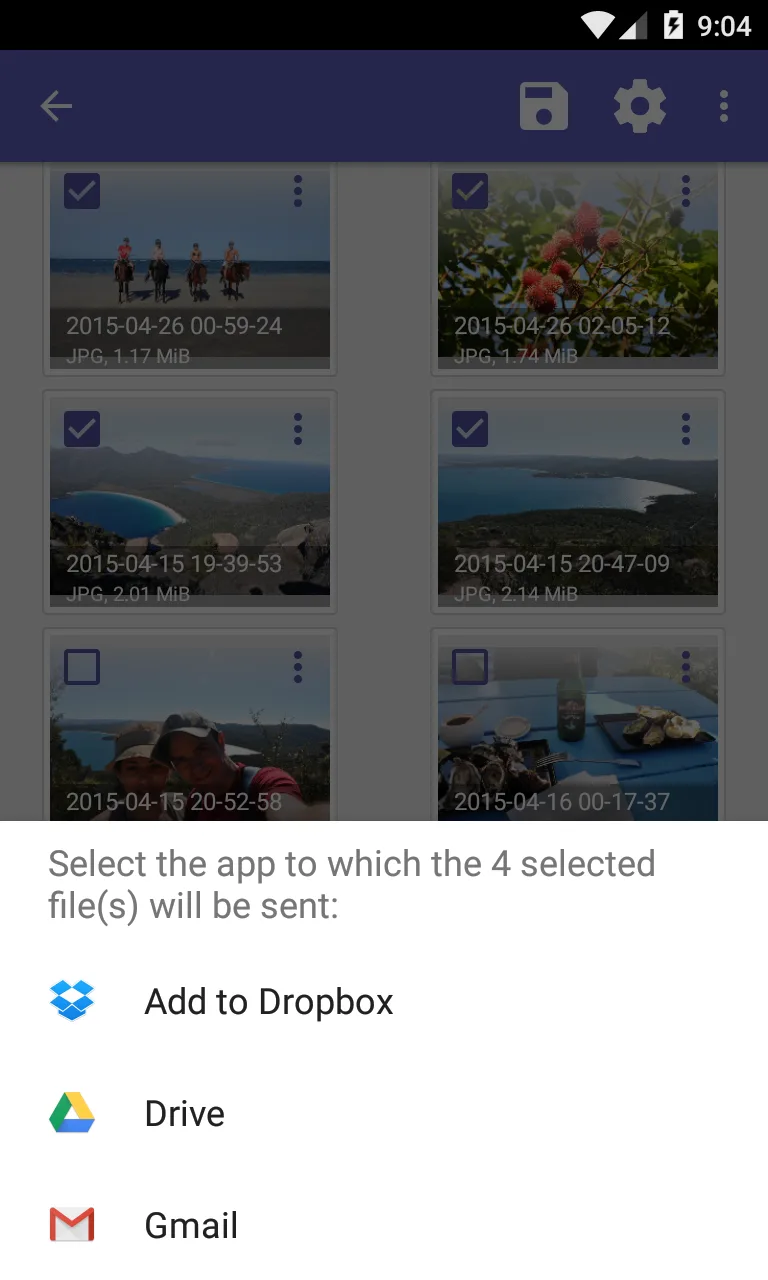
After reviewing results, you can save recovered files to cloud storage services such as Google Drive or Dropbox, send them by email, or place them in a local folder. DiskDigger helps you separate recovered content from the original storage area, which reduces the risk of overwriting data during the process.
Clean up and wipe free space
DiskDigger includes two maintenance tools for after your scan. Clean up lets you permanently remove unwanted items found in Basic Scan mode. Wipe free space erases the free space on your device so previously deleted files are harder to recover in the future.
Benefits:
Effortlessly recover lost photos, images, and videos from your phone's memory or SD card.
Upload recovered files directly to Google Drive, Dropbox, or email them to yourself.
Restore precious files with just a tap of a button.
Get VIP treatment with DiskDigger Pro to recover even more file types.
Clean up feature zaps away items you no longer need.
Safeguard privacy by wiping free space on your device.
Changelog:
- Improved ability to search for non-media files.
- Improved compatibility with broader range of devices.
- Minor bug fixes and enhancements.
Conclusion:
Don't let lost memories stay lost - DiskDigger is your ultimate photo and video recovery superpower. Effortlessly recover and restore your precious files, upload them to the cloud, and keep your device clean with just a tap. With VIP treatment available for even more file types, DiskDigger is a must-have app for anyone who values their memories. Download now and never lose a precious memory again!








