
Zing Studio is a free and user-friendly video editor. The application offers a variety of editing tools, allowing users to unleash their creativity and create all sorts of fun animations. With Zing Studio, you can use its green screen technology to create animations in any scene, letting your imagination run wild. Thanks to its vast sound effects library, you can add all sorts of interesting sound effects to your videos, making the animation happen anywhere you can imagine. Furthermore, this application offers adjustable frame rates, giving you complete control over the video's playback speed.
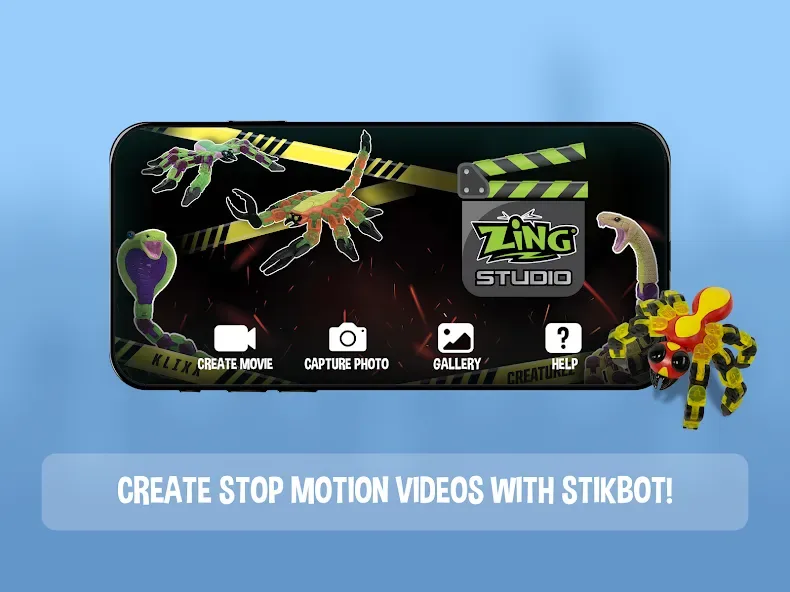
Features:
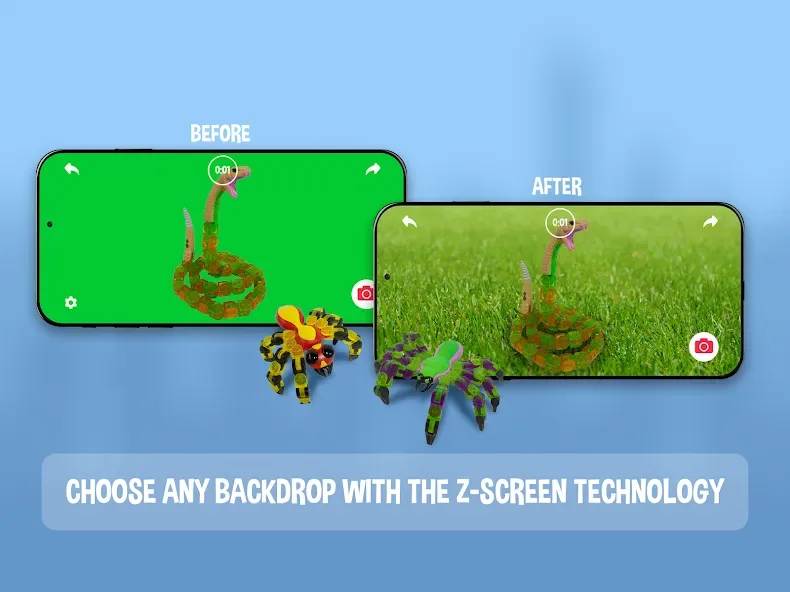
Green screen capability: With the app's green screen technology, you can create animations that take place anywhere you want. Let your imagination run wild as you transport your characters to different worlds and locations.
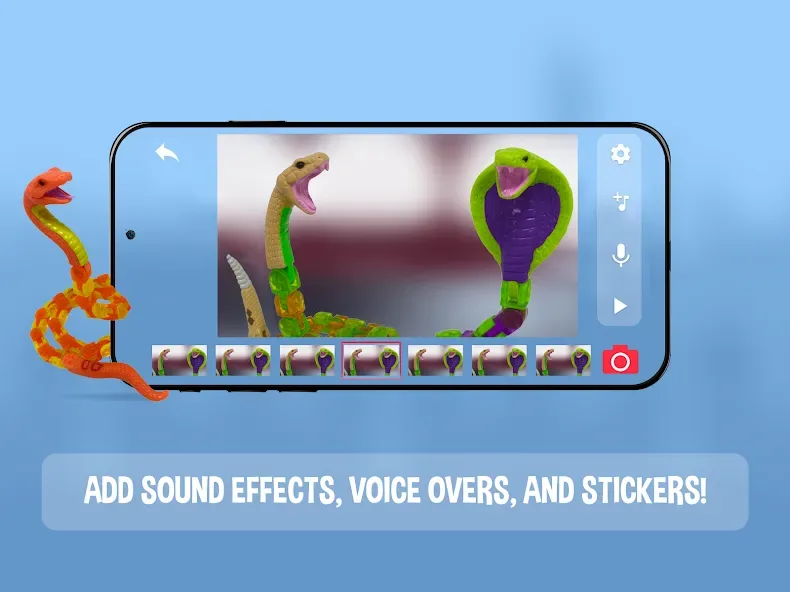
Record your own voice-over: Personalize your stop motion videos by adding your own voice-overs. Bring your characters to life with unique voices and dialogues, adding depth and personality to your creations.
Library of sound effects: Add an extra layer of excitement and fun to your videos with a vast library of sound effects. Choose from a variety of options to enhance the storytelling and immerse your viewers in the action.
Adjustable frames-per-second: Take full control of the speed of your videos by adjusting the frames-per-second. Whether you want to slow down for dramatic effect or speed up for a fast-paced sequence, the app allows you to customize the tempo to suit your vision.
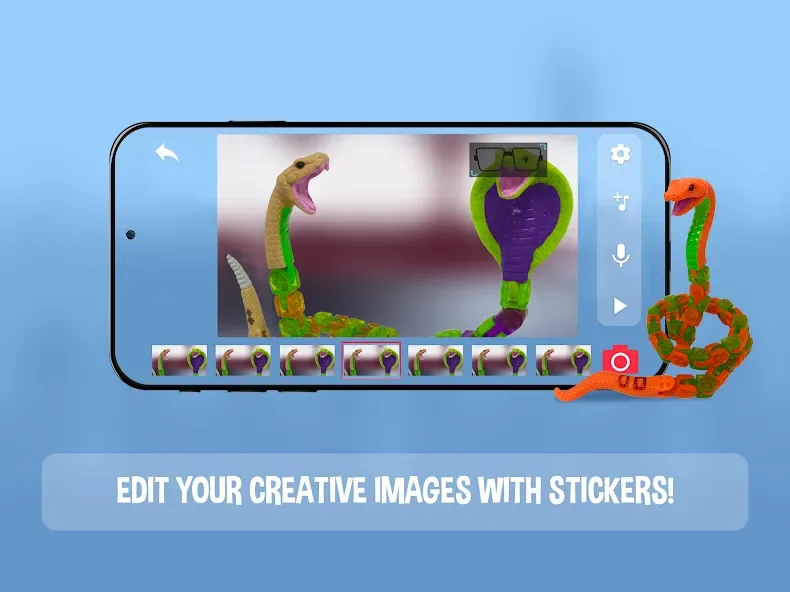
Funny cartoon stickers: Inject some humor into your Stikbot animations by adding funny cartoon stickers. From quirky facial expressions to hilarious props, these stickers will bring a smile to your audience's faces and make your videos even more entertaining.
Ghost image feature: The app's ghost image feature makes the animation process easier and more seamless. By overlaying the previous shot as a transparent image, you can ensure smooth transitions between frames, resulting in a polished and professional-looking final product.
Benefits:
Zing Studio is a video editor that lets users create your own stop motion videos. The system is straightforward: all you need to do is record a video or take photos with the app's built-in camera and then assemble the clip in the editor.
The editor is pretty basic, but it has several tools to edit your creation. You can create loops, change the video speed (fast and slow motion), move or copy scenes, add special sound effects, add songs from your terminal's memory, and even record your voice.
Changelog:
Bug fixes
Fixes issues on performance and stability
Improvements and bug fix
Audio editor
interface
Audio Editor
Cropping: restore button for audio
Move frames with adjusted audio: volume and pitch (single & multiple audio)
Fix No audio on downloaded video
Fix moving frame with adjusted audio, cut and paste issue
Fix Orientation
90deg camera preview issue
Fix New video plays the audio from the attached audio of previous/old video
Fix app crashes when the audio is restored
Fix green screen issue
Conclusion:
Zing Studio is a must-have for anyone who loves creating stop motion videos. With its user-friendly interface and exciting features like green screen capability, customizable frame rates, and a vast library of sound effects, this app offers endless possibilities for creativity. Whether you're a seasoned filmmaker or just looking for a fun way to express yourself, Zing Studio is the perfect tool to bring your ideas to life.








