

Incognito Away - Disable Incog is a powerful privacy protection tool. This application provides VPN protection, ensuring your online activities are safe and anonymous. With Incognito Away - Disable Incog, you can lock specific websites to prevent unauthorized access and protect your private collections. Its robust privacy features elevate the user's internet access experience to a whole new level. Furthermore, you can easily customize your homepage, add your favorite websites, and access them conveniently and quickly.
Highlights:
Activity Logging
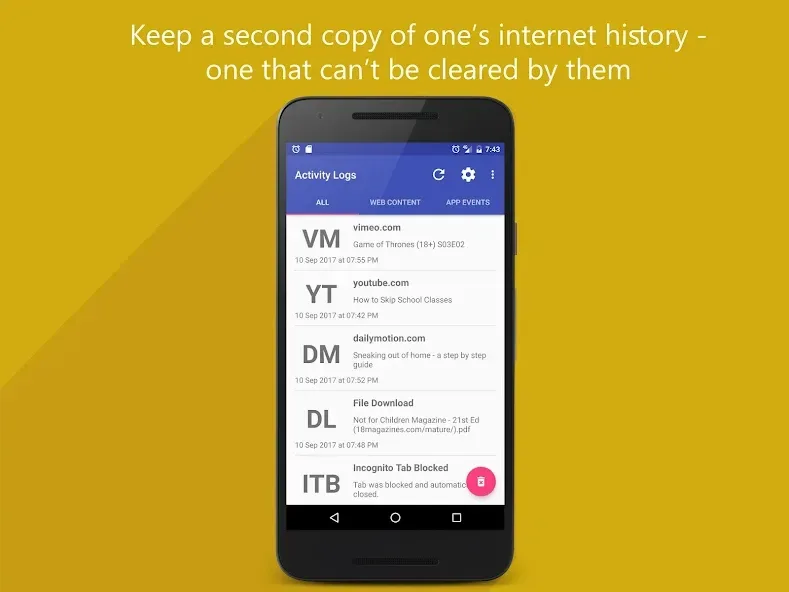
Track and log a user's web activity such as downloads, videos, audio and music played in their web browser.
If someone later clears their browsing history, Incognito Away will still have a copy for you to see!
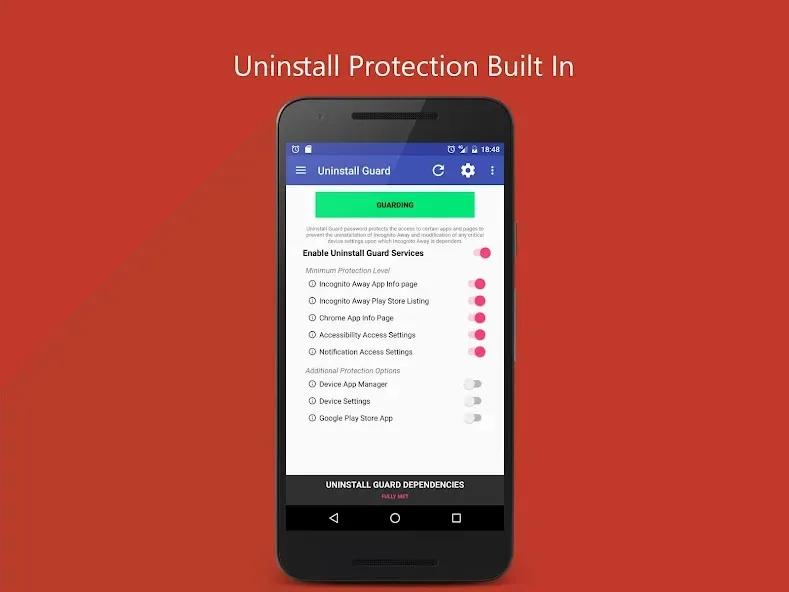
Uninstall Protection
Worried someone might find this app and just uninstall it?
Worry not. Incognito Away has an Uninstall and Anti Tamper Guard built in.
This prevents users from trying to uninstall Incognito Away or tamper with the device settings it depends upon.
If you ever need to actually uninstall Incognito Away, just enter in your password, and you're away.
Scheduled Monitoring
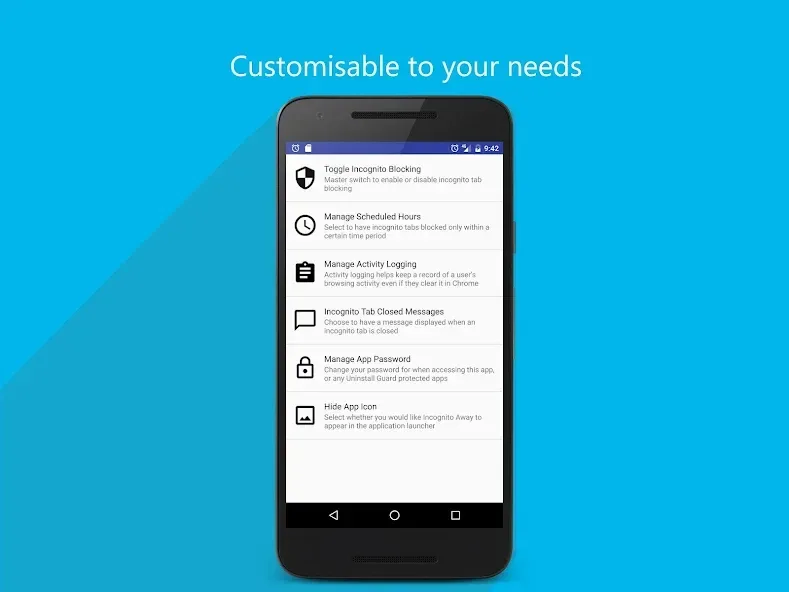
Choose to have Incognito Tabs blocked within a specified time frame – for example, from 9PM at night to 8AM in the morning.
You can also enable scheduled activity logging too.
Warning Message Prompts
Configure the app to display a pop up alert when someone tries to open an Incognito Tab. This is a great way to give someone a reminder.
Safe, Secure, Efficient.
This is an offline app – meaning, that this app never ever talks to the internet, and there's no ads.
This is great because unlike other apps, it means that you can rest assured that information such as web activity only ever stays on your device.
Features:
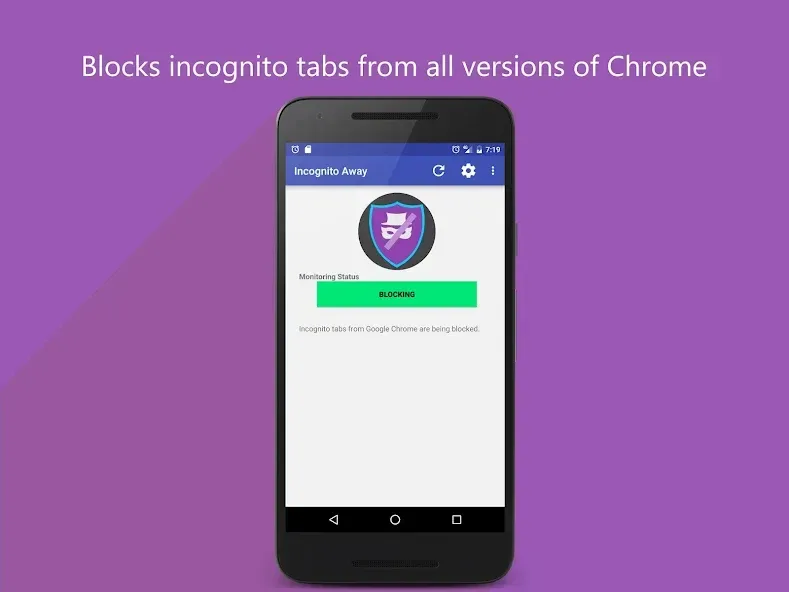
Blocks Incognito Tabs Instantly
When enabled, Incognito Away catches private tabs as soon as they open in browsers like Google Chrome, Microsoft Edge, Brave Browser, and several others. You don’t have to manually monitor—if a new incognito session pops up, the app shuts it down right away.
Works with Multiple Browsers
Not just limited to Chrome, this tool also supports browsers including Iron Browser, Ecosia, Start Internet Browser, Yu Browser, and various Chrome builds (like Dev and Beta).
Activity Log
Want to make sure nothing’s slipping through the cracks? Activity logging lets you see which sites were visited, what was downloaded, or even which videos or music were played, right from one place—even if someone tries to wipe their browser history.
Uninstall & Tamper Protection
Don’t worry about anyone disabling the app without you knowing. There’s anti-tampering and password-protected uninstall features, so Incognito Away can’t be removed or fiddled with unless you give permission.
Scheduled Blocking & Logging
Need rules that only apply at certain times? Set up schedules—like blocking at night or during specific hours—so Incognito tabs and logging work around your routine.
Custom Warning Prompts
You can set up messages to pop up whenever someone tries to use Incognito Mode, acting as a reminder or deterrent right on the spot.
Completely Offline & Ad-Free
Incognito Away doesn’t use the internet or display ads—your data stays private and on your device. Check your device’s data usage if you’re curious; the app runs lean and doesn’t drain your resources or battery.
Lightweight and Efficient
It’s designed to use minimal storage and only runs its blocking or guard services when needed, helping your device keep running smoothly.
Tips and Tricks:
Use Incognito Mode: Enjoy browsing the internet without leaving any traces behind. This feature ensures your privacy is protected and that your online activities remain anonymous.
Customize Your Homepage: Make your browsing experience more convenient by customizing your homepage. Add your favorite websites to easily access them with just one click.
Clear Historical Data: By clearing all historical data when you exit the program, you can keep your browsing history clean and free from any unwanted clutter.
Use VPN Protection: Activate the VPN protection feature to secure your online activities and protect your sensitive information from hackers and surveillance.
Conclusion:
Incognito Away - Disable Incog is a useful utility for those who want to restrict private browsing on Android devices. Its ease of use, ability to block incognito tabs across multiple browsers, and password protection make it a valuable tool for parents, guardians, or anyone needing to ensure browsing transparency.








