

DevCheck Device & System Info is an exceptional utility tool that empowers users to effortlessly monitor detailed operational metrics regarding their device's hardware, network, battery, operating system, and more. This application presents users with a lightweight yet powerful tool for querying device information, allowing you to gain insight into your device's internal workings anytime, anywhere. It assists you in further troubleshooting potential issues—enabling you to diagnose, prevent, or specifically address them. The app features a clear and intuitive dashboard interface, allowing users to view specific data points according to their individual needs.
Click to load YouTube / 点击加载视频
YouTube ↗Attractive Features of DevCheck Device and System Info
Real-time Dashboard Monitoring
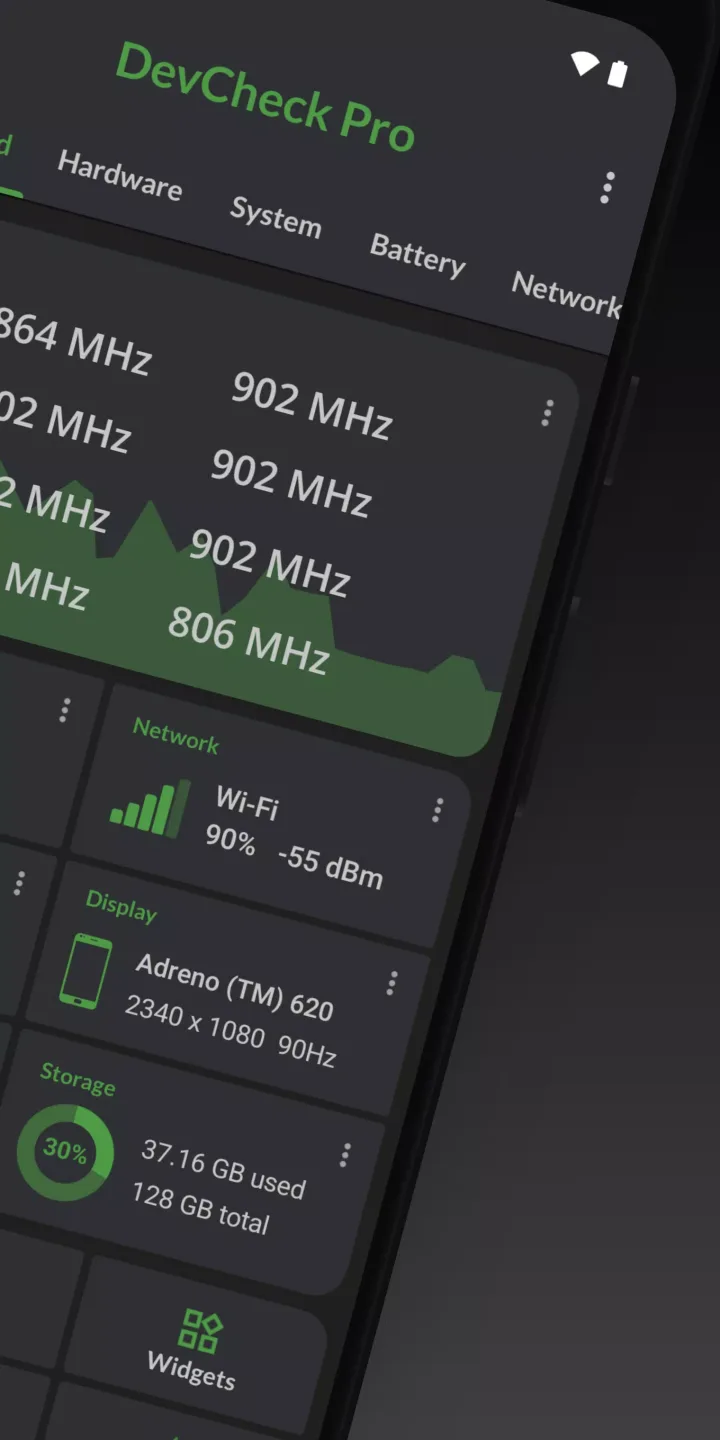
DevCheck displays CPU frequencies, memory usage, battery status, deep sleep status, and uptime—all on a single screen. The data updates continuously, allowing you to monitor system performance while gaming or live streaming. Additionally, you can quickly access system settings directly from the app to facilitate faster troubleshooting.
Detailed Hardware Information
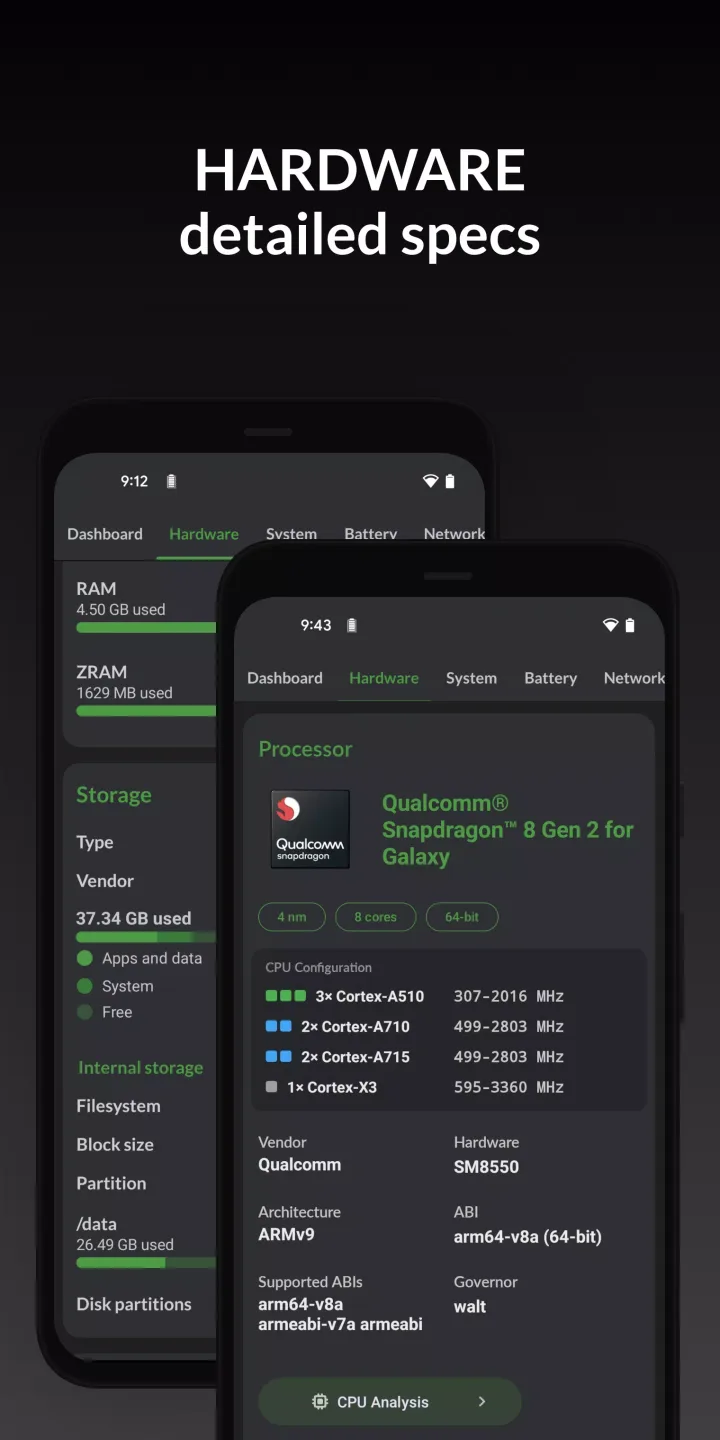
DevCheck lists the models of your SoC, CPU, and GPU—including clock speeds and processing details—along with comprehensive information regarding your RAM, storage, display, and cameras. With just a single tap, you can verify camera resolutions and sensor manufacturers. Furthermore, the app identifies Bluetooth devices and input peripherals currently connected to your device.
Network and Dual-SIM Diagnostics
DevCheck reports detailed WiFi and cellular network information, including IPv4 and IPv6 addresses, carrier names, and public IP addresses. You can track the real-time signal strength and data speeds for each individual SIM card. This makes it easier to monitor roaming status and observe changes in network type in real time.
Battery Health and Charging
DevCheck reads your battery's health status, temperature, voltage, and estimated capacity. You can verify charging current and power output to compare the performance of different cables and chargers. Additionally, the Battery Monitor feature (available in DevCheck Pro) helps you track long-term usage patterns and charging behaviors.
Fantastic Performance of DevCheck Device and System Info
It provides deep, real-time insights into your device, displaying all the hardware and operating system information you need. The app features a comprehensive dashboard that aggregates key device information in real time—covering the CPU, GPU, memory, battery, cameras, storage, network, sensors, and operating system.
DevCheck offers the most detailed and accurate information available regarding your CPU and System-on-Chip (SoC). It provides in-depth specifications for your device's CPU, including clock speeds, core count, and configuration details. It also offers in-depth analysis of your device's power consumption and architecture. You can view all the device information you need—clearly, accurately, and in an organized manner. It provides every piece of hardware and operating system information you could possibly require.
Helpful Tips of DevCheck Device and System Info
Open DevCheck and check the Dashboard to view real-time updates on your CPU, memory, and battery status.
Tap "Hardware" to view details regarding your chipset, memory, storage, display, and camera. Next, open "Network" to check your Wi-Fi status, SIM card details, signal strength, and public IP address.
Then, head to "Battery" to check its health, temperature, and charging data. On Android 14 and later versions, follow the prompts to grant the necessary permissions for battery statistics to access hidden fields.
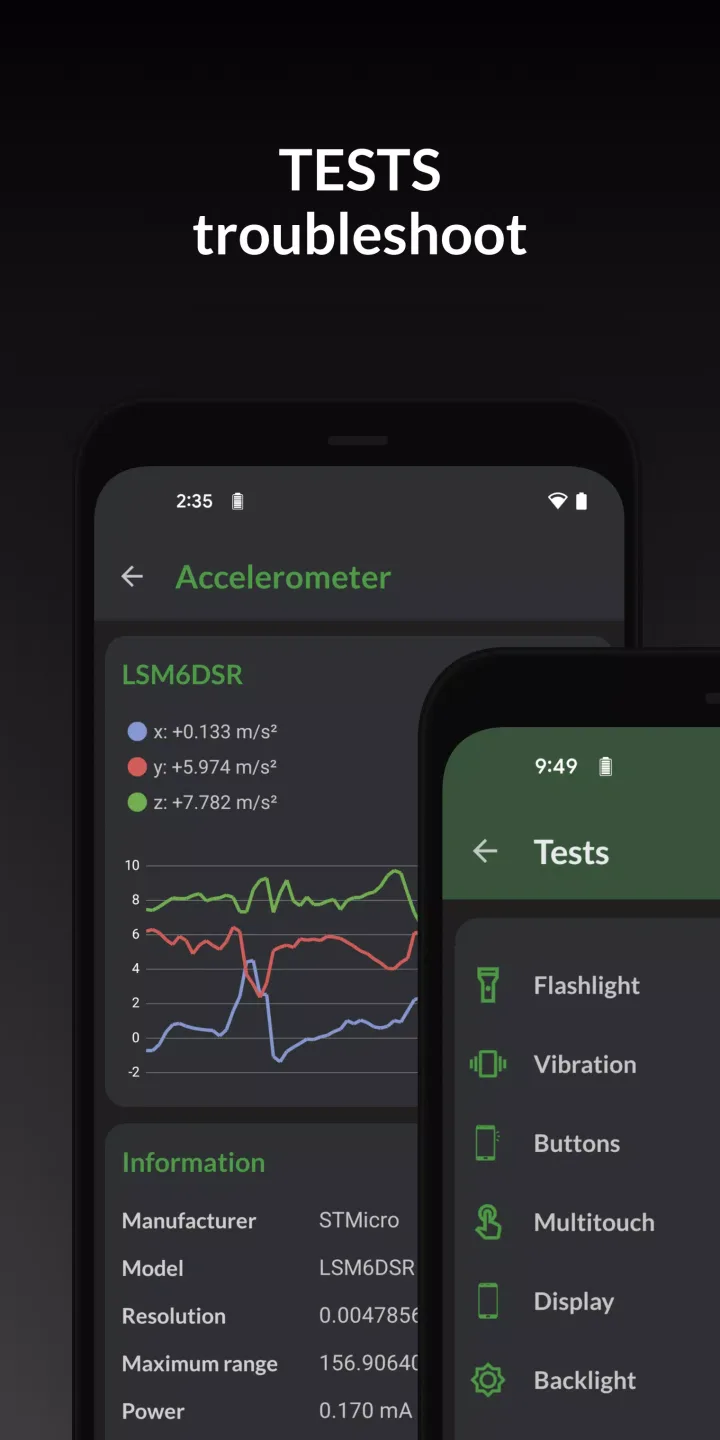
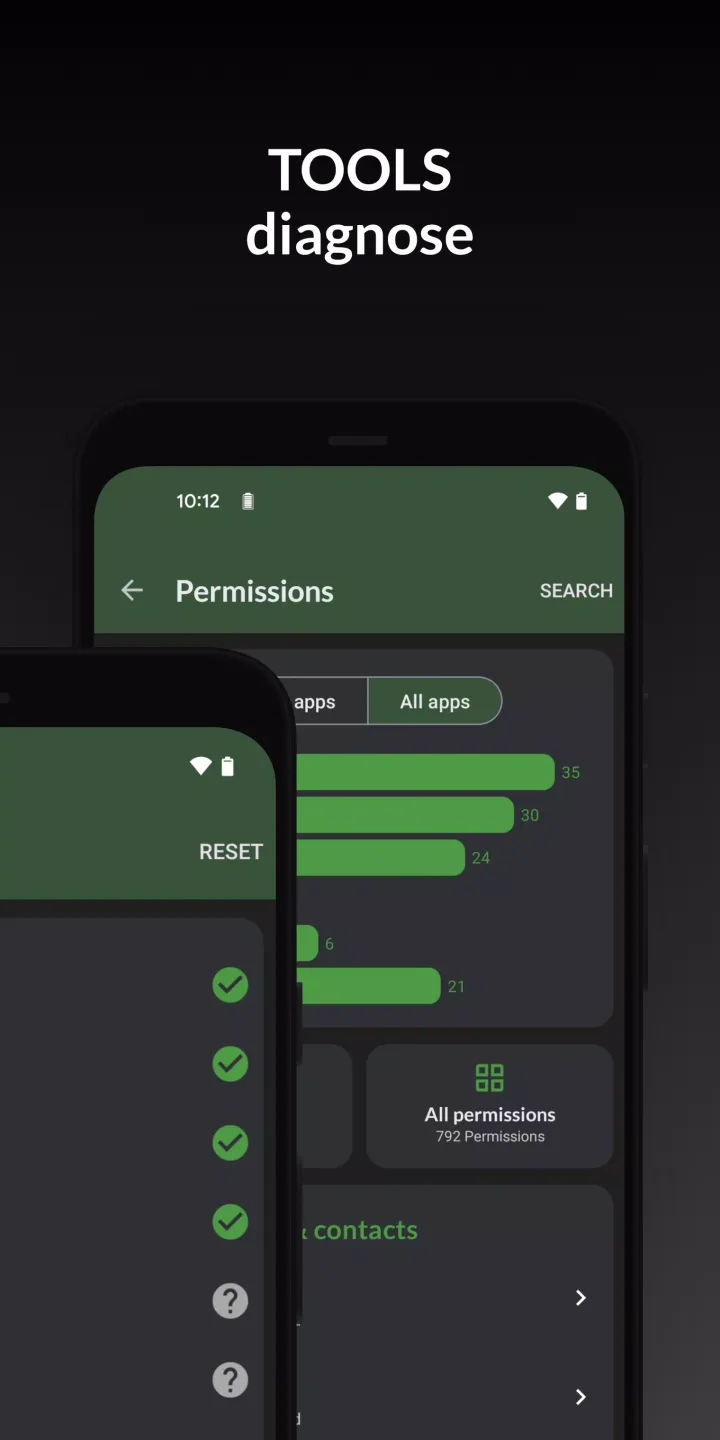
In the "Apps" section, you can find "Tools" to run Wi-Fi scans, test USB devices, check GPS status, and review app permissions. If you are using DevCheck Pro, enable widgets or the floating monitor via the Settings menu.
Finally, whenever you need to adjust radio settings, developer options, or battery optimization settings, you can use the provided shortcut links to jump directly to the relevant system settings.
Frequently Asked Questions of DevCheck Device and System Info
Is DevCheck safe to download?
Yes, DevCheck is ad-free and respects user privacy. To download DevCheck safely, please use the download button provided on APKPure. You can also obtain the latest version of the DevCheck APK directly from this page.
What is DevCheck used for on Android?
DevCheck provides real-time performance data and system information for Android devices. It displays live performance metrics, hardware specifications, network status, sensor data, and battery details, allowing you to diagnose issues and verify component specifications without having to guess.
How do I use DevCheck to view hidden battery health data on Android 14?
To view hidden battery health fields, open the "Battery" tab within DevCheck and follow the on-screen prompts to grant the necessary permissions for battery statistics access. DevCheck supports granting this permission via root access or Shizuku (if available); once permission is granted, the relevant values will be displayed.
Summary
DevCheck is the most comprehensive hardware and software information app available for Android devices. From detailed CPU and GPU specifications to battery health status and camera specs, DevCheck provides you with a complete overview of your device's hardware, installed apps, and operating system.








