

VITA - Video Editor & Maker is a highly praised video editing utility that helps users easily create creative and beautiful streaming content, making you fall in love with recording life and sharing moments. This application presents a powerful and easy-to-use video editor for a wide range of users. Users can experience rich customization settings, enjoy powerful and intelligent video creation templates, and a rich resource library. This application supports exporting to a wide range of formats, and users can experience responsiveness and a smooth interactive mode, making your video creation process simpler.
Click to load YouTube / 点击加载视频
YouTube ↗Wonderful Features of VITA
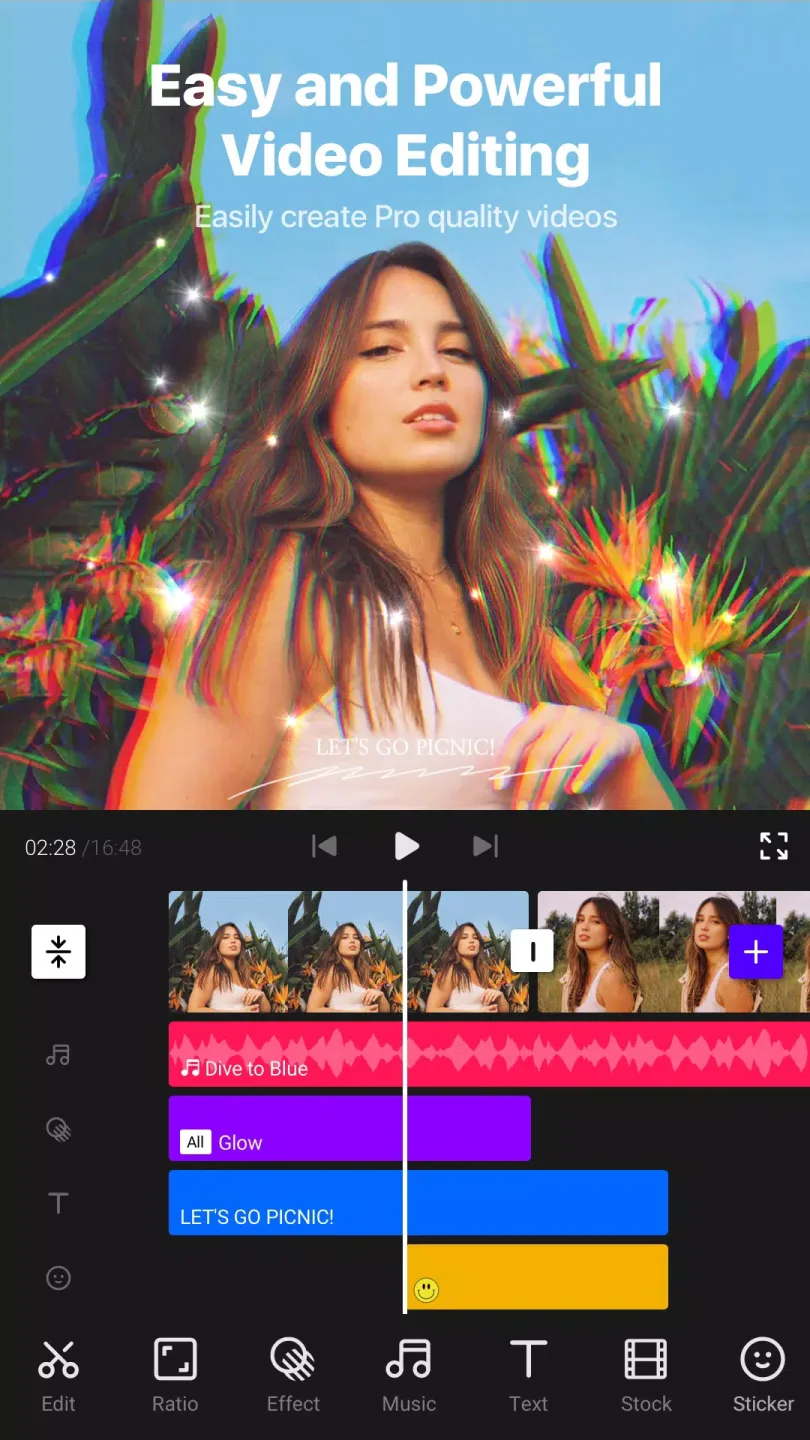
Full HD Export and Speed Control
First, you need to be precise with the timing. VITA allows you to adjust the speed of video clips to achieve slow motion or fast-paced shooting. You can adjust the speed of the entire video or only the selected portion to match the action. After editing, export in full HD format for a clear picture.
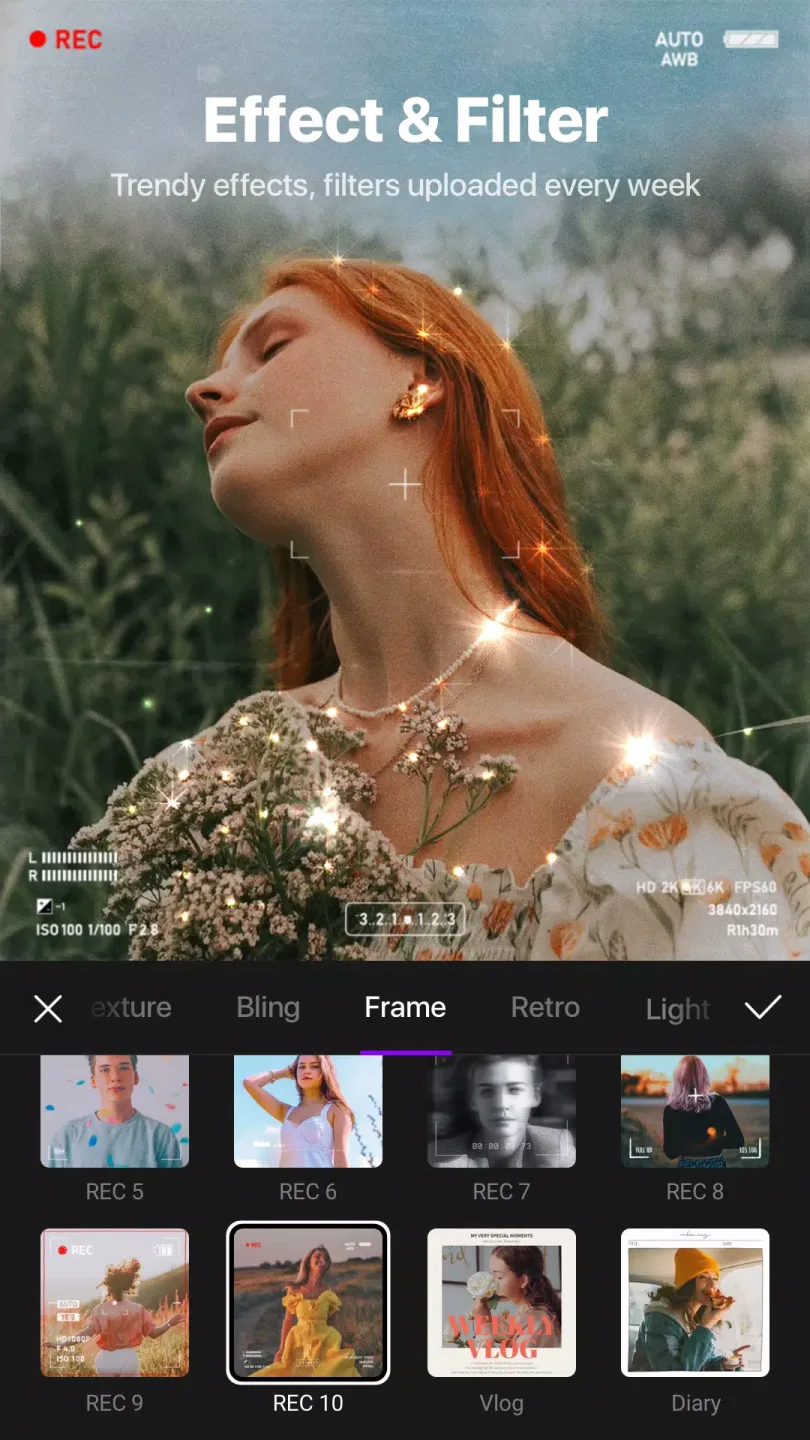
Transitions, Effects, and Filters
Next, you can adjust the visual effects of your video. Adding transition effects can make scene transitions smoother. Effects such as glitch art, flashes, and glitter can create specific atmospheres. Filters support color grading, ensuring consistent visual quality even for footage shot under varying lighting conditions.
Music and Templates
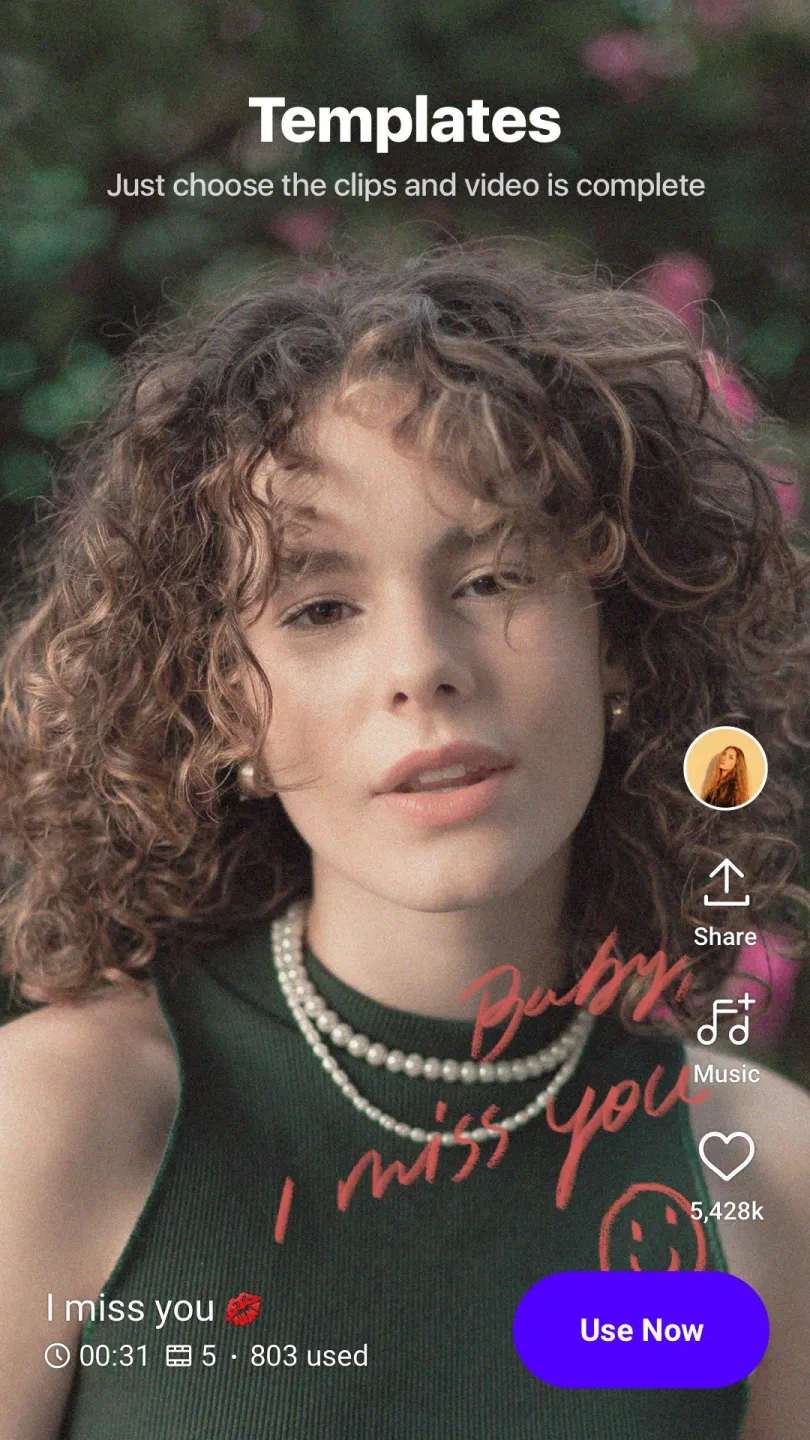
For audio and rhythm, choose tracks from the app's built-in music library that match your video's tone. Templates guide the order and timing of clips, aiding in quick vlog creation. Replace media footage while maintaining structure, allowing for faster completion without starting from scratch.
Text, Picture-in-Picture, and Collages
Finally, add retouching layers. Use preset fonts and animated text for titles or descriptions, then adjust strokes, shadows, and colors. Picture-in-Picture allows you to overlay videos, create clone-style looks, or arrange collages for side-by-side comparisons.
Fantastic Highlights of VITA
Export Full HD videos.
Speed up or add slow motion using video speed options.
Add video transitions to give your videos a cinematic feel.
Create stunning videos with fantastic glitch art, glitter, and vibrant effects.
Apply filters to your videos for color grading.
Enrich your videos with songs from the music library.
Create your own vlogs using simple and quick video templates.
Use preset fonts and animated text, and customize them with strokes, shadows, and colors.
Create clone videos by collaging and overlaying them using the Picture-in-Picture (PIP) feature.
Frequently Asked Questions of VITA
What video effects can we add to the VITA video editor application?
This application lets you add a wide variety of effects and filters (including color grading, transitions, and more). You can also speed up or slow down part or all of the video playback.
How do I add video transition effects using this editor application?
To add transition effects in VITA, you first need to edit the video. After the video is split into multiple segments, a white box will appear in each segment. Click the box to add a transition effect.
Is this video editor free to use?
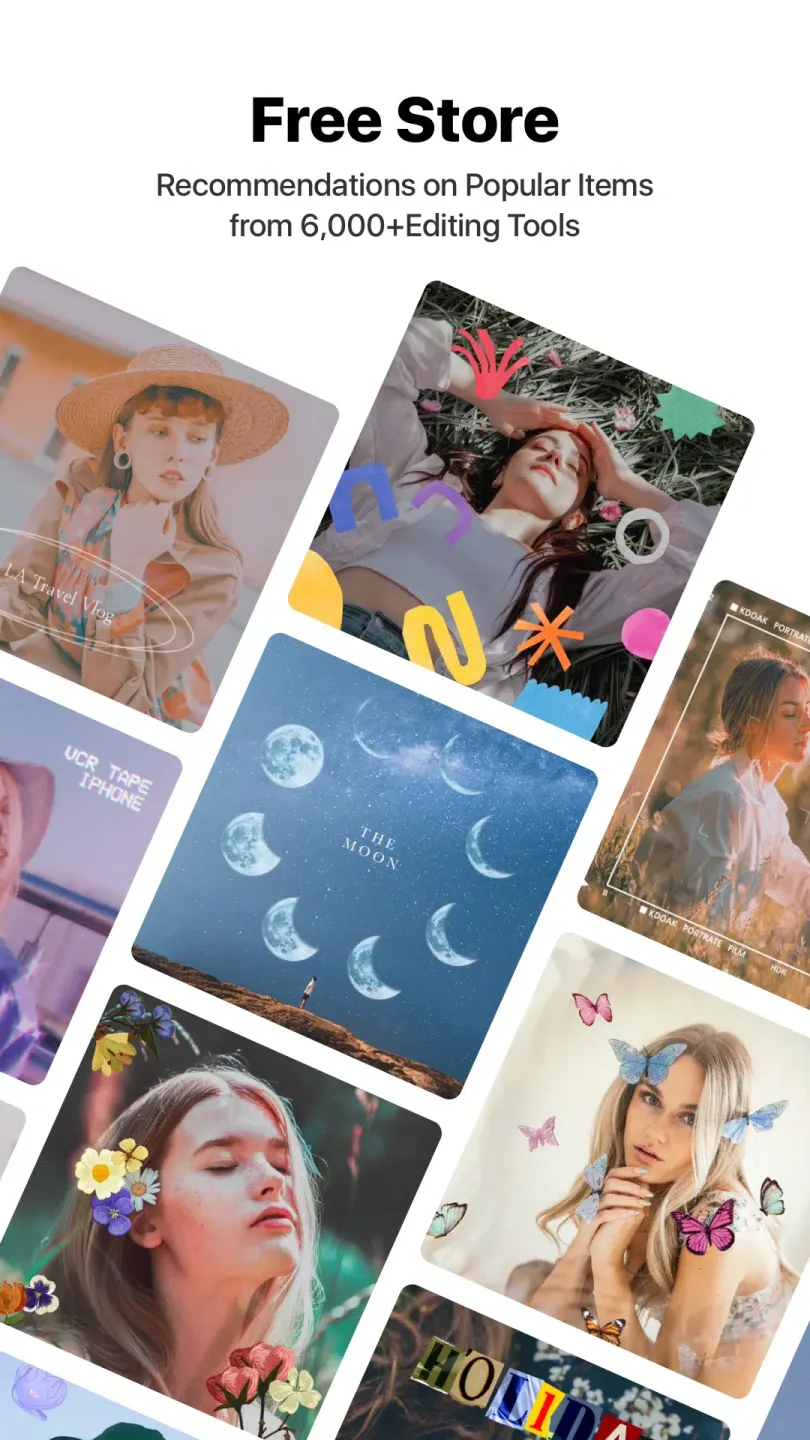
Don't worry about the application cost, as VITA has many free tools. There's a small banner ad at the bottom of the screen, but those ads are actually promotional content for VITA, such as applying to become an editor and showcasing new music.
What other editing tools does this application have?
You can also use other editing tools, such as adjusting scaling, rotation, changing the order of frames/images, and changing volume, to make the image more uniform or more prominent.
User's Comments of VITA
Fantastic app. I have been using this app for the past 4 years and it is just awesome. User-friendly access and most of the templates and others are free. We can even choose to remove the watermark for free. Minimal ads in between. However, after a longer period of editing it gets hung for a while. But I think it's not much of a deal provided the other awesome features. Only suggestion would be that you may add the music as we need to download it and add.
This has been the one and only app I've ever done editing on! Truly it's one of the best where u could actually create masterpieces: be it edits, long videos or anything I use it consistently but I just am facing a problem today that while editing, I'm unable to select the text style and even if I try to go back and try again to go into the saved project, it just buffers! Tried switching off my device still nothing, tried clearing cache still nothing! Kindly look into this! Need it fixed ASAP
This is the best video editing app I have I've used this video editing app for many years, but there's no other app that offers so many free features. I only encountered one problem: we can't search for songs in it, and whichever song we download to edit comes very late in the song list. Adding a search bar or fixing this issue would make it much easier to use.
Summarize
VITA Video Editor lets you quickly and easily edit mobile videos. This Android app allows you to create fun video content full of effects, sound effects, borders, and more.








