

Fotor - AI Photo Editor & Collage — Fotor is an exceptional photo-editing utility designed to help users effortlessly create stylish, high-quality images that showcase their unique aesthetic and photographic style. TThis feature-rich application offers a powerful yet user-friendly AI editing suite, allowing users to enjoy intelligent, hassle-free image modifications and convenient quality enhancements using professional-grade tools to achieve stunning visual results. The app boasts an extensive library of assets and templates, providing ample creative inspiration to help you unleash your imagination and enjoy a vibrant, dynamic photo-editing experience.
Click to load YouTube / 点击加载视频
YouTube ↗Fantastic Features of Fotor
With the background removal tool, you can extract the subject from an image with just a single click—allowing you to replace the background and create highly personalized photos. The AI Background Eraser feature makes it easy to achieve professional-grade results.
Achieve flawless skin using the AI photo retouching features. Enjoy natural, subtle skin smoothing and blemish removal effects to effortlessly create a refined, polished look.
Use the AI Avatar Generator to create personal profile pictures and avatars for LinkedIn and other social media platforms. This generator ensures the creation of high-quality images that rival those produced in a professional studio.
Turn text into stunning images! Simply describe what you envision—such as "a magician toasting bread in a kitchen"—select a style, and watch your ideas come to life in just seconds.
Instantly transform your text prompts into videos with the AI Video Generator, creating professional-grade, watermark-free clips. Simply enter your text or upload an image, choose a style, and generate a beautiful video.
Easily transform your selfies into lively cartoons and caricatures using popular 3D cartoon and AI art effects.
Amazing Performance of Fotor
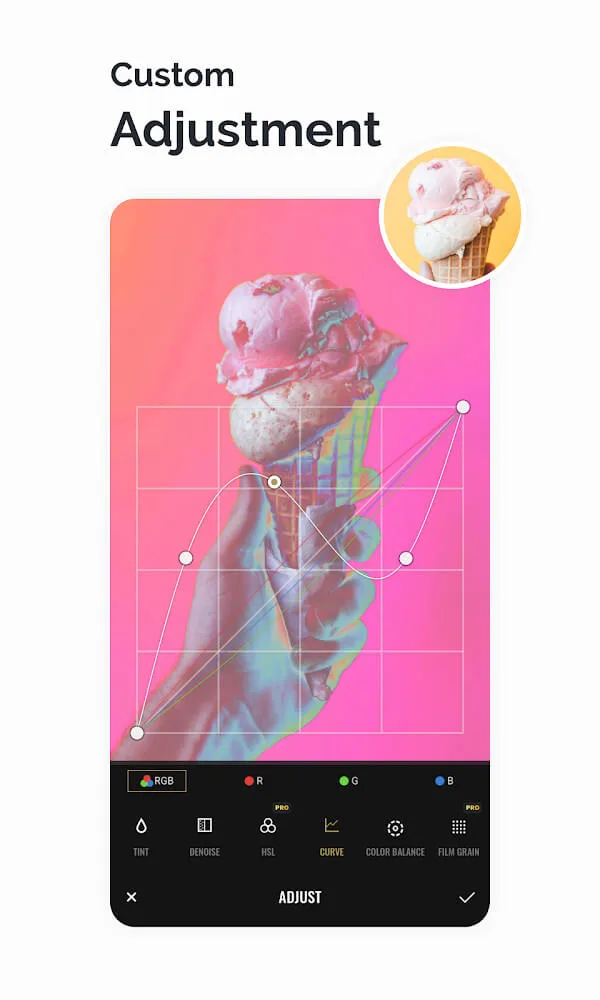
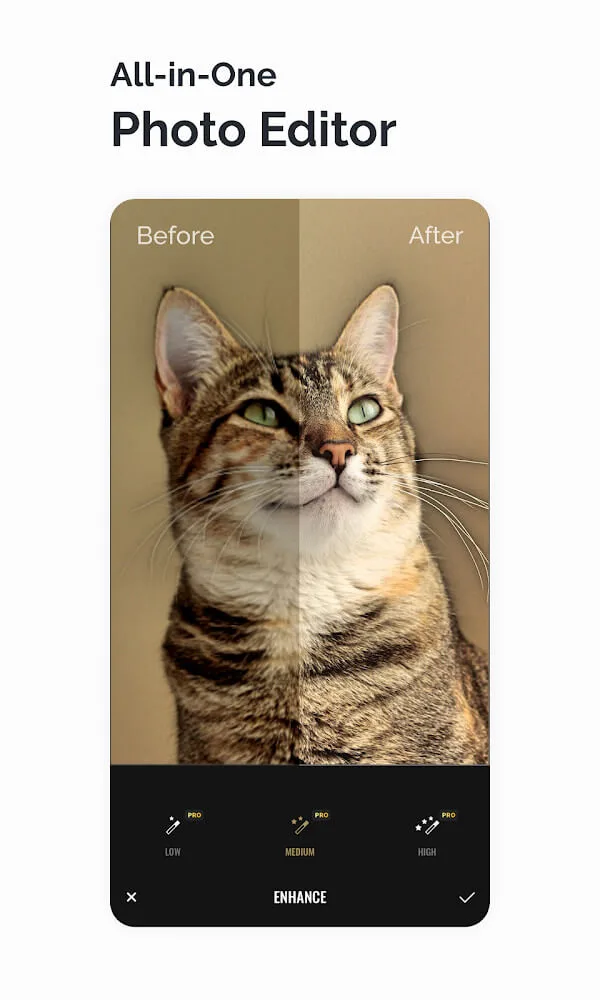
Lighting Adjustment: Now you can edit photos with the ease of a professional photographer. Our powerful tools allow you to adjust lighting to achieve the perfect tone for your images—whether you prefer a bright, airy look or a mysterious, moody aesthetic. All of this is achievable simply by fine-tuning the image's lighting and tonality. With just a few simple tweaks, you can elevate your image quality to be even sharper and clearer than the original.
SUPERIOR Features (Tagged Series): Beyond basic enhancement capabilities, Fotor delivers a truly superior experience through a comprehensive suite of advanced features. For instance, features such as Curves, HSL, Color Balance, and Haze Adjustment are designed to meet all your requirements for high-quality imagery. Moreover, thousands of expressive stickers—capturing a wide range of human emotions—await your discovery. Additionally, we offer an extensive selection of frames and fonts to satisfy your unique personalization needs.
User's Comments of Fotor
I've tried every single free trial for photo editing apps rated 4 stars or higher, and this is by far my favorite—it boasts the most comprehensive toolbox. I often forget the name because of its intentionally incorrect, mostly phonetic spelling—but that's just a personal issue. Don't worry, I'm in therapy. Seriously though, if you've just downloaded 83 apps hoping to find the right photo editor, give Fotor a try. I've tried all 83 (or maybe 17—it's always the inverse), and *this* one is legen—wait-for-it—dary. Legendary.
Well, here we are on 11/4/23, and the app has crashed. It won't open at all. I'm going to see what I can do about my Pro version subscription and whether the issue can be troubleshot. It's disappointing that it just quit working out of the blue. It really is one of the best free editing programs available for smartphones. I love the font selection for watermarking images, as well as the wide variety of ways I can edit my photos—whether for social media or for professional previews. It's an excellent choice for me; I keep many different programs on my phone, but this is the one I turn to most often.
Fotor is the ultimate photo editor! I've experimented with about 10 other options, and none of them even come close. I'm no expert when it comes to photo editing, but that's exactly why Fotor is perfect for me. It's user-friendly, intuitive, and delivers exceptional results every single time. The AI Face Unblur and AI Enlarger features—especially for old photos—are truly outstanding! Give it a try. It's a total game-changer!
Pros and Cons of Fotor
Pros
Powerful AI-driven editing and enhancement tools
High-quality filters and manual adjustment options
Rapid background and object removal
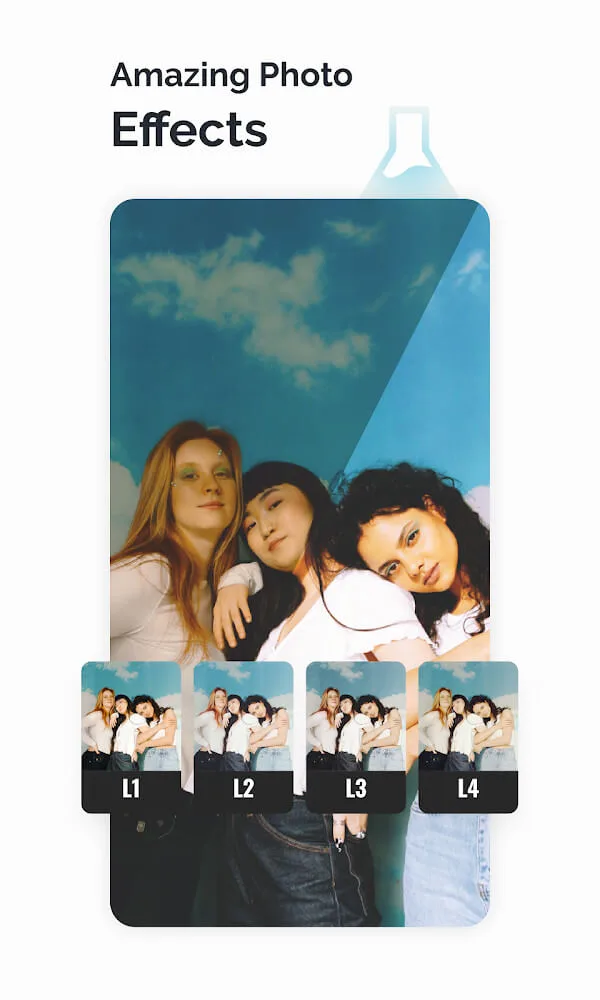
An extensive selection of creative effects and templates
Fun, experimental features: Avatars, Face Swaps, and AI Art
Highly competitive pricing for the Pro version subscription
Cons
AI-generated outputs occasionally contain flaws or defects
The credit system may not offer refunds for flawed AI-generated creations
Some tools can be difficult to locate after the initial editing phase In certain instances, the accuracy of the AI similarity feature can be inconsistent.

Conclusion
Another interesting feature allows you to pixelate any specific area of an image with just the touch of a fingertip. The resulting effect is similar to the pixelation techniques used for censorship in news imagery. Fotor Photo Effect Studio is a comprehensive photo-editing application packed with many engaging features, all within a highly user-friendly interface.








