

Gamekiller is a highly praised game cheating tool that helps users easily achieve excellent results in their favorite games, experience a more flexible game system, and enjoy pure gaming fun. The application presents a lightweight yet powerful game optimization tool for a wide range of players. Players can enjoy rich customization settings, allowing you to adjust various key values such as health, game difficulty, and virtual currency, gaining a direct advantage on the field. The application is simple to use, with an intuitive interface that allows you to freely modify it according to your needs and preferences, enjoying a more flexible gameplay experience.
Click to load YouTube / 点击加载视频
YouTube ↗Attractive Features of Gamekiller
Modify Games
You can change the properties of games and packages, and install multiple clones of the game using different package names.
Get Unlimited Coins
You can have unlimited game resources, obtaining unlimited coins and gems. Increase game attempts, unique items, and power-ups for even more fun.
Root Permission Required
You must root your device to enjoy the customization features and other benefits. You can still use the application to modify offline game values on unrooted devices. However, if you want to modify online game values, you must use a rooted device.
Easy-to-Use Tool
This tool is simple to use, with no complicated setup that will confuse you. Watch the demos and tutorials to understand the concept and get started easily. It processes quickly, outputting results in seconds.
Wonderful Performance of Gamekiller
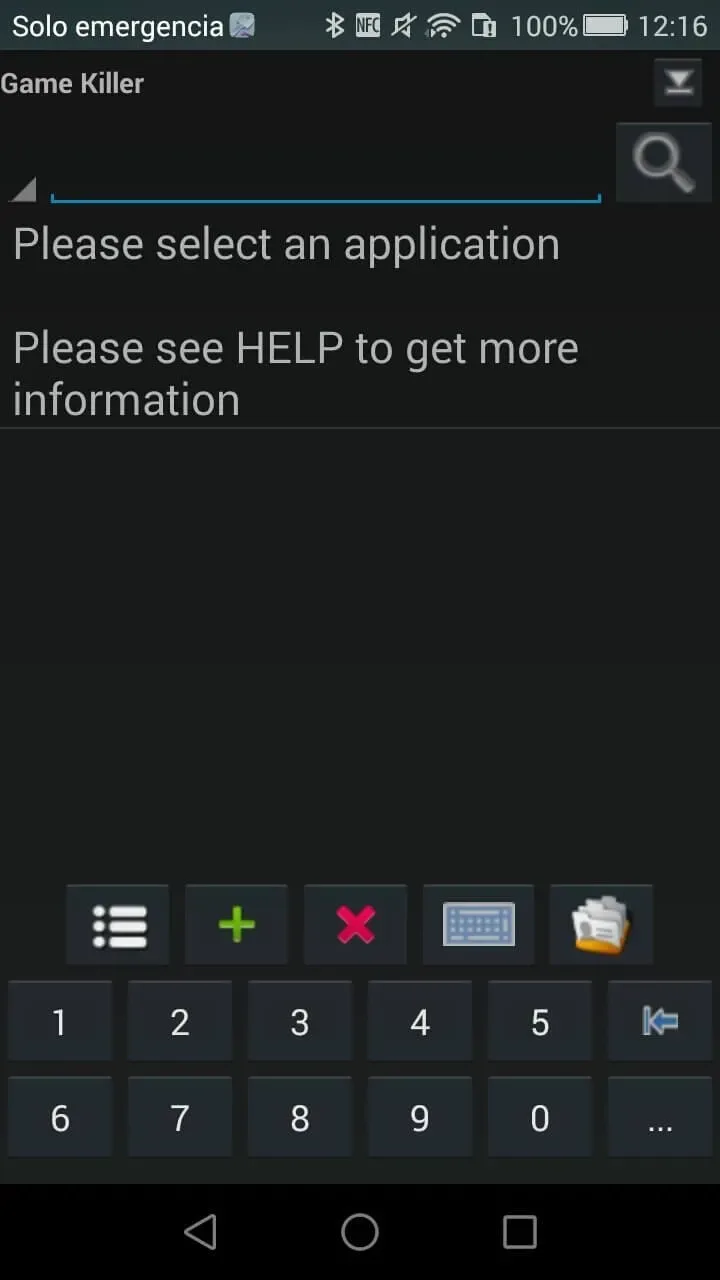
A free Android app that allows you to use cheat functions and modify certain aspects of your favorite video games. It works by injecting code from the background while the game is running, allowing you to modify any value you want in the game.
Once the app is open, it will remain on your device. You can access it via a semi-transparent icon that can be placed anywhere on the screen. You can access Game Killer: Eight-Gate Artifact at any time and select the game from the list of running services.
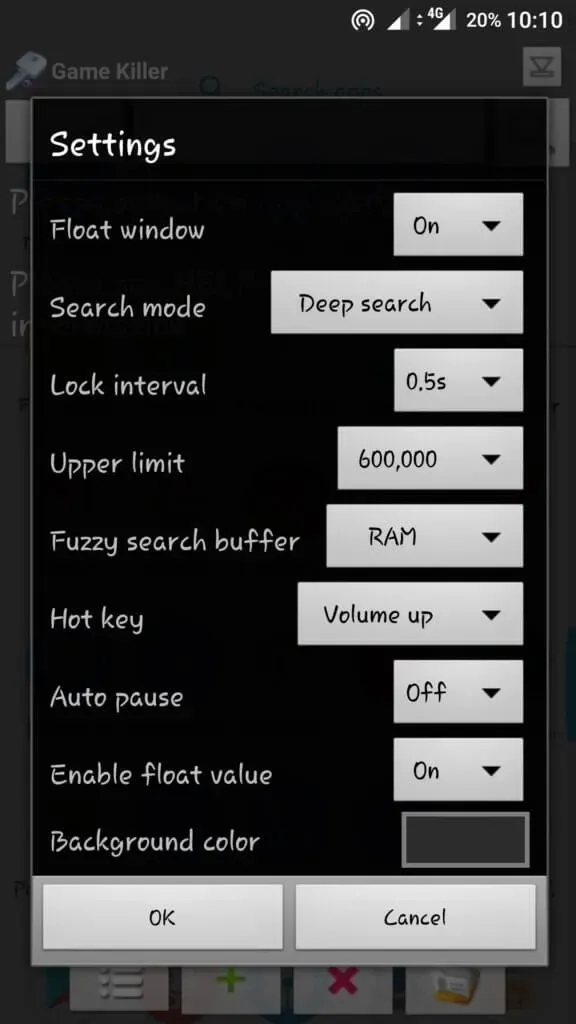
Fantastic Highlights of Gamekiller
Open the Game Killer app and minimize it.
Start a game and play for a while. Pause the game and note your score, number of coins, or any value you want to change.
Open the Game Killer app.
Enter your current score or number of coins in the search bar (select "Auto-detect").
A list of memory locations will be displayed, showing the same value.
Return to the game and continue playing until the value (score/coins) changes.
Return to the Game Killer app and search for the updated value again until only one memory location is found.
Select that memory location, change the value to whatever you want, and then submit.
Check your game; the value should have been updated!
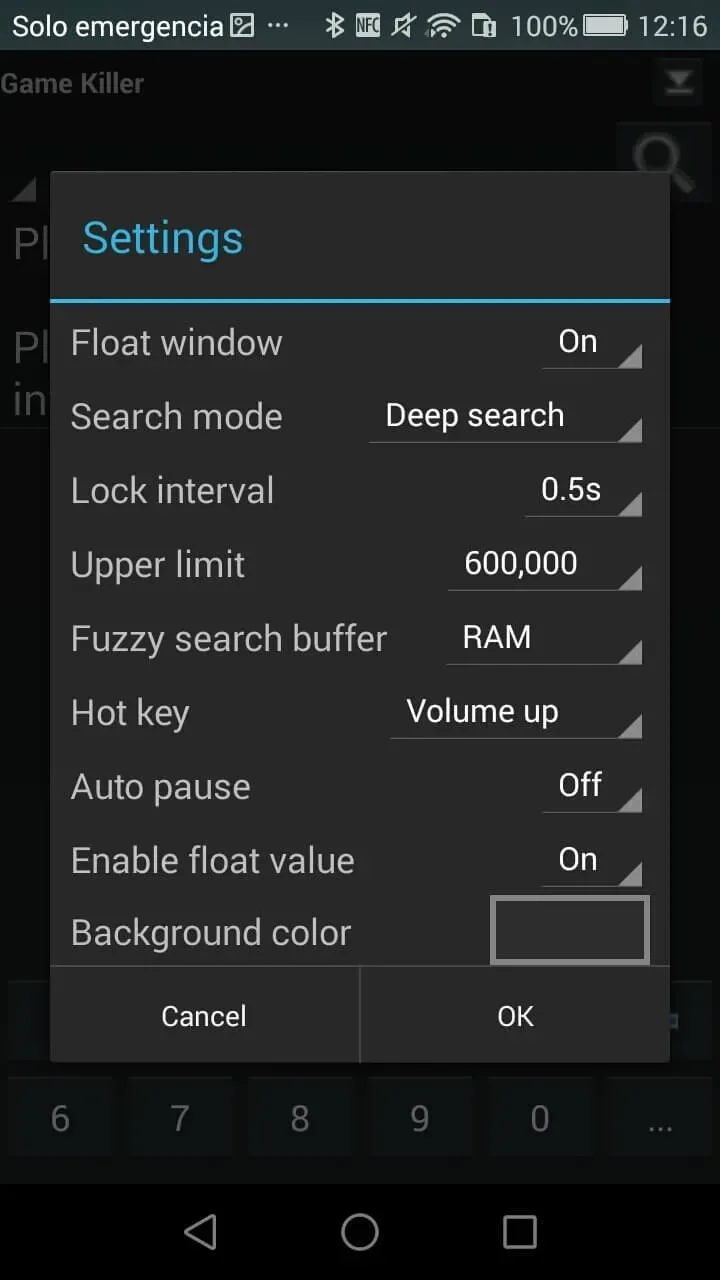
Pros and Cons of Gamekiller
Pros
Access to almost any offline game or app.
The instructions are easy to understand once the app starts running.
A free app that doesn't take up much space.
Works for Android 2.3 or later.
Cons
The mobile device must be rooted to use this app.
Any game or app that needs to be modified must be offline.
No modifications can be made to the game other than the numerical value.
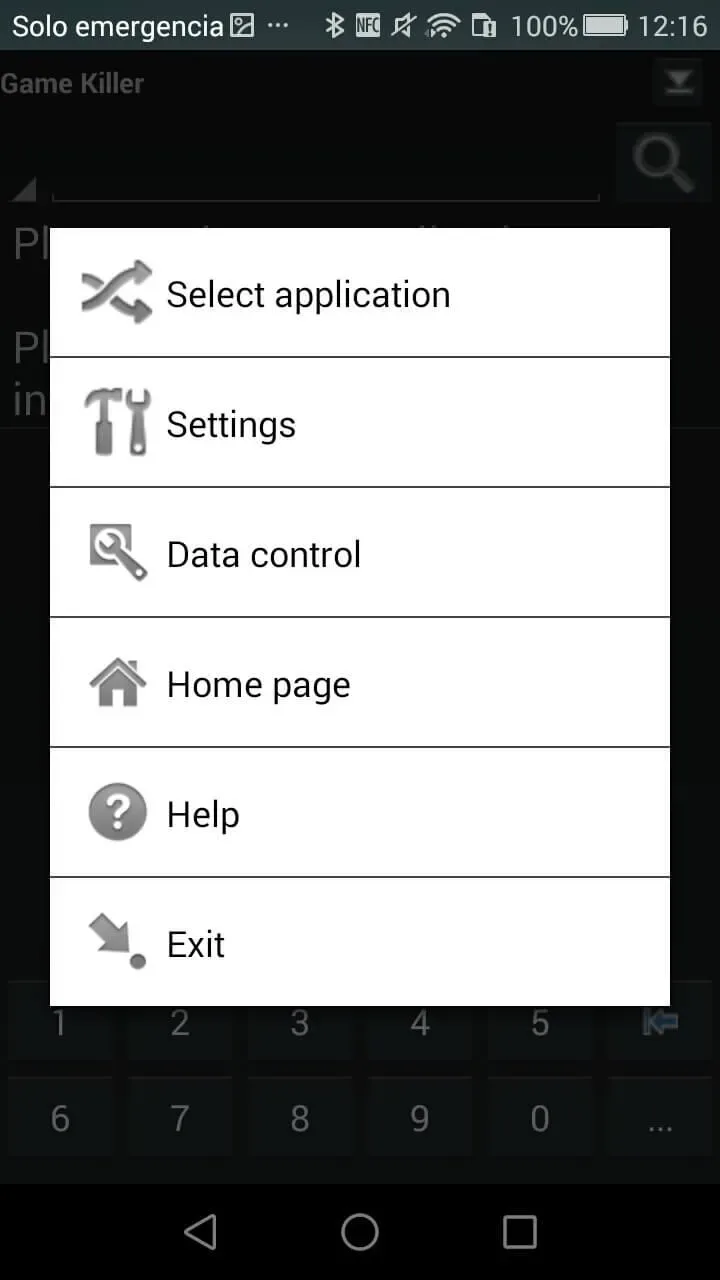
Final Verdict
Game Killer APK is an excellent tool to enhance your Android gaming experience. It can modify game values, allowing you to say goodbye to endless grinding and leveling up, and instantly gain in-game wealth.








