
ExaGear: Windows Emulator is an outstanding utility for emulating operating systems, helping users easily run classic console games on their mobile devices, recreating the gaming experience on their PCs, and enjoying the compatibility and high performance of emulated games. The application presents a user-friendly and powerful Windows emulator, supporting touch gestures and hardware input, allowing you to enjoy classic games anytime, anywhere, and relive exciting moments. The application is easy to use, providing smoother performance and lower battery consumption, recreating the fun of gaming.
Click to load YouTube / 点击加载视频
YouTube ↗Fantastic Highlights of ExaGear
It also has a fun "mini-PC" vibe. Imagine running GIMP or Notepad++ while commuting by train—yes, this is now entirely possible. This emulator is like putting a mini workstation inside your phone, but without the hassle of using a full virtual machine.
Another highlight of ExaGear is its lightweight nature. Because it omits full Windows emulation and focuses solely on translating x86 instructions to ARM instructions, it runs smoothly even on mid-range phones. It doesn't try to be all-encompassing, but focuses on excelling in a specific area. This simplicity is its strength.
Wonderful Performance of ExaGear
32-bit Win32 Support on ARM Architecture
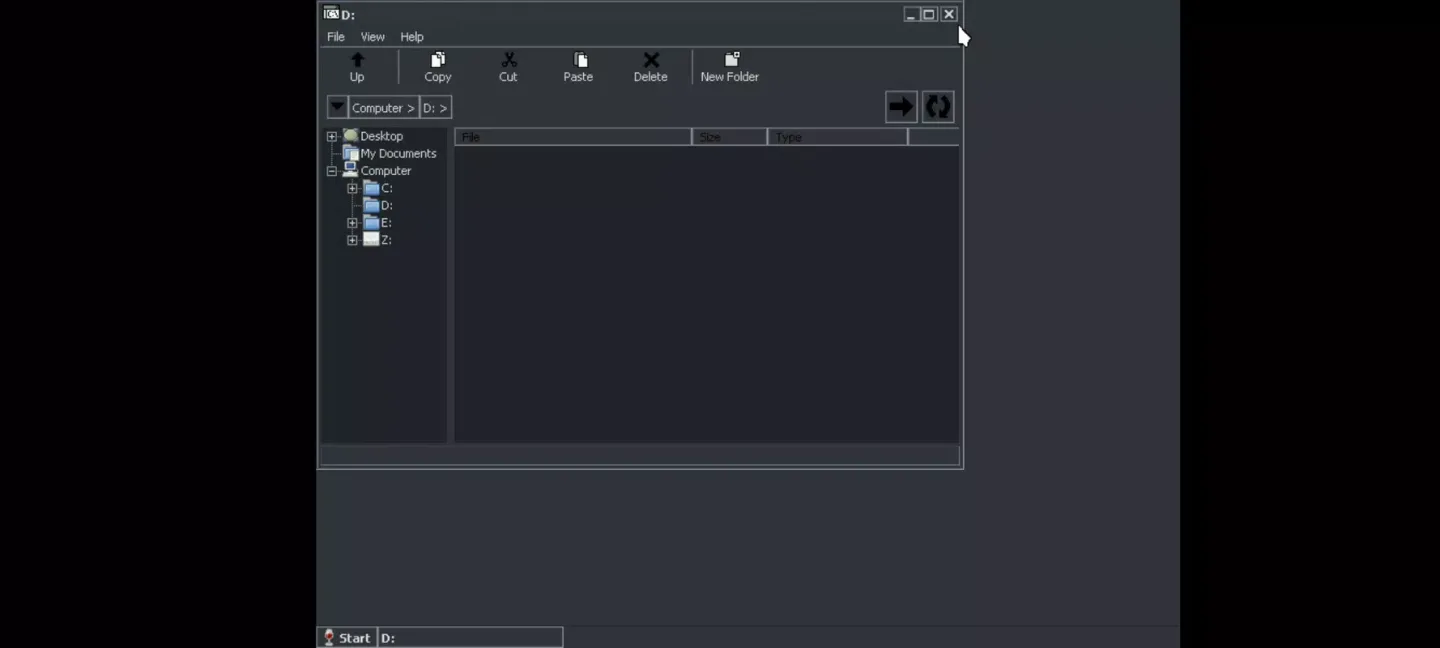
The ExaGear: Windows Emulator translates x86 instructions into instructions executable by ARM hardware, allowing many 32-bit Windows programs to run without a full Windows system. It does not support 64-bit software. Performance and compatibility may vary depending on your device and the latest version of the ExaGear: Windows Emulator you have installed.
Running Classic PC Software
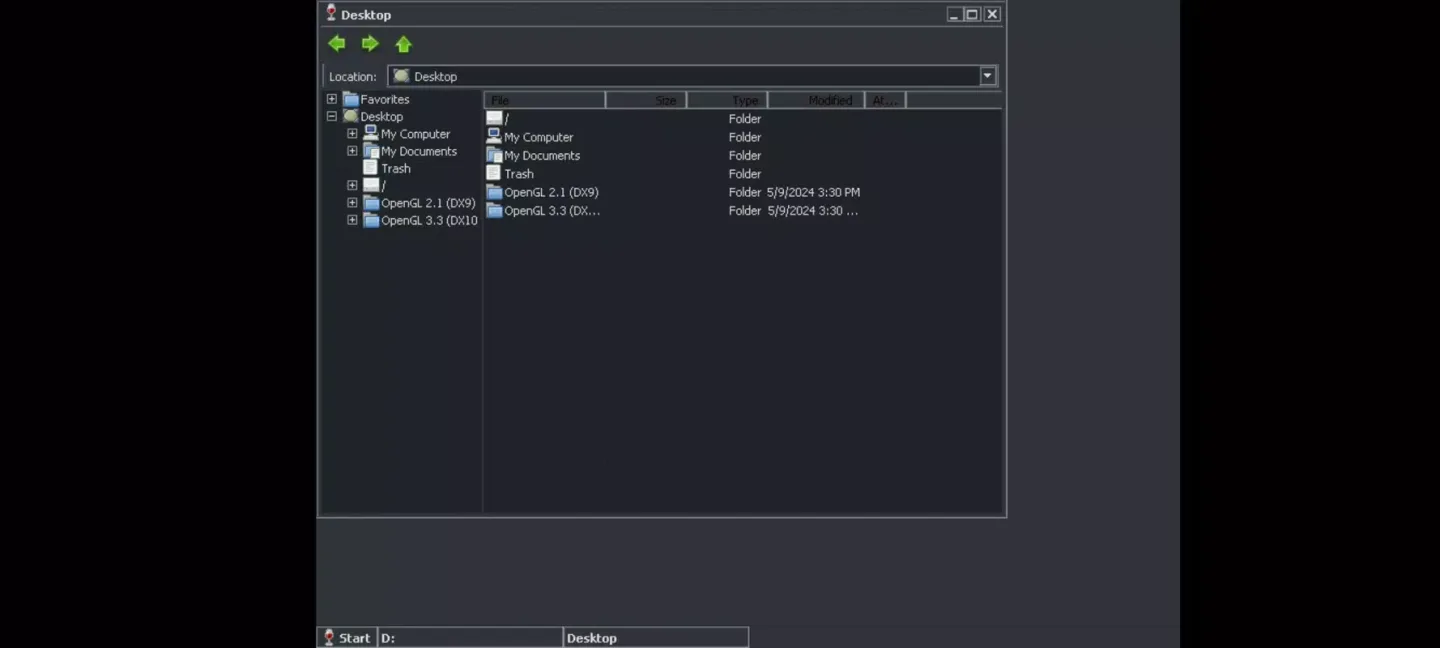
In addition to basic application support, you can try some well-known classic games such as Half-Life, Diablo II, Fallout 2, and Age of Empires II. Many desktop utilities also work, including the Office suite, GIMP, VLC player, Winamp, and AIMP. Basic tools like 7-Zip and IrfanView are installed by default. To add more programs, run the installer within the emulator. Compatibility depends on the program and system resources.
Touch Gestures and Hardware Input
For input, touch gestures correspond to mouse operations. A tap is equivalent to a left click, a press and hold is equivalent to a right click, and gestures allow for scrolling, zooming, and dragging. An on-screen keyboard is available as needed. For more precise control, a mouse and keyboard can be connected via USB or Bluetooth.
Pros and Cons of ExaGear
Pros
Runs standard x86 Windows software.
Consolidates all Start menus onto an easily accessible screen.
Two ways to install apps and games.
Cons
Limited number of supported apps and games.
Almost every application requires some minor tweaking.
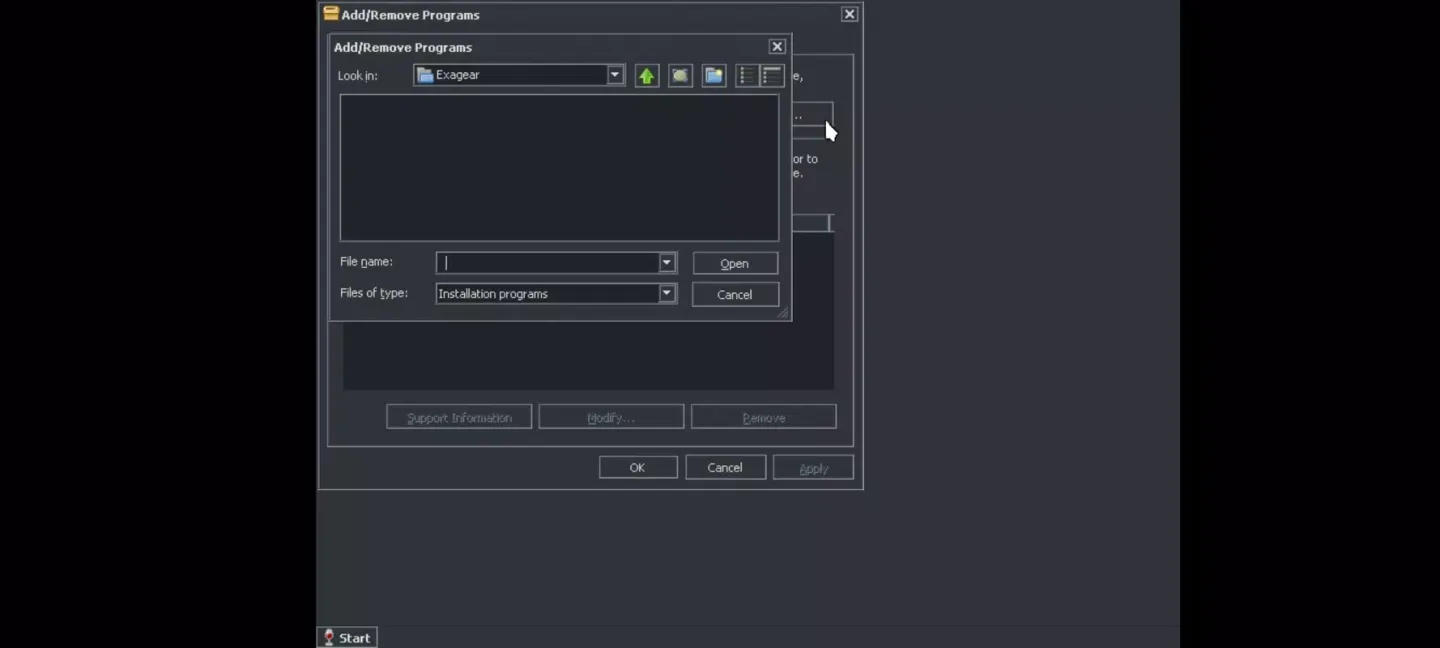
Unable to mount ISO files as the D drive.
Unable to change the Windows version or overwrite DLL files.
Conclusion
So whether you want to relive the classic Fallout 2, launch Winamp, or run some odd programs that only work on Windows, Exagear can handle it all quietly—all easily on your phone. No cloud gaming, no streaming, and no computer required.








