

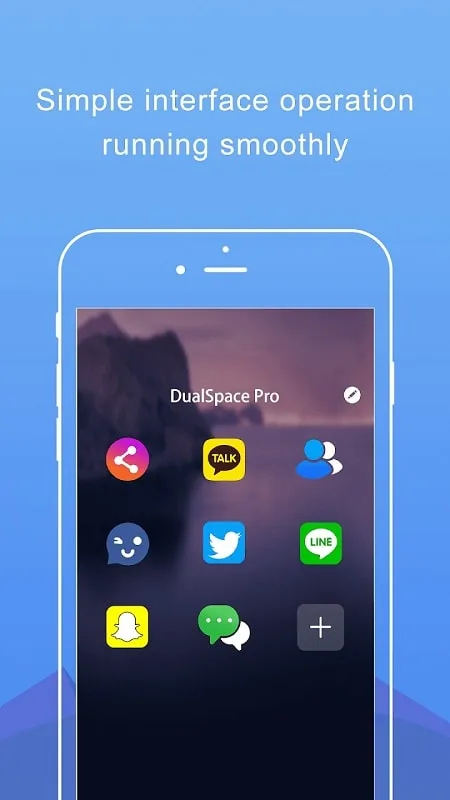
Dual Space Lite-Multi Accounts is a fully-featured utility application. With its easy-to-use features, it allows users to create a private space without consuming device memory, and provides simultaneous access to native and virtual apps. With Dual Space Lite-Multi Accounts, you'll say goodbye to the hassle of switching between multiple devices and never miss important information. Thanks to its powerful privacy space and app cloning capabilities, users can easily manage personal and work accounts on a single device and enjoy a smooth user experience.
Features:
Manage Multiple Social Accounts Simultaneously
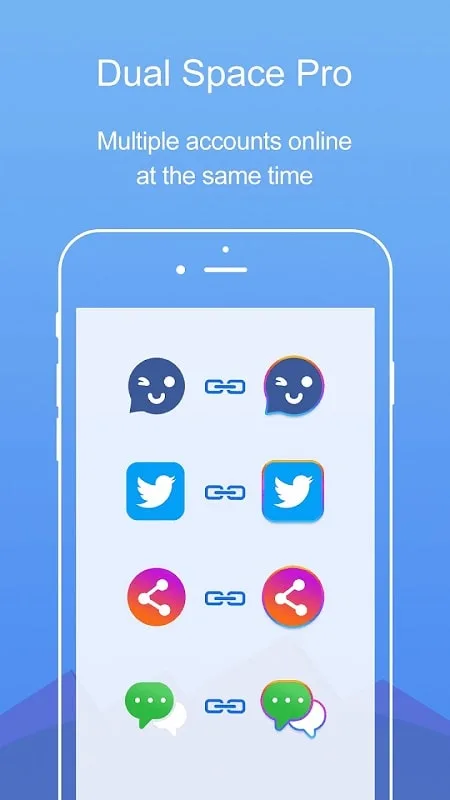
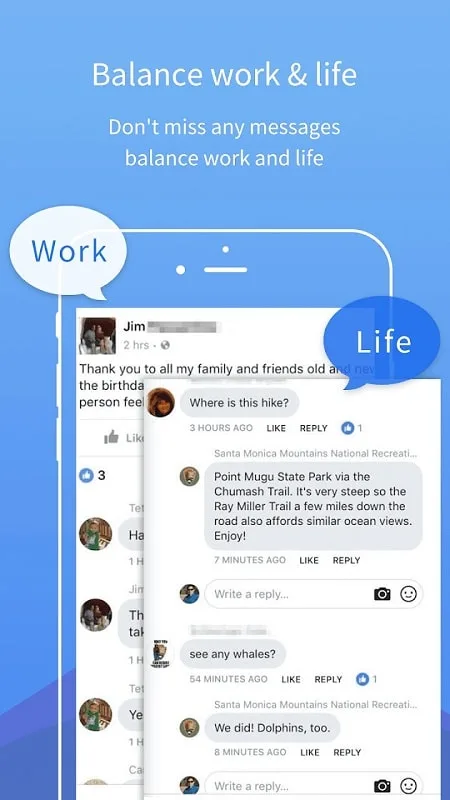
Dual Space Pro allows you to keep your personal and work accounts online at the same time, making it easy to balance between your life and work without the hassle of constantly switching between accounts.
Privacy Zone & Apps-Clone Function
With a built-in privacy zone, Dual Space Pro ensures your secret accounts remain hidden and secure. The apps-clone function allows you to clone applications without installing more apps, ensuring smooth operation of your phone.
Fast Switch Different Accounts with One Key
Easily switch between two accounts running simultaneously on your phone with just one key, allowing you to effectively manage different accounts without any hassle.
Utilize the Privacy Zone
Take advantage of the privacy zone feature to keep your private accounts hidden and secure. This ensures that your data remains protected and your privacy is maintained.
Tips for Users:
Fast Account Switching: Switch between different accounts with just one tap, effectively managing multiple accounts on your device.
Running Multiple Accounts: Use Dual Space and Dual Space Lite together to run more than two accounts at once, maximizing the app's potential.
Permissions: Make sure to grant Dual Space access to system permissions to ensure that cloned apps run smoothly without any issues.
Notifications: Add Dual Space to the whitelist of boost apps to ensure that notifications from cloned apps work correctly.
Pros & Cons:
Pros
Lets you run multiple accounts of supported apps on one device
Good for separating work and personal profiles, including WhatsApp on dual SIM phones
Lite design with smaller installation size and lower resource usage
Simple, easy-to-understand interface
Private Zone adds discretion by hiding and quietly running cloned apps
Free core features, with a low-cost premium upgrade that removes ads
Cons
Works with only a limited selection of apps
Occasional random crashes affect reliability
Google account integration for message backups can fail
Lack of clear guidance when backup issues occur
Ads in the free version may bother some users
FAQs:
Can I use Dual Space Lite to log in to any social app with a second account?
Yes, almost all social apps are supported for a second account in Dual Space Lite.
Does Dual Space Lite collect personal information?
No, Dual Space Lite does not collect any personal information to protect user privacy.
How can I ensure notifications work well for cloned apps in Dual Space Lite?
Add Dual Space Lite to the whitelist of certain boost apps to ensure notifications work properly.
Conclusion:
Dual Space Lite-Multi Accounts offers a practical way to run multiple accounts of the same app on one Android phone, with a particular strength in keeping work and personal identities separate. Its light footprint, straightforward interface, and Private Zone give it a clear appeal, especially if you want simple cloning without a complex learning curve. If your key apps are supported and you value simplicity, it is a strong candidate, especially with the option to remove ads via a modest premium upgrade. Just be prepared for some rough edges in stability and backup functions.








