

Sometimes, phone sensors conflict with the display settings provided by games. This is where Set Orientation comes in handy. When your screen doesn't automatically rotate when needed, Set Orientation helps you fix the screen orientation, eliminating the hassle of automatic rotation and giving you complete control over screen usage. The app is small, doesn't increase battery consumption, and runs in the background without affecting the smooth operation of foreground apps.
Features
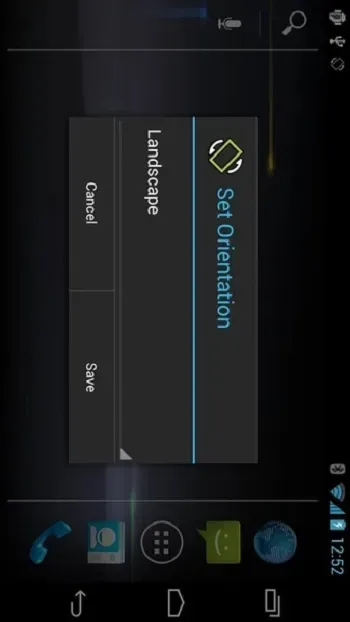
This screen orientation adjustment app forces the screen to landscape mode. It can switch the screen to landscape mode for watching any video, app, or game. It's especially convenient for watching content in landscape mode on Android TVs. With this app, you can also switch the screen from landscape to portrait mode.
Advantages
Does not collect any personal data.
No network connection required.
Easy to use.
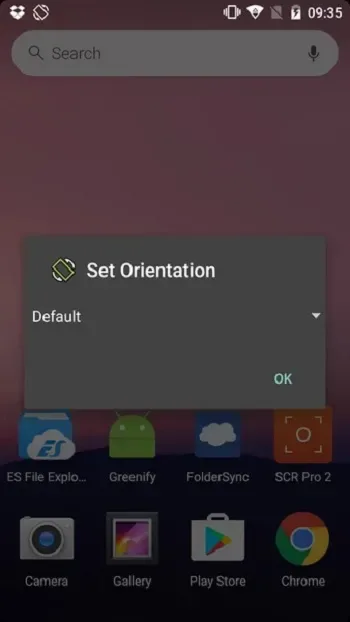
Can set the desired orientation.
FAQS
What is Set Orientation?
Set Orientation is an Android app that allows users to manually rotate or lock the screen when the device's sensors are not working properly.
How does Set Orientation work?
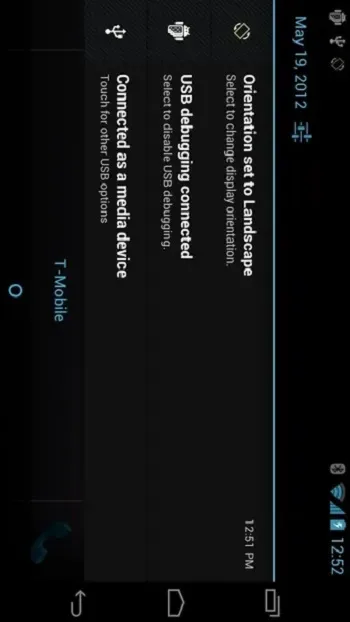
It allows users to force the screen to switch to portrait or landscape mode with a simple tap on the notification panel.
Is setting the screen orientation safe?
Yes, it doesn't collect personal data and doesn't require internet access, so it's safe and privacy-conscious.
Can I use the "Set Screen Orientation" feature on my Android TV?
Yes, this is useful for Android TVs that open apps or videos in portrait mode, helping to set the screen to landscape mode.
Does the Set Screen Orientation feature work on all Android devices?
It works on most Android devices and TVs, and it's especially useful if your screen rotation sensor is broken.
Summary
If you frequently use your Android phone or TV to play games, watch videos, or browse the web, this app is perfect for you. It's designed for users who want simple controls without complicated technicalities—just one reliable way to make the screen work the way you want.








