

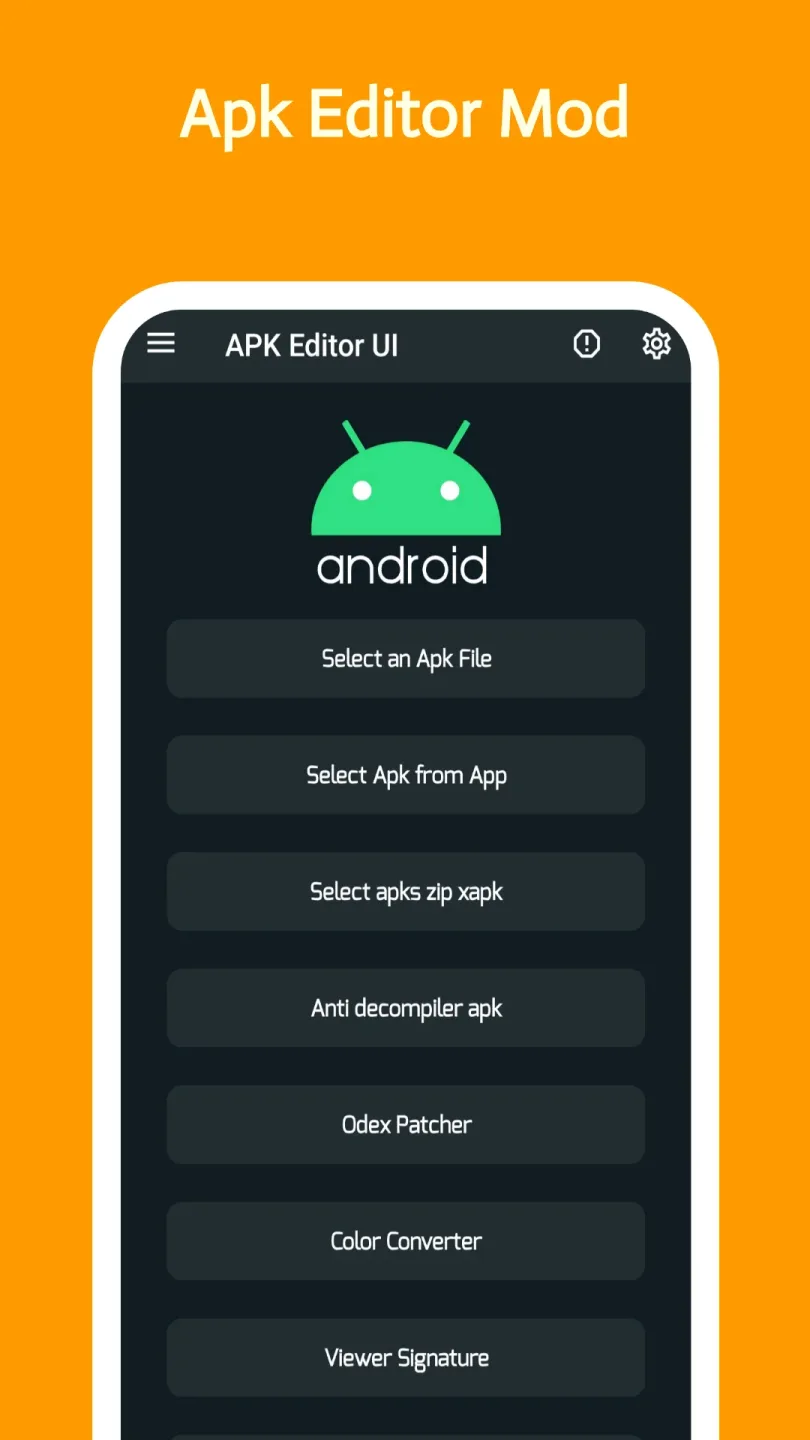
APK Editor Community is a unique tool application. It offers convenient and secure functionality, focusing on making minor modifications to resources and metadata, allowing users to easily adjust text or visual effects. With APK Editor Community, you can make any changes, but please back up the original APK or any installed applications before making any changes. Furthermore, it allows users to customize the application's functionality, appearance, and permissions, optimizing the mobile experience without accessing the source code, thus closely aligning the user experience with their personal preferences.
Highlights:
Easy-to-use Interface: The straightforward and user-friendly interface of APK Editor Community ensures a seamless editing experience for all users.
Modify App Functionality: Easily tweak the functionality of your apps by adding or removing features, changing settings, or enhancing performance.
Customize App Layout: Personalize the appearance of your apps by modifying the layout, colors, icons, and other visual elements.
Remove Unwanted Permissions: APK Editor Community allows you to remove unnecessary permissions from apps, enhancing privacy and security.
Support for Multiple Languages: Work in your native language with the app's support for various languages.
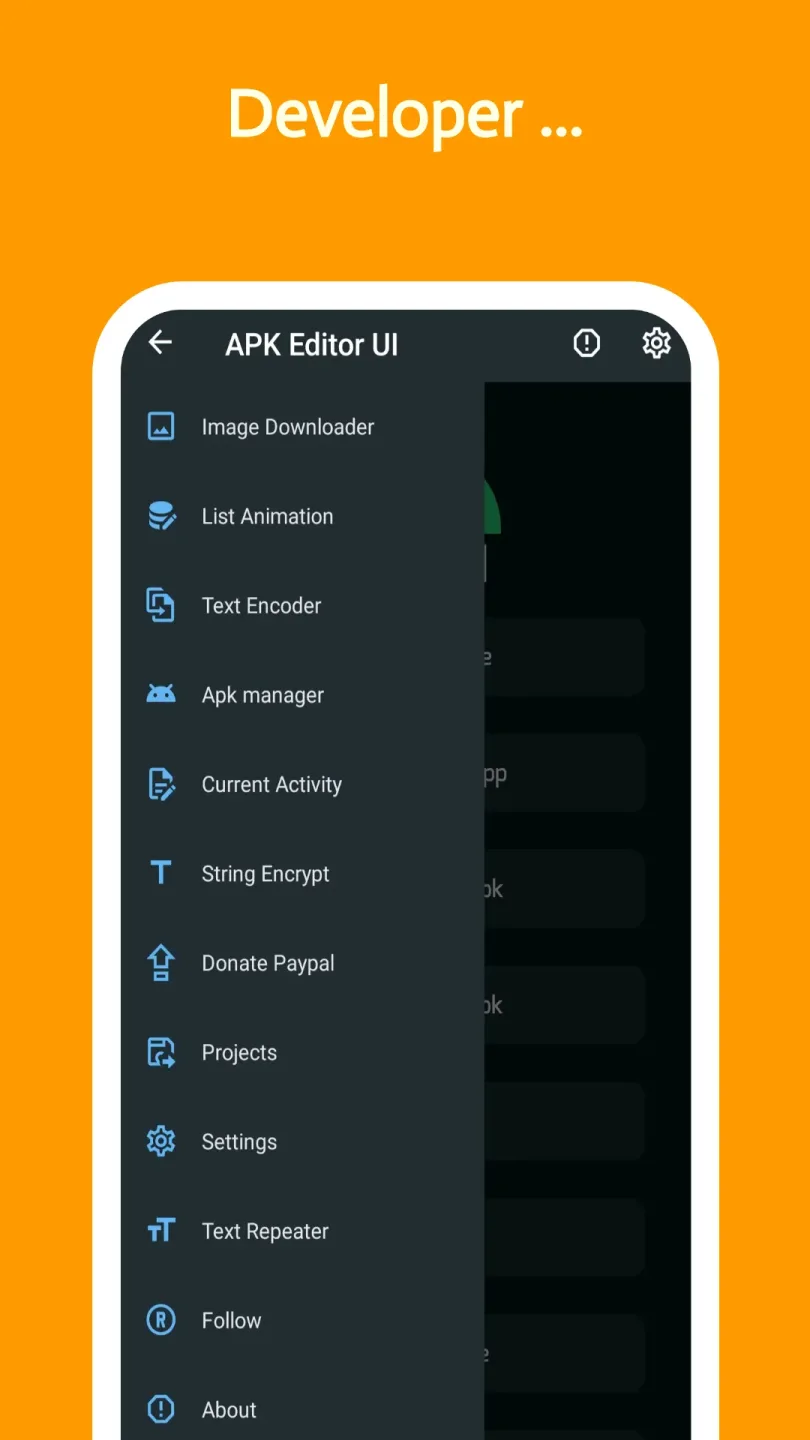
Features:
Open installed apps and APK files
With apk editor community, you can open apps from your device or standalone APK files and browse their contents. First, it presents folders, assets, and resources in a clear structure so you can see what is inside. This view prepares you for small edits and helps you find items you plan to change.
Edit strings and UI assets
Next, you can change visible text by editing string resources and replace icons or images for simple interface personalization. The focus stays on basic elements, which helps keep the app stable during testing. You can preview file names and keep original copies for safer edits.
Tweak manifest settings
After that, you can adjust manifest fields such as app label, permissions, or install location. Small configuration changes let you tailor behavior without touching code. The tool highlights common fields so you can make measured edits and avoid unexpected results.
Rebuild and sign your changes
Once edits are done, apk editor community rebuilds the package and signs it so the app can install on your device. This step compiles resources and applies a signature suitable for local testing. You can then install the modified build and check how it runs before deciding to keep it.
Extract and share backups
Additionally, you can extract APK backups from installed apps to keep versions or move them between devices. This is helpful when you want a snapshot before editing or need to save a working build. Basic backup tasks support a safer workflow while you experiment.
Pros & Cons:
Pros
An array of easy-to-use editing tools
Debugging and troubleshooting mechanisms
Intuitive design
Cons
Potential breach of terms of service
Security risks
FAQs:
Is it free to use?
Yes, it is available as a free app. However, there may be some in-app purchases for additional features or premium versions.
Can I edit APK files directly with it?
Yes, it allows you to edit APK files directly. You can modify the code or replace certain elements within the app.
Are there any limitations to creating custom Android apps with it?
While it provides a convenient platform for creating Android apps without coding, it does have some limitations. Complex functionalities may require coding expertise, and not all features may be available for customization.
Conclusion:
With apk editor community, the possibilities are virtually limitless when it comes to customizing and optimizing Android applications. From simple edits to comprehensive modifications, this powerful tool is a must-have for anyone looking to take control of their Android experience. Unlock the full potential of your apps with APK Editor Pro today.








