
Motion Ninja Video Editor is a powerful video editing application. It boasts a wealth of features, offering various tools and effects for editing videos, allowing users to easily create diverse video content. With Motion Ninja Video Editor, you can cut, trim, and merge video clips through its intuitive interface, add background music, and apply various filters. Its user-friendly interface and easy-to-use editing navigation make it easy to get started, whether you're working on quick projects or more detailed tasks.
Highlights:
Enhanced AI-driven editing tools for automatic scene transitions and effects.
Expanded library of customizable video templates for various genres.
Improved multi-layer editing capabilities for more complex video projects.
New color grading features with advanced LUTs and filters.
Integration of real-time collaboration tools for team projects.
Support for 4K and higher resolution exports.
Enhanced audio editing options including noise reduction and audio effects.
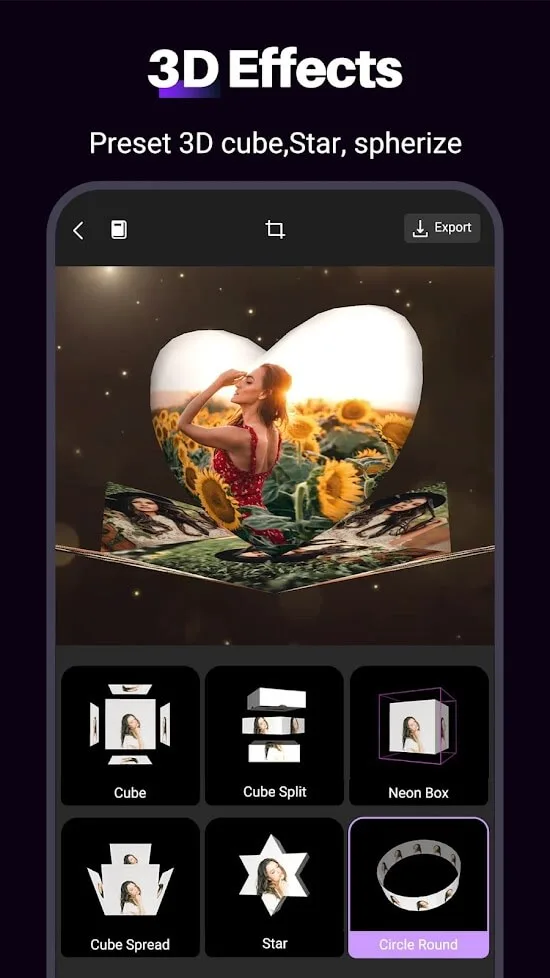
Introduction of 3D text and motion graphics features.
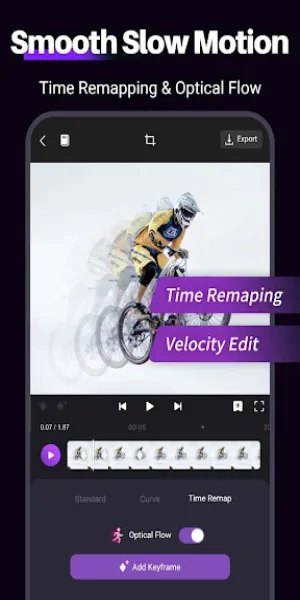
Advanced slow-motion and time-lapse editing functionalities.
New social media sharing options with optimized formats for different platforms.
Features:
Multi-layer Editing: Allows users to work with multiple video and audio tracks simultaneously.
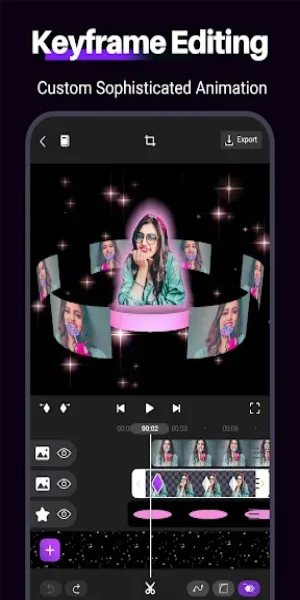
Keyframe Animation: Users can create complex animations by setting keyframes for different effects over time.
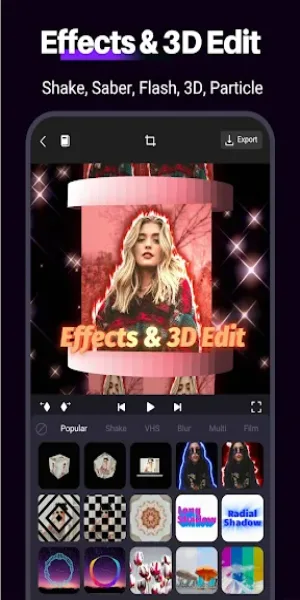
Visual Effects: A variety of effects and transitions help enhance videos and make them more engaging.
Music and Sound Effects: Users can add audio tracks and sound effects to complement their visuals.
Text and Titles: Customize text overlays with various fonts, colors, and animations.
Export Options: Save videos in different resolutions and formats, suitable for sharing on social media platforms.
Tips for Users:
Filters and Effects
For any video editing project, filters and effects are essential. With the filters and effects, you can easily decorate the videos and frames. As a video editor using Motion Ninja, you can easily get access to a ton of great filters and effects. All you have to do is access the filters section while editing the videos and drag them to the frames you want. You can adjust every aspect of the filters, like the brightness, size, even speed, etc.
Chroma Key
Motion Ninja is a premium app and comes with many great features. With Chroma Key, you can access the green screen VFX effects. For those who want to make some stunning videos with the Chroma Key and visual effects, the Motion Ninja provides full access to the effect. You just need the videos and clips recorded with the green screen, and you can easily get the job done. There are many options available for the Chroma Key users to add effects, animations, and the desired background you want.
Full Audio Control
Audio synchronization is essential for the videos. Without audio synchronization, it becomes easier to manage the audio part. Along with the video timeline, the app provides the audio timeline for automatic and manual synchronizing of the audio. You can add more audio effects and make your videos sound crisp. There is an inbuilt audio library, which is quite interesting and comes with many audio effects that you find useful while editing the videos.
Conclusion:
Motion Ninja is one of those apps that lets you easily edit videos on your smartphone. When you've finished, all you have to do is export the content to store it in your phone's gallery or share it with whoever you want. You can even adapt the quality of the project to generate a file of more or less size based on the final destination of the content.








