
SSSTIK Video Downloader is a practical tool designed to help users save their favorite videos directly to their devices. By simply copying a video link and pasting it into the application, users can quickly initiate downloads without unnecessary complications.
Click to load YouTube / 点击加载视频
YouTube ↗Features of SSSTIK Video Downloader
- HD Video Download: The app enables the download of videos in high-definition quality to preserve visual fidelity.
- Offline Viewing: Users can watch saved videos without needing an active internet connection.
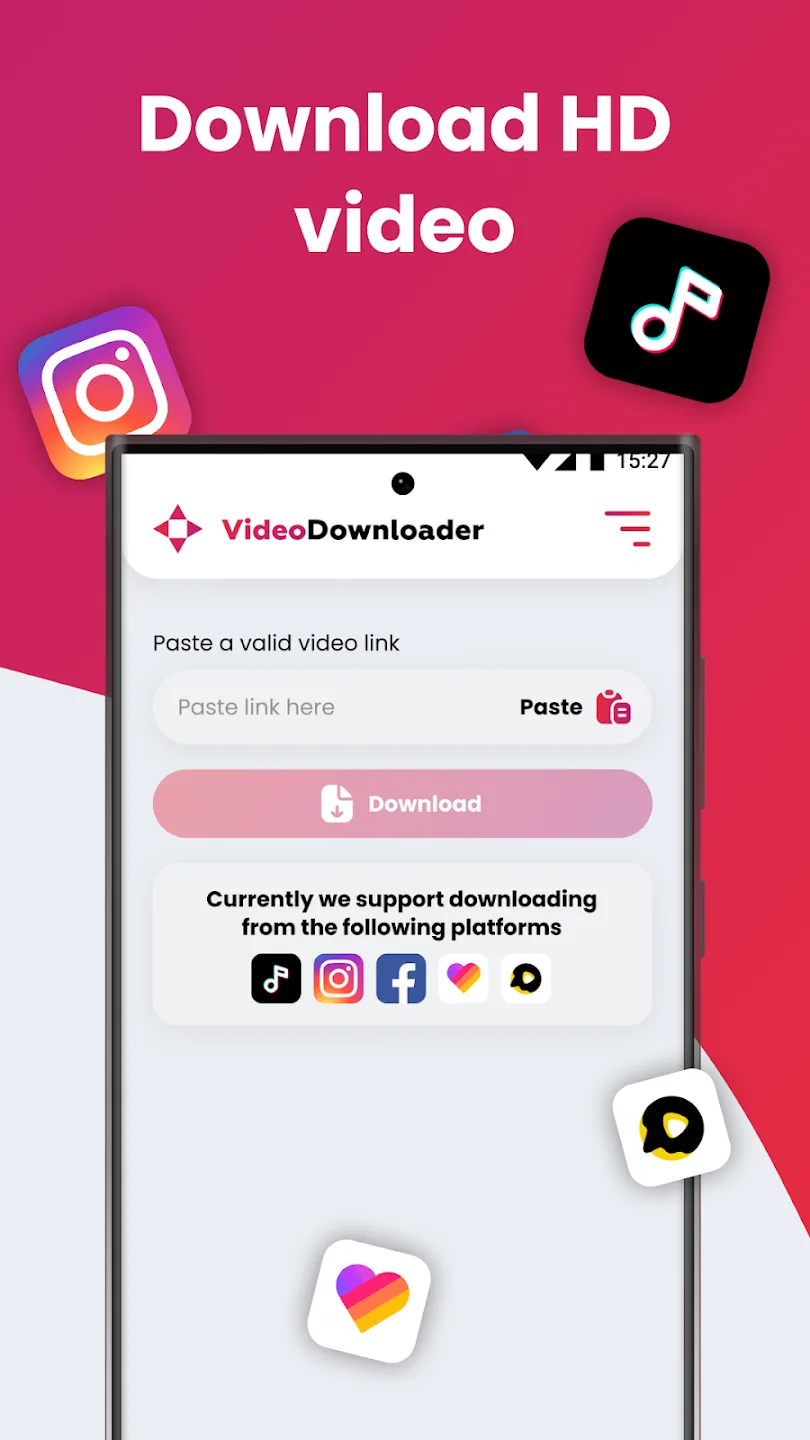
- Intuitive One-Tap Download: A simplified mechanism lets users paste a copied link for rapid processing.
- Personalized Playlists: The app provides functionality to create custom playlists for organized content access.
- MP3 Audio Extraction: Users can convert and save audio tracks directly into MP3 format.
- Seamless Sharing: The tool facilitates easy sharing of downloaded MP4 videos across messaging apps and email.
How to Use the App
To save a video, launch the original application and locate the content you wish to download. Tap the share button on the viewing page and select copy link.
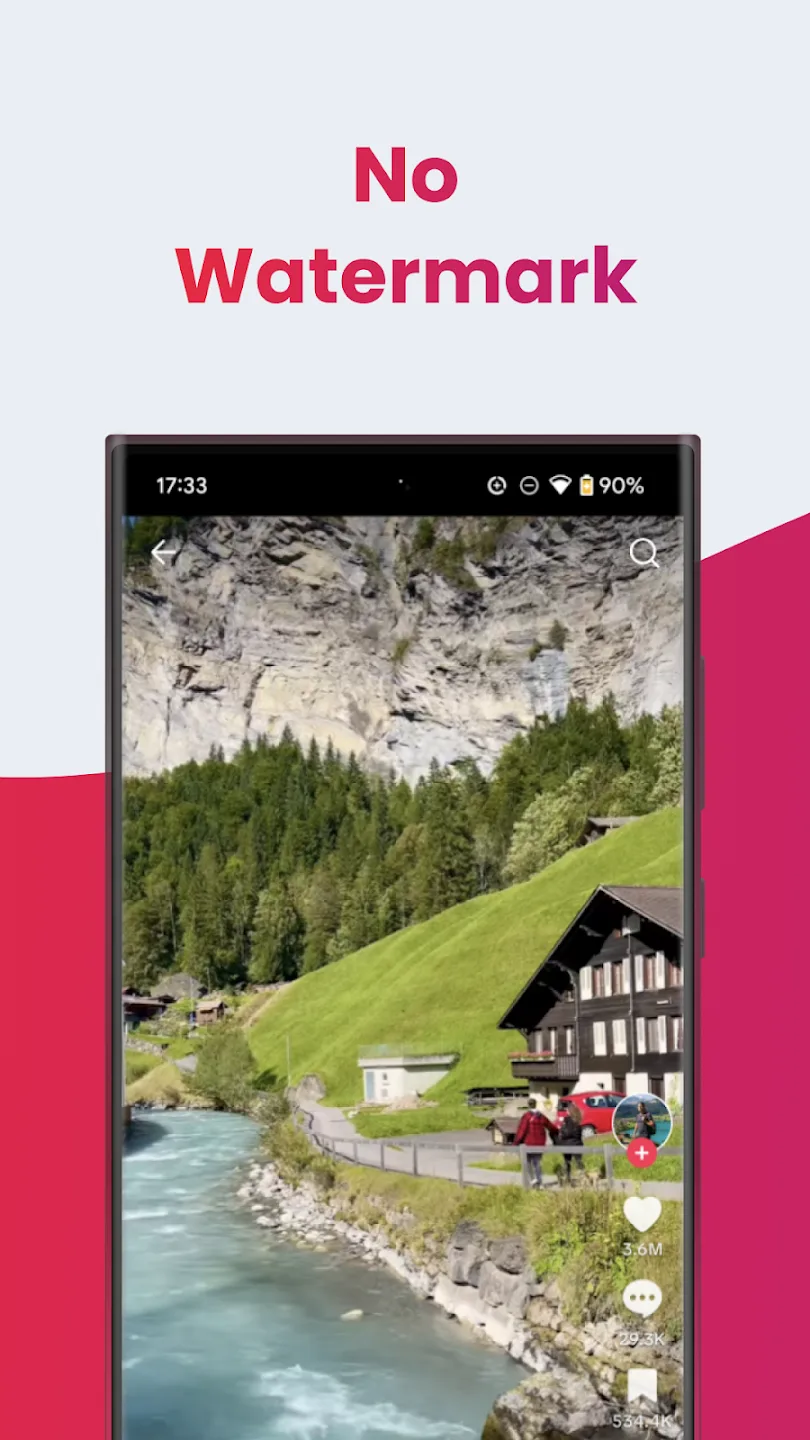
Open SSSTIK Video Downloader, paste the link onto the main page, and press download. A preview will appear along with options to download the video with or without a watermark.
Frequently Asked Questions
The application allows users to save public videos without requiring an account or paid subscription. Downloaded files are typically stored in the device's designated download folder or gallery for easy access.