

Clear Scan is a document scanning tool designed to help users process paperwork efficiently. It offers intuitive features for scanning photos, calibrating documents, and converting files.
Click to load YouTube / 点击加载视频
YouTube ↗Excellent Features of Clear Scan
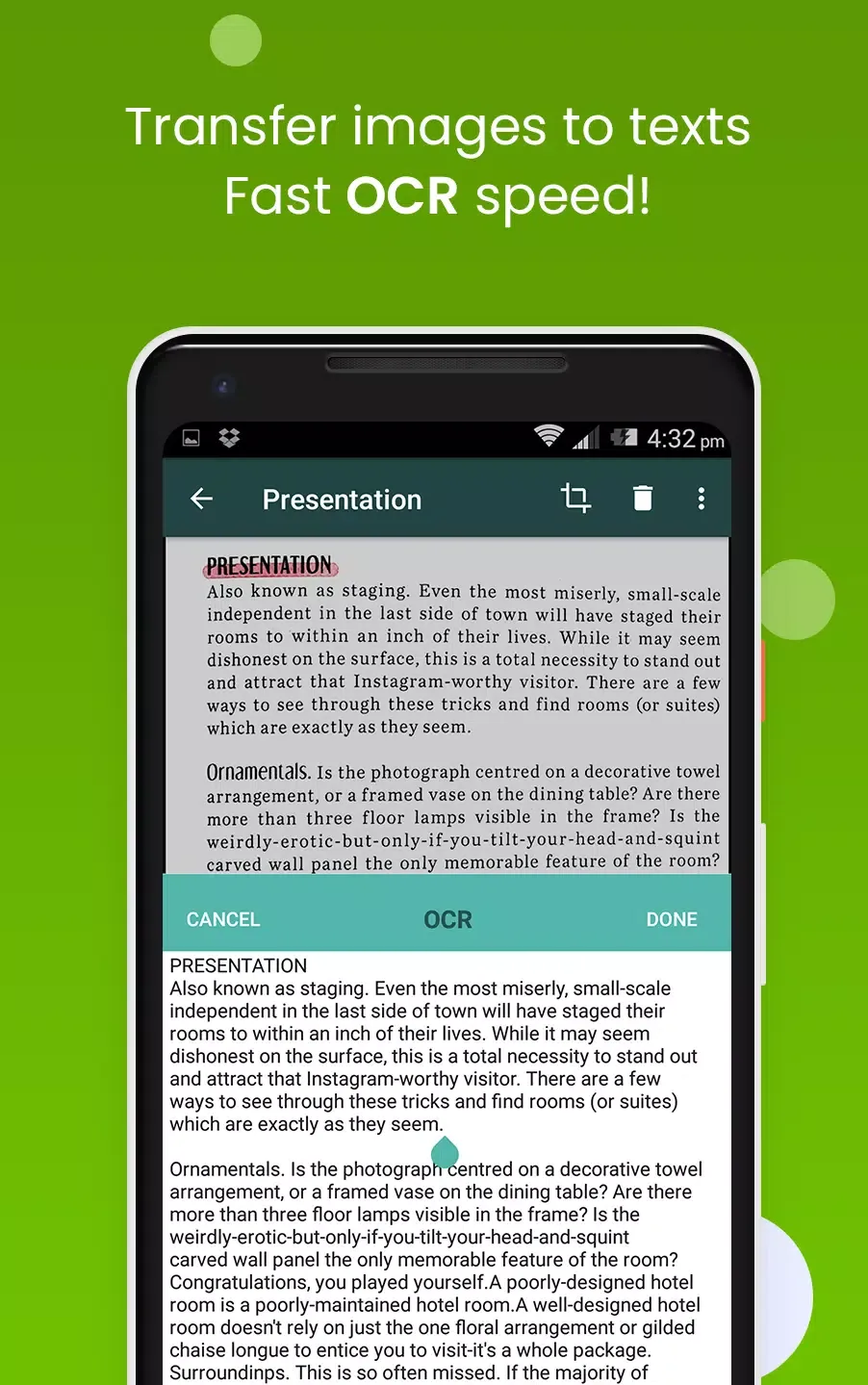
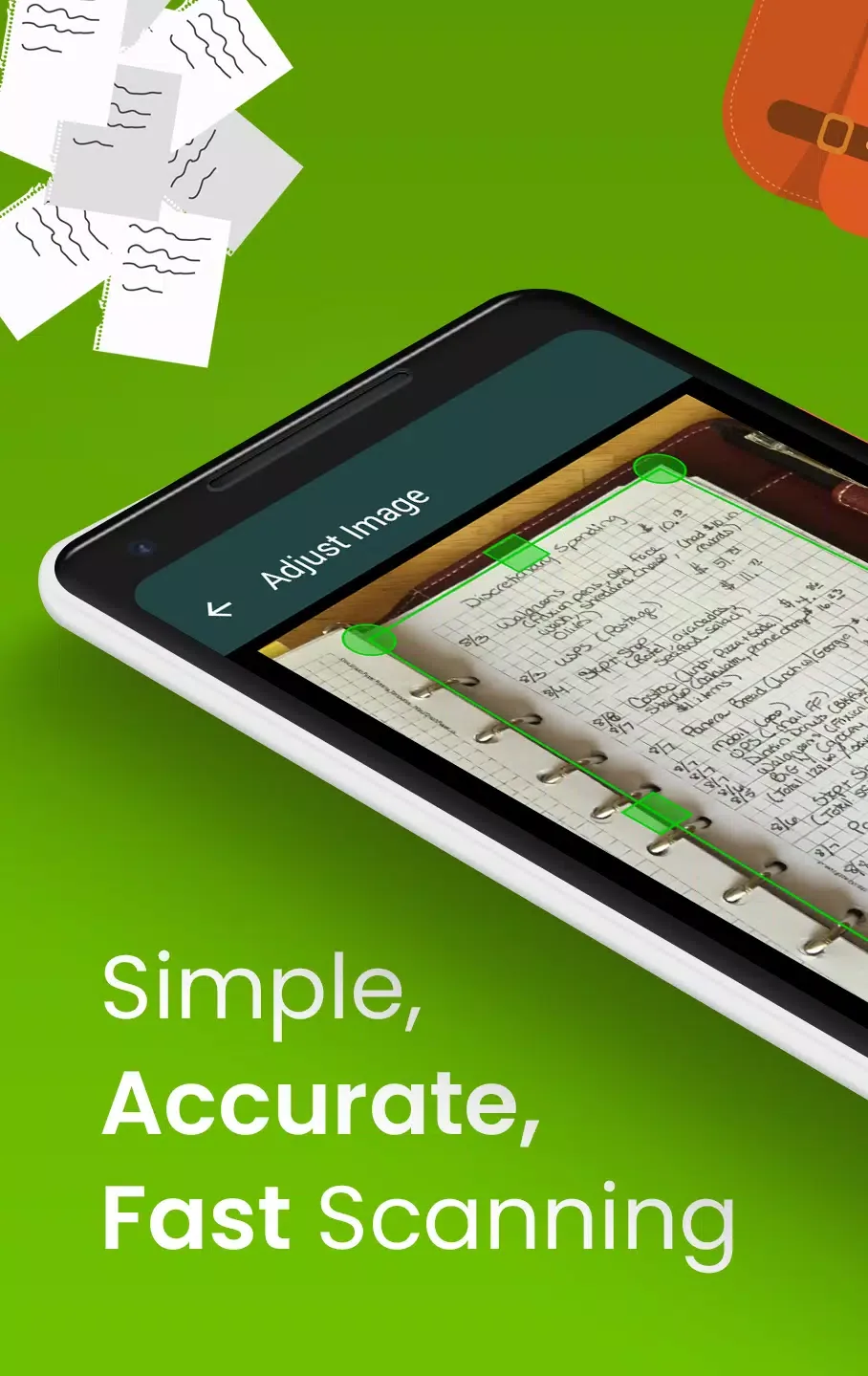
The app allows users to scan photos and documents in high quality. It automatically detects document corners and offers correction functions like brightness adjustment and shadow removal.
Users can convert scanned documents to JPEG or PDF formats and share files via email or cloud storage services. It also provides professional editing features and filters for saved images.
Wonderful Performance of Clear Scan
Turn your smartphone camera into a portable scanner to store high-quality digital copies. Take a photo of any document and let the tool process it in seconds.
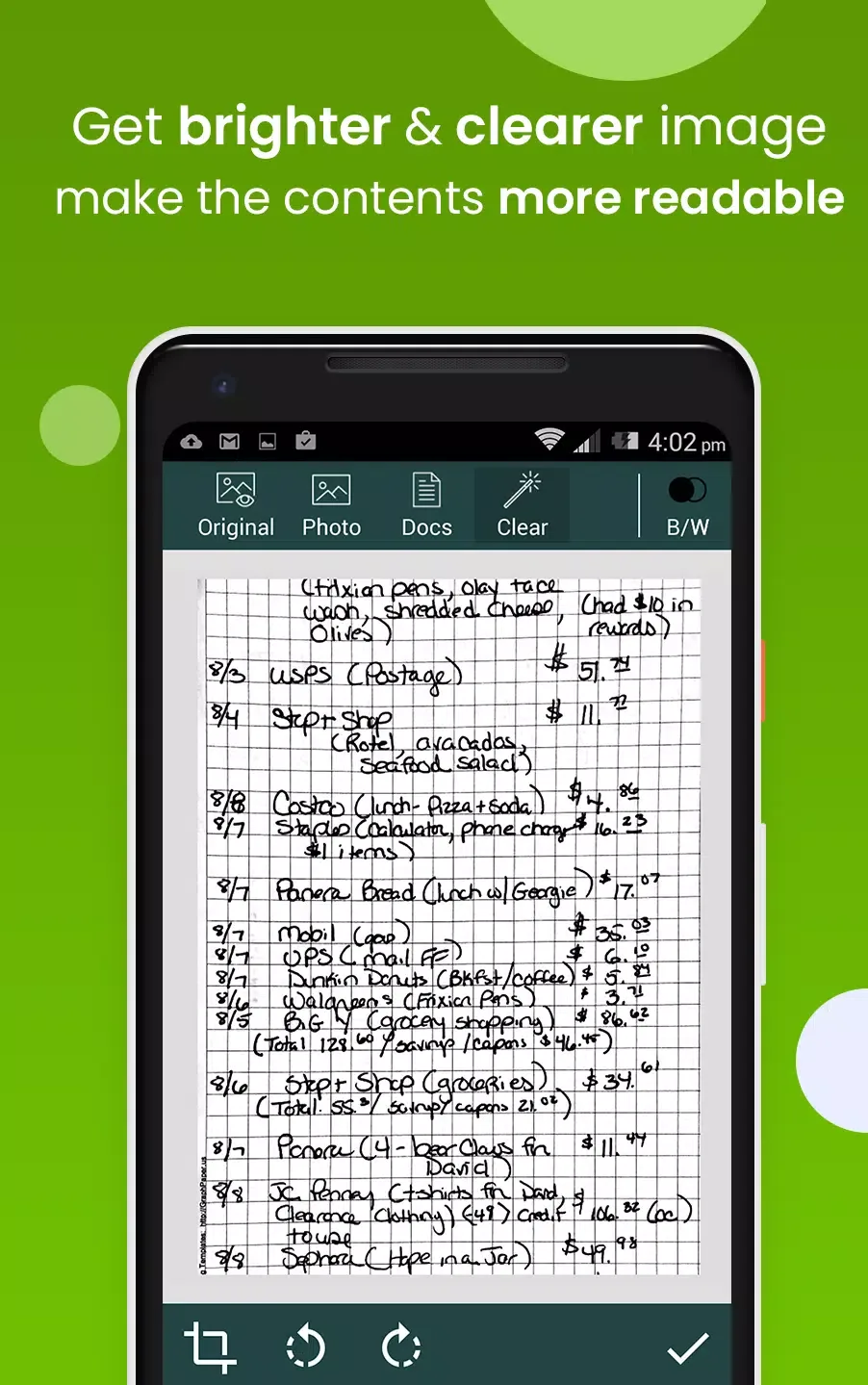
The app supports both black and white and color image scanning with cleanup functions to enhance clarity.
Fantastic Highlights of Clear Scan
- Automatic document edge detection and perspective correction
- Extremely fast processing speed
- Variety of filter options including Photo, Document, Clear, Color, and Black and White
- Flexible editing even after saving files
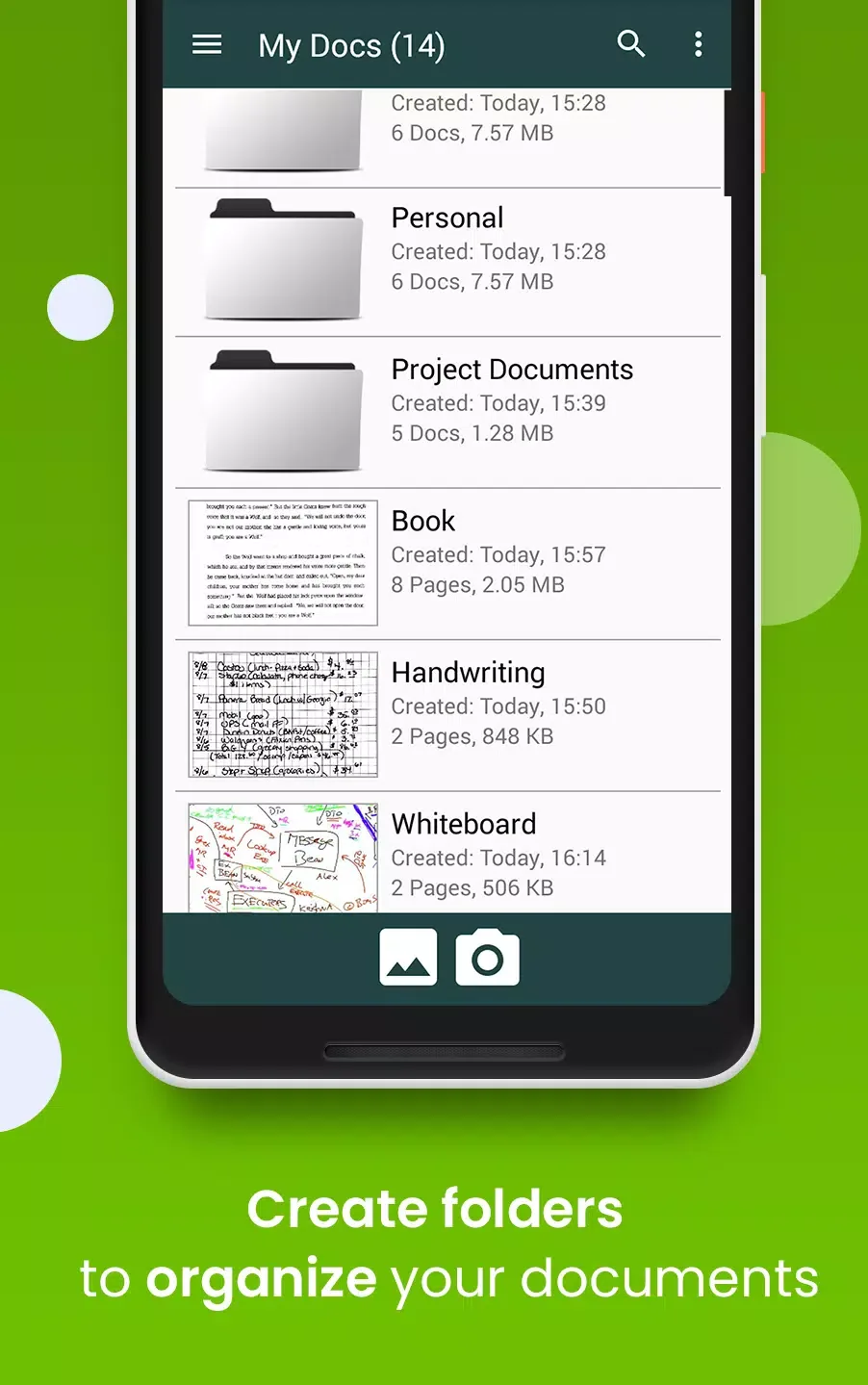
- Folder and subfolder management for better organization
- Document naming, in-app storage, and search capabilities
- Page management including adding, deleting, and reordering
- Adjustable PDF page sizes such as Letter, Legal, and A4
Pros and Cons of Clear Scan
The app provides precise edge detection, fast scanning, efficient file organization, and multi-page PDF support. However, it lacks a built-in automatic backup function and requires manual file location management.
Final Words
Clear Scan provides a practical solution for users who need to digitize and organize documents on the go. Scan, save, and share important files quickly from your device.








