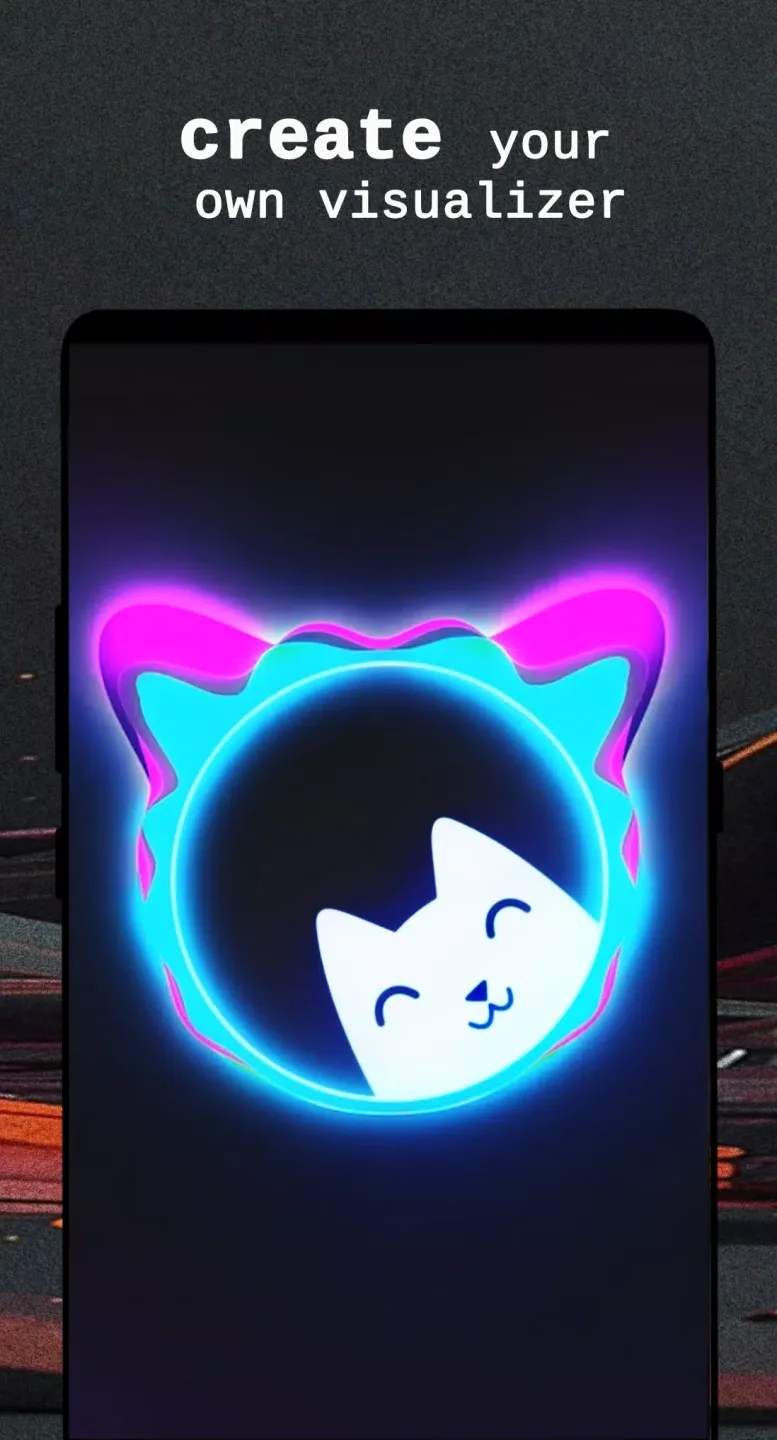
Avee Player is a versatile music and video utility designed to help users enjoy professional audio playback and create dynamic visual transformations. The application combines a reliable media player with powerful audio visualization tools, offering a comprehensive sensory experience for music enthusiasts.
Click to load YouTube / 点击加载视频
YouTube ↗Amazing Features of Avee Player
Play Audio and Manage Your Media Library
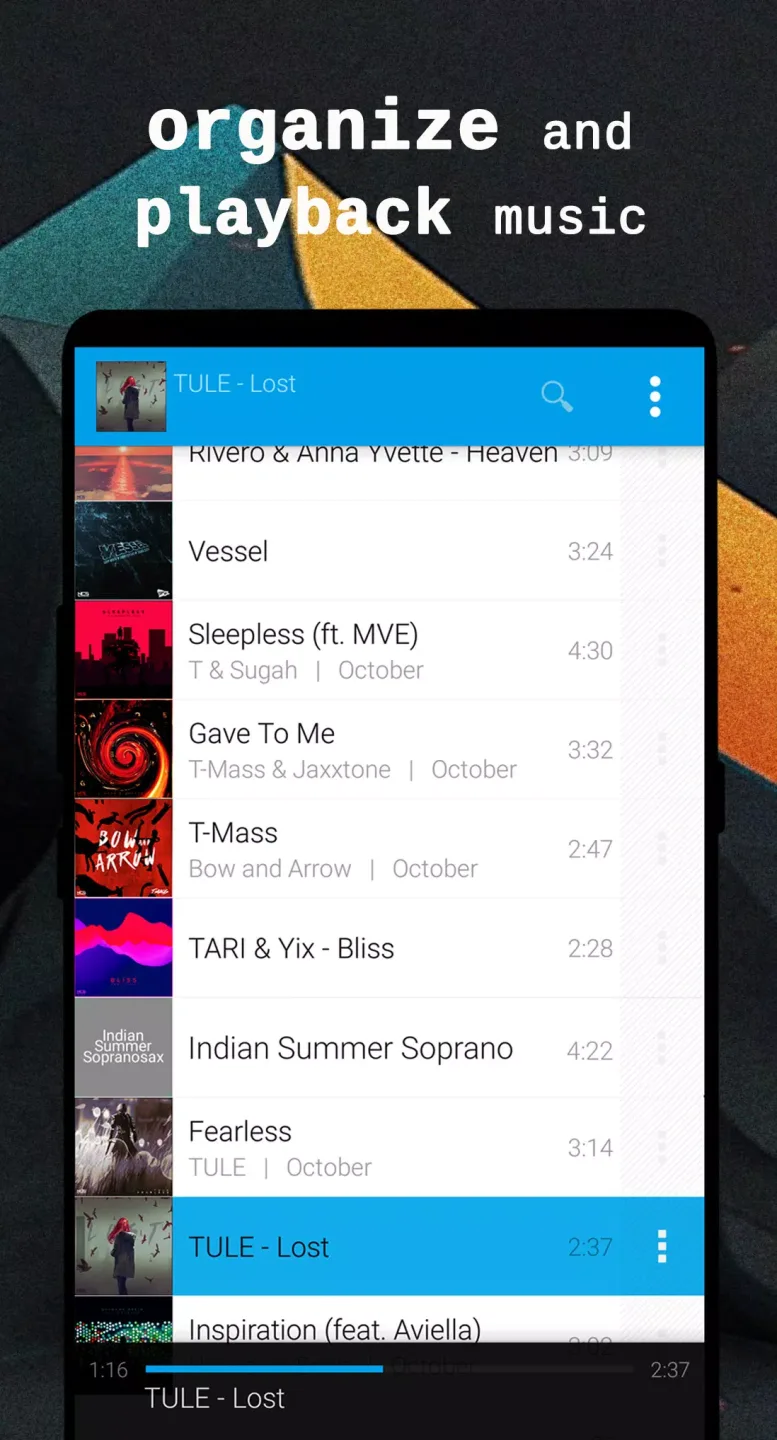
The app supports mainstream audio formats including MP3, WAV, AAC, OGG, FLAC, and MP4. Users can easily browse folders, search their library, create playlists, and manage playback queues. Background playback, Bluetooth control, lock screen widgets, equalizers, and sleep timers provide a flexible listening experience.
Design Responsive Audio Visualization Tools
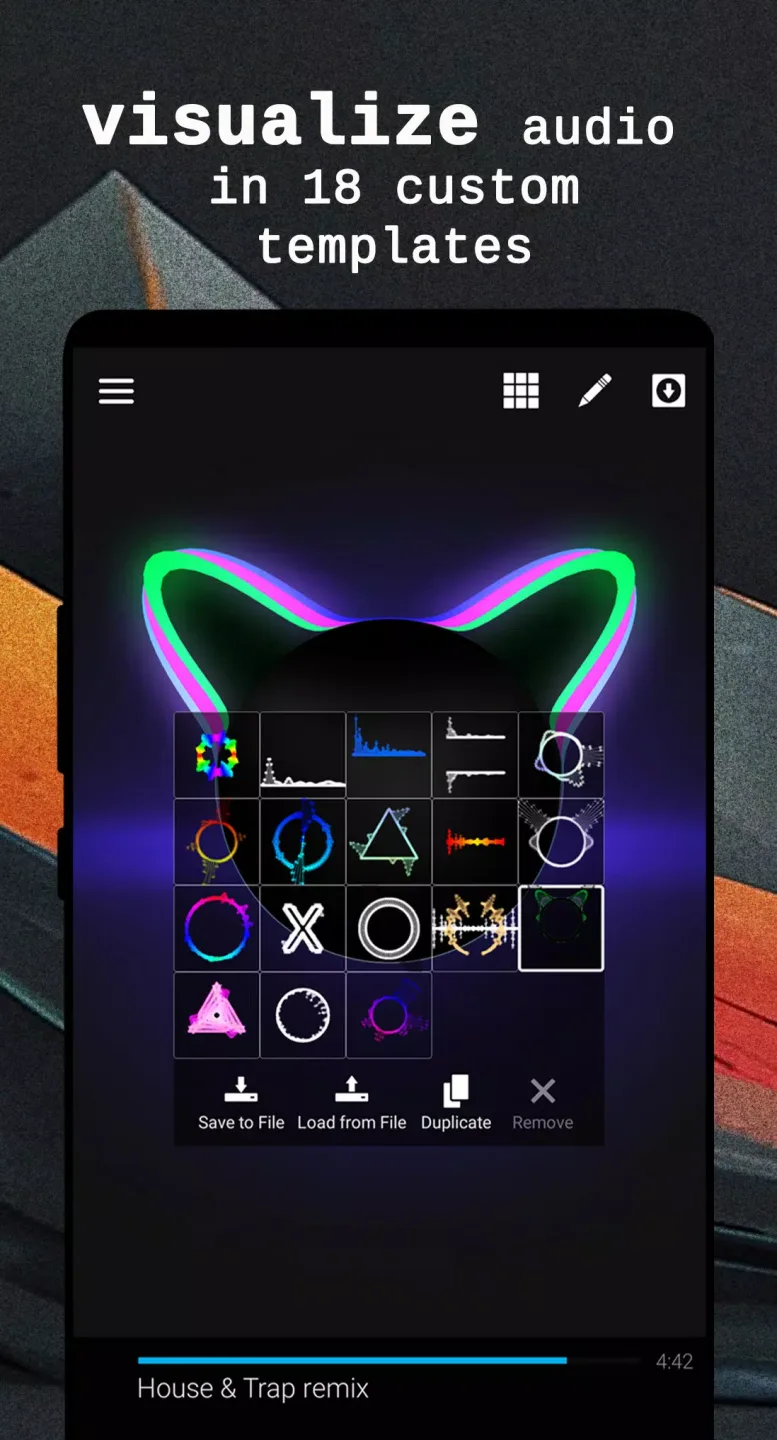
Users can create real-time audio visualizations by adjusting colors, shapes, sizes, and motion effects. The WYSIWYG editor allows you to preview changes, overlay images, and import or export .viz templates for future projects.
Create Shareable Videos with Export Options
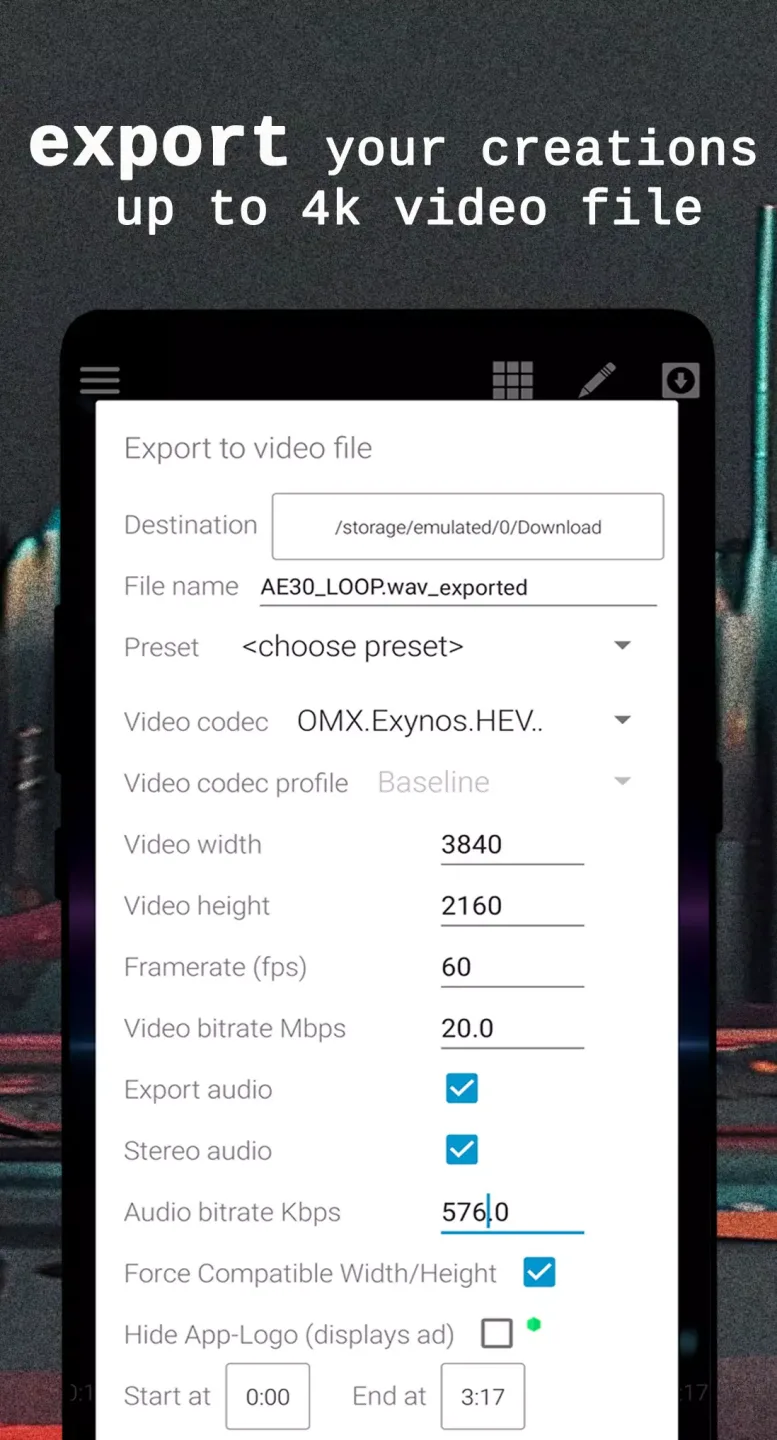
The built-in editing tool supports exporting HD, Full HD, and up to 4K videos depending on your device capabilities. You can select custom frame rates, aspect ratios, and H.264 encoding to match your preferred sharing platforms.
Helpful Tips for Avee Player
- Grant storage and microphone permissions upon opening the application to let the visualization tool read and play audio.
- Browse folders or use the search feature to locate tracks and add them to your active playlist.
- Open the visual editor during playback to select a starting template and preview dynamic effects.
- Adjust colors, layers, and frequency bands before saving your customized design.
- Choose your preferred resolution, frame rate, and export settings to render and share your music videos.
Pros and Cons of Avee Player
Pros
- Lightweight player with extensive customization options compared to default music apps.
- Automatically organizes audio files by album, artist, genre, playlist, and folder views.
- Built-in equalizer helps fine-tune audio output to match personal preferences.
- Highly customizable visualization tools with image insertion and template support.
- Practical additions like sleep timers, seamless transitions, and background playback.
Cons
- Video export processes can be slow when rendering longer tracks.
- Occasional technical issues may occur during export near completion.
- Reliability can vary depending on device hardware and file complexity.
Final Thoughts
Listening to music is an effective way to relax the mind and body while relieving daily stress. Practical features like the sleep timer allow you to enjoy your favorite tracks before bed without worrying about continuous playback.